Print-on-demand seller workflow
From POD Sample to Etsy Listing: Wall Art Mockups
Start with one supplier sample and one listing. Use WallMock to show your design as a floating-frame canvas, framed print or metal panel in a room. Your supplier makes and ships the product. You can upload the room images to Etsy or Shopify.

Make one product sheet before uploading art
Pick one design and one sellable option. Record the supplier’s product code, buyer destination, print face, outer dimensions, finish and mounting hardware. If there’s a window mat, write down its visible opening. If it’s a floating canvas, write down the gap and the frame width as separate measurements.
For example, a 40 × 60 cm canvas face takes a 2:3 file. If a centred frame has a 5 mm gap and a 12 mm front rail on every side, the illustrative outside dimensions are 43.4 × 63.4 cm. Use 40 × 60 cm for the art and the supplier’s finished measurements for the listing size. The aspect ratio calculator helps with crops.
What to check with your supplier
- Lumaprints. Its framed canvas catalogue shows floating frames for its 1.25-inch canvas. Confirm the finish for the exact depth you’re listing.
- Printseekers. Its framed-art sizing terms use the outside dimensions of the finished product. Ask for the visible face or opening for your artwork crop.
- Prodigi. Its framed canvas has an approximately 5 mm floating gap. The classic framed canvas is a separate build. Use the product name and measurements on your order.
- Gelato. Its framed canvas guide lists different frame depths for Europe and North America. Check the buyer’s market before sharing one set of photos.
- Sensaria. Its canvas catalogue shows floating-frame options. Use the depth and moulding of the exact canvas you can order.
- Printify or Printful. Use the product listing for your chosen fulfilment option. See our Printify canvas and poster and Printful framed poster walkthroughs.
The provider comparison covers choosing a fulfilment partner. Confirm the current SKU, sample and delivery option before you list.
Pick the matching product in WallMock
- Floating-frame canvas. Show the canvas and recessed gap. Use a corner photo to show the wrap and thickness.
- Framed paper print. Choose a mat only when the product includes one. Label the paper size, the opening and the outside frame size separately.
- Metal print. Show the thin panel edge and float shadow. Use the gloss, high gloss and matte comparison to choose a preview close to your sample.
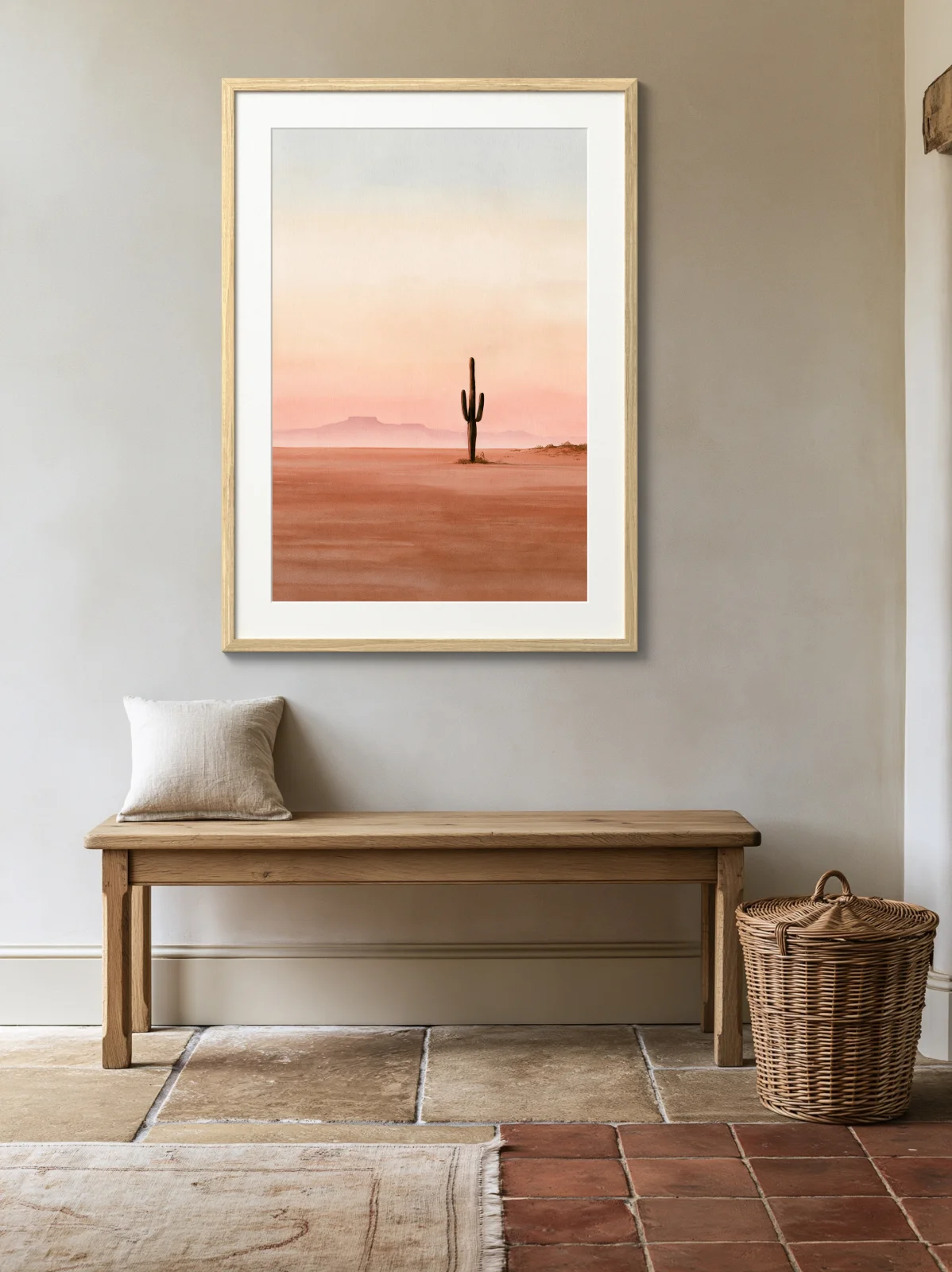
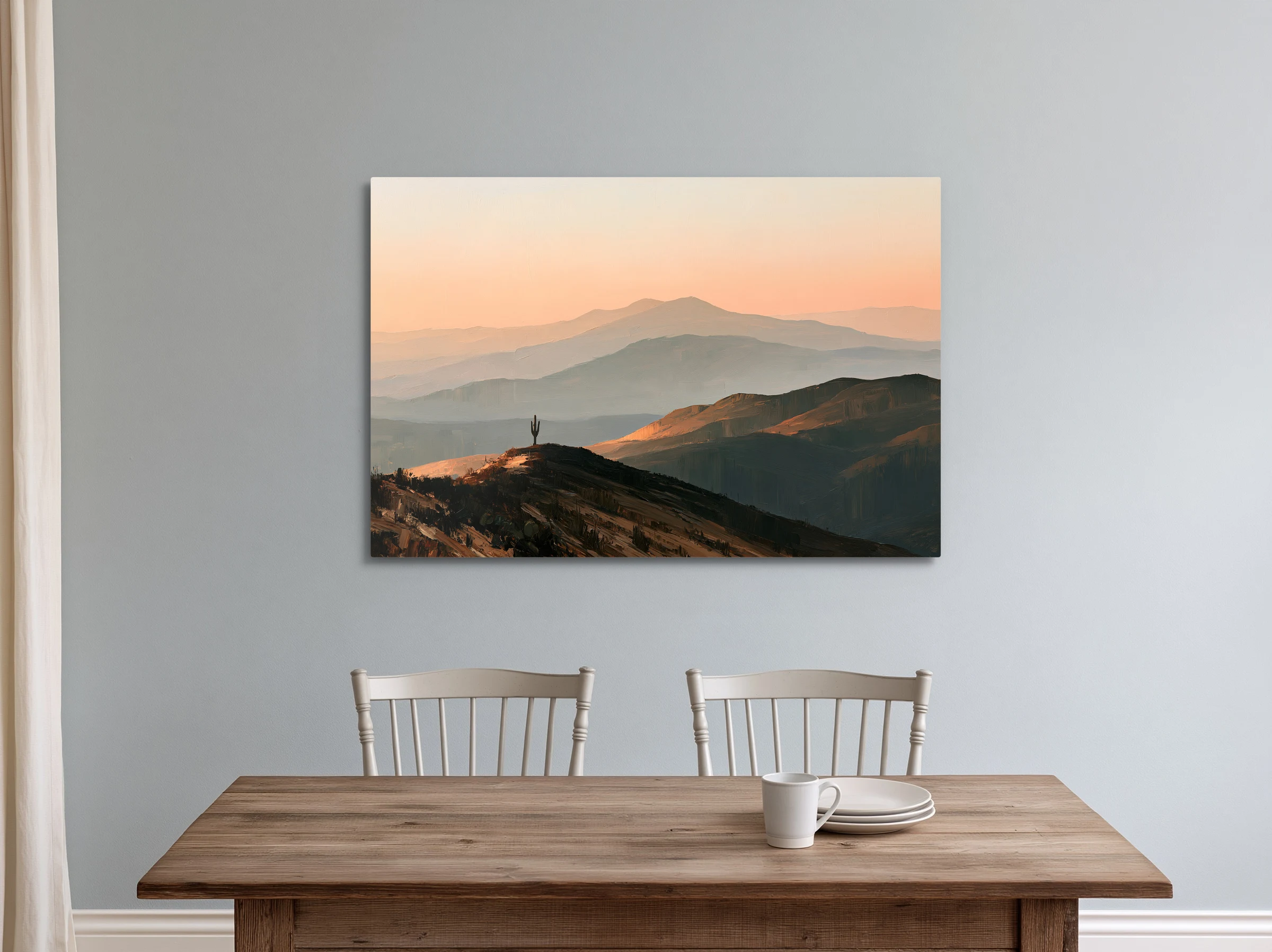
When you have three usable images, open the listing on your phone. Use a clean room view for scale, a close sample photo for construction, and a size image for the exact option. Choose your lead image using Etsy’s photo rules for your listing type. Match each option to its own gallery image where the platform supports it.
AK built this workflow around listing images for his own wall art shop. Read AK’s founder story or use the sample checklist before you publish. For floating frame canvas, see floating frame mockups that match your POD supplier.