Free tool
Crop image for print
Short answer: choose a print shape, such as 4:5 for 8 × 10 or 2:3 for 12 × 18, and the cropper draws the largest box of that shape your image holds. Move or resize it, see how big it prints at 300 DPI, and download the crop at full resolution as a PNG or JPEG. A 4000 × 6000 px file cropped to 8 × 10 keeps 4000 × 5000 px. Your image never leaves your device.
Crop your image
Drag the box to move it and its corner to resize it. With the keyboard: arrow keys move it (hold Shift for bigger steps), + and − resize it.
Example: a 4,000 × 6,000 px image cropped to 4:5 portrait keeps 4,000 × 5,000 px. Choose your image to crop it.
| Crop | 4,000 × 5,000 px (20 MP), 4:5 portrait |
|---|---|
| Largest print at 300 DPI | 13.3 × 16.7 in (33.9 × 42.3 cm) |
| Largest print at 150 DPI | 26.7 × 33.3 in (67.7 × 84.7 cm) |
| Common 4:5 sizes at 300 DPI | 4 × 5 in, 8 × 10 in |
| Common 4:5 sizes at 150 DPI | 4 × 5 in, 8 × 10 in, 16 × 20 in, 24 × 30 in |
Then show it on a wall
Show each size on a wall
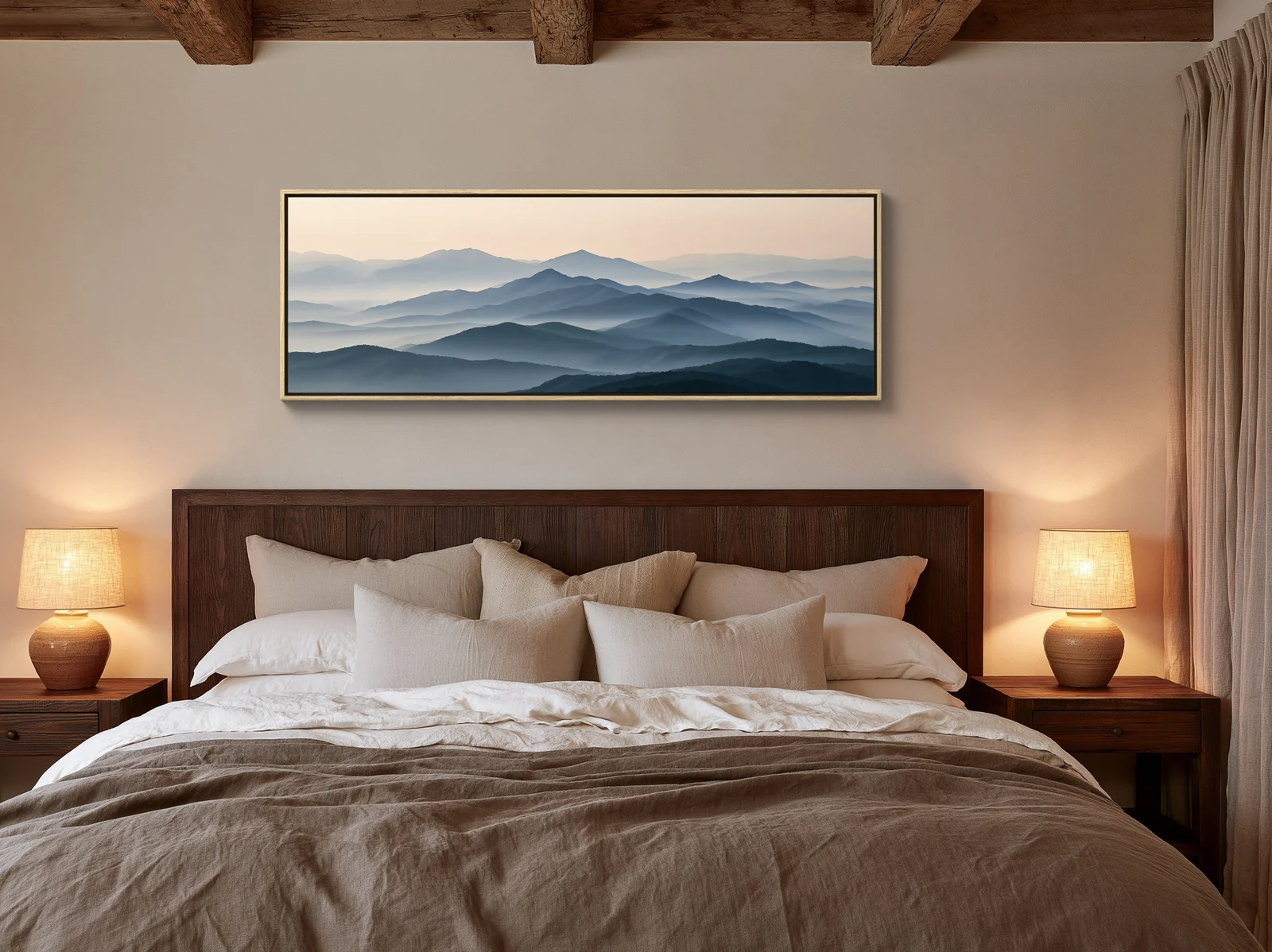
Once each crop is ready, show buyers the shape and size in a room. WallMock places your exact artwork in 500+ curated rooms as a framed canvas, stretched canvas or framed print, including 3:1 panoramas, for a whole collection at once.
Try WallMock free with no sign-up and no card: up to three artworks in 8 sample rooms, as watermarked previews made on your device.
Which shape for which print size
Every print size has a shape, its ratio of width to height. Crop to the shape, not the size: one 4:5 crop prints at 8 × 10, 16 × 20 or 24 × 30. The last column shows how much of a 2:3 file (a common camera and artwork shape) each crop removes.
| Shape | Common sizes | A 2:3 file loses |
|---|---|---|
| 2:3 | 4 × 6, 8 × 12, 12 × 18, 16 × 24, 20 × 30, 24 × 36 in | 0% |
| 3:4 | 6 × 8, 9 × 12, 12 × 16, 18 × 24, 24 × 32, 30 × 40 in | 11.1% |
| 4:5 | 4 × 5, 8 × 10, 16 × 20, 24 × 30, 32 × 40 in | 16.7% |
| 5:7 | 5 × 7, 10 × 14, 20 × 28 in | 6.7% |
| 11:14 | 11 × 14, 22 × 28 in | 15.1% |
| 1:1 | 8 × 8, 10 × 10, 12 × 12, 16 × 16, 20 × 20, 24 × 24, 30 × 30 in | 33.3% |
| ISO A (1:√2) | A5, A4, A3, A2, A1, A0 | 5.7% |
| 1:3 | 8 × 24, 10 × 30, 12 × 36, 16 × 48, 20 × 60 in | 50% |
To see which sizes your file already fits without any cropping, use the print size calculator.
How the cropper works
- Choose an image and a shape. The cropper draws the largest box of that shape your image holds, centred, in the image's own orientation.
- Move and resize the box. Drag it, drag its corner, or use the Crop size slider. With the keyboard, focus the box and use the arrow keys (Shift for bigger steps) and + or −.
- Check the numbers. The table shows the crop in pixels, the largest print at 300 DPI (the usual fine-art target) and at 150 DPI (often fine for large prints seen from across a room), and the common sizes of that shape it prints at each.
- Download. The crop is saved at full resolution from your image's own pixels. PNG avoids further lossy compression; JPEG at quality 95 makes a smaller file.
Large images use more memory and can take longer to open. Very large crops may not save on some phones, which limit how big an image the browser can make; use a computer for those.
Before you crop
- Crop a copy for each shape. Keep your original and make one crop per shape you sell, named by shape.
- Keep the subject away from the edges. A frame's lip and a canvas wrap both hide a little of the edge, and so do square thumbnails in a shop.
- Colour and metadata. The download is an 8-bit sRGB image without the original's metadata or embedded colour profile. If your print provider asks for Adobe RGB, 16-bit or CMYK files, crop in your editing app instead.
- Check the DPI. If a crop is too small for the size you want, the print resolution checker shows the resolution your file gives at common sizes.
Read next: print ratios and sizes for wall art, the print size calculator and the print resolution checker.
More free tools
Questions
How do I crop an image to 8 × 10?
Choose the 4:5 shape: 8 × 10 is 4:5, like 4 × 5, 16 × 20 and 24 × 30. The cropper draws the largest 4:5 box your image holds; move it to frame the art, then download. A 2:3 file loses about 16.7% of its height to an 8 × 10 crop.
Does cropping lower the quality of my art?
No. The crop keeps the original pixels at full resolution; it only removes the edges. It does leave fewer pixels, so the largest size you can print sharply gets smaller. PNG avoids further lossy compression; JPEG at quality 95 makes a smaller file. Browser export converts colour and removes metadata, as described below.
What shape is an A4 print?
All A sizes share one shape, 1:√2 (about 1:1.414). One ISO A crop prints at A5, A4, A3, A2, A1 or A0; only the size changes.
Why is 8 × 10 a different shape from 8 × 12?
8 × 10 is 4:5 and 8 × 12 is 2:3. Most cameras and many artworks are 2:3, so they fit 8 × 12, 12 × 18 and 24 × 36 without cropping, but lose part of the image at 8 × 10 or 16 × 20.
Is my image uploaded?
No. The image is opened and cropped in your browser, and the download is made on your device. Nothing is sent anywhere.
Can I crop a 3:1 panorama?
Yes. Choose the 1:3 panorama shape and Landscape for a 3:1 crop, such as 12 × 36 or 20 × 60 inches; Portrait gives a tall 1:3 crop.