What a ratio is
A ratio compares the long side with the short side. An 8×12 inch print and a 24×36 inch print are both 2:3: the long side is one and a half times the short side. Any artwork made at 2:3 prints at either size without cropping.
An 8×10 print is 4:5, a different ratio. A 2:3 artwork printed at 8×10 loses part of its long side, or gains white borders. This is the most common source of 'my print was cropped' complaints.
The common ratio families
| Ratio | Inch sizes | Centimetre sizes | Notes |
|---|---|---|---|
| 2:3 | 4×6, 8×12, 12×18, 16×24, 20×30, 24×36 | 20×30, 40×60, 60×90 | The photo ratio; the most common family |
| 3:4 | 6×8, 9×12, 12×16, 18×24 | 30×40, 45×60, 60×80 | Popular poster sizes |
| 4:5 | 8×10, 16×20, 24×30 | 40×50, 80×100 | Classic frame sizes |
| 11:14 | 11×14, 22×28 | — | Close to 4:5 but not the same |
| ISO A (1:1.414) | A4 8.3×11.7, A3 11.7×16.5, A2 16.5×23.4 | A4 21×29.7, A3 29.7×42, A2 42×59.4, A1 59.4×84.1 | UK, Europe, Australia, India |
| 5:7 | 5×7, 10×14 | 50×70 | Popular European poster size |
| 1:1 | 8×8, 10×10, 12×12, 20×20 | 30×30, 50×50 | Squares |
| 3:1 | 12×36, 20×60, 24×72 | 30×90, 50×150 | Panoramas; check your printer's list |
Sizes by country
Buyers in the United States and Canada mostly think in inches: 8×10, 11×14, 16×20, 18×24 and 24×36 are everyday frame sizes. Buyers in the UK, Europe, Australia and India more often frame in A sizes (A4, A3, A2) or in centimetre poster sizes such as 30×40, 50×70 and 70×100 cm.
If you sell internationally, list both inches and centimetres, and include an ISO A file with digital downloads.
What digital-download sellers usually include
Many printable wall art listings include five files so the buyer can print most standard sizes: 2:3, 3:4, 4:5, 11×14 and an ISO A file. Each file is prepared at its own ratio from the original artwork, by extending the background or adjusting the composition, never by stretching.
Name the files by the sizes they print (for example 'ratio-2x3-prints-4x6-to-24x36.jpg') so buyers don't have to work it out.
Pixels needed at 300 DPI
Multiply the inches by 300 for the pixels needed at 300 DPI, the usual standard for prints seen up close. At large sizes many sellers accept 150–200 DPI because large prints are viewed from further away, but say clearly what you supply.
| Print size | Pixels at 300 DPI | Pixels at 150 DPI |
|---|---|---|
| 8×10 in | 2400 × 3000 | 1200 × 1500 |
| 11×14 in | 3300 × 4200 | 1650 × 2100 |
| 12×18 in | 3600 × 5400 | 1800 × 2700 |
| 16×20 in | 4800 × 6000 | 2400 × 3000 |
| 18×24 in | 5400 × 7200 | 2700 × 3600 |
| 24×36 in | 7200 × 10800 | 3600 × 5400 |
| A4 (21×29.7 cm) | 2480 × 3508 | 1240 × 1754 |
| A3 (29.7×42 cm) | 3508 × 4961 | 1754 × 2480 |
| A2 (42×59.4 cm) | 4961 × 7016 | 2480 × 3508 |
| 50×70 cm | 5906 × 8268 | 2953 × 4134 |
For other centimetre sizes, divide by 2.54 to get inches, then multiply by the DPI.
Mockups should match the ratio you sell
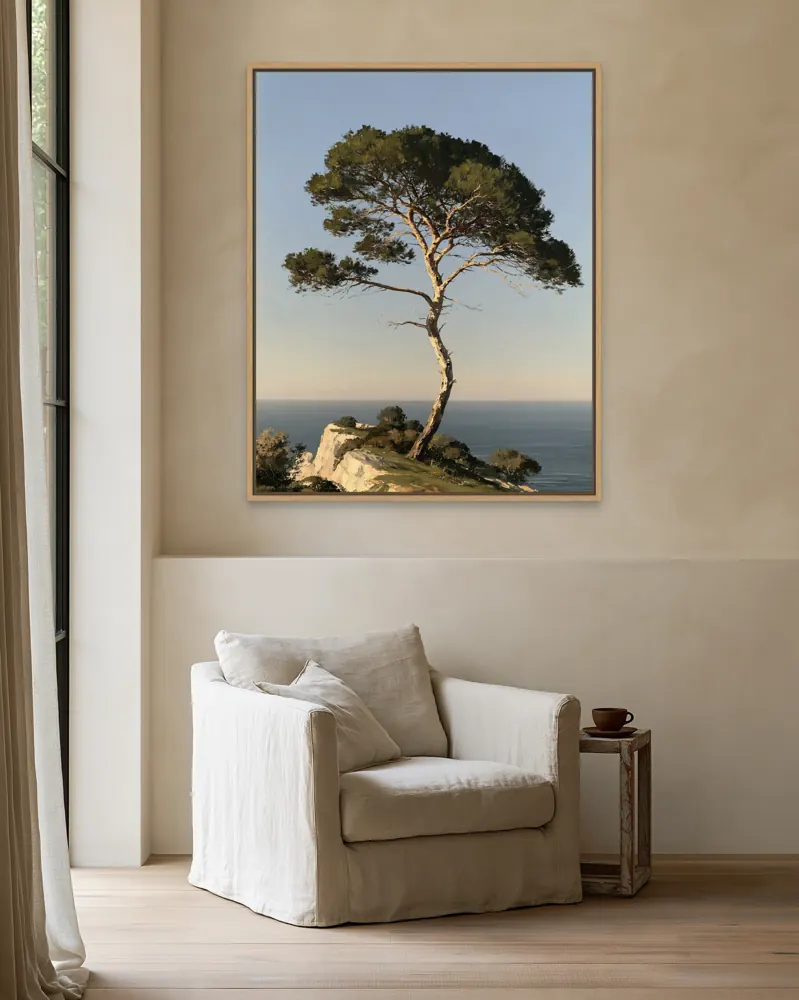
Show each artwork at its true ratio in the room. A buyer who sees a square mockup but receives a 2:3 file will feel misled.
WallMock keeps your artwork's own proportions and lists, for every room, which shapes it supports, from portrait and square to landscape and 3:1 panoramas.
Work it out quickly
Use our free print size calculator: enter your artwork's pixel size and it shows the ratio, the standard sizes in that family and the largest print at 300, 200 and 150 DPI, in inches and centimetres.
Open the print size calculator →
Questions sellers ask
Is 8×10 the same ratio as 16×20?
Yes, both are 4:5. 11×14 is a different ratio (11:14).
Is A4 the same ratio as A3 and A2?
Yes. All ISO A sizes share the ratio 1:1.414, so one A file prints at every A size.
What resolution do I need to print 24×36 inches?
7200×10800 pixels at 300 DPI. Many sellers accept 150–200 DPI for prints this large because they are viewed from further away.
Which ratio should I make my artwork?
2:3 covers the most common inch sizes; add an ISO A version for buyers outside North America. If you sell digital downloads, prepare a file for each main ratio.