The work you made, beautifully placed.
Your supplied design is placed into the scene. It isn’t redrawn by an image generator.
CANVAS MOCKUPS FOR ART SELLERS
Turn your artwork into beautiful product images. Framed canvas, stretched canvas and framed prints, in rooms that put your work first.
Open WallMockInvited beta · sign in with your invited email.
New here? Request an invitation.

MADE WITH WALLMOCK
A quiet room for a bold piece. A wide wall for an open landscape. Find a presentation that belongs with your collection.
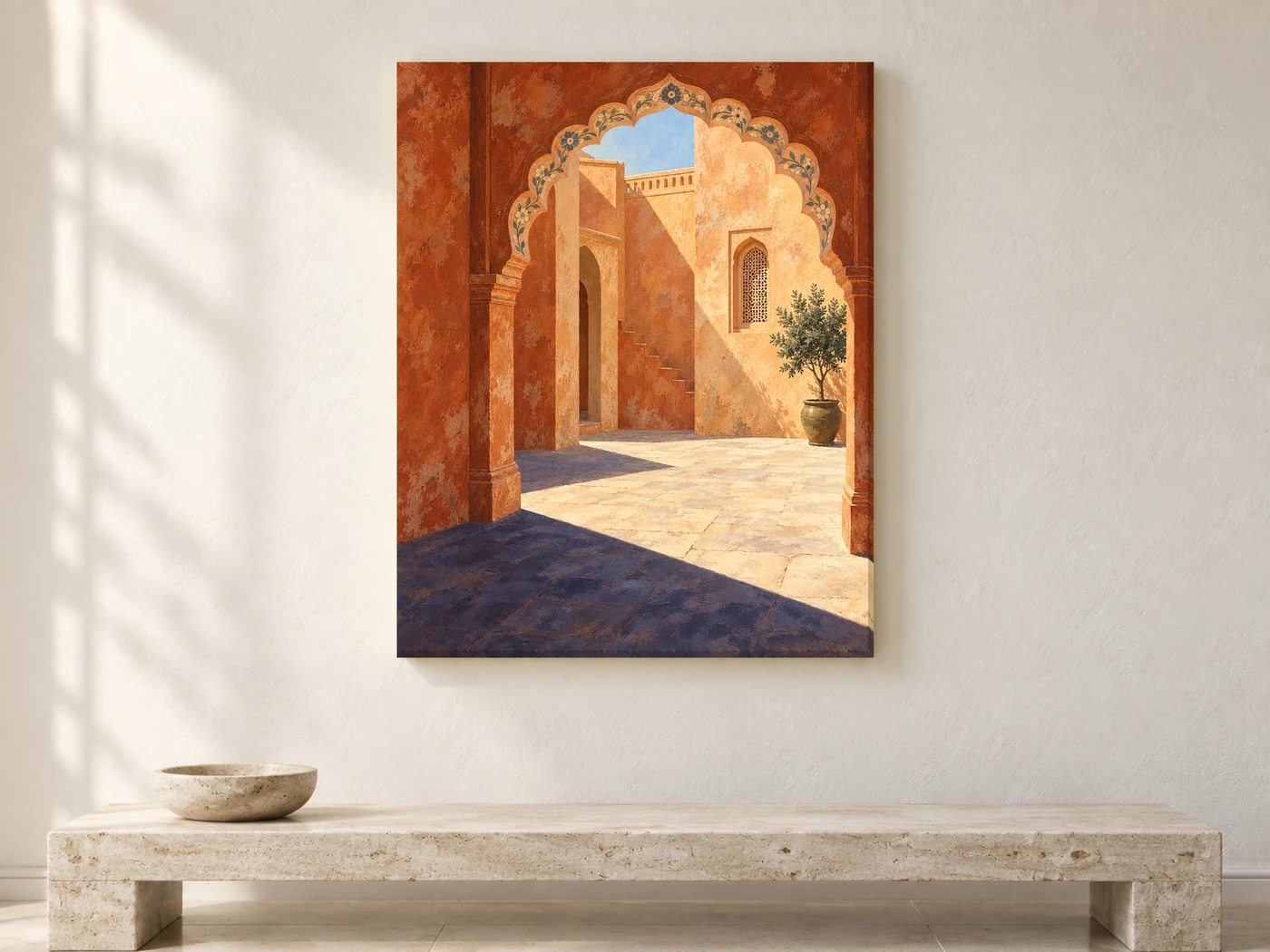
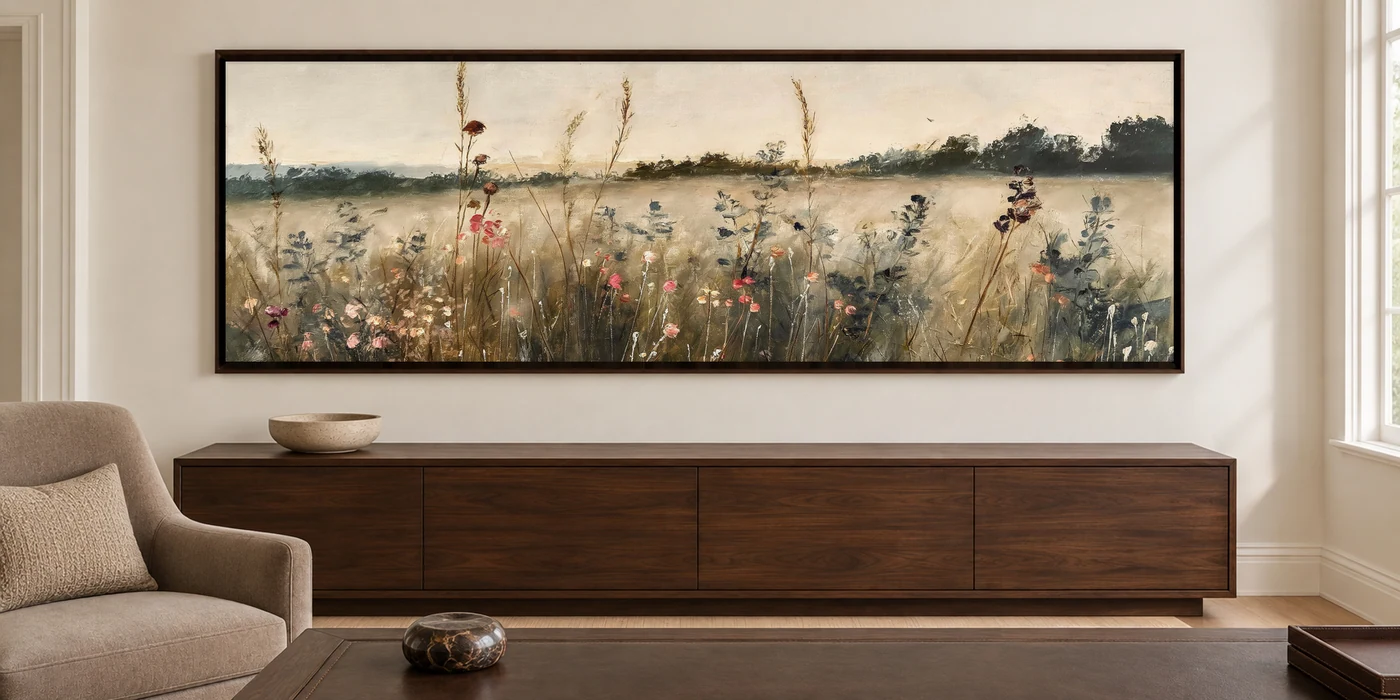
FOR YOUR NEXT COLLECTION
Presentation matters when your customer can’t see the piece in person.
Your supplied design is placed into the scene. It isn’t redrawn by an image generator.
Present different pieces in complementary settings, so your collection feels like it belongs together.
Choose the products and finishes each room offers, from framed or stretched canvas to framed prints with a mat.
A WORKFLOW YOU CAN REUSE
Your favourite rooms and saved looks stay ready for the next collection. Every room lists its supported products and artwork proportions.
Heart the rooms you want to use. Save the available product, frame and mat choices in each room, or reuse a Profile.
Add several artworks for a batch of single images, or arrange one pair, trio or set of four in rooms that support it. Preview before spending a credit.
Check the planned images, then make clean 4096 px exports. Download individual JPEGs, a ZIP for each artwork, or the whole batch.
Browse Hero images for rooms reviewed with product-led compositions. Choose a view that represents the product you sell.
Make several artworks in your saved rooms wherever their products and proportions are supported.
See two, three or four artworks together. Adjust gaps and the group placement where the room allows it.
Keep favourite room setups, Profiles and collections. Your artwork and results stay in the current session: download them before refreshing.
LEARN THE DETAILS
Original guides to the decisions that make a mockup useful: the frame, the placement and the collection workflow.
A frame should finish the picture, not quietly resize it. Learn to judge frame face, depth and mat width separately.
Read the guide ↗PLACEMENT · 5 MIN READChoose a convincing art position by reading the furniture, architecture and empty wall—not just centring the entire image.
Read the guide ↗SETS · 4 MIN READKeep a set balanced with consistent gaps, one group centre and artwork proportions that stay intact.
Read the guide ↗WORKFLOW · 5 MIN READBuild a repeatable collection workflow with favourite rooms, saved looks, preview checks and organised exports.
Read the guide ↗GOOD TO KNOW
WallMock is in an invited beta. If you have an invitation, use Beta sign-in with that email address. Public registration is not open yet. You can email us to request an invitation.
Artists, canvas and print sellers, and online art shops that regularly need product images for their collections. WallMock supports framed canvas, stretched canvas and framed prints in the rooms reviewed for them.
Rooms cover portrait, square, landscape and panoramic artwork. Each room lists the proportions and products it supports. An unsupported combination is marked as unavailable and is not charged.
WallMock places your supplied image into a room instead of regenerating the design. Your artwork keeps its proportions. Review the preview and choose a scene and finish that accurately represent your product.
The invited beta uses test-mode billing: no real payment is taken. Plan options and credits are shown inside the app. Public paid subscriptions are not available yet; requesting an invitation does not start one.
That’s the intended use: product images for your website and online marketplaces. Choose images that accurately represent the canvas and frame you sell, and follow your marketplace’s rules.
HELP SHAPE WHAT COMES NEXT
Sell canvas or prints? Tell us about your shop and the mockups you need. Invitations are limited while we test the customer workflow.
Send your shop link, what you sell, and the formats you use most.
Request a beta invitationOpens your email app. Nothing is submitted until you send.
hello@wallmock.com