One look for the whole shop
Use the same rooms and frame finish for every listing, so your shop page looks like one brand instead of a mix of templates.
Bulk mockup generator
Short answer: a bulk mockup generator makes room mockups for many designs at once instead of one at a time. In WallMock you save your favourite rooms and frame choices once, add a whole collection, and get every artwork in every saved room. No PSD templates or smart objects, and each file is placed exactly as supplied, so a big batch needs no checking for redrawn art.
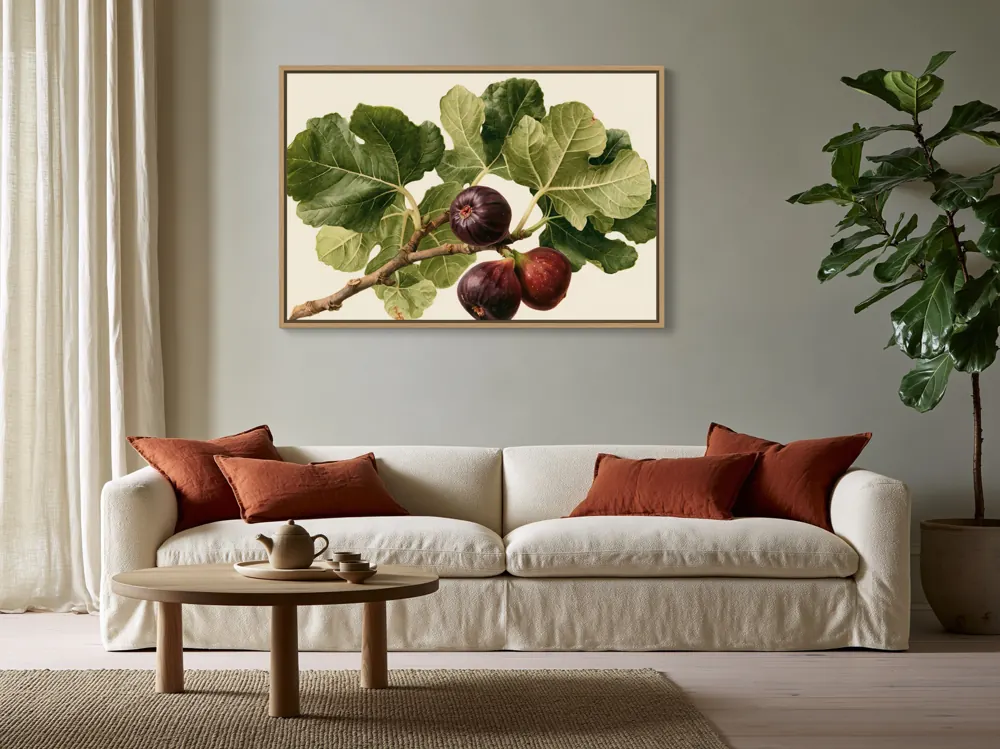
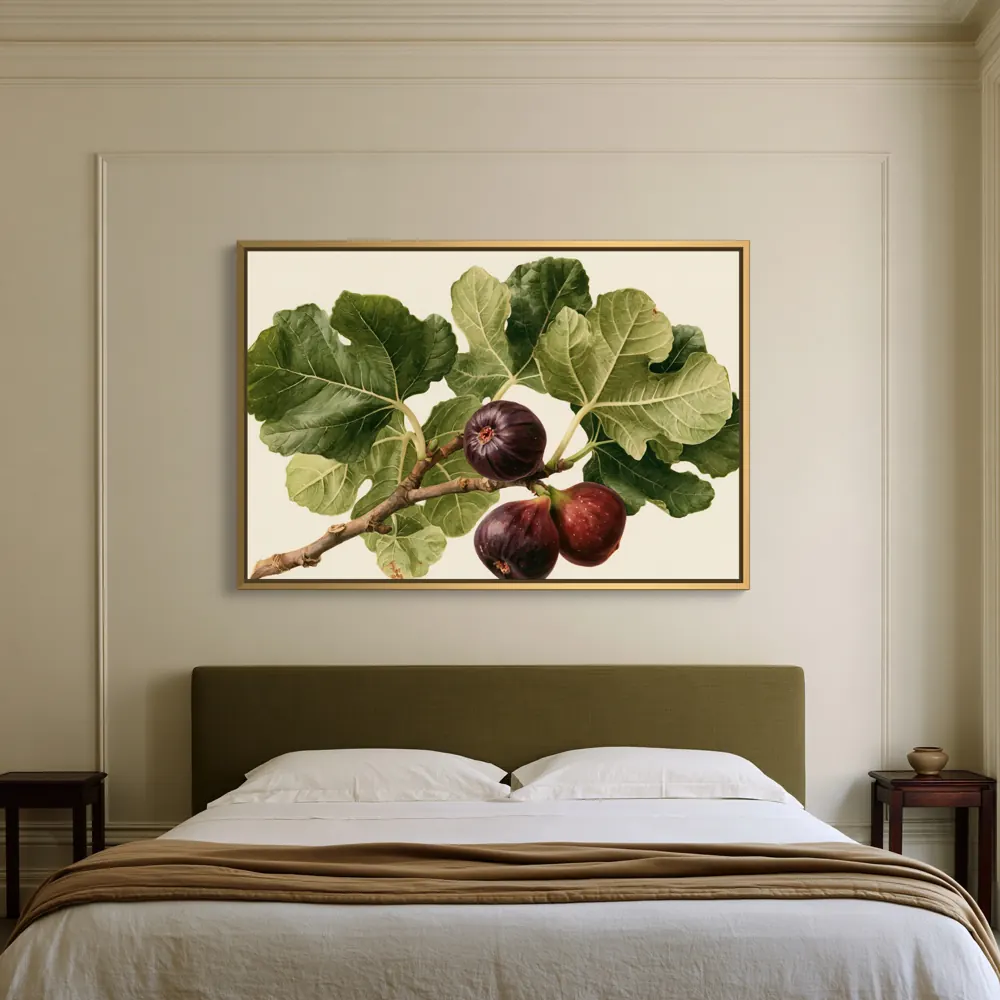
The usual way to batch mockups is a PSD template with a smart object: you swap your design in with Replace Contents, export, and repeat for every design and every template. It works, but the steps multiply.
| Step | PSD smart-object mockups | WallMock |
|---|---|---|
| Set up rooms and frames | Per template: buy or download PSDs, one file per room | Once: heart rooms, pick product and finish, save the setup |
| Add a design | Open each template, Replace Contents, place the file, check the crop | Add the whole collection in one go |
| Different art shapes | Find or edit a template made for each ratio | Each file keeps its own shape; rooms show which shapes they support |
| Export | Save or export each template for each design | Every design in every saved room, in one run |
| Next collection | Repeat every step | Reuse the saved rooms and setup |
Replace Contents is Photoshop's command for swapping a smart object's image (Layer > Smart Objects > Replace Contents), per Adobe's help page, checked 2026-10-26. Actions and scripts can automate it, but someone still has to build and maintain them.
The count is simple: designs x rooms. Say you launch a 30-piece botanical collection and want each piece in 8 rooms: a hero living room, two bedrooms, a kitchen, an office, a dining room, a hallway and one close view.
240 images is more than Lite's 200 a month and well inside Pro's 5,000, so a shop launching collections every month usually fits Pro. Next month the 8 rooms are already saved, and the only new step is adding the new files.
Use the same rooms and frame finish for every listing, so your shop page looks like one brand instead of a mix of templates.
Choose framed canvas, stretched canvas, framed print or poster for the collection, so every image shows what the buyer receives.
Pairs, trios and sets of four can go on one wall. See the gallery wall mockup generator.
With one mockup, you can zoom in and check it. With 240, you can't. Tools that redraw or "enhance" your art with AI can change lettering, signatures, faces or colours in ways you only notice when a buyer complains. WallMock places your file as it is: it is never redrawn, repainted or upscaled by AI. So the check you do on your file is the check that counts for every image in the batch.
Rooms are curated, digitally staged interiors reviewed by WallMock. Previews and images are made in your browser, on your device.
Heart the rooms that suit your shop and choose the product: stretched canvas, framed canvas, framed print or poster.
Drop in every design. Square, portrait, landscape and panoramic files can share one batch.
Check the free watermarked previews, confirm the planned image count, and download clean images for every listing.
Yes. In WallMock you save your favourite rooms once, add a whole collection, and every artwork is made in every saved room in one run. You do not repeat the setup for each design.
With PSD templates, each design goes into each template's smart object one by one, or you write an action or script to do it. WallMock needs no PSD files, actions or scripts: you choose rooms and the product once in your browser.
Yes. Upload the same artwork files you send to your print provider and choose the matching product, such as framed canvas or a framed poster. Then use the images in your Etsy or Shopify listings.
Clean images are up to 4096 px, and your artwork is placed as supplied, never upscaled or repainted by AI. Start from a high-resolution file for the sharpest result.
Designs multiplied by rooms. 30 designs in 8 rooms is 240 images. Lite includes 200 images a month and Pro 5,000. Previews are free and watermarked.
Yes. Each artwork keeps its own proportions and is never stretched. Room options vary by artwork shape, so a room reviewed for portrait art may not offer a panoramic piece.
No. Your favourite rooms and product choices are saved, so the next collection reuses them. That is where most of the time saving comes from.