Free tool
Print resolution checker
Short answer: divide your file's pixels by the print size in inches to get DPI. Aim for 300 DPI for fine-art prints; 7,200 × 10,800 pixels prints 24 × 36 in at 300 DPI. Choose a file below to check every common size at once.
Check your file
4,000 × 6,000 px, 2:3 portrait. Largest at 300 DPI: 13.3 × 20 in (33.9 × 50.8 cm).
| Print size | DPI | Quality | Cropped |
|---|---|---|---|
| 5 × 7 in | 800 | excellent | 6.7% |
| 8 × 10 in | 500 | excellent | 16.7% |
| 8 × 12 in | 500 | excellent | none |
| 11 × 14 in | 364 | excellent | 15.2% |
| 12 × 16 in | 333 | excellent | 11.1% |
| 12 × 18 in | 333 | excellent | none |
| 16 × 20 in | 250 | good | 16.7% |
| 18 × 24 in | 222 | good | 11.1% |
| 20 × 30 in | 200 | good | none |
| 24 × 36 in | 167 | fair | none |
| A5 (14.8 × 21 cm) | 686 | excellent | 5.4% |
| A4 (21 × 29.7 cm) | 484 | excellent | 5.7% |
| A3 (29.7 × 42 cm) | 342 | excellent | 5.7% |
| A2 (42 × 59.4 cm) | 242 | good | 5.7% |
| A1 (59.4 × 84.1 cm) | 171 | fair | 5.6% |
| 30 × 40 cm | 339 | excellent | 11.1% |
| 50 × 70 cm | 203 | good | 6.7% |
| 60 × 90 cm | 169 | fair | none |
Then show it on a wall
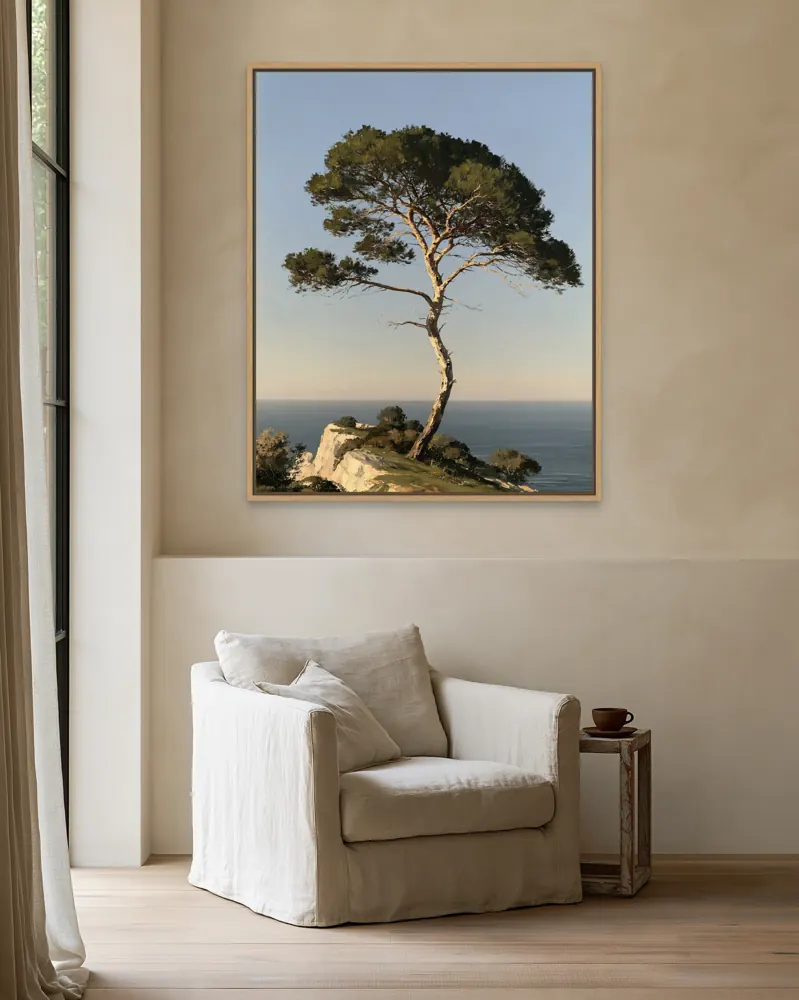
Once your file prints well, show buyers the size in a realistic room. WallMock places your exact artwork in 500+ rooms as a framed canvas, framed print or poster, for a whole collection at once.
How the checker works
DPI (dots per inch) is how many of your file's pixels land on each inch of paper. The checker fits your file to each print size the way a printer does: it fills the print and crops what doesn't fit, then reports the DPI of the side that limits the size.
- Excellent: 300 DPI or more.
- Good: 200–299 DPI.
- Fair: 150–199 DPI, fine for large prints seen from a distance.
- Low: under 150 DPI; the print may look soft.
Your print provider may set its own minimum; check their file guidelines before you list a size.
Questions
What resolution do I need to print 24 × 36 inches?
7,200 × 10,800 pixels for 300 DPI. Large posters seen from a distance often look fine at 150–200 DPI, which is 3,600 × 5,400 to 4,800 × 7,200 pixels.
What DPI should art prints be?
300 DPI is the usual target for fine-art prints viewed up close. 200 DPI is often fine for medium prints, and 150 DPI for large posters seen from across a room.
How do I find my file's pixel size?
Choose your file in the checker above; it reads the width and height in your browser. You can also type the numbers in.
Why does my art crop on some sizes?
Every print size has a shape. A 2:3 file fits 8 × 12, 12 × 18 and 24 × 36 exactly, but an 8 × 10 print is 4:5, so part of a 2:3 file is cut off.
Is my file uploaded?
No. The checker reads only the image's size in your browser. The file never leaves your device.