Paper only
Choose the poster without a frame. The buyer sees the print as a flat sheet on the wall and knows framing is up to them.
Poster mockup generator
Short answer: a poster mockup generator places your poster design on a wall in a realistic room. WallMock does it online for posters and prints without a frame, or in a frame with or without a mat, in 500+ curated rooms. Your file is placed exactly as it is, so lettering and colours match the print, and you can run a whole poster collection at once.
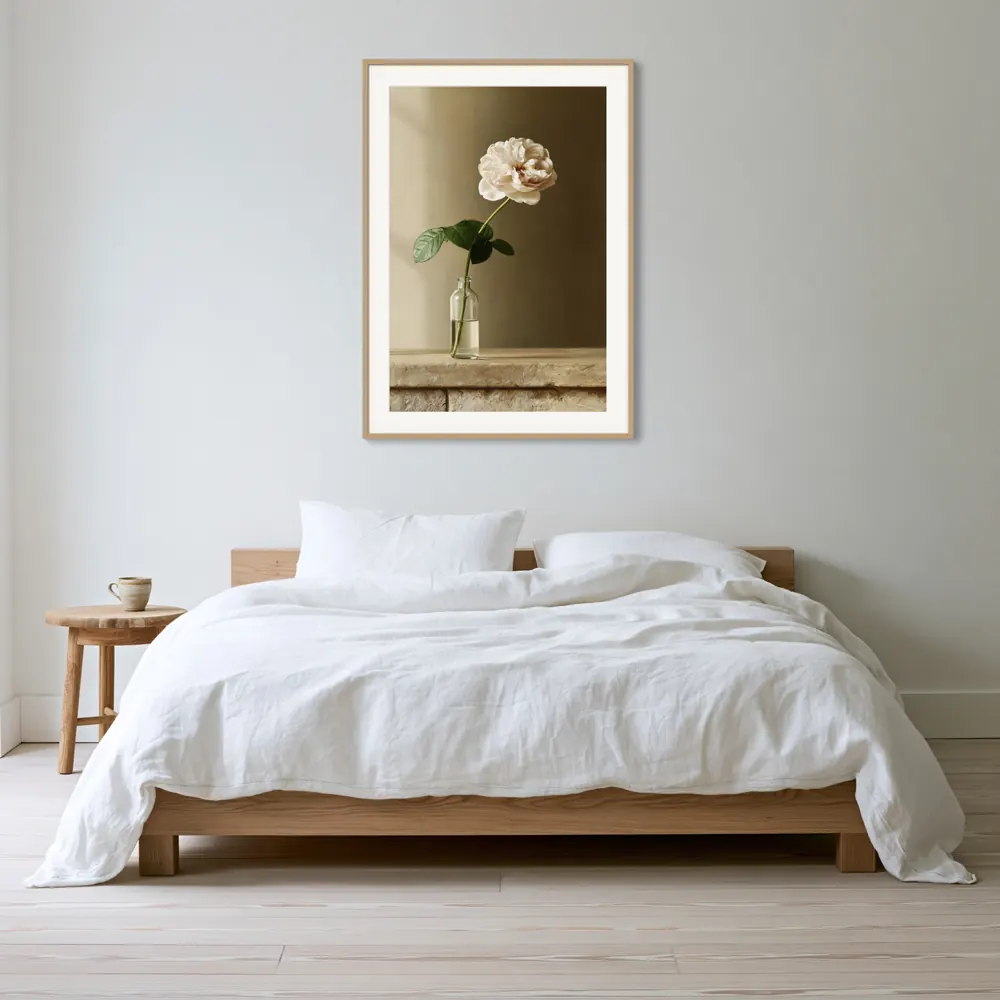
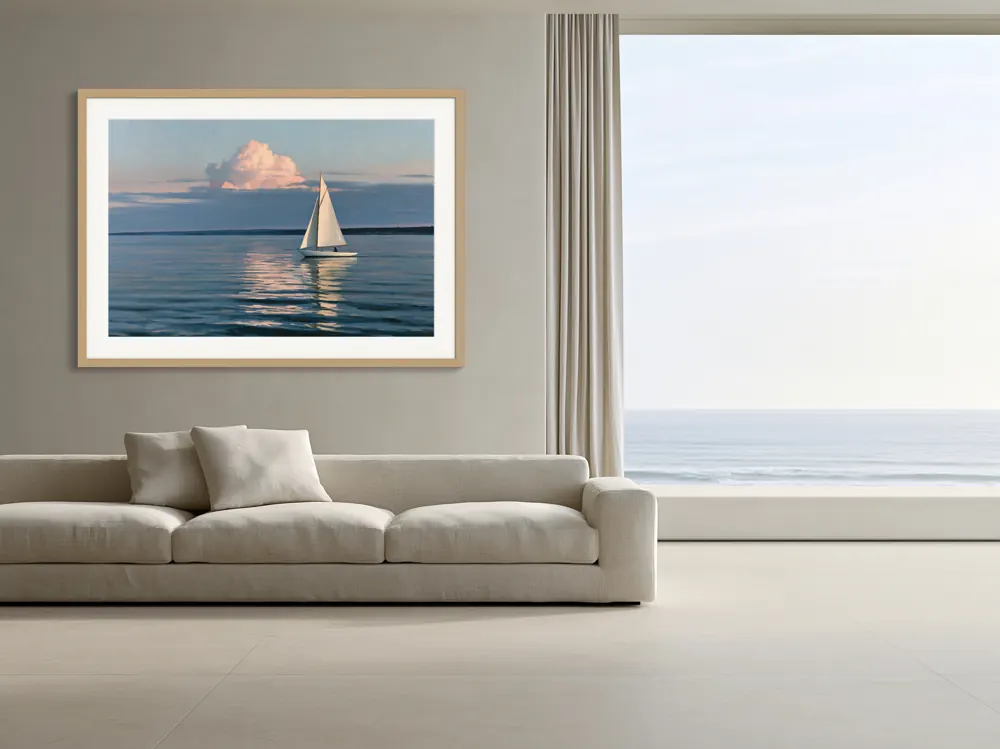
A poster is cheap to ship and easy to swap, so buyers decide fast. Your photos should answer three questions without any reading.
Most poster mistakes start with the ratio, not the room. A 2:3 design printed at 18 x 24 inches loses part of its edges, because 18 x 24 is a 3:4 shape. Your mockup should show the same shape you sell. WallMock keeps each file's own proportions and never stretches it, so a 3:4 poster looks 3:4 on the wall.
| Poster size | Ratio | Note for sellers |
|---|---|---|
| 8 x 10 in | 4:5 | Small posters and kids' room prints |
| 11 x 14 in | 11:14 | A common small frame size; crops a 4:5 file slightly |
| 12 x 18 in | 2:3 | Same shape as 24 x 36; one file can serve both |
| 18 x 24 in | 3:4 | Popular mid-size poster; a 2:3 file needs a crop |
| 24 x 36 in | 2:3 | The classic large poster |
| A4, A3, A2, A1 | about 1:1.41 | ISO sizes used in the UK, Europe and Australia |
A-size dimensions follow ISO 216 (A3 is 297 x 420 mm, A2 is 420 x 594 mm, A1 is 594 x 841 mm), source: ISO 216 summary, checked 2026-10-26. US sizes are inches; ratios are simple arithmetic.
If you sell one design in several sizes, make one file per ratio, then mock up each file. Use the print ratio calculator to see which sizes share a ratio, and the frame and poster size chart for standard dimensions.
Show what arrives in the box. That one rule avoids most "not as pictured" messages.
Choose the poster without a frame. The buyer sees the print as a flat sheet on the wall and knows framing is up to them.
If your provider ships a framed poster, choose a framed print and match the frame colour you sell. A thin black or oak frame is the most common look.
A mat (the card border inside the frame) suits fine-art and photographic posters. Add one only if the product you ship has one.
Export the same design you send to your print provider, at its final shape. Check resolution for your largest size first.
Heart rooms that suit posters: bedrooms, offices, kids' rooms, kitchens. Room options vary by product and artwork shape.
Pick unframed or framed, check the free watermarked previews, then make clean images for every poster in every saved room.
Use the same file you upload to Printful, Printify or Gelato, and replace the plain catalogue photo with a room your buyer recognises.
Lettering is where redrawn mockups fail first. WallMock never redraws your file, so every word stays exactly as written.
Show the download framed the way most buyers will hang it, and say clearly that no physical item ships.
A tool that shows your poster design on a wall in a room, so a buyer can judge its size, colours and style before ordering. WallMock does this online, with no PSD file or Photoshop needed.
Yes. WallMock's products include a poster or print without a frame, as well as a framed print with or without a mat. Show the version your buyer actually receives.
At 300 DPI a 24x36 inch poster needs 7200 x 10800 pixels. Many sellers accept less for large posters viewed from a distance. Check your own file with the free print resolution checker.
A1, A2, A3 and A4 all share one shape, about 1:1.41. That is close to 5:7, but not the same as the 2:3 shape of 24x36 or the 3:4 shape of 18x24.
WallMock places your file as it is: it is never redrawn, repainted or upscaled by AI. Typography, signatures and fine lines show exactly as they are in your file.
Yes. Save the rooms you like once, add every poster in the collection, and each design is made in each saved room.