Print-on-demand guide
Printful mockups for framed posters and canvas
Short answer: Printful makes free mockups for its products. You pick a main mockup and extra styles when you publish a framed poster or canvas to your store. If they don't update on Etsy, the usual cause is a listing that already has 20 images, or an integration that adds new mockups without removing old ones. You can't upload your own mockups to Printful. Add your room photos directly to the Etsy or Shopify listing instead.
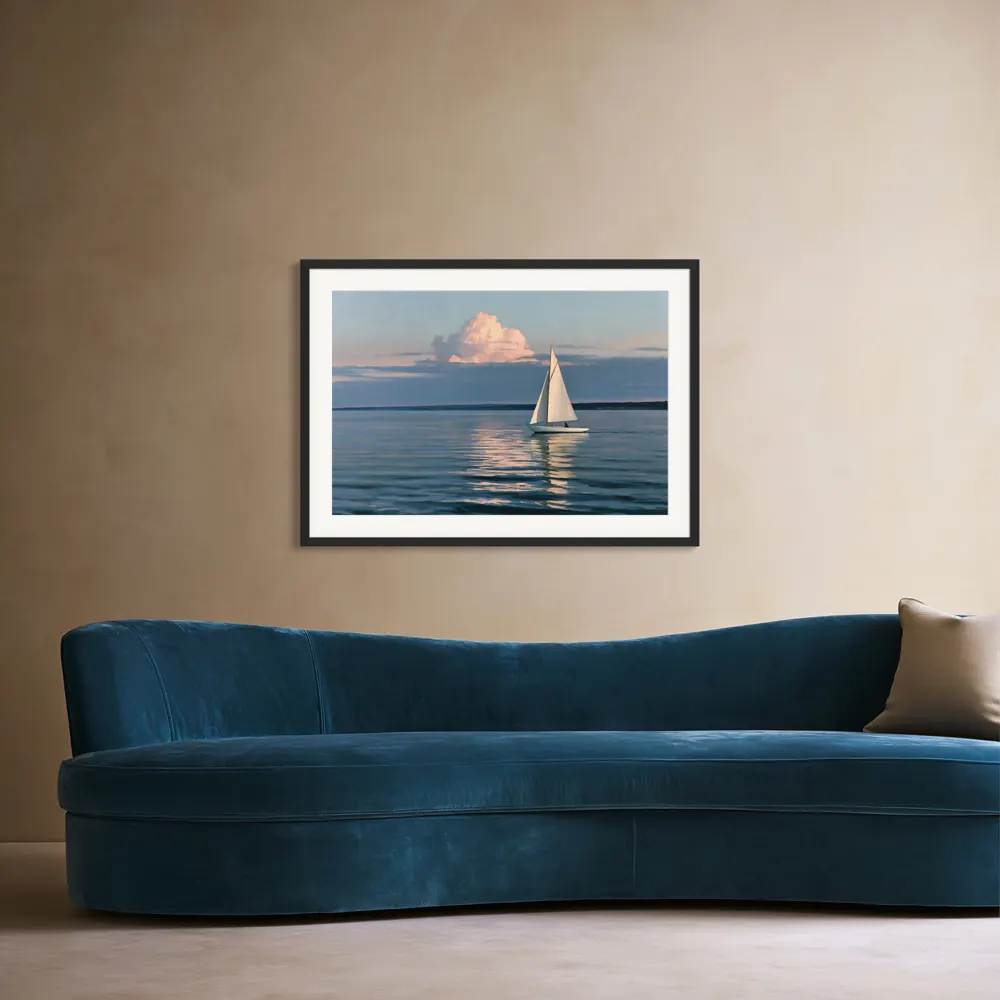
What Printful's mockup generator gives you
Printful's mockup generator is free for Printful products. You start by signing up, and styles range from lifestyle shots to clean studio backgrounds. You use it inside the publishing flow. Printful's help page on mockup images describes three choices:
- Main mockup: the style shown first.
- Main product image: click the star to choose which colour leads.
- Additional mockups: extra styles. Printful notes that not every integration supports these.
You can download mockups from Product templates or from a published product's edit page: select styles, click Generate files, then Download mockups.
Two newer tools have limits for wall art sellers. The Custom Mockup Maker, with scene templates and props and 2000 × 2000 px downloads, is being phased out (source). Printful's AI mockups currently cover select apparel products only, with 10 attempts a day (source).
The products you'll be mocking up
Printful's framed posters use matte or luster photo paper, in sizes from 8×10 to 24×36 in, and metric sizes from 21×30 to 61×91 cm (source). Its canvases are satin-finish canvas hand-stretched over a pine frame. Framed canvas and thin canvas versions are also offered (source). Check the exact frame colour and finish of the variant you sell, because your mockup has to match it.
Printful mockup not working, not showing your design or not updating
These are the problems sellers search for most, with the fix Printful's help center gives where it gives one.
| Problem | Why it happens | Fix |
|---|---|---|
| New design doesn't show on the Etsy listing | The listing already has 20 images, Etsy's maximum, so Printful can't push a new mockup | Use Change print file with all variants selected, or upload the new mockup on Etsy yourself (source) |
| Mockups not updating, or old and new both showing | Some integrations don't support updates, or add new mockups without removing the old ones | Delete old images in your store. Or save the product as a template, delete it and republish (source) |
| Can't change the mockup on a template | Template mockups can't be edited | Change mockups while publishing, or when editing a published product (source) |
| Product "missing" from the Etsy shop | Printful adds Etsy products as drafts | Shop Manager → Listings → Drafts, select and publish. Etsy charges its listing fee (source) |
| Publishing to Etsy fails | More than 100 variants, or a tag longer than 20 characters | Reduce variants or shorten tags, then publish again (source) |
| Generator page won't load | We found no Printful help article for this | Try another browser, then contact Printful support |
To refresh mockups on an Etsy, Shopify, Squarespace, WooCommerce or Wix listing, follow Printful's steps: Stores → View store → Edit the product. Select all variants, click Change print file, change nothing, and click Proceed to mockups. Choose and star your mockups, keep the Published updated mockups toggle on, and click Continue.
Using your own mockups with Printful-synced listings
Printful says it's not possible to upload mockup images to Printful itself. If you made a mockup somewhere else, you upload it straight to your store (source). For Etsy:
- Publish the product from Printful and finish the draft on Etsy.
- In Shop Manager, open Listings and edit the listing.
- Add your room photos in the Photos section.
- Drag your best room photo into first place. The first photo is the thumbnail (Etsy).
- Keep at least one slot free. If a listing is full at 20 images, Printful can't add a mockup later.
If you later push updated mockups from Printful, check the listing straight after. Depending on the integration, Printful may add its images alongside yours. Keep copies of your room photos so you can put them back in order.
Two Etsy rules also apply. You must list Printful as a production partner on each listing (Printful's guide). Your images must accurately show what buyers receive, and most listings need at least one unedited photo of the real item. There is a print-on-demand exception for authorised stock mockups. Read Etsy's page to see how it applies to your poster or canvas.
Checklist: a framed poster mockup that matches the Printful product
- Frame colour and profile match the variant you publish.
- Paper look matches: matte or luster, as chosen in Printful.
- Mat or no mat, exactly as the product ships.
- Same aspect ratio as your print file, with nothing cropped or stretched.
- The size on the wall looks right for 8×10 or 24×36, not the same for both.
- One room photo per size or colour variant, if you sell several.
- Text, signature and colours in the art exactly as printed.
- A photo of a sample you ordered, for the unedited image where Etsy requires one.
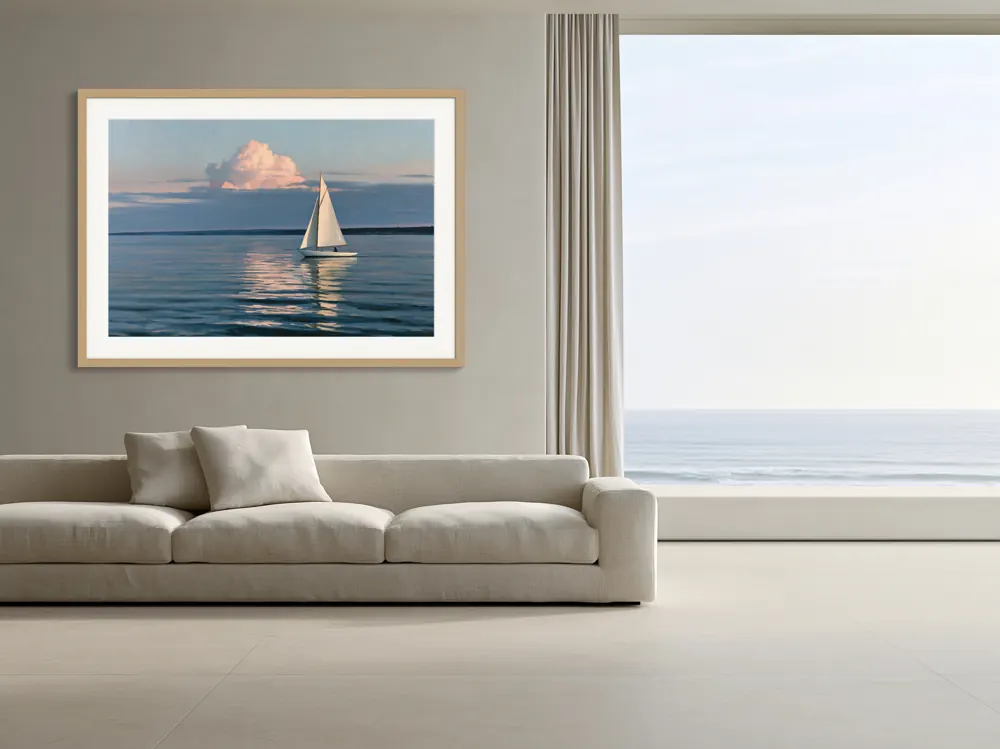
Where WallMock fits
WallMock doesn't print or ship. It makes the room photos you add to your Printful-synced listings.
- Upload the same file you send to Printful. WallMock places your file as it is: it is never redrawn, repainted or upscaled by AI.
- Choose a framed print with or without a mat, a poster without a frame, or a framed or stretched canvas.
- Save your favourite rooms once, then add a whole collection. Each artwork is made in every chosen room.
- Upload the images to Etsy or Shopify as described above.
Free watermarked previews in every room. Rooms are curated, digitally staged interiors reviewed by WallMock. Anyone can try free watermarked previews. Full access is by invitation during the beta: request one, then sign in with your invited email.
Sources
- Printful: Mockup generator, checked 2026-10-26
- Printful Help: What are mockup images?, checked 2026-10-26
- Printful Help: Add new mockups to an existing listing, checked 2026-10-26
- Printful Help: Custom Mockup Maker, checked 2026-10-26
- Printful Help: AI mockups, checked 2026-10-26
- Printful Help: Common Etsy integration errors, checked 2026-10-26
- Printful Help: Add products to your Etsy store, checked 2026-10-26
- Printful Help: Printful as a production partner on Etsy, checked 2026-10-26
- Printful: Framed posters, checked 2026-10-26
- Printful Help: How are the canvases made?, checked 2026-10-26
- Etsy Help: How to edit your listing photos, checked 2026-10-26
- Etsy Help: How listing image requirements apply to your listings, checked 2026-10-26