Why mockups matter for wall art
Wall art is bought by imagination. A flat image of a print tells a buyer what the artwork is; a room mockup tells them what it will feel like in their home, how big it is and what kind of room it suits. That is why most successful wall art listings lead with a room image rather than the flat file.
A mockup is also a promise. If it shows a frame you don't sell, a size that isn't on offer or colours that differ from the print, the listing may win the click and lose the review. The aim is an image that is both attractive and accurate.
Etsy now allows up to 20 photos per listing, so a single artwork can carry a whole story: a hero room, a scale shot, product details, alternative rooms, sizes and a set. That makes a repeatable mockup workflow more valuable than ever, because the number of images per artwork has doubled.
1. Prepare the artwork file
Start from your final, full-resolution artwork, not a compressed preview or a screenshot. Mockups are often shown large when a buyer zooms, and a soft file looks soft in every room.
Note the artwork's exact proportion: 2:3, 3:4, 4:5, 1:1, 3:1 and so on. The proportion decides which rooms, frames and wall positions will look natural. Our free print size calculator works it out from the pixel size and lists the print sizes in the same family.
Never stretch or crop the art to fit a template. A buyer who orders a 2:3 print should see a 2:3 print in the room. If you sell several ratios, make the mockup set for the main ratio and add a separate image that lists the other sizes.
Check colour before you start. If your artwork is in a wide-gamut or CMYK colour space, export an sRGB copy for mockups and listings; most browsers and marketplaces display sRGB, and an unconverted file can look dull or oversaturated on screen.
2. Choose rooms that fit the shape
A tall 1:3 print needs a tall, uninterrupted wall: a pier between doors, a niche or the space beside a window. A 3:1 panorama needs horizontal space above a sofa, bed or long sideboard. Squares and 4:5 prints are flexible but can look lost on a huge wall.
Look for the usable wall, not the whole room. A kitchen with a clear wall above the worktop or a bedroom with a calm wall above the headboard gives the artwork a natural home; a room where the only free space is behind a lamp does not.
Pick rooms whose colours and style suit the artwork's buyers. A coastal seascape reads well in light, airy rooms; a moody botanical can stand out on a deep green or charcoal wall. Plan three to five different rooms per listing so more buyers can picture their own space.
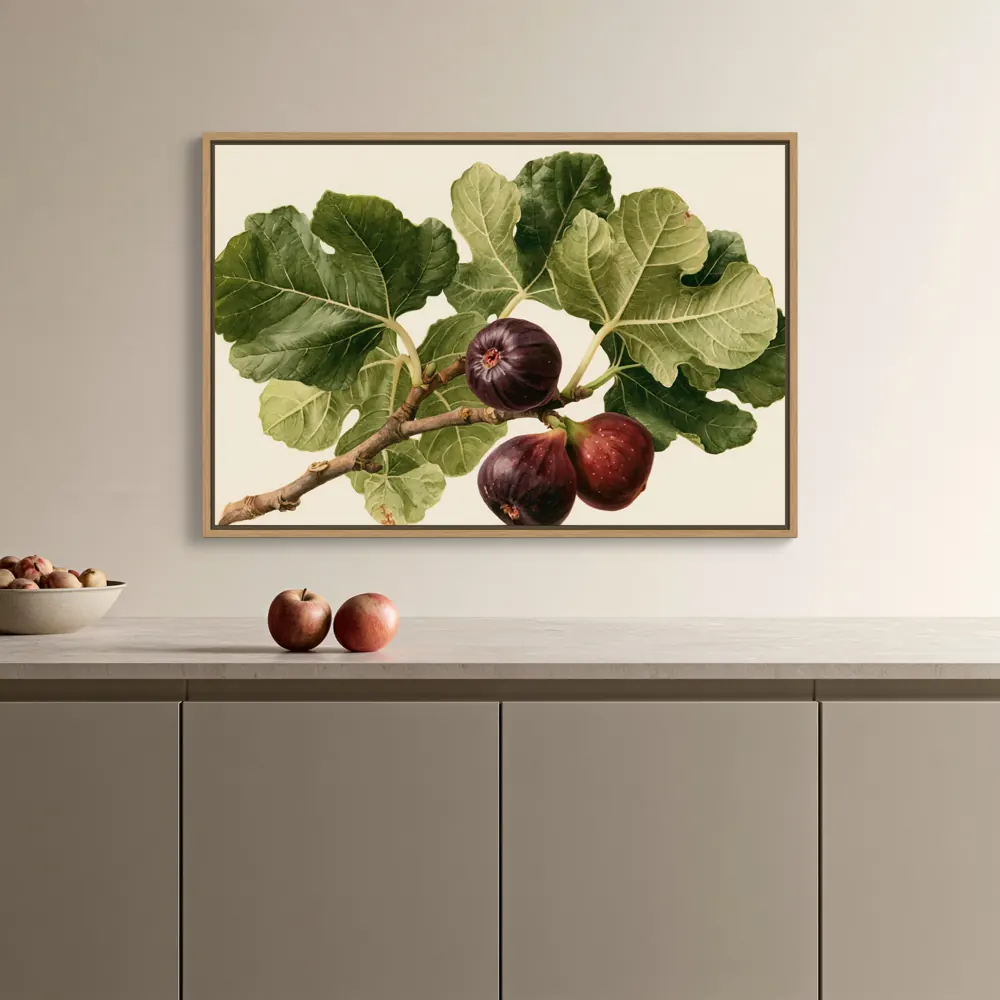
3. Show the product you actually sell
Buyers notice when the mockup shows a product you don't offer. If you sell framed prints, show a frame and mat that match your options; if you sell canvas, show its depth and edge. For digital downloads, a simple thin frame with a mat is usually the most honest presentation, because that is how most buyers will display it.
Keep frame finishes consistent across a collection (for example natural oak throughout) unless you sell several finishes; then show each finish at least once, ideally in the same room so buyers compare like with like. Our frame colour guide shows one artwork in eight finishes side by side.
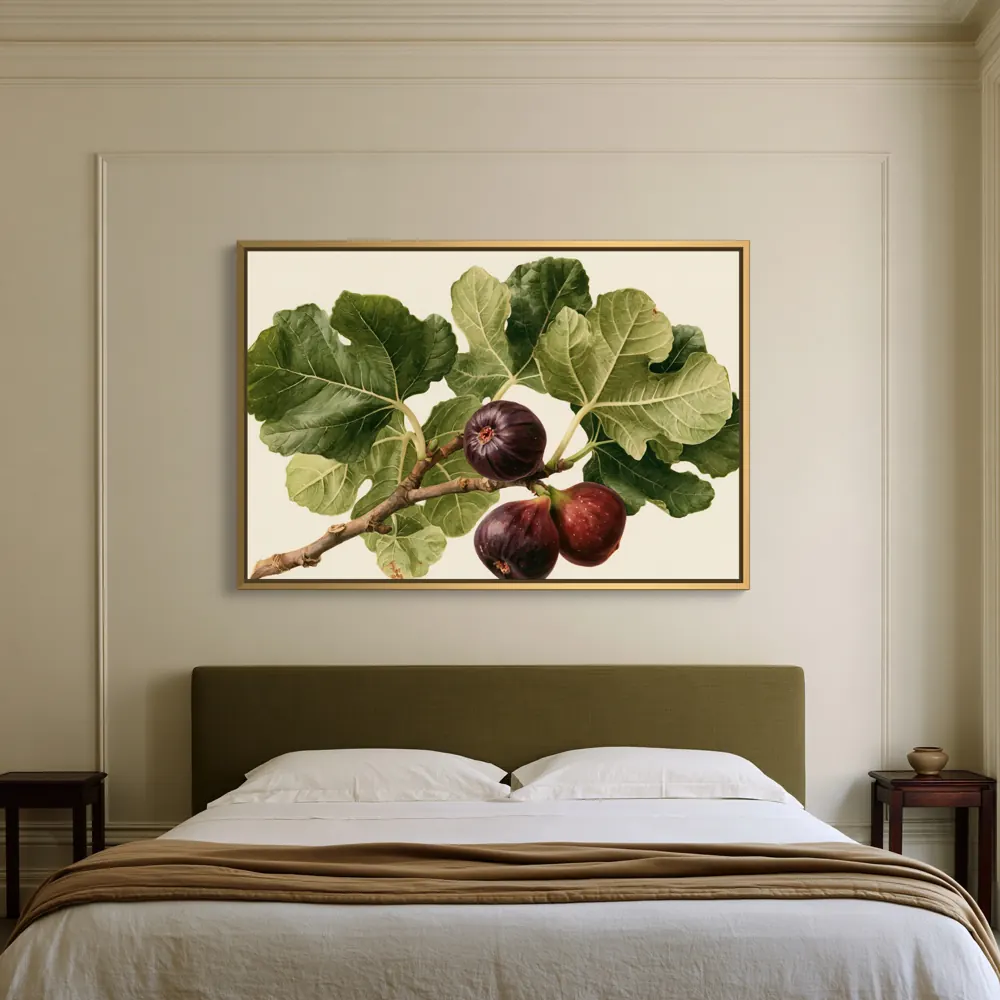
4. Get the size right
The artwork's size in the room is information. Show it at a believable size for the furniture: interior guidelines often suggest art about two thirds to three quarters of the width of the sofa or bed below it, and listing photos work across a range around that. What matters is that a buyer can judge the size and isn't misled.
If you sell several sizes, use one consistent size across the room images and add a dedicated size image (a chart, or the same room at two sizes) rather than changing the size from photo to photo.
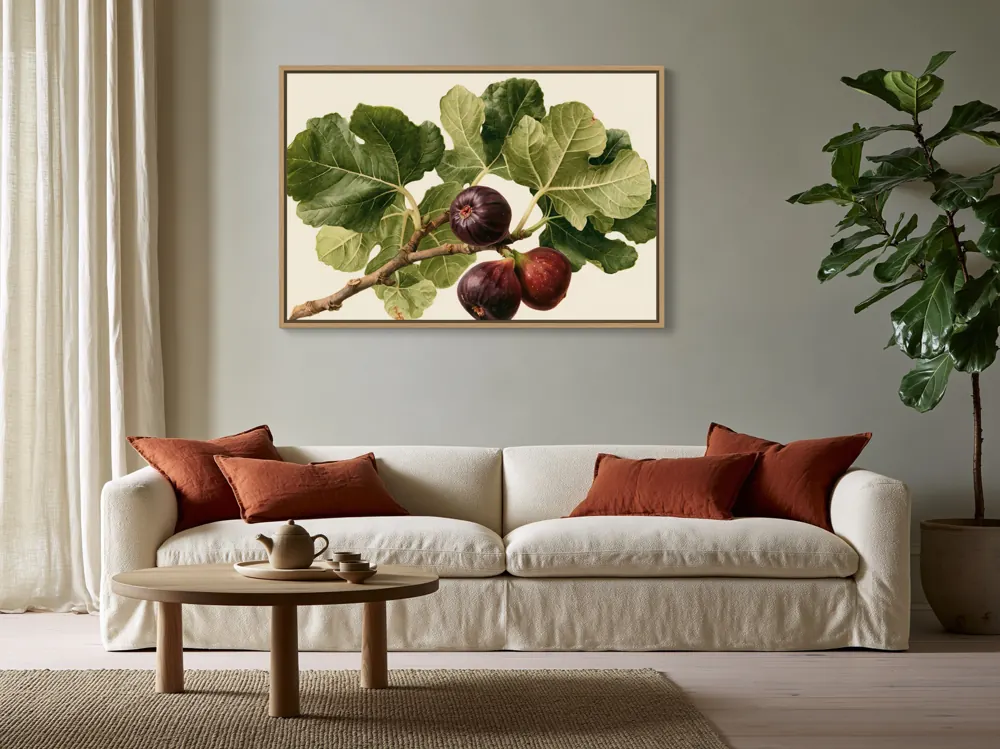
5. Keep the art exact
Zoom in and compare the mockup with your file. Some template tools add texture, glare or shadow layers that shift colours slightly or soften fine lines. A soft shadow at the frame edge is natural; a grey veil across the whole artwork is not.
WallMock places your supplied image into the room instead of redrawing it with an image generator, and keeps its proportions, so the artwork in the room is your artwork.
6. Make the whole collection at once
Most sellers lose hours repeating the same steps for every artwork: open a template, place the art, adjust, export, repeat. With a collection of twenty prints and five rooms each, that is a hundred images, and with 20-photo listings it can be several hundred.
A better approach is to set up each room and frame once and apply the setup to every artwork. This is the core idea behind WallMock: heart your favourite rooms, choose the product and finish once, then make images of the whole collection in one batch. Rooms only offer the shapes and products they were reviewed for, and an unsupported combination is marked as unavailable rather than charged.
7. Export and check before uploading
Export large images so buyers can zoom; WallMock makes clean 4096 px exports. Etsy's help article “Requirements and Best Practices for Images in Your Etsy Shop” lists the current recommended photo sizes and explains how thumbnails are cropped in search, so keep the artwork towards the centre of the image where a cropped thumbnail will still show it.
Review each image at thumbnail size first: can you recognise the artwork immediately? Then check it at full size for edges, corners and colour. Drop any image where furniture or a plant draws more attention than the art.
Finally, name the files clearly (artwork name, room, product) so you can reuse them on your own website, Pinterest or other marketplaces.
A quick checklist
- The art is at its true proportion, not stretched or cropped.
- The frame, mat or canvas edge matches what the buyer receives.
- The size in the room is believable, and a size image gives exact dimensions.
- Colours match your file when you zoom in.
- The hero image reads at thumbnail size, with the art near the centre.
- Three to five rooms of different types or colours, plus a detail and a sizes image.
- The same rooms and finish are used across the collection, so the shop looks coherent.
Check your artwork's ratio and print sizes →
Questions sellers ask
How many mockups should an Etsy wall art listing have?
Enough to answer the buyer's questions: usually a hero room, a scale image, a product detail, two or three alternative rooms and a sizes image. Etsy allows up to 20 photos, and our listing photo guide has a plan for every slot.
Can I use the same mockup rooms for every listing?
Yes, and a consistent set of rooms makes a shop look coherent. Rotate the hero room between listings so search results don't look identical, and choose rooms that suit each artwork's shape and palette.
Do mockups have to show the exact size?
They should show a believable size and should not suggest a size you don't sell. Use a dedicated size image for the exact dimensions.
Do I need Photoshop to make wall art mockups?
No. Template files need Photoshop or a similar editor, but browser-based tools, including WallMock, place the artwork for you. Photoshop gives the most manual control; a dedicated tool is faster for whole collections.