The 20-slot plan at a glance
You don't have to fill every slot, but each one you use should answer a question. This order works for most prints and canvas; adapt it to your product.
| Slots | What to show | The buyer's question |
|---|---|---|
| 1 | Hero room: the art large and clear in a calm room | Is this beautiful? |
| 2 | Scale: the art above a sofa, bed or sideboard | How big is it? |
| 3 | The flat artwork on its own | What is the full composition? |
| 4–5 | Product detail: frame, mat or canvas edge | What exactly will I receive? |
| 6–10 | Alternative rooms: bedroom, dining, entry, a bold wall | Will it suit my home? |
| 11 | Sizes and what's included | Which size should I order? |
| 12–13 | Frame or finish options | Can I get it in oak or black? |
| 14–15 | The matching set or series | What goes with it? |
| 16 | Printing or care information | How do I print or hang it? |
| 17–20 | Close-ups, seasonal rooms or reviews | Can I trust this seller? |
Slot 1: a hero room that makes the art the focus
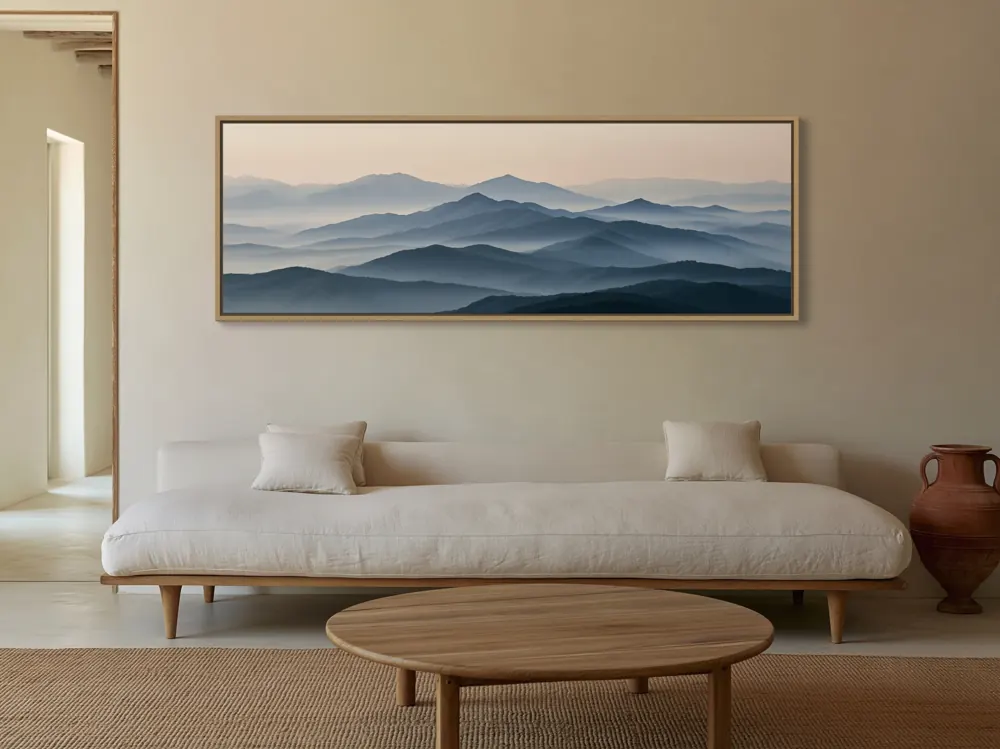
The first image should show the artwork large and clear in an attractive room. In search results it competes with dozens of other thumbnails, so the artwork has to be recognisable at a small size.
Avoid busy scenes where furniture, plants or patterned rugs compete with the art. A light, simple room usually works best as the hero; save bolder rooms for later images. If your shop has a recognisable style, a consistent hero room across listings helps buyers recognise your work.
Slot 2: a scale image with familiar furniture
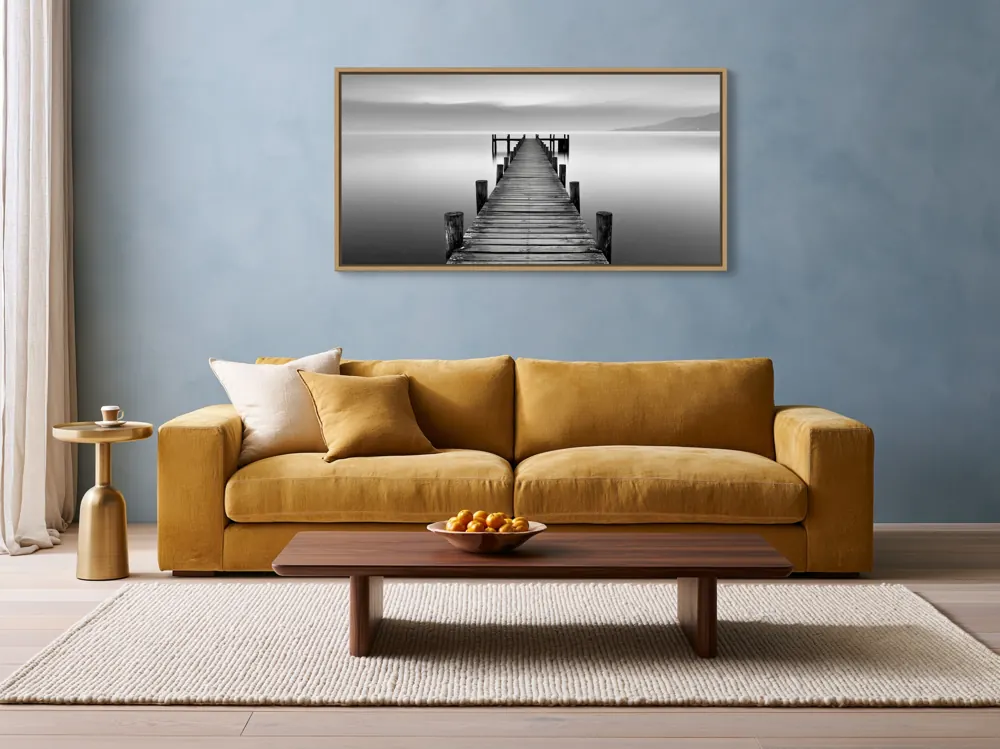
Buyers judge size from furniture: a sofa, a bed, a sideboard or a console table. Show the art above one of these at a believable size.
If you sell several sizes, a separate size-guide image is clearer than trying to show every size in one room. Many sellers show the same room with two or three sizes side by side, or a simple chart with the dimensions in inches and centimetres.
Slots 3–5: the artwork and the product
Show the flat artwork once, so buyers can see the full composition without room styling. Then show the frame, mat or canvas edge closely enough to read the finish. For framed prints, the mat width and frame colour matter; for canvas, the edge and depth.
If you sell the artwork unframed, say so on one of these images. A buyer who expects a frame and receives a rolled print will be disappointed, however good the photos were.
Slots 6–10: alternative rooms
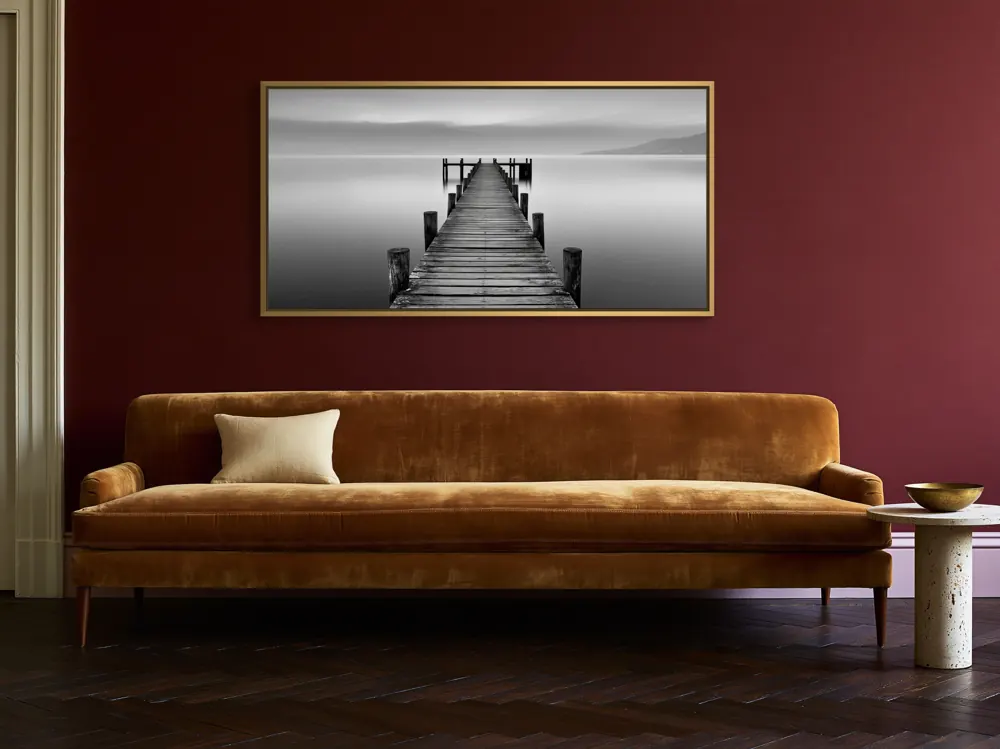
Different buyers decorate differently. Add a bedroom, a living room and a dining room or entry, or a neutral room, a tinted room and a bold one. This lets more buyers picture the art in their own home and shows how flexible the piece is.
Change one thing at a time: a new room type, a new wall colour or a new style. Three nearly identical living rooms add little.
Slot 11: sizes and what's included
For physical prints, list the sizes and whether a frame is included. For digital downloads, show the ratios and file sizes the buyer receives (our print ratio guide lists the common families). Plain text on a clean background is fine here; clarity matters more than styling.
Slots 12–15: options and sets
If you sell several finishes, show the same room with each frame colour. If the artwork is part of a series, add a pair or trio on one wall. Sets encourage buyers to purchase more than one piece and show how the series works together. Link the matching listings in the description.
Slots 16–20: information and trust
Use the remaining slots for what still causes questions: printing tips for digital downloads, hanging hardware for canvas, packaging, close-ups of texture, or a seasonal room for the time of year. Leave a slot empty rather than adding a near-duplicate.
Add a short video
Etsy listings can also include a short, silent video. A slow pan across a room mockup, or a close look at the canvas edge, adds movement in a feed of still images. Keep it simple and accurate; it should show the same product as the photos.
Image size and thumbnails
Etsy's help article “Requirements and Best Practices for Images in Your Etsy Shop” lists the current recommended pixel sizes and how thumbnails are cropped. Many sellers export at least 2000 px on each side, in 4:3 landscape or square, and keep the art towards the centre so the search crop still shows it. Large exports also let buyers zoom.
Check every image at thumbnail size, and make sure the colours match your file. Follow Etsy's current guidance rather than old forum advice, because the details change.
Photos win attention; words win search
Write useful alt text for each photo and a clear first line in the description. The title, tags and description are what Etsy search reads; the photos are what the buyer reads.
Questions sellers ask
How many photos can an Etsy listing have?
Up to 20 photos and a short video at the time of writing. Check Etsy's help centre for the current limits.
What should the first Etsy photo of wall art be?
A room image where the artwork is large, centred and easy to recognise at thumbnail size, in a calm room that suits the art.
Should I show the flat artwork too?
Yes, one image of the artwork on its own lets buyers see the full composition without room styling.
Do I need a different room for every photo?
Use several different rooms, but repeat the hero room for the detail shot so the sequence feels connected.