Framed fine-art prints
Show the mat, the frame finish and a close room view, so a higher price looks earned.
Frame mockup generator
Short answer: a frame mockup generator puts your artwork inside a picture frame on a room wall. WallMock does it for framed prints with or without a mat, framed posters and framed canvas, in black, white, natural oak, walnut, espresso, gold or silver. Custom frame colours are also available. Your file is placed as supplied, never redrawn, so the framed photo matches the print.
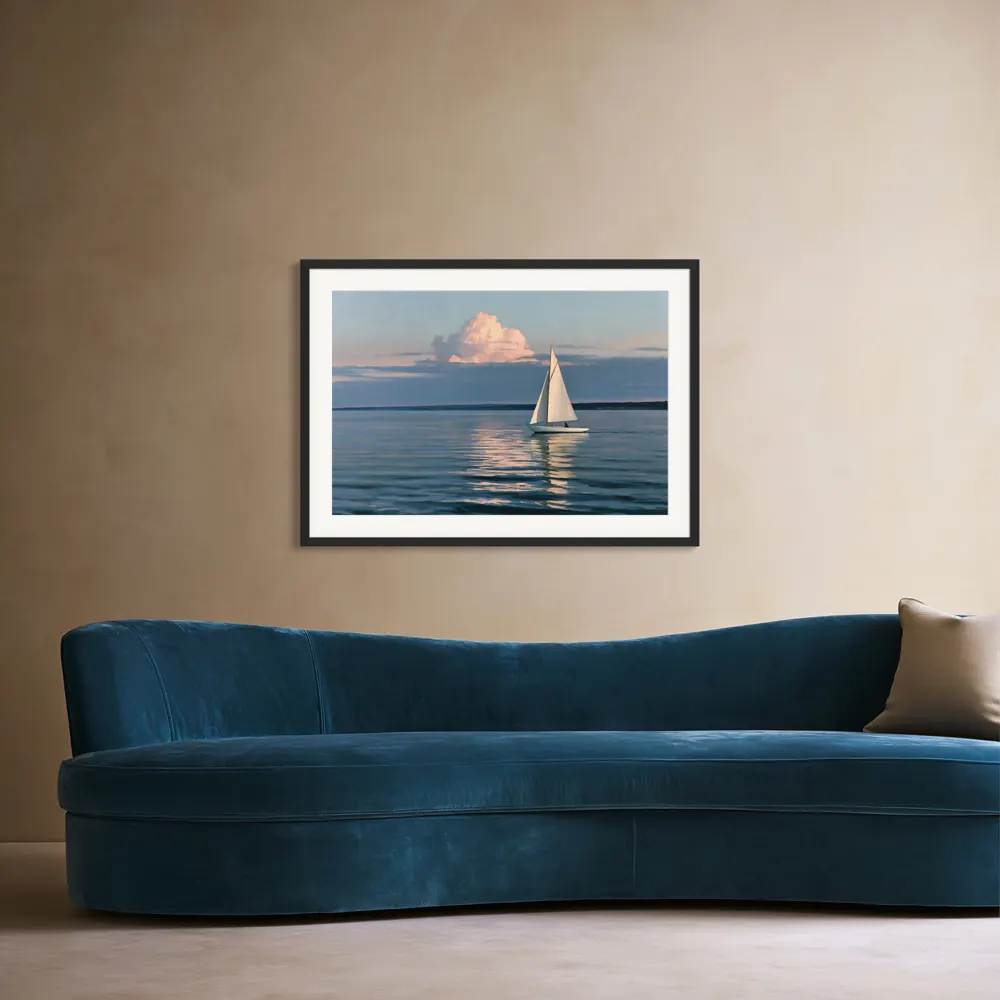
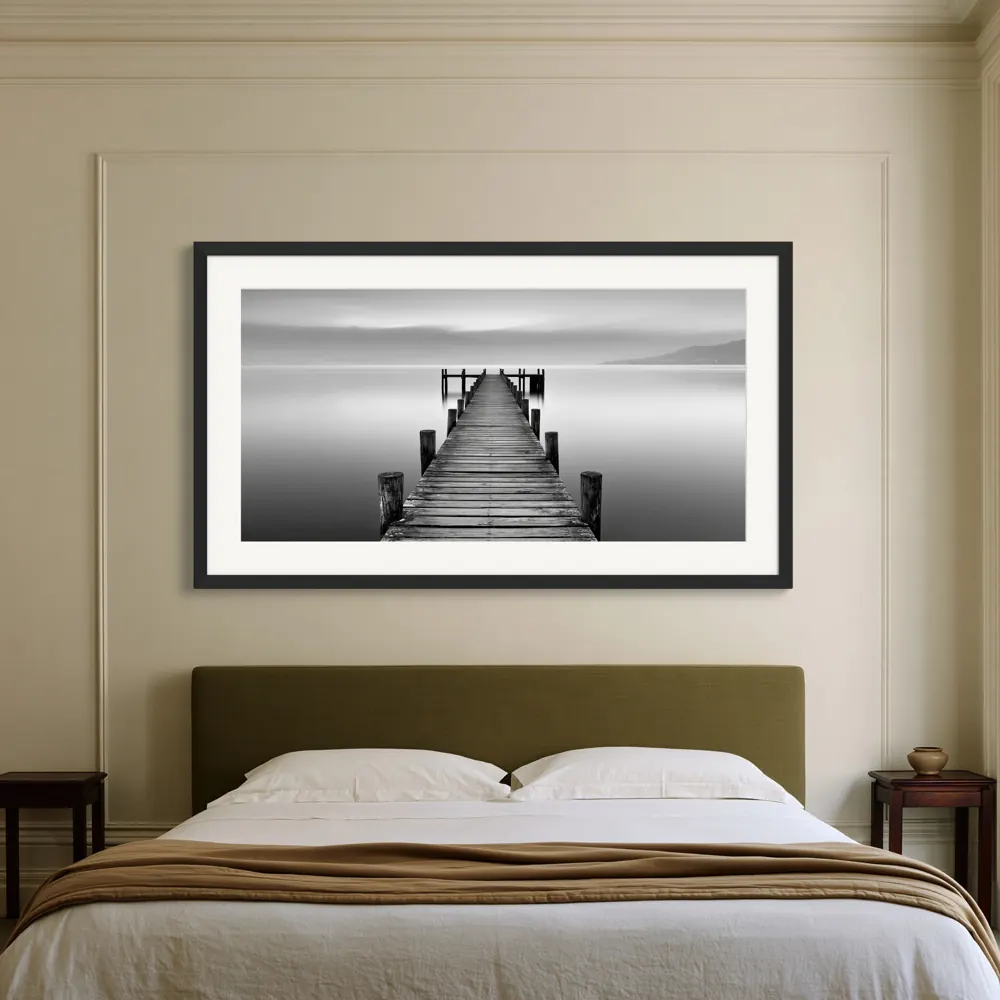
Buyers spot a fake frame quickly. A frame mockup looks real when these four things agree with each other:
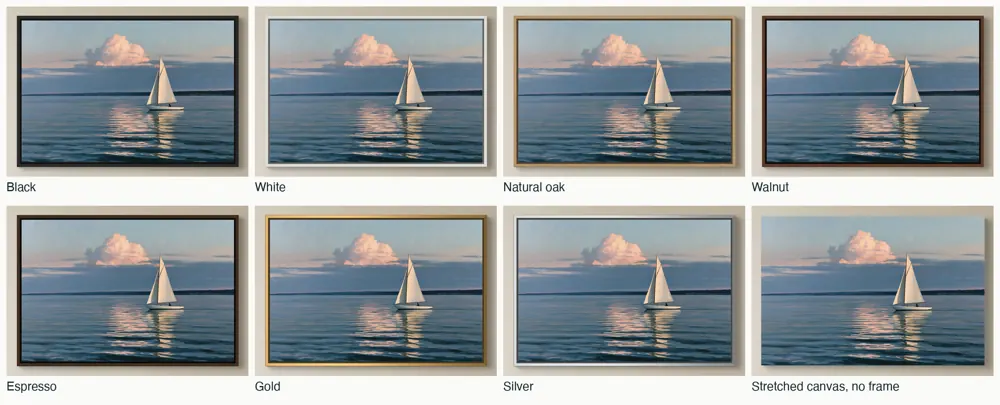
WallMock offers black, white, natural oak, walnut, espresso, gold and silver frames. Custom frame colours are also available. Choose by the art first, then the room, and if you sell several colours, show the same artwork in the same room in each one, so buyers compare only the frame. Which colour suits which art is covered in our guide to frame colours for wall art mockups.
A mat, also called a passe-partout, is the card border between the frame and the print. It gives the art breathing room and makes a small print feel like a gallery piece. Fine-art prints, photography and botanical studies benefit most. Bold posters usually look better without one.
Two rules keep a matted mockup honest:
To plan outer frame size from print size and mat width, use the free frame and mat calculator. For proportions that look right, read frame and mat proportions.
Upload the print file you sell. It keeps its own shape, from square to tall and panoramic.
Choose framed print or framed canvas, the frame finish and, for prints, whether to add a mat. Save the setup to reuse on your next design.
Check free watermarked previews in your saved rooms, then make clean images up to 4096 px for your listing.
Show the mat, the frame finish and a close room view, so a higher price looks earned.
Match the frame colours your provider offers and show each one in a real-looking room instead of a plain backdrop.
Make the same artwork in every finish you stock, ready for variation photos.
A frame mockup is an image of your artwork inside a picture frame, usually hanging on a wall in a room. It shows buyers the frame colour, the mat and the size before they order.
Yes. WallMock runs in your web browser, so there are no PSD files, smart objects or Photoshop. Previews and images are made in your browser, on your device.
The one you ship first. If you offer several colours, use your best seller in the hero photo and show the others in later photos, ideally the same artwork in the same room so buyers compare only the frame.
Only if the product has one. A mat suits photography, botanicals and line art, and makes small prints look more finished. If your print provider ships the frame without a mat, show it without one.
Very little in the photo: both show paper behind a frame. Framed fine-art prints more often have a mat and a heavier paper. Describe the paper and glazing in your listing text, since a photo cannot show them.
Plan for it. In a real frame the lip or mat overlaps the edge of the print slightly, so keep signatures and text away from the very edge. WallMock keeps your file's own proportions and never stretches it to fit a frame.