Print-on-demand guide
Printify mockups for framed canvas and posters
Short answer: Printify gives you free product mockups in its Mockup Library, and you choose which ones publish to Etsy or Shopify. For wall art they are mostly plain, generic scenes. You can upload your own room mockups in the same library (JPG, PNG or SVG). Or add them on Etsy and leave the Mockups box unticked when you republish, so Printify doesn't replace them. Keep the frame, size and finish in your mockup the same as the Printify product you sell.
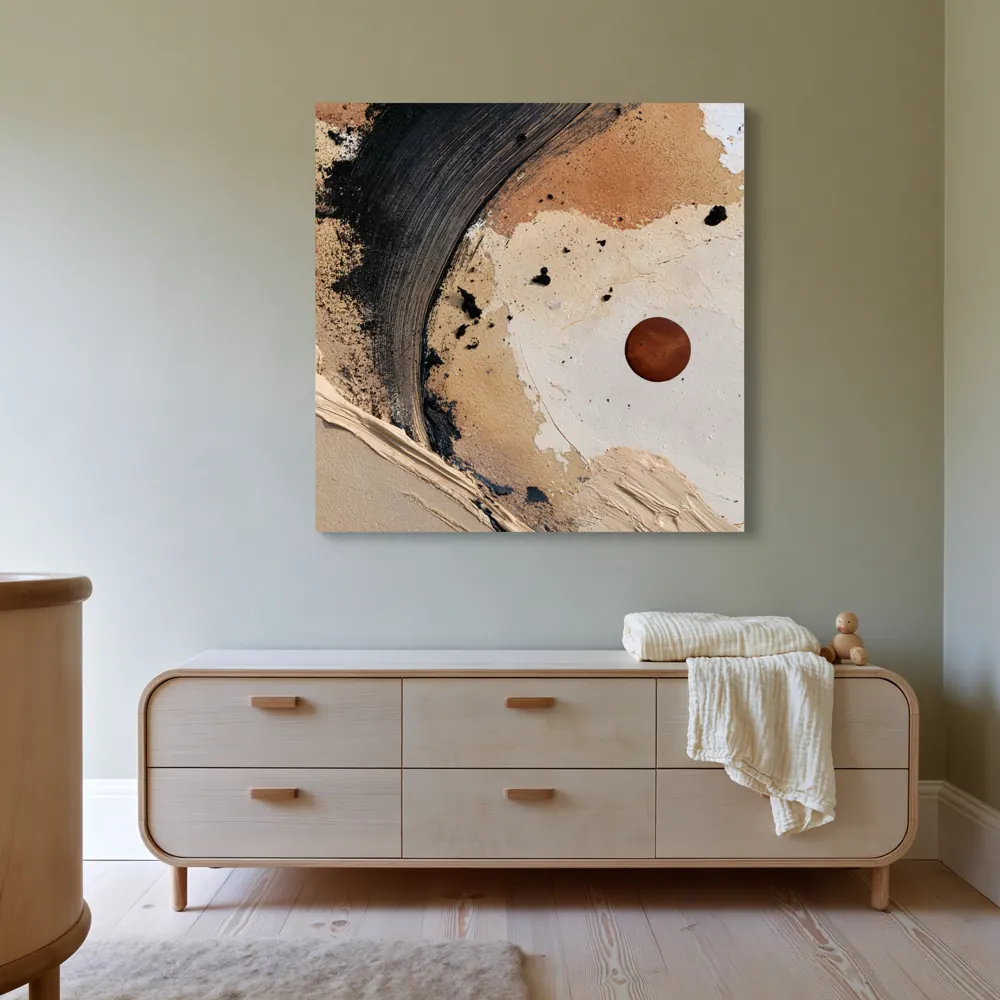
What Printify's built-in mockups give you
Every Printify product comes with mockups. You pick them in the Mockup Library: open a product in My products and choose View all mockups. According to Printify's help page, you can:
- filter mockups by colour, size and type, and select up to the maximum allowed for the listing;
- choose different mockups for each colour group, and set the main mockup for each colour;
- download mockups with a white or transparent background;
- upload your own custom mockups.
For wall art, Printify's product pages list stretched canvas, gallery-wrapped canvas and framed canvas with a pine wood frame (canvas page), and framed posters in black or white wooden frames as well as unframed posters (posters page). What you can choose depends on the print provider you pick.
There are two extras. A custom background lets you put your own image behind some mockups, but Printify says it only works for a limited number of products. It recommends a 2048 × 2048 px background (source). AI mockups come with Printify Premium, for select products only, with 25 generation attempts every 24 hours (source).
Printify also says its mockups are representations, and suggests ordering samples to see what customers receive (source). For framed canvas and posters, that sample is also your best source of a real photo.
Printify mockup not showing on Etsy: what to check
Most "missing mockup" problems come from publishing settings, not from the image itself. Work down this table. Each fix is from Printify's own help pages.
| What you see | Likely cause | What to do |
|---|---|---|
| Publishing to Etsy fails | More than 20 mockups selected. Etsy allows 20 per product, across all colours | Select 20 or fewer in the Mockup Library (source) |
| Nothing publishes at all | Etsy connection expired after an Etsy password change, or the shop is inactive or in Vacation Mode | Click Reconnect in Printify, then check the shop loads while logged out (source) |
| A new size or colour has no photo on Etsy | You republished without ticking Mockups | Republish with Mockups ticked, or upload an image to that variant on Etsy (source) |
| Your own Etsy photos vanished | Publishing Printify mockups replaces your Etsy mockups, including videos | When you republish, untick Mockups and update only the details you changed (source) |
| Etsy photos didn't come back into Printify | Update from Etsy brings back titles, tags and descriptions, not mockups or images | Keep your photo files yourself. Don't rely on Printify to store Etsy-only images (source) |
Still stuck? Printify's help page says a general publishing error with no detail should go to its support team. Send them the product so they can check your account.
Printify mockup image size
There are two numbers to know:
- Uploading to Printify: custom mockups can be JPG, PNG or SVG, up to 30,000 × 30,000 px (Printify).
- Showing on Etsy: Etsy recommends listing photos at least 2000 px in width and height. It also says the first photo should be at least 635 px, should be landscape or square, and works best in sRGB. Transparent parts of a PNG show as black (Etsy).
So a large, square or landscape JPG in sRGB is the safe choice for a framed canvas or poster hero photo. Don't use a transparent PNG. Etsy also warns that files over 1 MB may not finish uploading on a slow connection.
How to add your own room mockups to a Printify listing
You have two routes. Pick one per product and stick with it, so a later republish doesn't surprise you.
Route A: upload the mockups in Printify
Best when you want Printify to stay in charge of the listing. Steps from Printify's help page:
- In Printify, go to My products and open the product.
- Click View all mockups (top right).
- Choose Upload in the left menu and pick your file.
- Select the variant the mockup belongs to, for example the 16×20 black-framed version.
- Change the image order if needed, then click Save selection.
- Publish to your store with the Mockups option ticked.
Route B: add the photos on Etsy or Shopify
Best when you edit listings in your store. Printify's selective publishing page says you can keep manually uploaded mockups by leaving Mockups unticked when you republish. Printify recommends making every other change in Printify, and names mockups as the exception.
- Publish the product from Printify once.
- In Etsy Shop Manager, edit the listing and add your room photos. Etsy allows up to 20 photos and 2 videos per listing (Etsy).
- Drag your best room photo to the first slot. It becomes the thumbnail.
- Next time you change price or tags in Printify, publish with Mockups unticked.
Printify warns that changing the design, its placement or the variants and then publishing updates the whole product (source). Before a big edit, keep copies of your room images so you can put them back.
Match the mockup to the Printify product
Printify asks that a custom mockup closely matches the real product, and its content rules for designs apply to mockups too (source). Etsy's rules say listing images must accurately show what the buyer gets. Most listings also need at least one unedited photo of the real item, with a print-on-demand exception for authorised stock mockups. Read Etsy's page to see how it applies to your product. Before you upload, check:
- Same product: framed canvas, gallery-wrapped canvas or framed poster, exactly as listed.
- Same frame colour as the variant, for example black or white for framed posters.
- Mat or no mat, as the provider makes it.
- Same shape: a 2:3 file shown as 2:3, never stretched or cropped to fit a scene.
- A believable size on the wall for the variant the photo belongs to.
- The artwork itself unchanged: lettering, signature and colours exactly as printed.
- A real photo of a sample you ordered, if Etsy's rules need one for your product.
Where WallMock fits
WallMock is a mockup tool, not a print provider. You keep using Printify for printing and shipping. You use WallMock for the room photos.
- Upload the same artwork file you send to Printify. WallMock places your file as it is: it is never redrawn, repainted or upscaled by AI.
- Choose the product that matches your Printify listing: framed canvas (floating frame), stretched canvas, framed print, with or without a mat, poster and print without a frame.
- Save favourite rooms once, add a whole collection, and get every artwork in every room. Sets of 2, 3 or 4 work too.
- Download the images, then follow Route A or Route B above.
Free watermarked previews in every room. Rooms are curated, digitally staged interiors reviewed by WallMock. Anyone can try free watermarked previews. Full access is by invitation during the beta: request one, then sign in with your invited email.
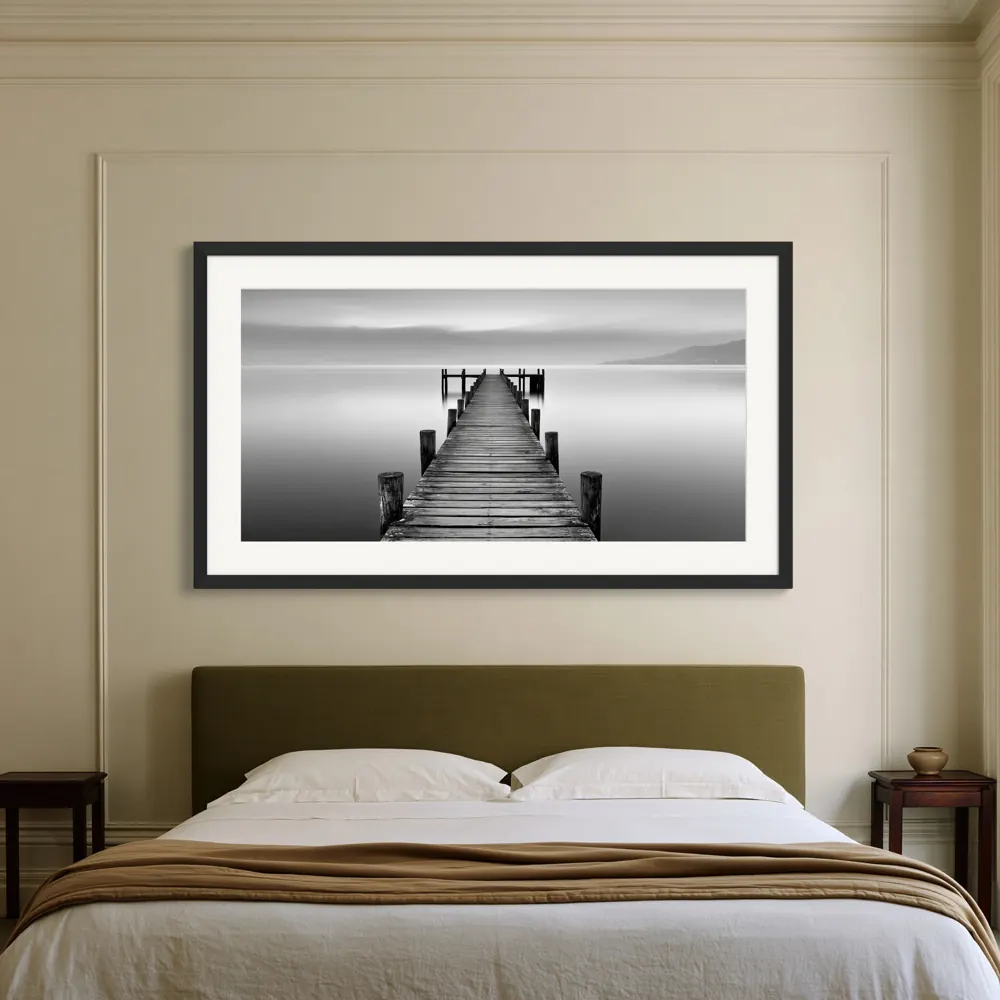
Sources
- Printify: What is the Mockup Library?, checked 2026-10-26
- Printify: How do I upload custom mockups for a product?, checked 2026-10-26
- Printify: Selective publishing on your sales channels, checked 2026-10-26
- Printify: Why was my product information overwritten?, checked 2026-10-26
- Printify: Why can't I publish my products to Etsy?, checked 2026-10-26
- Printify: Etsy Listing Sync (Update from Etsy), checked 2026-10-26
- Printify: Custom background for mockups, checked 2026-10-26
- Printify: AI mockups, checked 2026-10-26
- Printify: Why does my product look different from the mockup?, checked 2026-10-26
- Printify: Custom canvas prints, checked 2026-10-26
- Printify: Custom posters, checked 2026-10-26
- Etsy Help: Requirements and best practices for images, checked 2026-10-26
- Etsy Help: How listing image requirements apply to your listings, checked 2026-10-26
- Etsy Help: How to create a listing, checked 2026-10-26