Testing and examples
Open the files behind our mockup examples
The best way to judge a mockup is to open the file. Compare the original artwork with what came out of WallMock, look at the frame and edge up close, and see exactly what each test checked.
Inspect the product detail before making a collection
Start with the construction you sell. These pages pair actual WallMock outputs with details you can inspect:
- Floating canvas: the open reveal, frame joint and wall shadow.
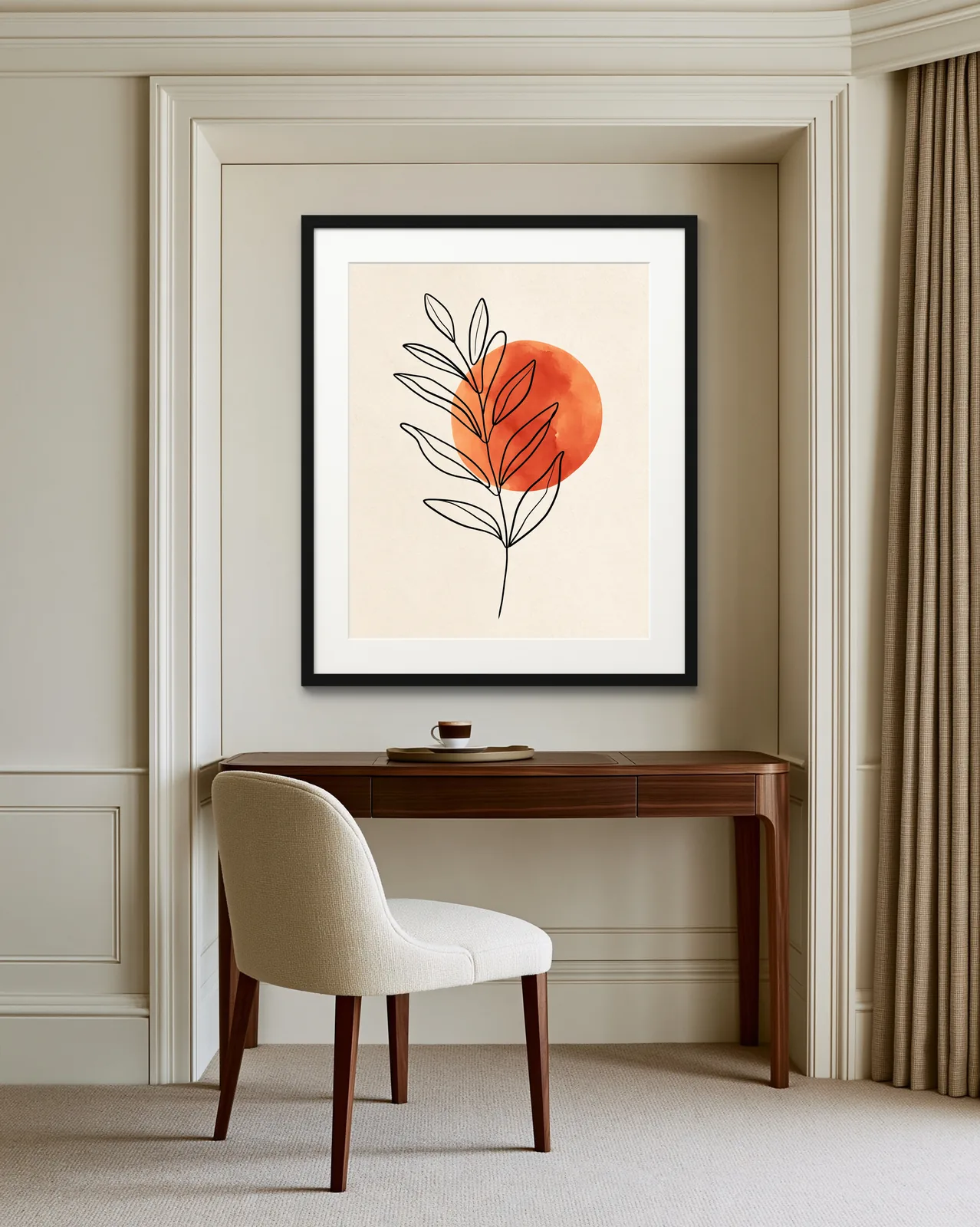
- Framed paper and mats: the frame lip, bevel and recessed print, with matching room views.
- Frameless metal panels: the same artwork and room in Gloss, High gloss and Matte.
These are visual examples of our digital products. The historical artwork measurements below have their own stated scope; neither those measurements nor a close-up certifies a supplier’s physical frame or coating. Compare a sample before representing the item you ship.
Small lettering and fine lines stay part of the artwork
The recorded example set compares 68 placed panels from 30 artwork files across 61 room images. It includes single pieces and sets. WallMock’s own check and a separate second check compare detail and colour against the source files, with a control test to confirm that a similar-looking picture would not pass as the original.
Read the methods and results, or open the measurement ledger with the exact image files and their SHA-256 hashes. These are historical example measurements from October 2026, not a fresh test of every current download. A source-file comparison does not establish physical print colour or supplier-frame accuracy.
A panorama needs a shape check before a room check
A 6000 × 2000 px file has a 3:1 ratio. A 36 × 12 inch print has the same ratio, so it needs no composition crop. A 30 × 12 inch product is 5:2; filling that shape with the same file requires a crop or a border. The ratio calculator makes the difference visible before you choose a room.
Measure the artwork opening in a front-on view. In an angled photograph, perspective changes the visible width and height; the image-plane bounding box is not a ratio test. See panoramic and tall artwork for room choices and crop checks.
The frame is part of what the buyer orders
Match the product family first: stretched canvas, floating-frame canvas, framed paper print or metal panel. Then compare face width, gap, depth, mat and finish with the specific product your provider ships. Premium proportions is the default visual setting. Frame width and Floating gap adjust the visual proportions. Check exact gap, depth and finish against your provider’s specifications.
A walnut swatch on a screen is not a stained-wood sample. Use a sample and side-by-side photos for that decision, and keep the sample date and provider product with your listing records. Print colour and screen colour explains the other part of the comparison.
A collection needs an output count and a final review
We also ran a collection through the live Studio: three source files, three rooms and nine verified Free-plan downloads. The walkthrough includes the actual ZIP, file checks and the room-access limit encountered.
Four separate artworks in five compatible rooms make 20 single-artwork images. A pair of artworks together in those five rooms makes five set images. Check the planned count and unavailable combinations before generating; review the finished files and download them before refreshing the session.
That is a worked example, not a timed run. The bulk checklist explains saved choices, representative previews and grouped downloads. Free accounts include 10 watermark-free 4K (4096 px) single-artwork downloads every 30 days. Paid plans add more images (Lite 200 a month, Pro unlimited), sets and listing kits; Pro adds listing videos. Send to Shopify is in limited beta on Pro and the WallMock Studio plan, and will be on every plan when it opens.
Check the listing after the images leave WallMock
Open the marketplace draft and select each size, frame and mat option. Check which image the buyer sees, the thumbnail crop and the written dimensions. Repeat after a provider sync or a listing update. Our listing proof checklist walks through this final step.
Our calculators have automated checks for their documented examples, and release checks compare public plan facts with the app’s offers. Those checks cover calculations and commercial terms; they are separate from artwork measurements, physical samples and customer outcomes.
WallMock grew out of AK’s own listing workflow. Questions or corrections? Email hello@wallmock.com.