Free tool
Printable wall art size pack maker
Short answer: choose one artwork file and the tool makes the largest crop at each of the five standard printable ratios, 2:3, 3:4, 4:5, 11:14 and ISO A, at full resolution, and downloads them in one ZIP. A slider moves the crops to keep the part of the art you want. A 4000 × 6000 px file gives a 4000 × 5000 px 4:5 crop. Nothing is uploaded.
Make your size pack
Example, a 4000 × 6000 px file: five crops, each the largest of its shape.
| Ratio | Crop | Image kept | Largest print at 300 DPI |
|---|---|---|---|
| 2:3 | 4000 × 6000 px | 100% | 12 × 18 in |
| 3:4 | 4000 × 5333 px | 89% | 12 × 16 in |
| 4:5 | 4000 × 5000 px | 83% | 8 × 10 in |
| 11:14 | 4000 × 5091 px | 85% | 11 × 14 in |
| ISO A (A4, A3…) | 4000 × 5657 px | 94% | A3 |
Then show it on a wall
Show buyers the print in a room
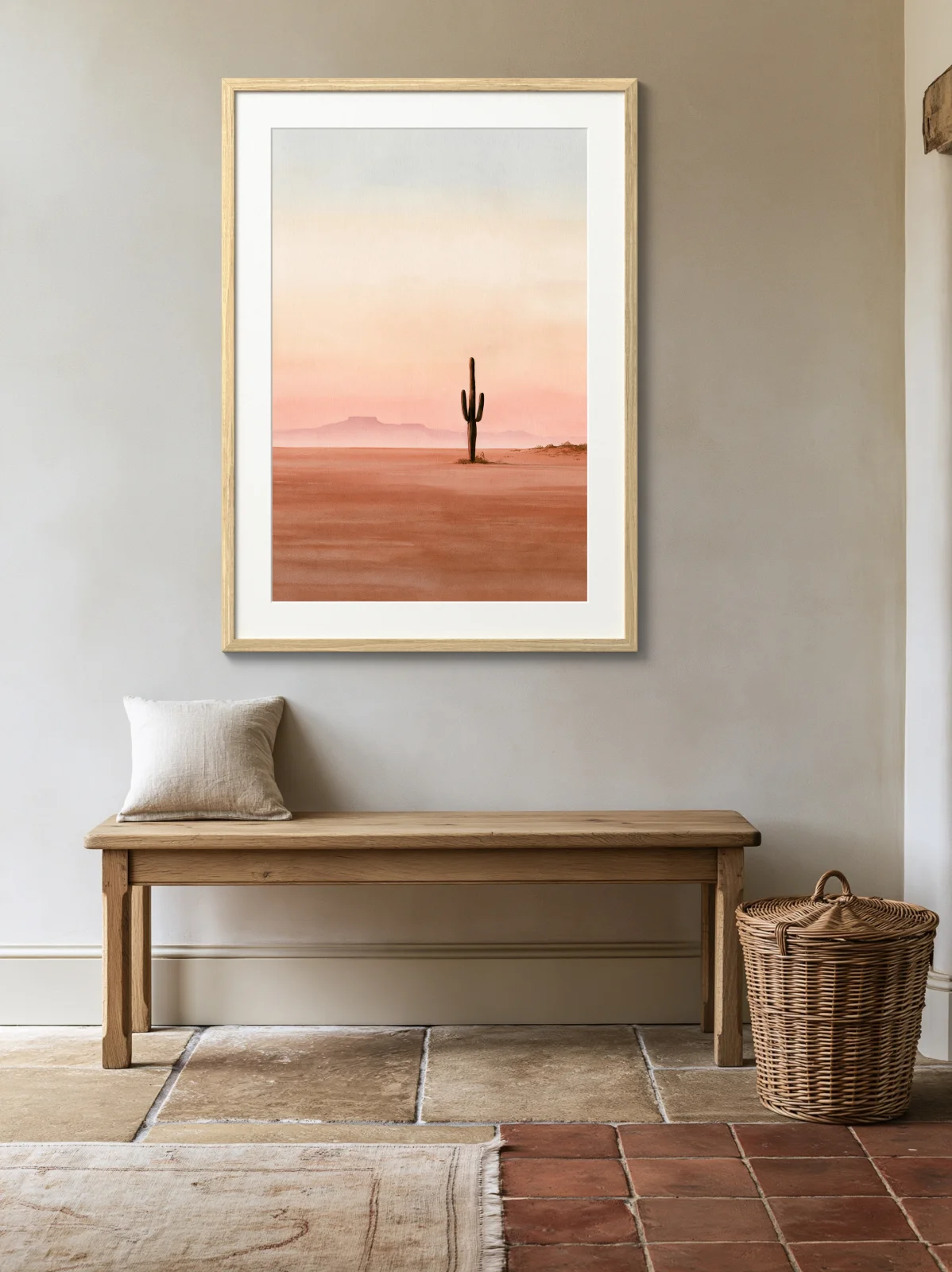
Buyers need a clear preview of a digital download. WallMock shows your exact artwork as a framed print with or without a mat in 500+ curated rooms, for every design in your shop at once.
Try WallMock free with no sign-up and no card: up to three artworks in 8 sample rooms, as watermarked previews made on your device.
What is in the pack
| File | Prints at |
|---|---|
| 2:3 | 4 × 6, 8 × 12, 12 × 18, 16 × 24, 20 × 30, 24 × 36 in |
| 3:4 | 6 × 8, 9 × 12, 12 × 16, 18 × 24, 30 × 40 in |
| 4:5 | 4 × 5, 8 × 10, 16 × 20, 24 × 30 in |
| 11:14 | 11 × 14, 22 × 28 in |
| ISO A | A5, A4, A3, A2, A1 (one shape, 1:√2) |
Files are named after your original with the ratio added, for example sunset-4x5.png, so buyers know which to print.
Before you list
- Check each crop. A crop removes part of the art; keep important detail away from the edges.
- Check resolution. The table shows the largest size each crop prints at 300 DPI; use the print resolution checker for more.
- Tell buyers the sizes. List the sizes each file prints in the description.
Read next: the crop to print size tool, for one crop you place by hand and print ratios and sizes for wall art.
More free tools
Questions
Which ratios should a printable wall art pack include?
These five common printable ratio families cover many standard frames: 2:3 (4 × 6 to 24 × 36), 3:4 (6 × 8 to 18 × 24), 4:5 (8 × 10, 16 × 20), 11:14 and ISO A (A5 to A1). Buyers print the size they need from the file of the right shape.
Is the pack made at full resolution?
Yes. Each crop keeps the pixel dimensions of the area it covers; nothing is enlarged. PNG avoids further lossy compression; JPEG at quality 95 makes smaller files. Browser export is not a substitute for a colour-managed print workflow.
Can I choose what each crop keeps?
Yes. The slider moves every crop along the side that is cropped, from one edge (0%) through the centre (50%) to the other (100%). Check the previews before you download.
Is my artwork uploaded?
No. The file is opened, cropped and zipped in your browser; nothing leaves your device.
How large a file can it handle?
Large files and five full-resolution crops can use substantial memory. Phones limit how large an image the browser can make, so very large packs may fail there; use a computer for those.