How it works · Exact art
See what happens to your artwork in a mockup
The file you upload is what goes inside the frame. WallMock scales and places it in the room, keeping its proportions. Look at the proof to compare fine lines, colours and edges with the original.
This page shows what happens to your file, why it matters when you sell prints, how we measured it, and what to check in any tool. The images below open the exact files used in the study. More are on the wall art mockup examples page, and you can try the wall art mockup generator free.
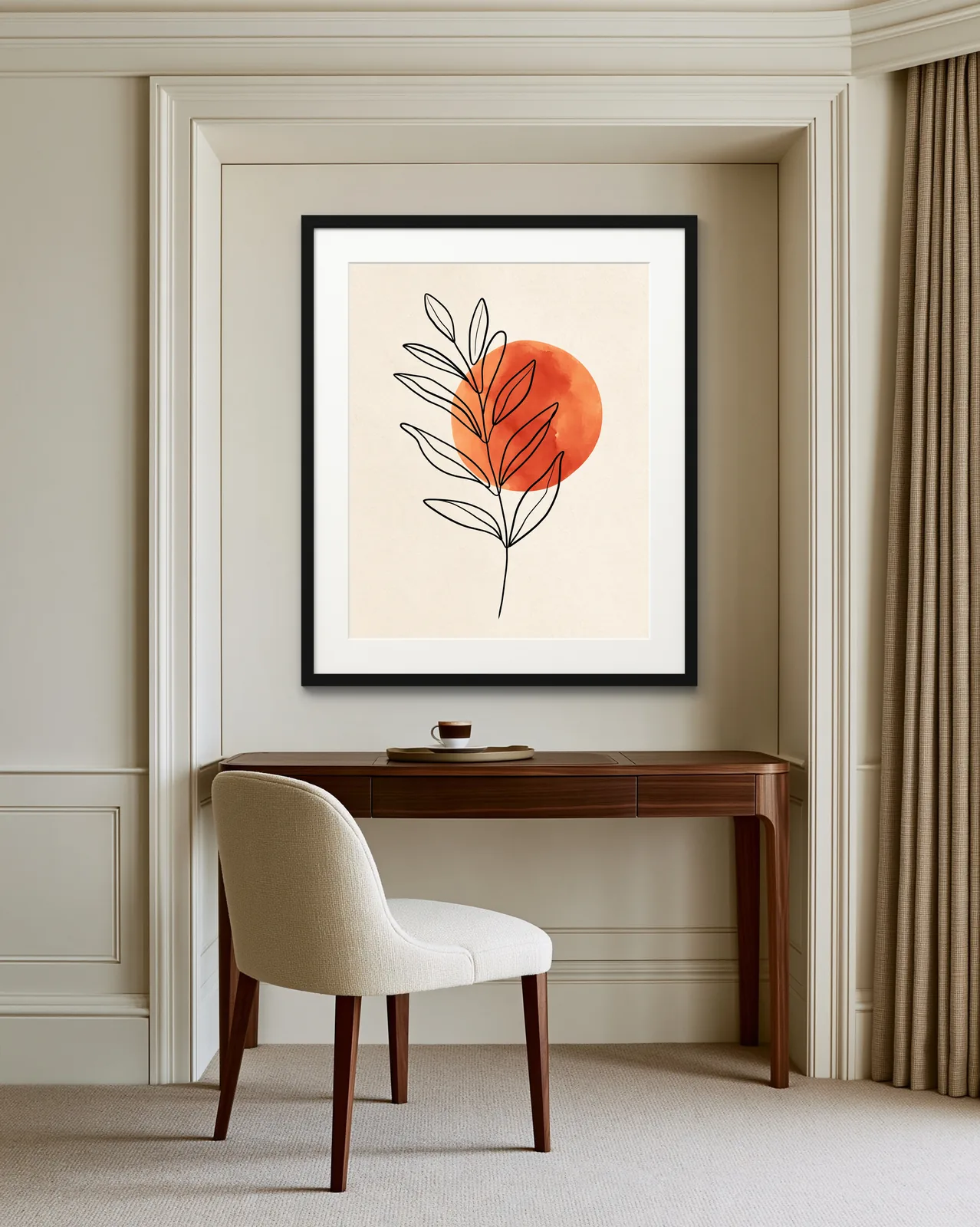
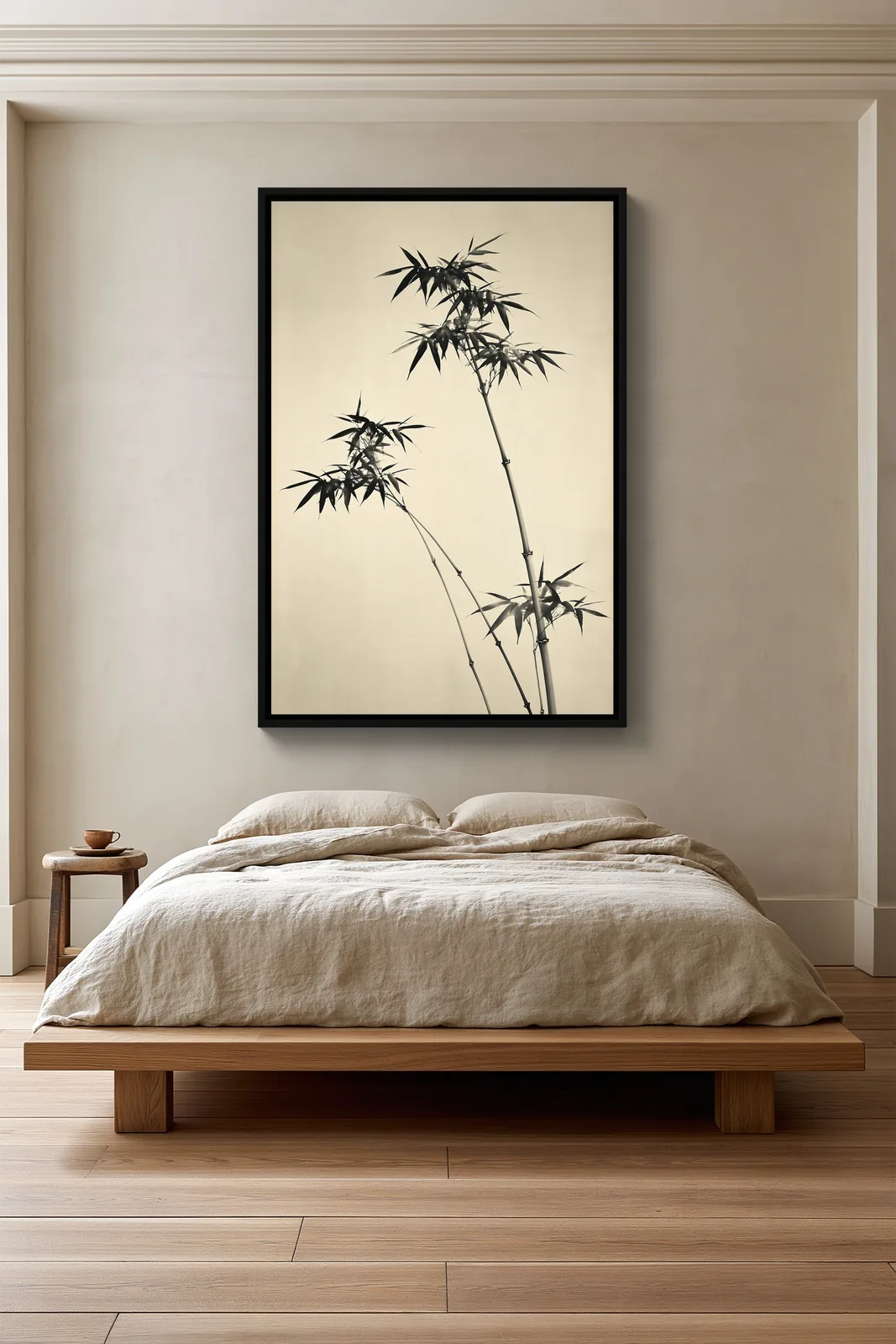
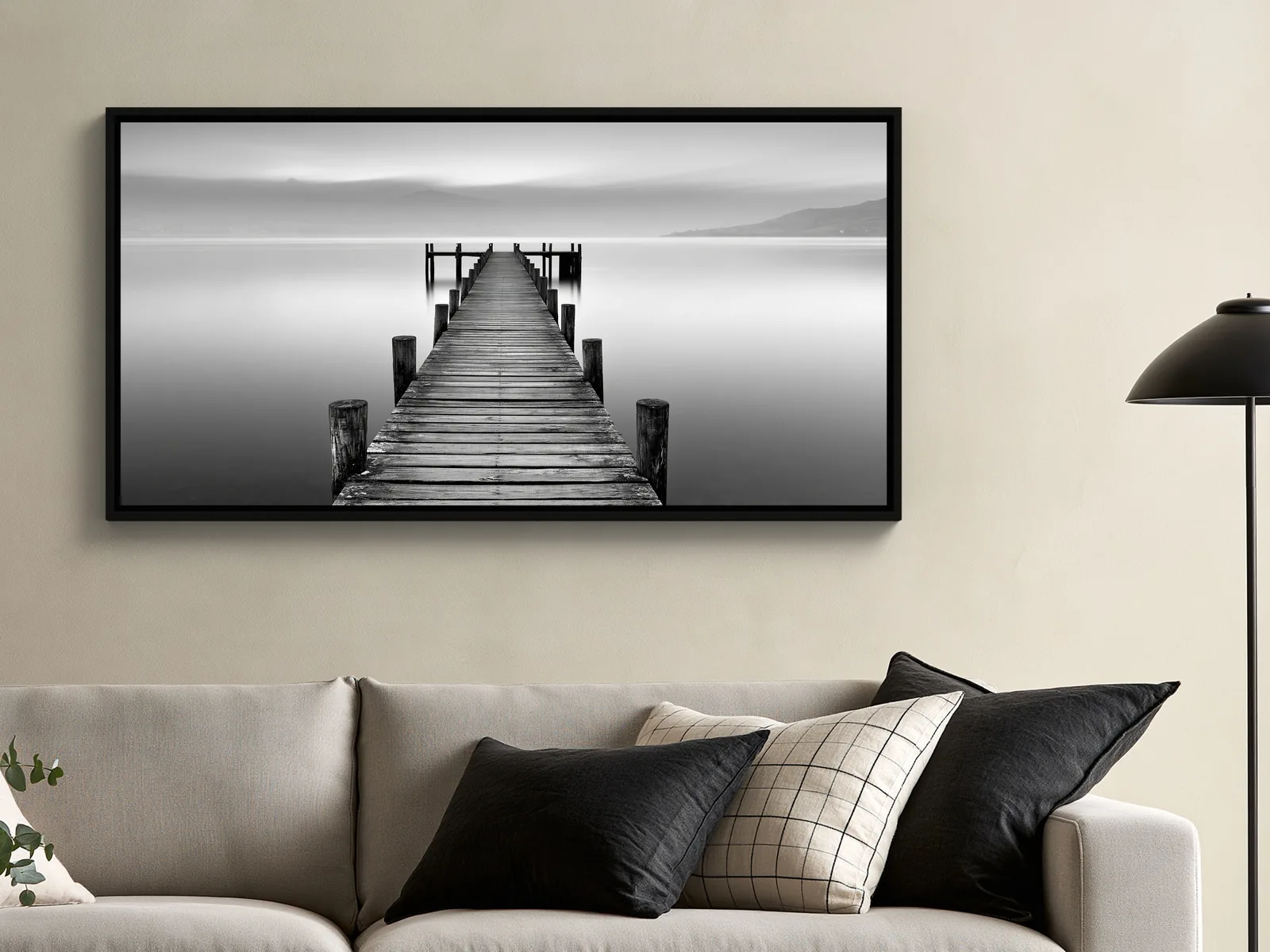
What WallMock does with your file
WallMock places your file as it is: it is never redrawn, repainted or upscaled by AI. The frame, the mat, the shadow and the room are built around your artwork. The artwork itself comes from your file.
- Same picture. Lettering, signatures, faces, fine lines and brush marks stay as they are in your file.
- Same shape. Your art keeps its own proportions, from square to 3:1 panoramas and 1:3 tall pieces. It is never stretched or squashed to fit a room.
- Same file for a set. In a set of 2, 3 or 4, each panel is its own file, placed as supplied.
The art is resized to fit the frame in the room, and the finished image is saved as a compressed image file, up to 4K. That changes how many pixels the art takes up, not what it shows.
Why exact art matters when you sell prints
Your buyer pays for the picture. If a mockup tool redraws it, the listing can show a slightly different picture from the print that arrives: a misspelled word in a quote print, a changed signature, a face that looks like someone else, a shifted brand colour. Each one is a reason for a return, a bad review or a message you have to answer.
Etsy's photo rules point the same way. Etsy's listing image rules (checked 6 November 2026): most listings need at least one unedited photo of the actual item against a real background, with no editing or AI tools on that photo. Other photos may be edited if they show the item accurately. Etsy allows an authorised stock photo mockup when a production partner prints your original design on a standard base product, and digital downloads need a preview of the content. So use WallMock images for your room and detail photos, and add one real photo of the print or canvas unless you sell print on demand or downloads. Source: Etsy listing image requirements (checked 2026-10-29). Our guide are AI mockups allowed on Etsy? goes through the rule in detail.
How we measured it on our examples
In October 2026, we checked 61 room images made with WallMock from 30 artwork files. The set includes single pieces, grouped sets, panoramas and tall pieces. Each panel of a set was checked on its own, so that is 68 placed artworks. Two checks ran on each one:
- WallMock's own check. For this example set, WallMock's saved checks compare the placed artwork with its source file.
- A separate comparison. A second set of saved checks compares each example's artwork with its source for detail match and average colour difference. This was an internal check run separately, not an external audit of the service.
Detail match compares shapes, edges and fine detail: 1 out of 1 means identical. Colour difference is a numeric distance between two colours: 0 means the same colour. These measurements describe the compared pixels; they do not establish how people perceive the image.
All 68 passed both checks. Here are the results:
| Measure | Typical (median) | Weakest result | What it means |
|---|---|---|---|
| Detail match, separate check | 0.998 | 0.9927 (lowest) | Detail matches the file almost exactly |
| Average colour difference, separate check | 0.41 | 0.715 (highest) | Recorded colour differences for the compared artwork |
| Detail match, WallMock's own check | 0.988 | 0.9467 (lowest) | Similarity recorded for the example set |
| Average colour difference, renderer check | 0.85 | 1.548 (highest) | Colour difference recorded for the example set |
| Mirror control: a look-alike copy of the file | 0.51 | 0.8184 (highest) | A look-alike scores far lower, so the check can tell your file apart |
The lowest renderer score, 0.9467, was one panel of a set; the separate check scored that same panel 0.9981. These are recorded comparisons with different methods, so their numbers differ a little.
Could a similar picture pass for the original? The saved checks also include look-alike versions of single artworks. Across 56 single pieces, the closest look-alike scored 0.8184 at most, while the source artwork scored 0.99 or more. The arch-and-sun artwork is almost symmetrical. Its two examples were checked again at a higher comparison resolution; both the original and repeated results are retained in the ledger.
The separate check also measured the brightness of each colour channel, red, green and blue, against the file: every one was within 0.1%.
These numbers describe our published example set. They are not a check the app runs on each image you make, and we don't claim they are. The measurement ledger links to each measured image and lists its SHA-256 hash, artwork ID, recorded measurements and comparison size. It is a historical example set, not a fresh benchmark or an audit of each export. What is the same for every image is how your file is placed: it is never redrawn, repainted or upscaled by AI.
The room is staged. Your art is exact.
Rooms are curated, digitally staged interiors reviewed by WallMock. The furniture, the light and the wall are a staged scene, chosen to show how your art could look in a home. They are not a photo of your print hanging somewhere.
That is why the two halves of a WallMock image deserve different trust. The room sets the mood. The artwork is the part your buyer is paying for, and that part is your file, placed as supplied. If you want buyers to see the physical piece too, Etsy's rule above already asks most shops for one unedited photo of the actual item.
What to check in any mockup tool
You don't have to take any tool's word for it, ours included. Before you list, make one mockup from a file with small text, a signature and one strong colour, then:
- Download it at full size and open it next to your original. Zoom to 200% on lettering, signatures and faces.
- Compare a flat area of colour. It should look the same, not warmer, cooler or brighter.
- Look for added or missing detail: new brush strokes, smoothed lines, a changed texture.
- Measure the art's width and height in the mockup and divide. The ratio should match your file (our guide to print ratios and sizes lists the common ones).
- Make a set of two or three. Every panel should match its own file.
- Check the product: the frame, the mat and the canvas should match what the buyer will get.
Our guide to AI mockup generators: exact art or redrawn? explains the two kinds of tool and how to test each. When your images are ready, the free Etsy listing photo checker checks their size and thumbnail crop.
Sources
- Etsy: listing image requirements, checked 2026-10-29
- WallMock room render measurements from 28–29 October 2026. Measured images and records