Wall art mockups
AI mockup generators for wall art: exact art or redrawn art?
Short answer: An AI mockup generator either regenerates the whole picture, room and artwork together, or places your exact file into a scene. Regenerating can quietly change lettering, signatures, colours and proportions. Then the listing no longer matches the print the buyer receives. For print sellers, choose a tool that places your file as supplied, and zoom in to check the art before you upload. WallMock places your file as it is: it is never redrawn by AI.
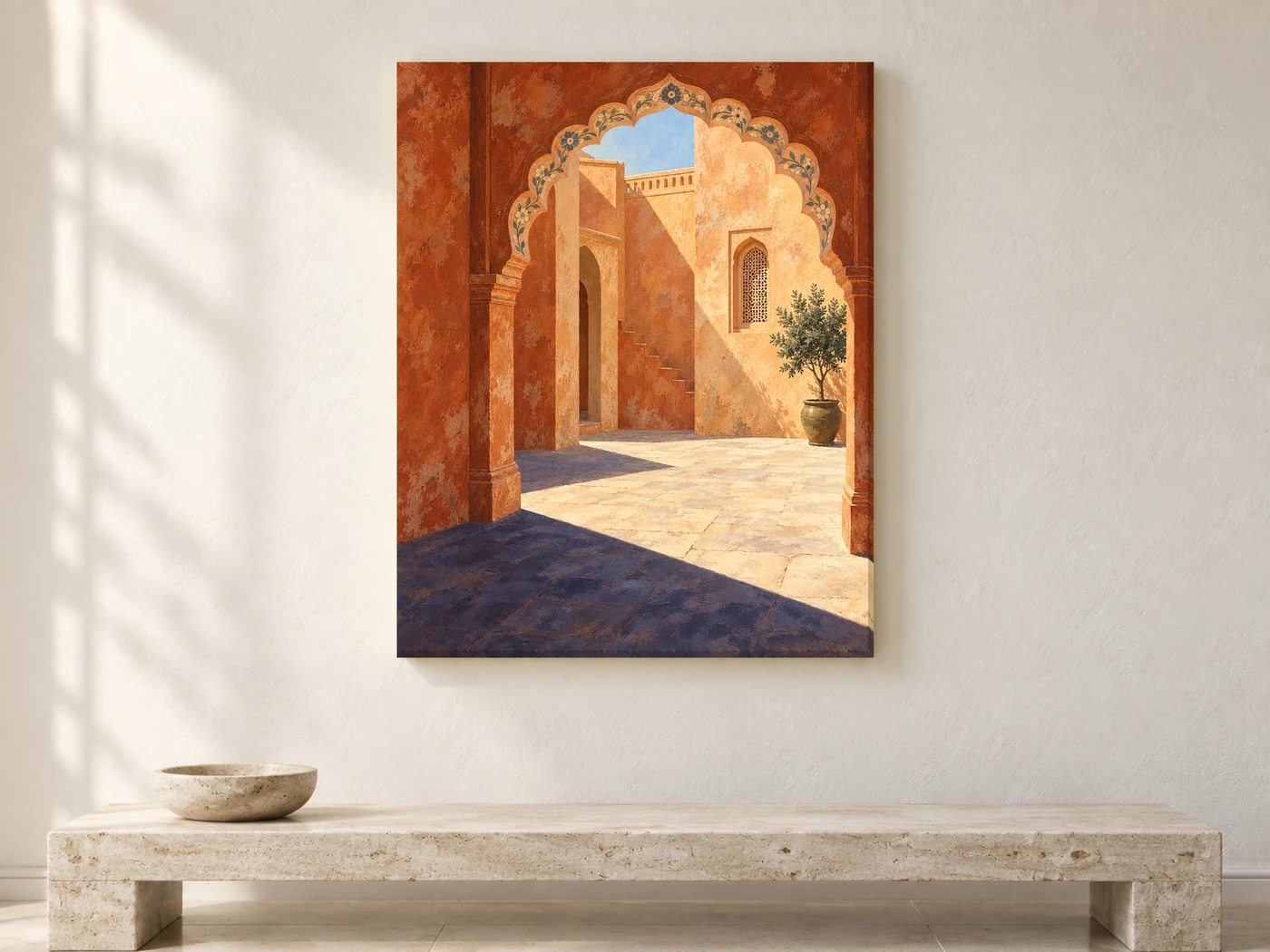
Two kinds of AI mockup generator
"AI mockup generator" covers two quite different tools:
| Regenerates the scene | Places your exact file | |
|---|---|---|
| How it works | An image model draws a new picture from your upload or prompt, art included | Your file is placed into a room. Software or AI may make the room, but not the art |
| Text and lettering | Can be respelled, blurred or invented | Stays exactly as in your file |
| Signature | Can be changed, removed or added | Unchanged |
| Colours | Can shift to suit the scene | Taken from your file, not redrawn |
| Proportions | Can be cropped or stretched to fit | Kept, if the tool respects your ratio |
| Best for | Mood images, concept boards, ads where the product isn't the point | Listing photos for a print the buyer will receive |
Print-on-demand platforms now offer AI mockups too. Printify describes its AI mockups as placing your existing designs into lifestyle settings. They are for select products, including embroidery bestsellers, with Printify Premium (source). Printful's AI mockups currently cover select apparel products when you create a new product (source). So for framed canvas and posters, check whether a given AI feature covers your product at all.
Why exact placement matters for print sellers
A wall art buyer pays for the image. If the mockup shows a slightly different image, the listing promises something you can't ship. Etsy's rules say all listing images must accurately show the item's true appearance, including colour and scale. Edits must not make the item look different from what the buyer will receive (Etsy).
With regenerated mockups, these are the usual problems:
- Typography prints: a quote, a city name or a date gets misspelled or restyled.
- Signed art: the signature changes or disappears.
- Colour-critical art: a brand colour, a skin tone or a subtle gradient drifts.
- Line art and maps: fine lines get smoothed, added or lost.
- Sets: three pieces meant to match come out slightly different from each other.
Every mismatch is a reason for a return, a bad review or a question you have to answer.
How to test any AI mockup tool
- Pick a test file with small text, a signature and one strong colour.
- Make one mockup in the tool and download it at full size.
- Open your original and the mockup side by side, and zoom to 200% on the text.
- Compare the signature, the edges and the colour of a flat area.
- Check the ratio: measure the art's width and height in the mockup and divide. It should match your file.
- Repeat with a set of two or three. All pieces should match your originals.
If anything changed, use that tool for mood images only, not for the listing photos that represent the print.
What Etsy says about AI, and what it covers
There are two separate questions. Etsy's policies answer each one, so read them yourself rather than relying on summaries:
- The artwork. If the item you sell was created with AI, Etsy asks you to disclose it in the listing. See What can I sell on Etsy?. This is about the art, not about your mockup tool.
- The listing photos. Etsy's listing image requirements allow editing photos, including with AI, as long as the item isn't misrepresented. Most items also need at least one unedited photo of the real item.
If your mockups show people, check the rules where you advertise. Printify's help center describes a New York law requiring disclosure of AI-generated humans in ads (Printify). The same article lists shots with no human present as likely not in scope.
For more on selling AI-assisted art itself, see selling AI art prints on Etsy.
Making your own room backgrounds with AI
Some sellers generate empty rooms in an image tool, then add their art in Photoshop or Canva. If you do this:
- Prompt for an empty wall, and never ask the model to draw your artwork.
- Check the tool's terms allow commercial use of the images.
- Look for warped furniture, impossible shadows and bent lines before you use a room.
- Place the art as a separate layer, at the right ratio and a believable size.
- Keep the lighting on the art believable without repainting it.
That works, but it's slow for a whole catalogue. Each room needs perspective, scale and lighting set up by hand.
How WallMock handles AI
WallMock places your file as it is: it is never redrawn, repainted or upscaled by AI. Rooms are curated, digitally staged interiors reviewed by WallMock. So your text, signature and colours reach the listing exactly as they will be printed.
- Choose the product: framed canvas (floating frame), stretched canvas, framed print, with or without a mat, poster and print without a frame.
- Save favourite rooms once, add a whole collection, and get every artwork in every chosen room. Sets of 2, 3 or 4 work too.
- Previews and images are made in your browser, on your device.
Free watermarked previews in every room. Anyone can try free watermarked previews. Full access is by invitation during the beta: request one, then sign in with your invited email.
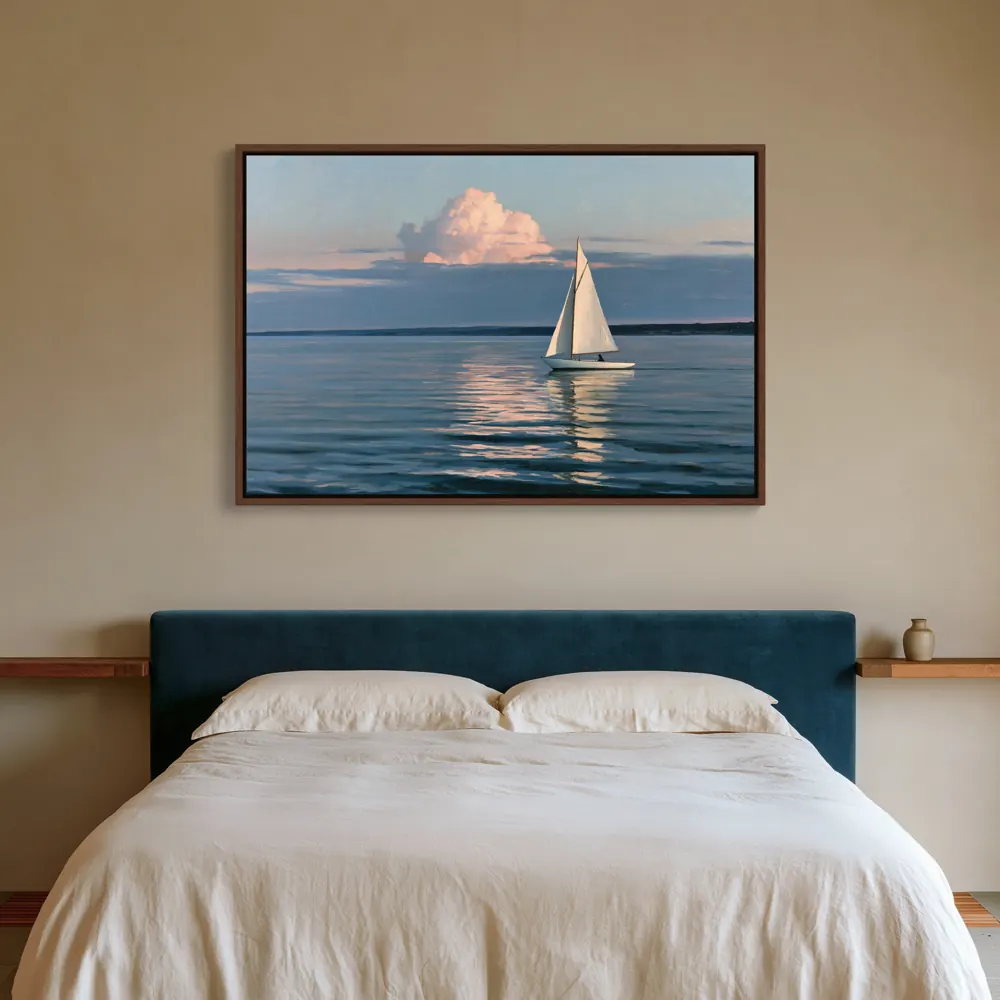
Sources
- Etsy Help: What can I sell on Etsy? (AI-generated content), checked 2026-10-26
- Etsy Help: How listing image requirements apply to your listings, checked 2026-10-26
- Etsy Help: Requirements and best practices for images, checked 2026-10-26
- Printify Help: AI mockups, checked 2026-10-26
- Printify Help: Disclosing AI-generated models in mockups, checked 2026-10-26
- Printful Help: AI mockups, checked 2026-10-26