No frame
The mockup shows a thin, 1.14 mm panel with the artwork visible to the edge.
Metal print mockup generator
Try your artwork on a frameless aluminium panel in Gloss, High gloss or Matte. Show the way light falls on the finish and the narrow edge of the panel. Save the rooms and surface choices if you sell those finishes across a collection.
No sign-up and no card: Try Free makes watermarked previews with your own art. A free account adds 10 watermark-free 4K (4096 px) downloads every 30 days.
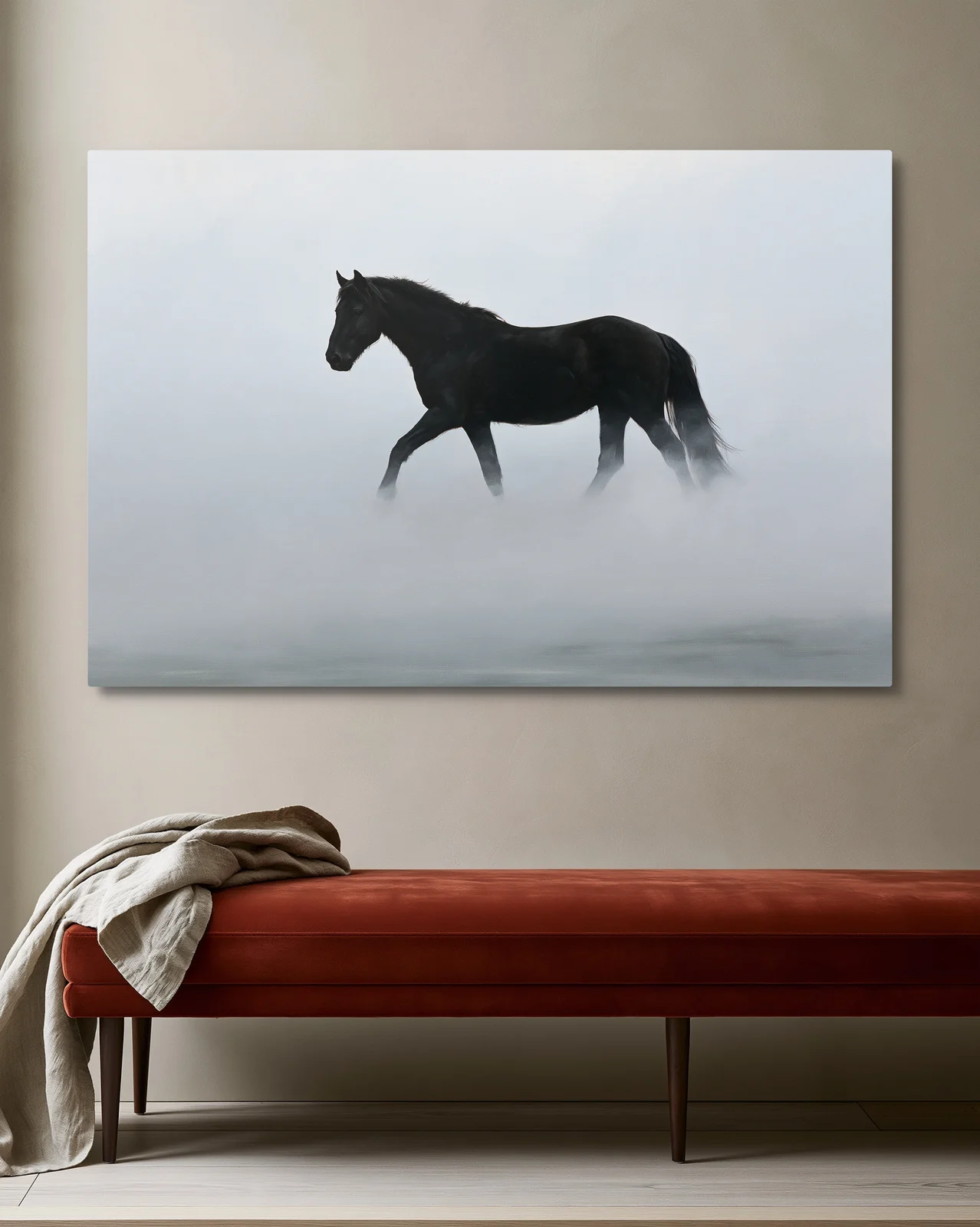
WallMock’s model shows a frameless aluminum panel with small rounded corners, a thin exposed edge and a soft shadow from a hidden rear mount. Choose Gloss for a simulated sheen, High gloss for a simulated window reflection, or Matte for a more even surface. Compare your supplier’s actual panel and mount before listing.
The mockup shows a thin, 1.14 mm panel with the artwork visible to the edge.
The preview uses 3.2 mm (⅛ in) rounded corners at every print size, and a thin exposed edge.
The depicted rear mount holds the panel about ½ in (12.7 mm) off the wall, creating a soft shadow.
Gloss adds a simulated highlight on the side the room light comes from; it is easiest to see on smooth dark backgrounds and can be subtle on busy or photo-style artwork. High gloss adds a clear reflection of the room’s window. Matte gives the same artwork a more even surface.
Show the surface your provider sells. Gloss is the default; choose High gloss or Matte in the Studio's Metal print panel (Surface: Gloss | High gloss | Matte) and the preview is made again with the same art and room.
| Surface | What the mockup shows | Choose it when |
|---|---|---|
| Gloss (default) | A soft sheen on the side the room light comes from. Easiest to see on smooth dark backgrounds; subtle on light, busy or photo-style art. | Your provider’s panel is gloss and you want a natural, quiet shine. |
| High gloss | A clear reflection of the room’s window. Strongest on smooth areas such as skies and dark backgrounds; fainter where the subject fills the panel and in dark rooms. | Your provider sells a high-gloss panel and you want buyers to see the shine. |
| Matte | No sheen and low glare, so the art reads as it does on canvas. | Your provider sells a matte panel, or colour and detail matter more than shine. |
The same magnolia metal print on one wall, made with WallMock in each surface. The window is on the right. Open any image to see the whole room.
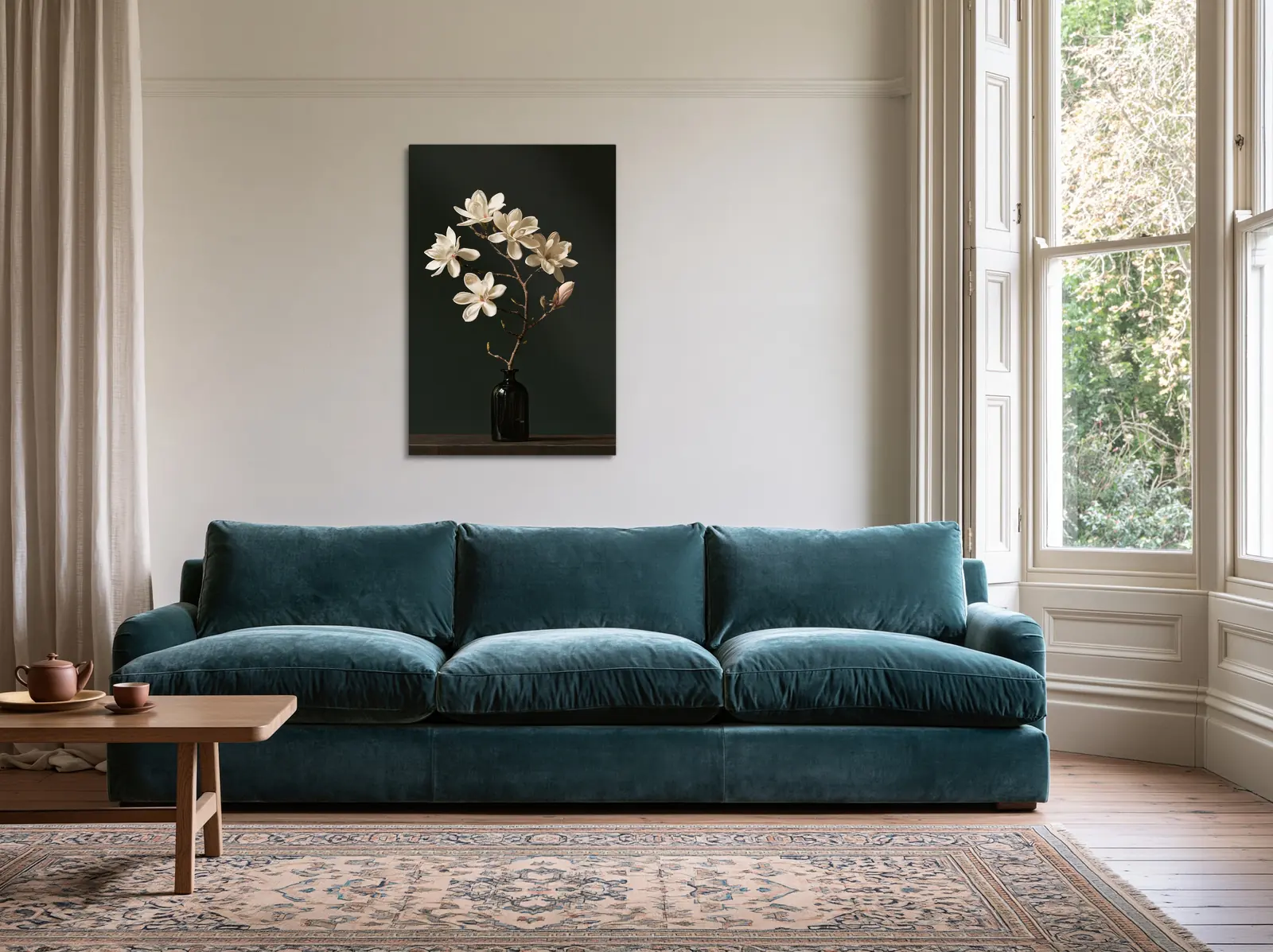
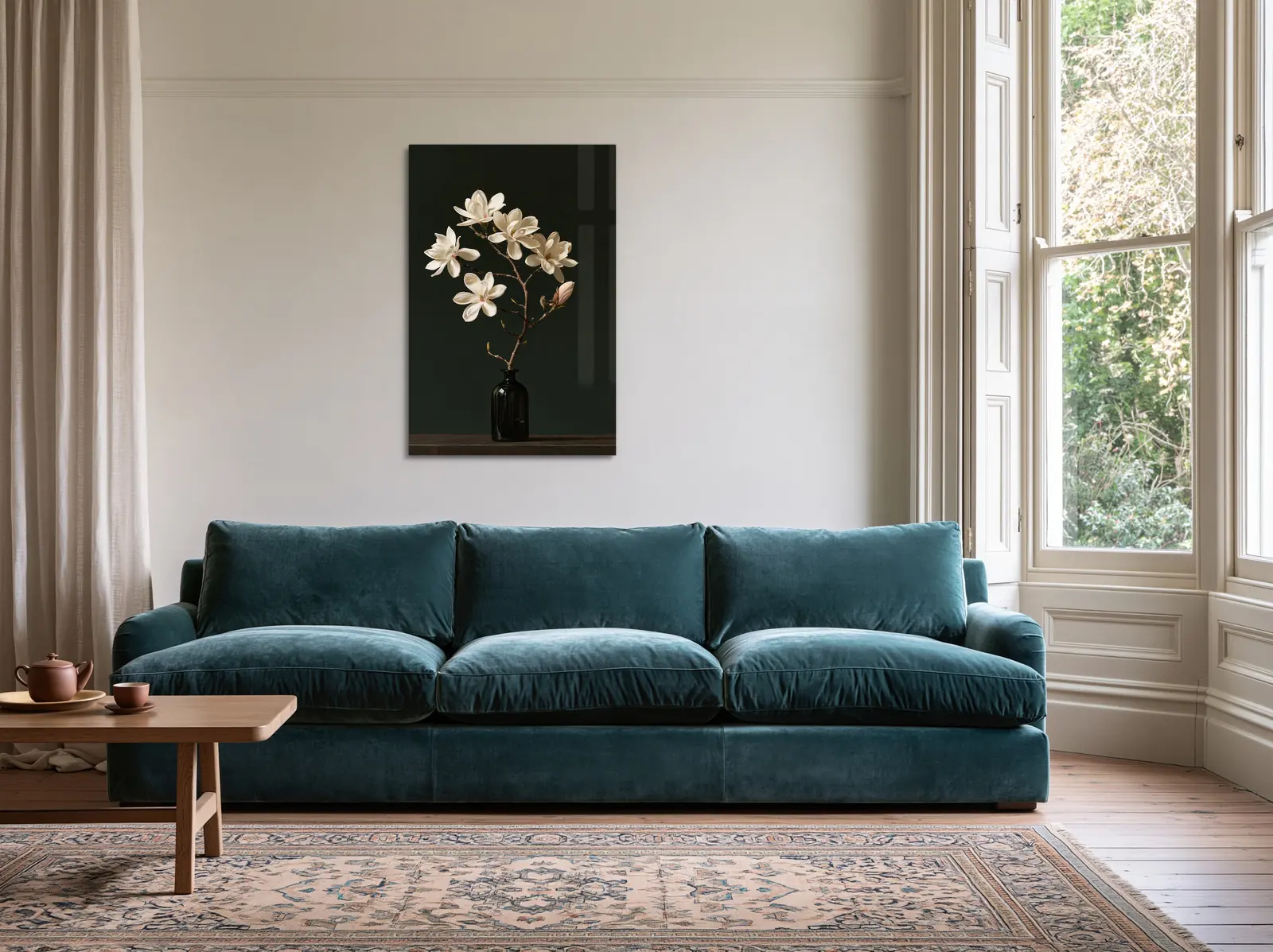
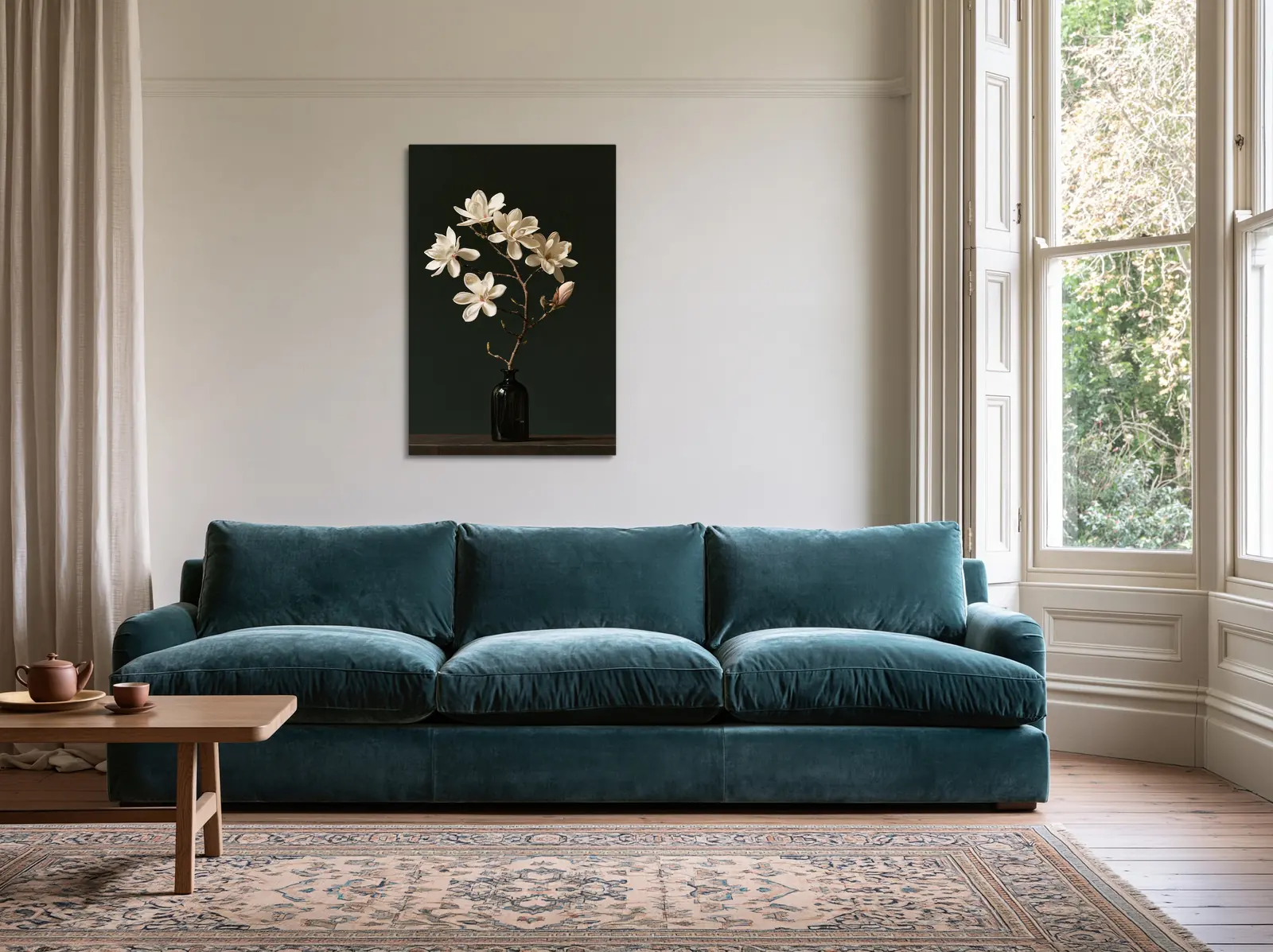
The same artwork in a second room. The light comes from the left here, so the Gloss sheen and the High gloss reflection move to the left of the panel.
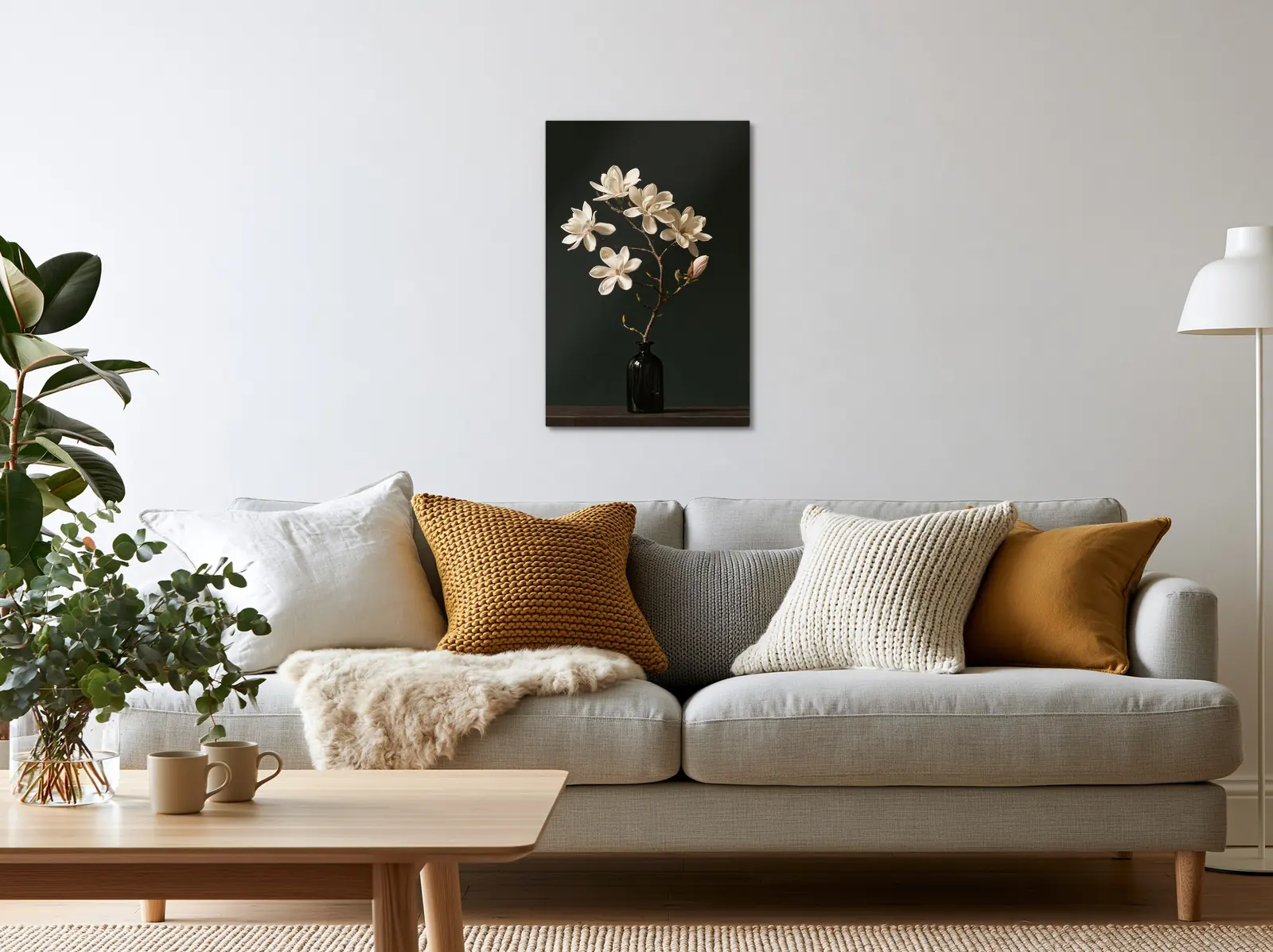
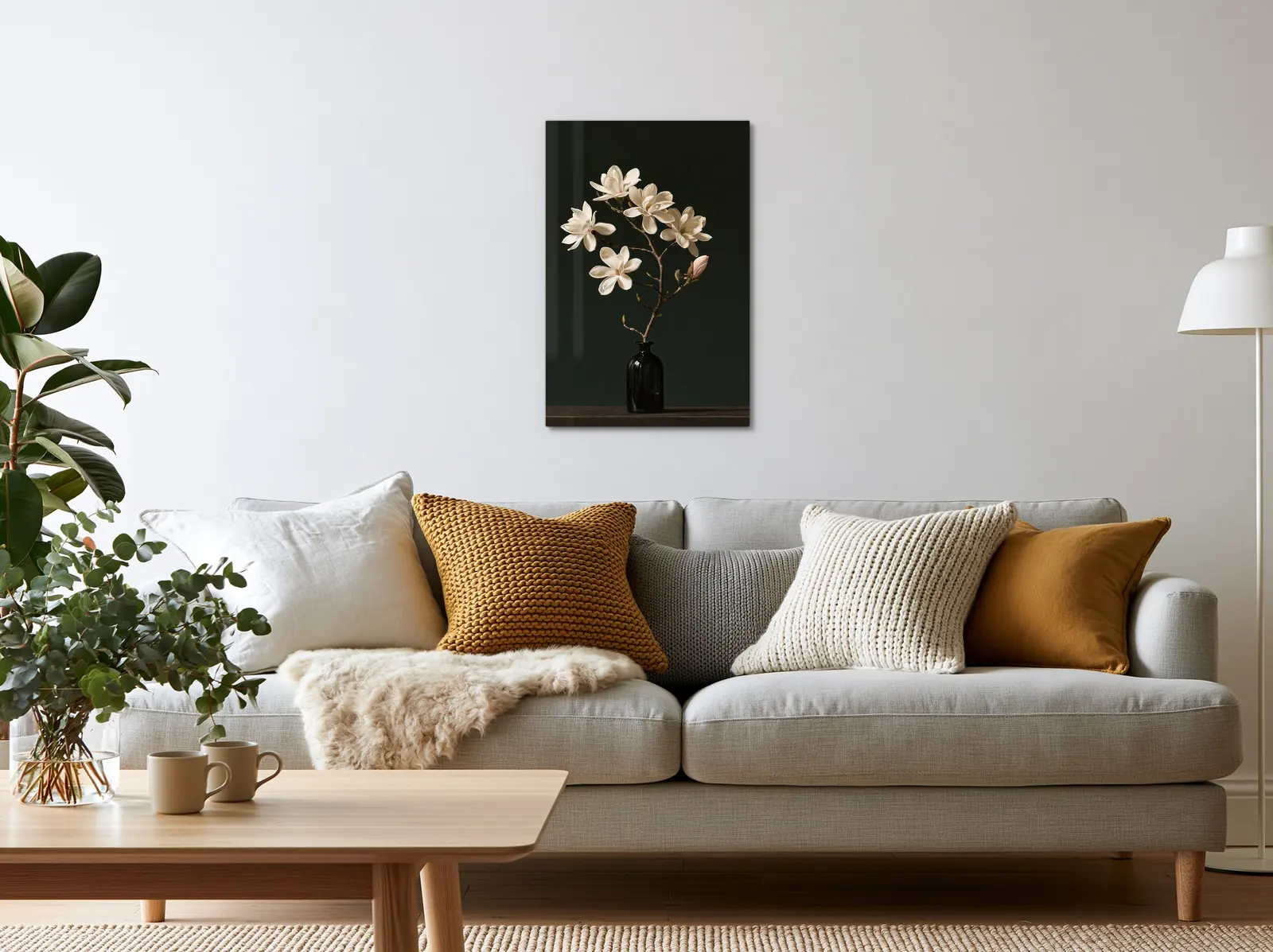
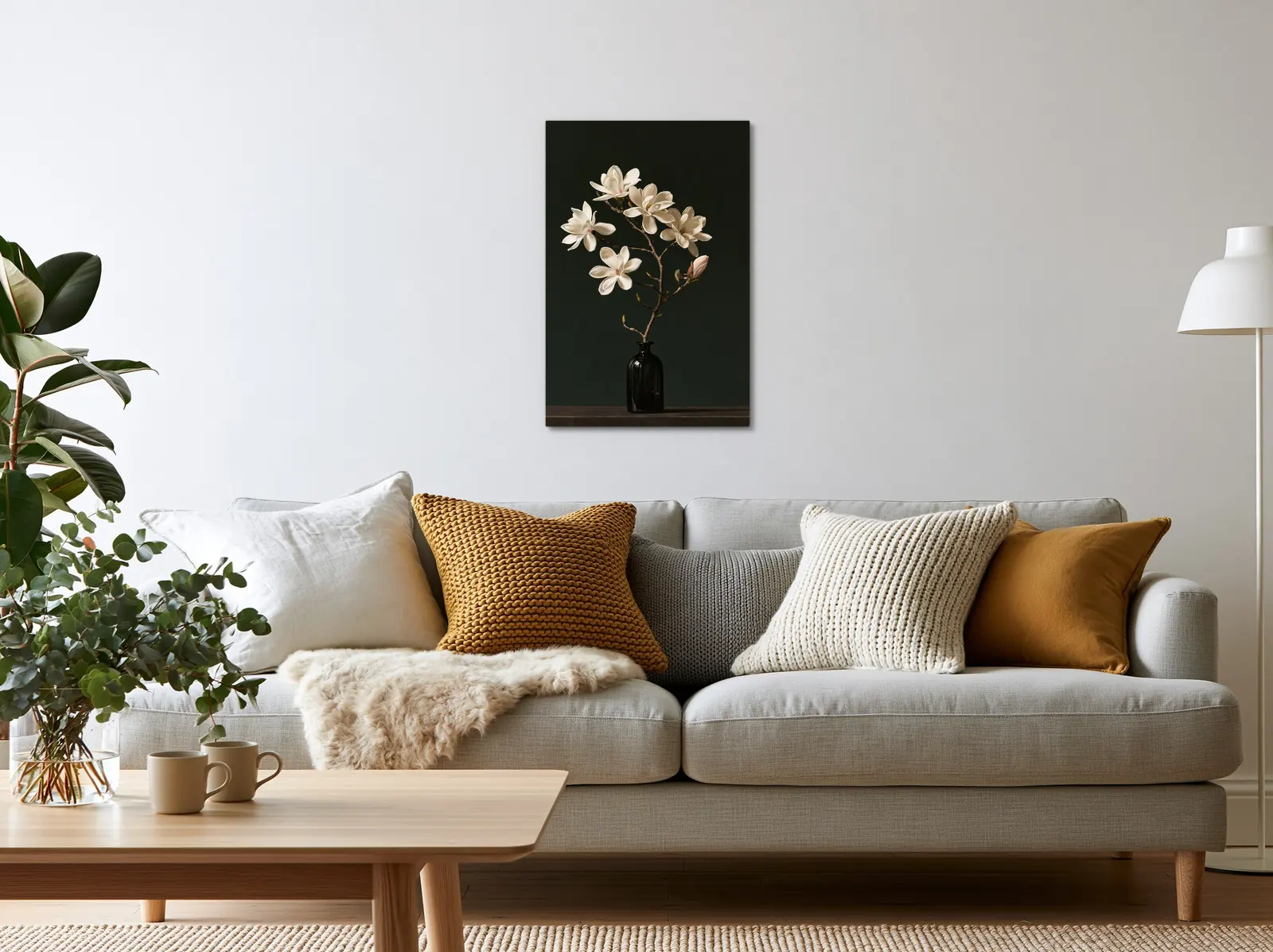
Want more side-by-side comparisons, including light art and a sailing-boat landscape? See the glossy vs matte metal print guide.
No sign-up and no card. Switch between Gloss, High gloss and Matte on your own artwork.
The examples above hold the artwork and room constant. Compare the sheen on the dark background and the window reflection, not a different painting or room.
A metal panel has no paper mat or surrounding moulding. Inspect its thin edge and the shadow from the depicted rear mount.
Check the panel material, surface, corner shape and mounting distance on a real sample. A gloss setting does not certify a match to every supplier’s coating.
Room light and the artwork affect how much shine you can see. A subtle difference is not a promise of a strong reflection on every image. The surface effect sits over the supplied artwork; it does not generatively recreate the design.
How we check the artwork · Inspect a recorded nine-image collection
Yes. WallMock is built for collections. Instead of opening a template for each design, you set up the look once and run the whole collection:
Lite includes 200 clean 4K (4096 px) images a month; Pro includes unlimited clean 4K images, within fair use. See pricing and the bulk mockup generator for the full workflow.
The usual alternative is a PSD or smart-object template: you buy or download a room file and place each design in Photoshop. A template can suit one hero image you want to retouch by hand. For a collection, the same steps repeat for every design and every template.
| PSD metal print templates | WallMock | |
|---|---|---|
| Software | Photoshop or a compatible editor | A web browser |
| Setup | Open each template, replace the smart object, save and export, per design | Once per collection: product, surface and rooms |
| Bulk | One design at a time, unless you write an action or script | Every artwork in every chosen room in one run |
| Rooms | The rooms in the files you own | Chosen from 500+ curated rooms |
| Surface | The reflection the template was built with; edit layers to change it | Gloss, High gloss or Matte, chosen in the Metal print panel |
| Panel details | As drawn by the template maker | ⅛ in (3.2 mm) corners at every size; about ½ in float |
| Your art | Fitted to the template’s smart object; check the crop and edges | Placed as supplied, in its own proportions, never redrawn |
More on this in PSD frame mockups vs an online generator.
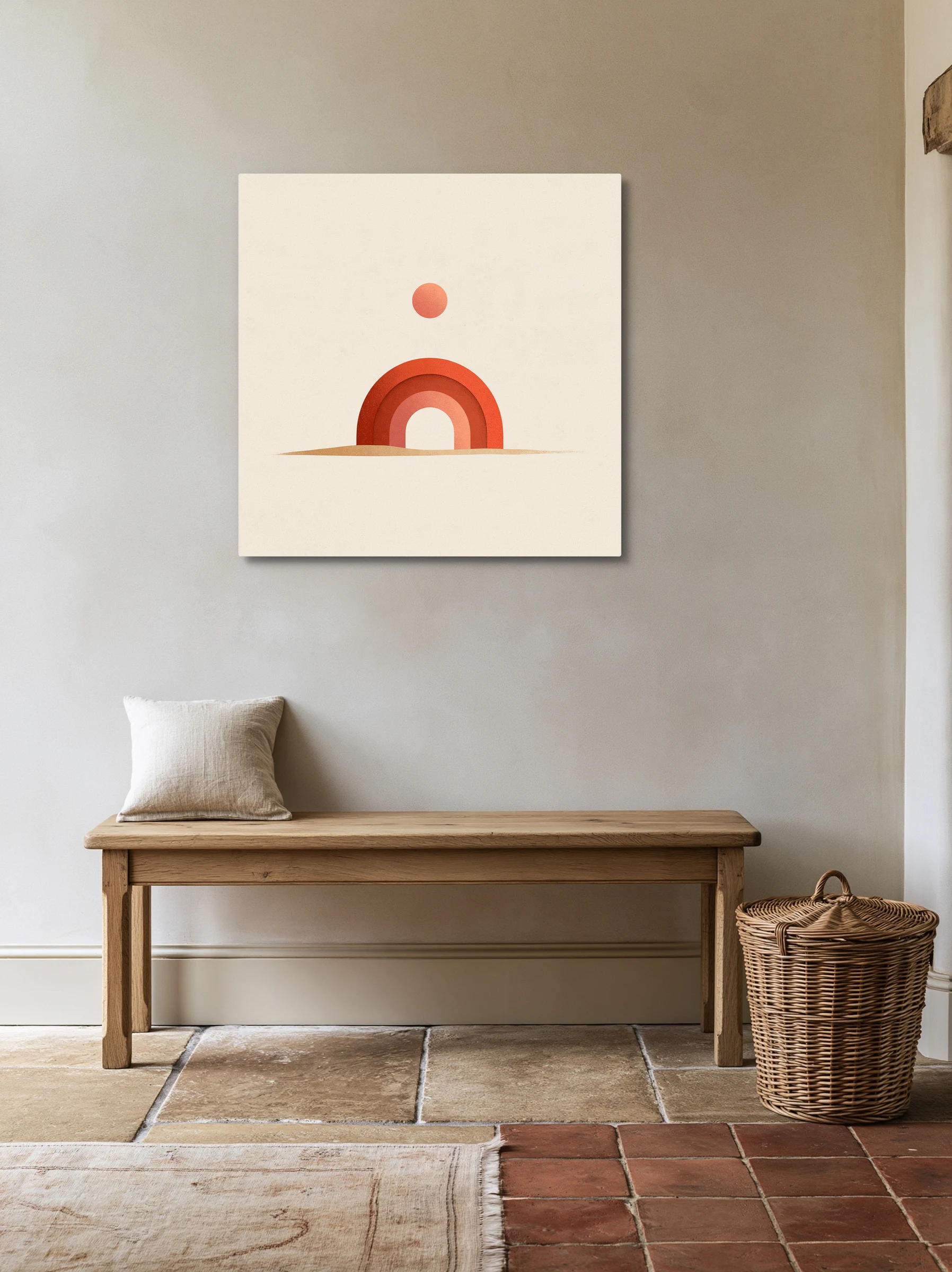
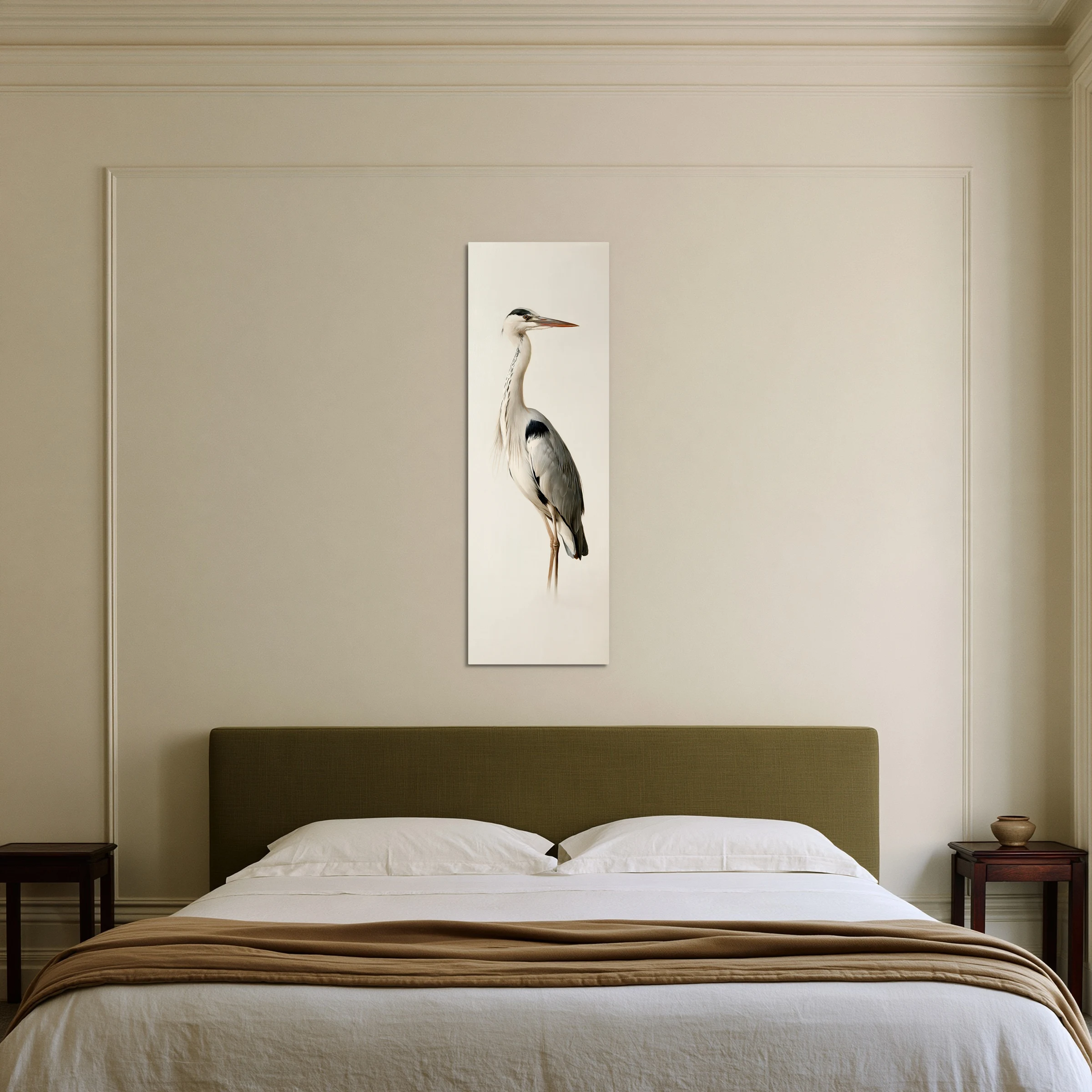
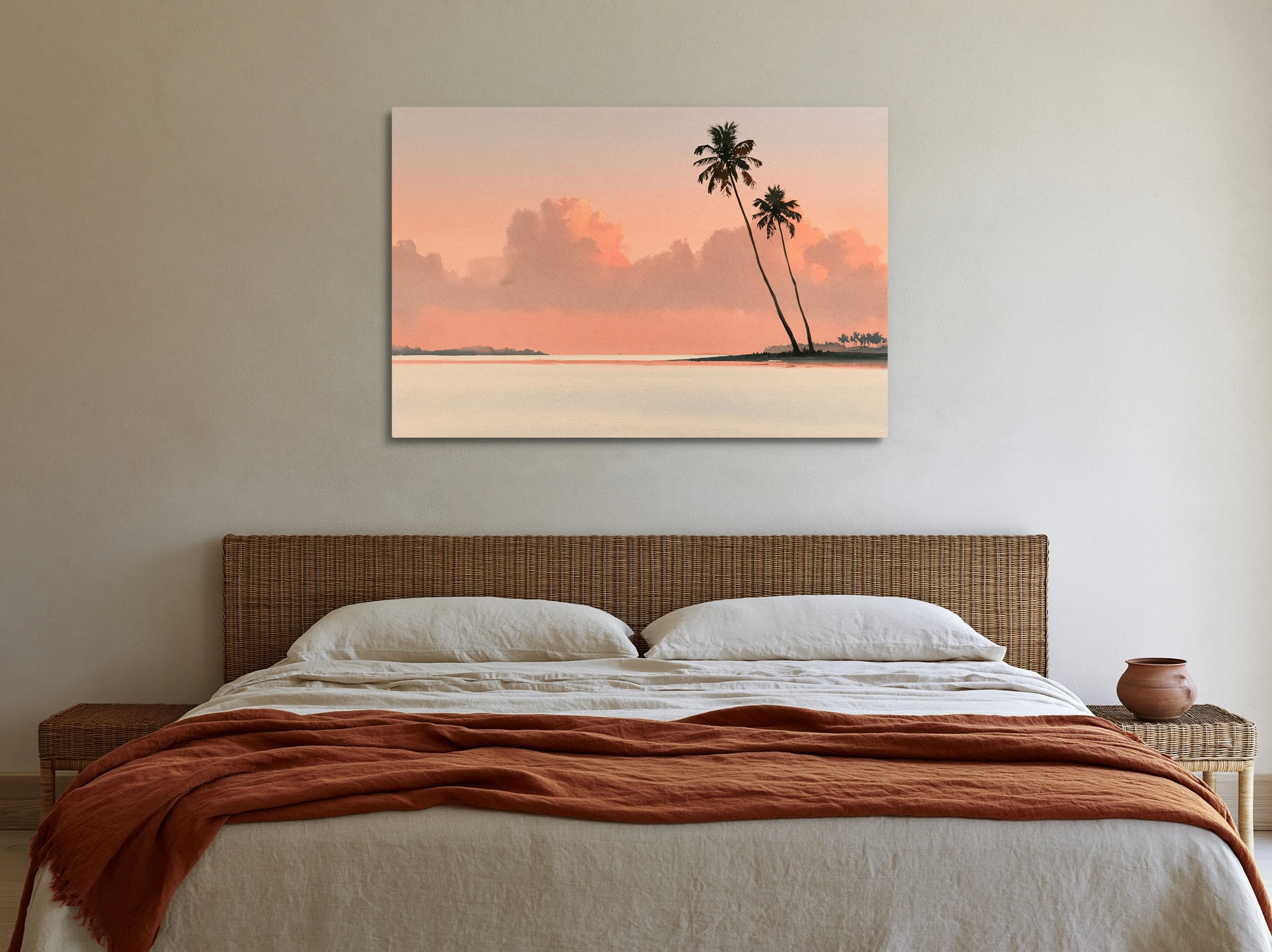
Six artworks as metal prints in WallMock rooms, from a square and a 1:3 tall piece to landscapes. Each opens at a larger size.
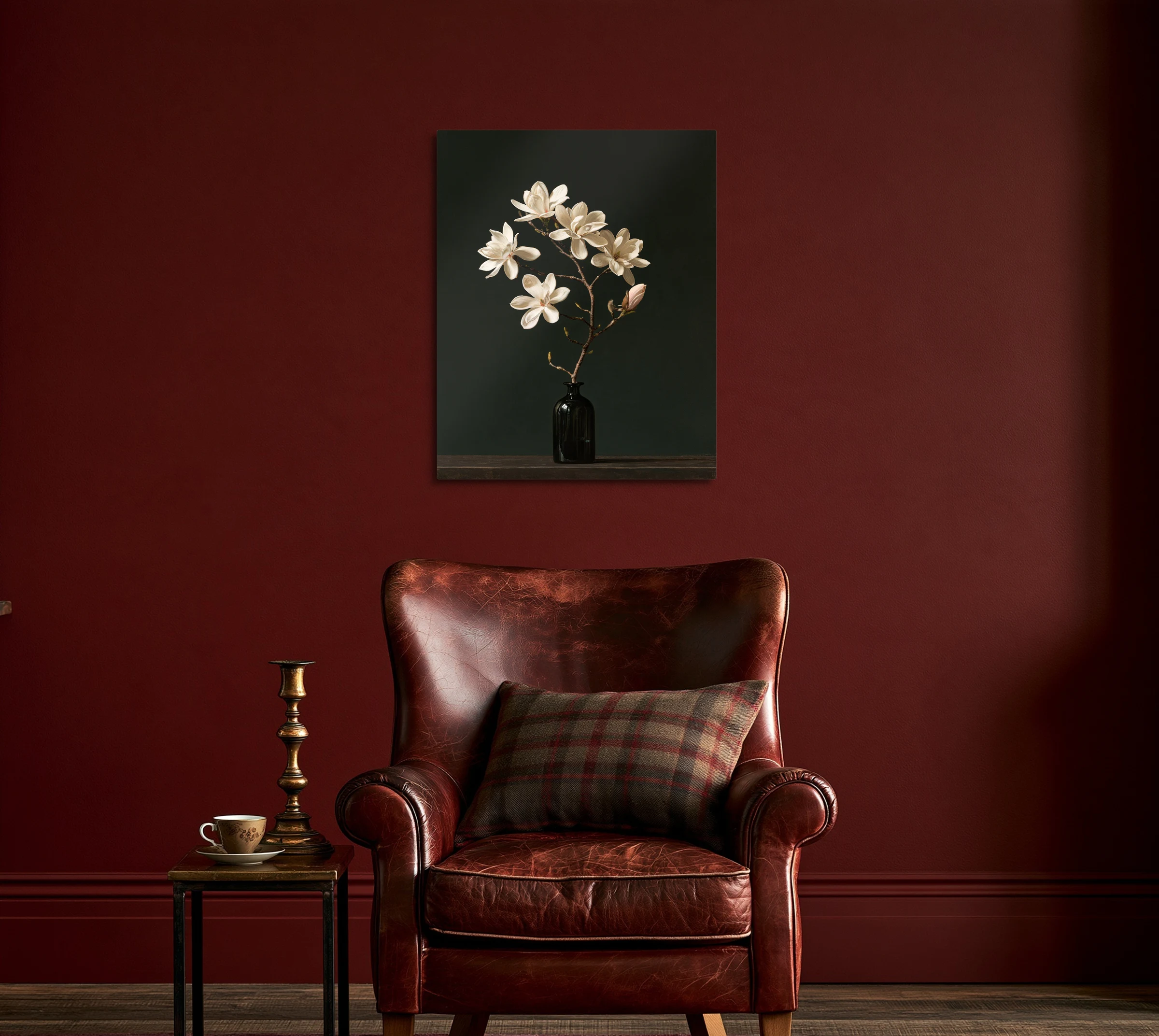
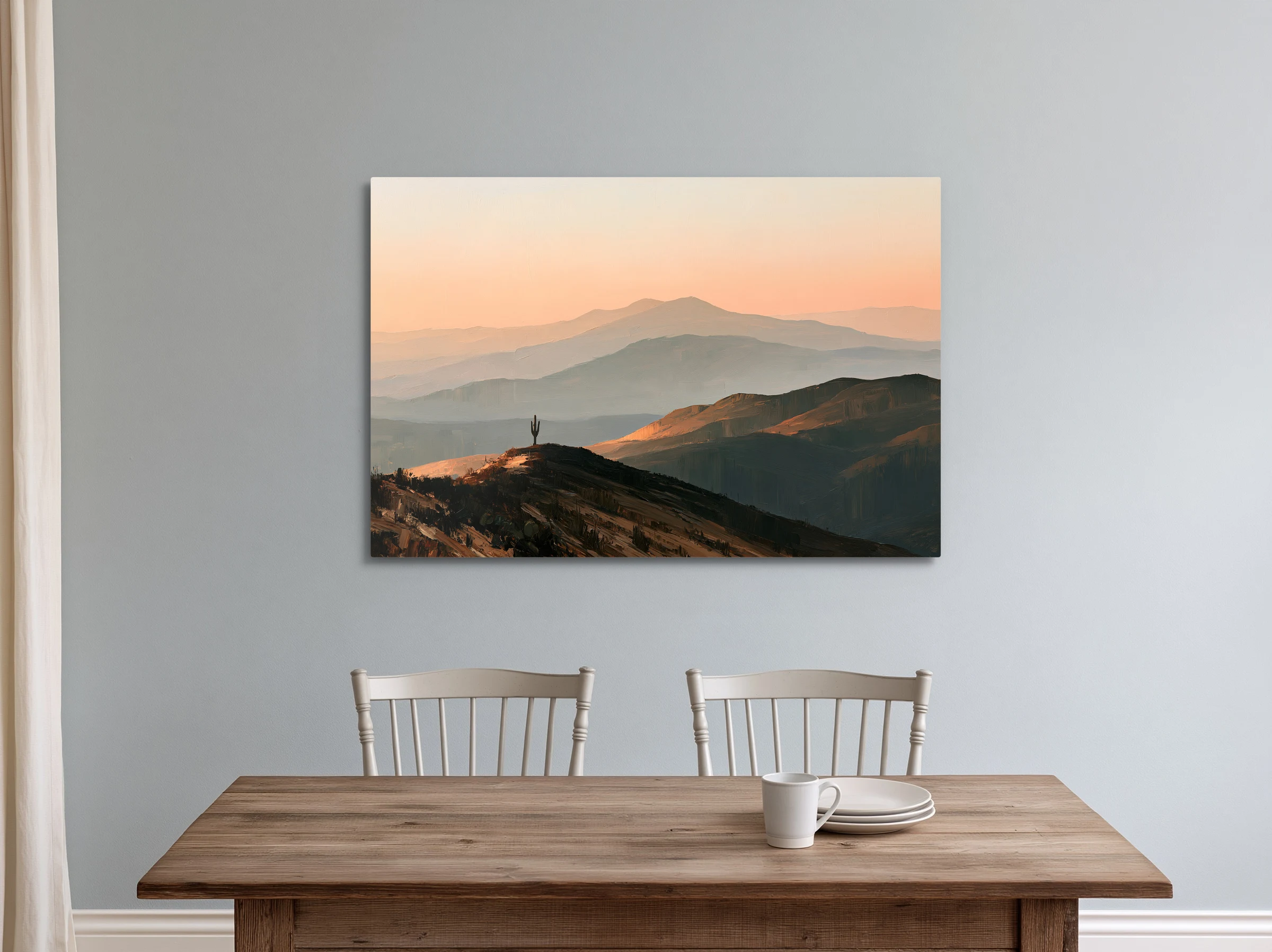
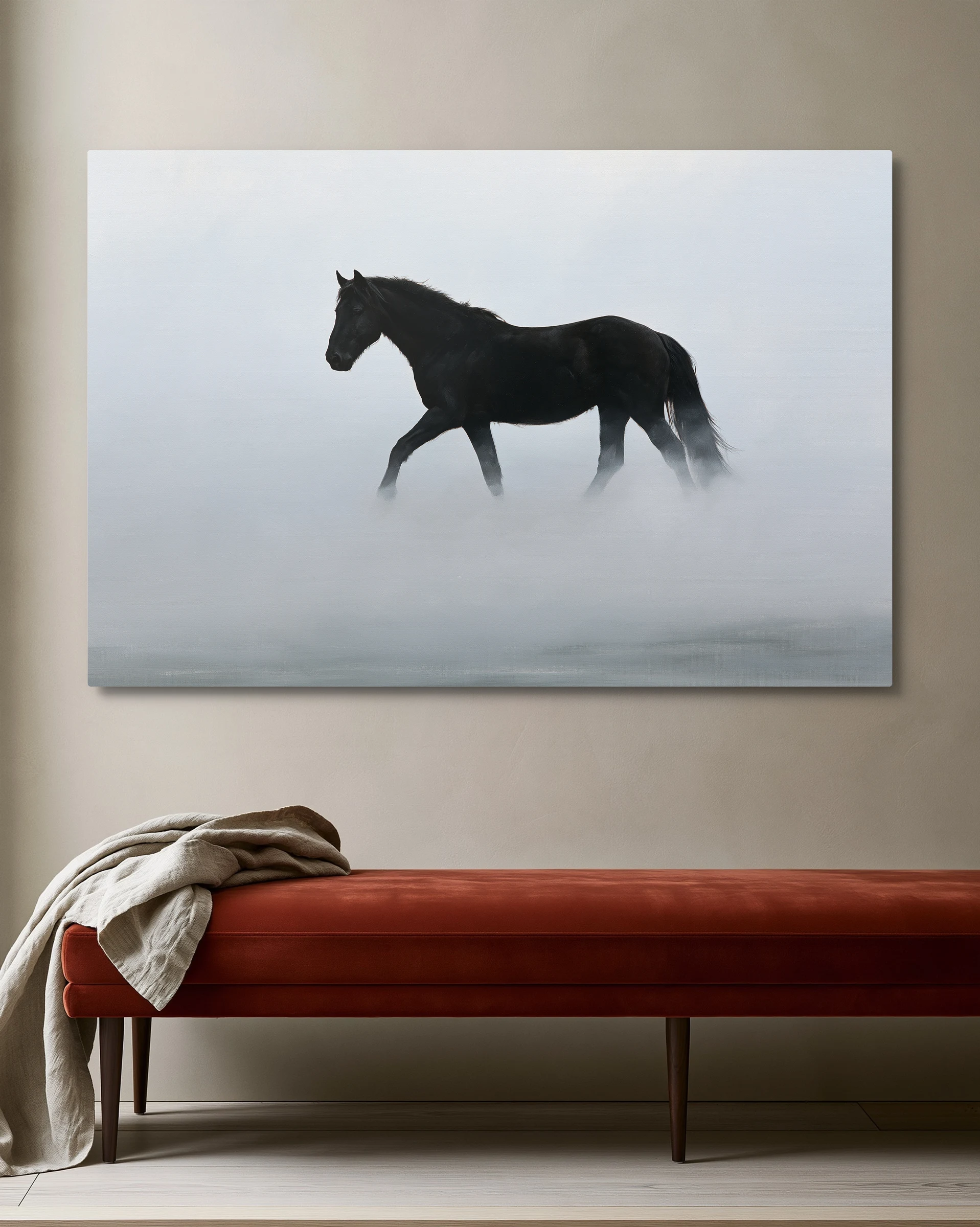
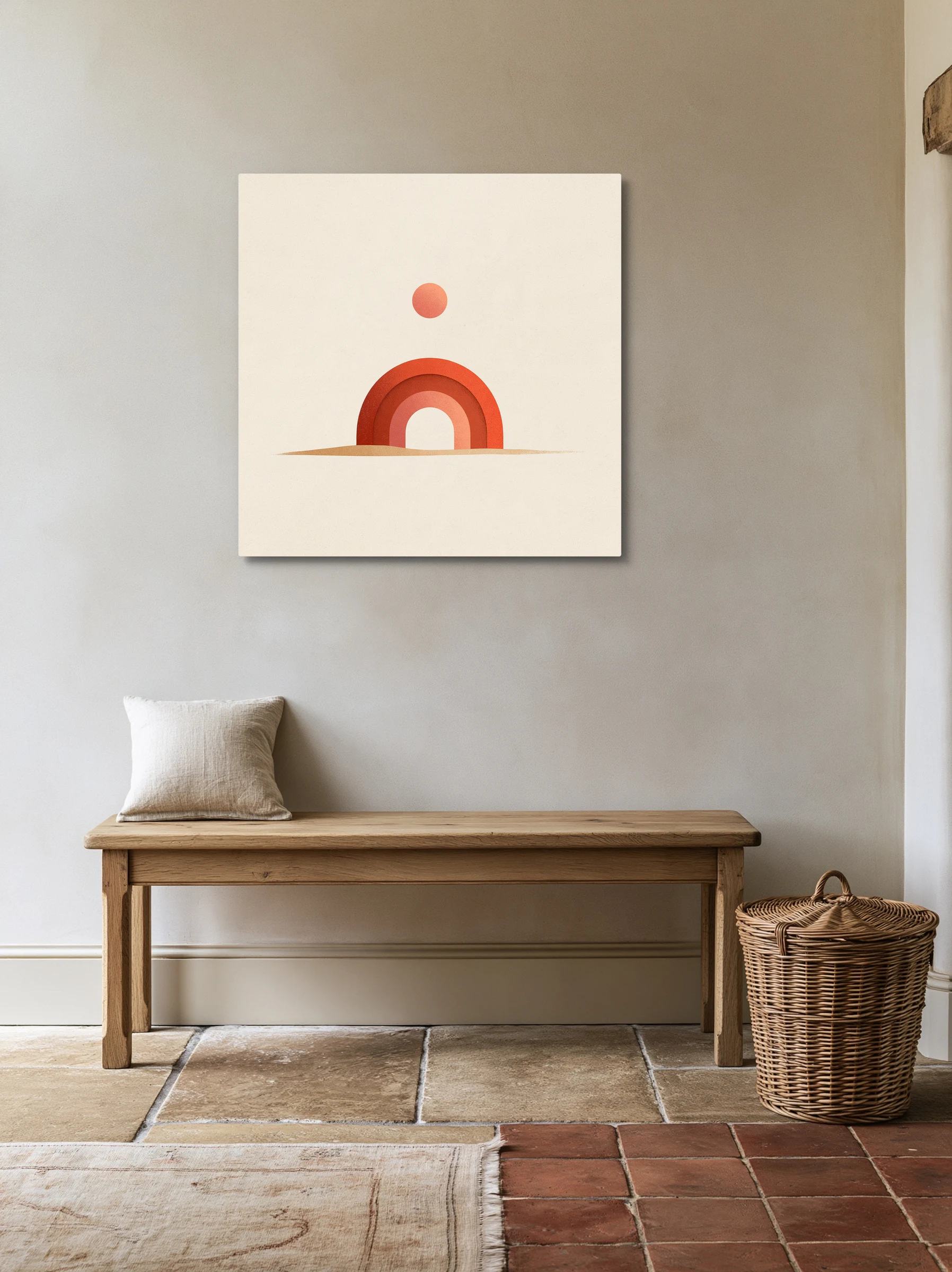
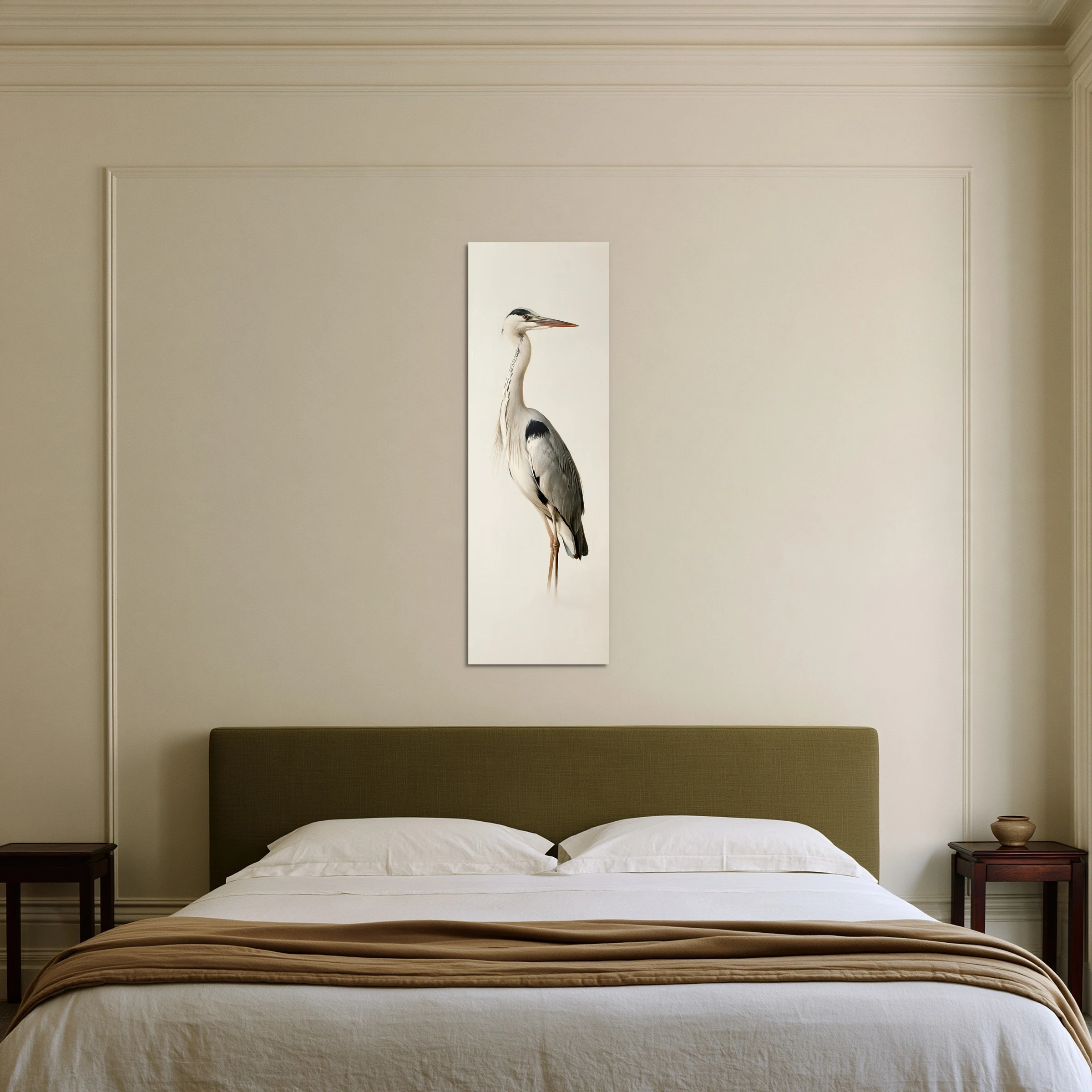
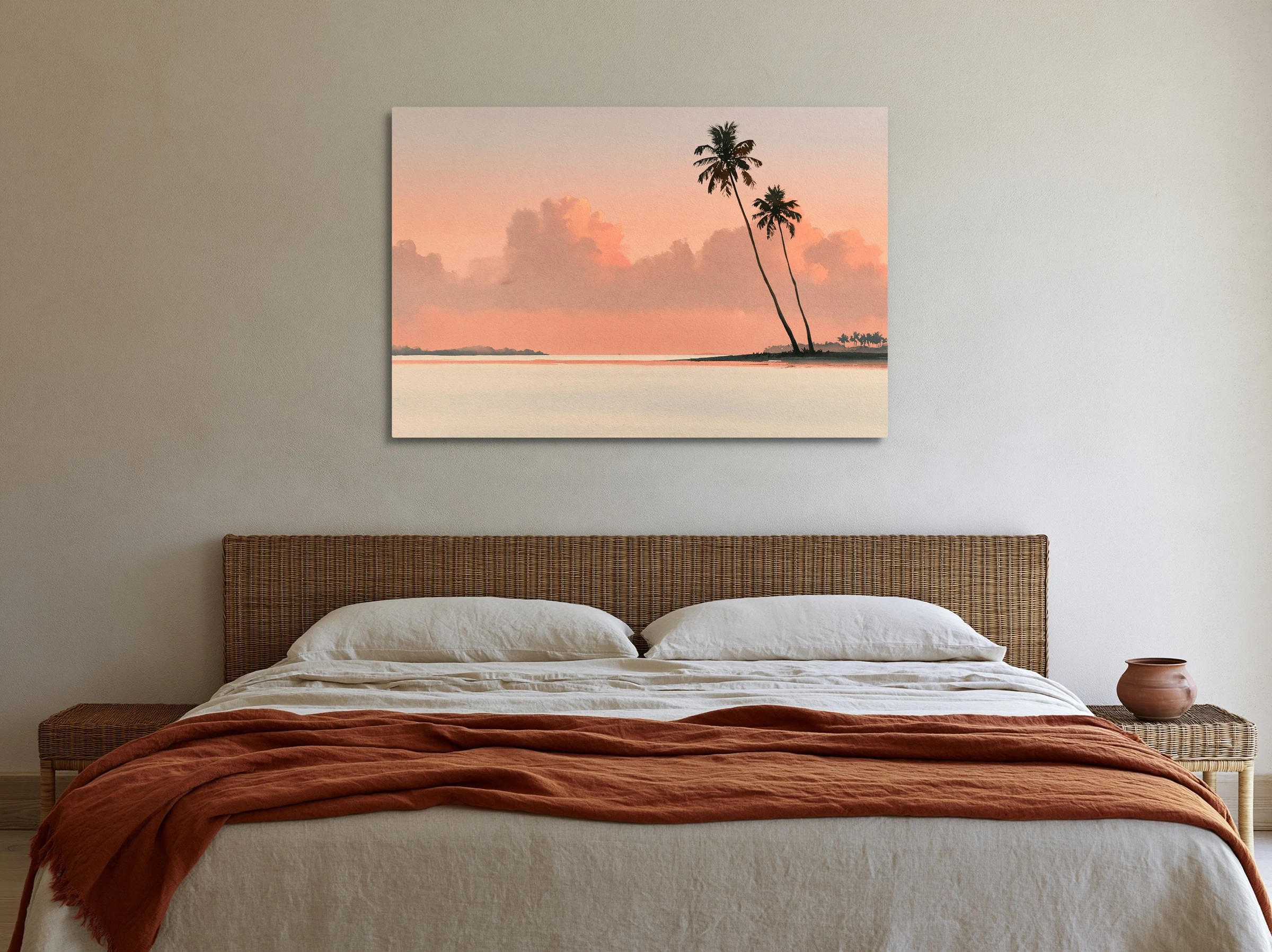
Gloss is the default and adds a simulated highlight. Matte shows the same artwork without that sheen. See the gloss versus matte listing guide for a closer comparison and what to check on a physical panel.
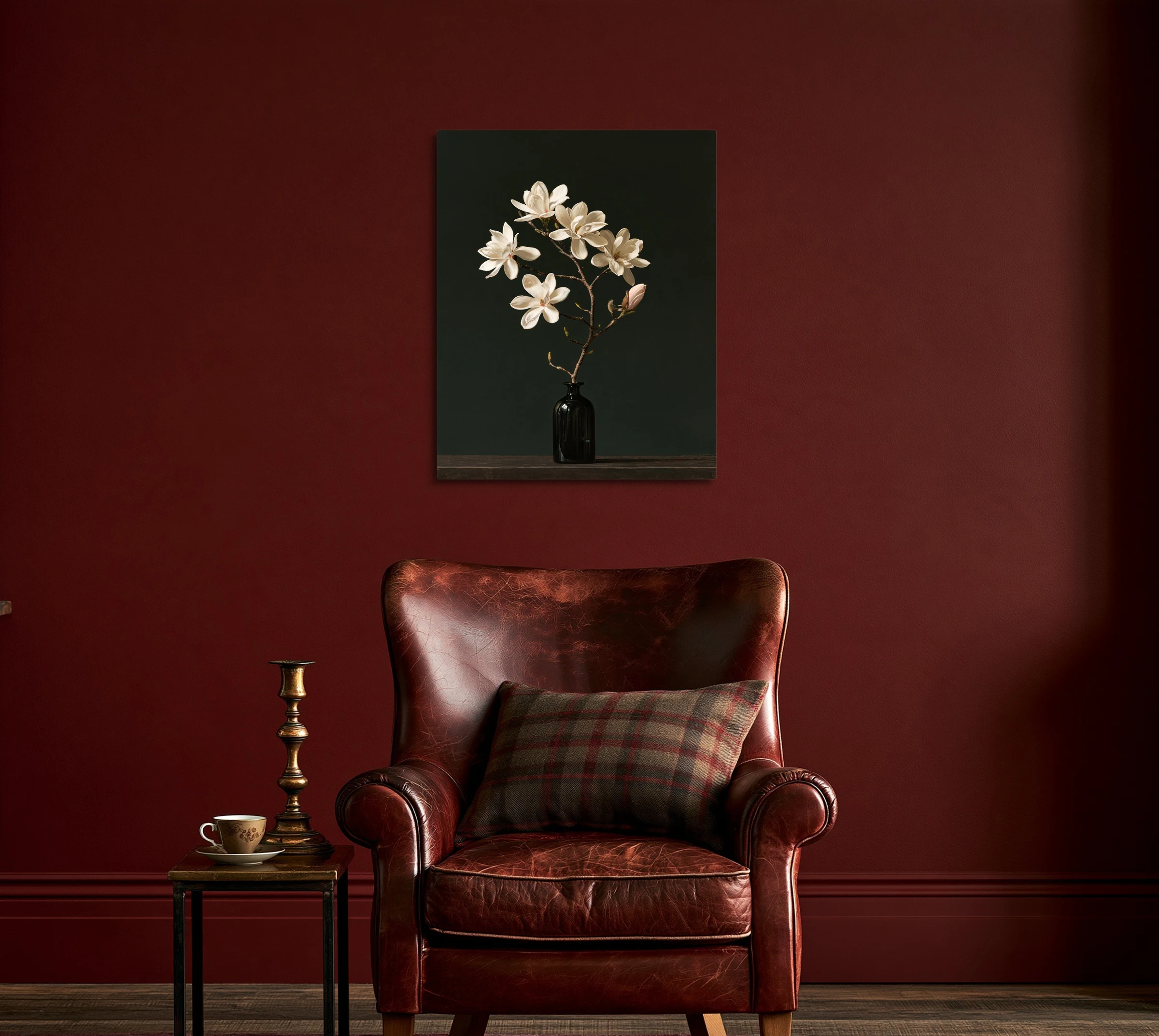
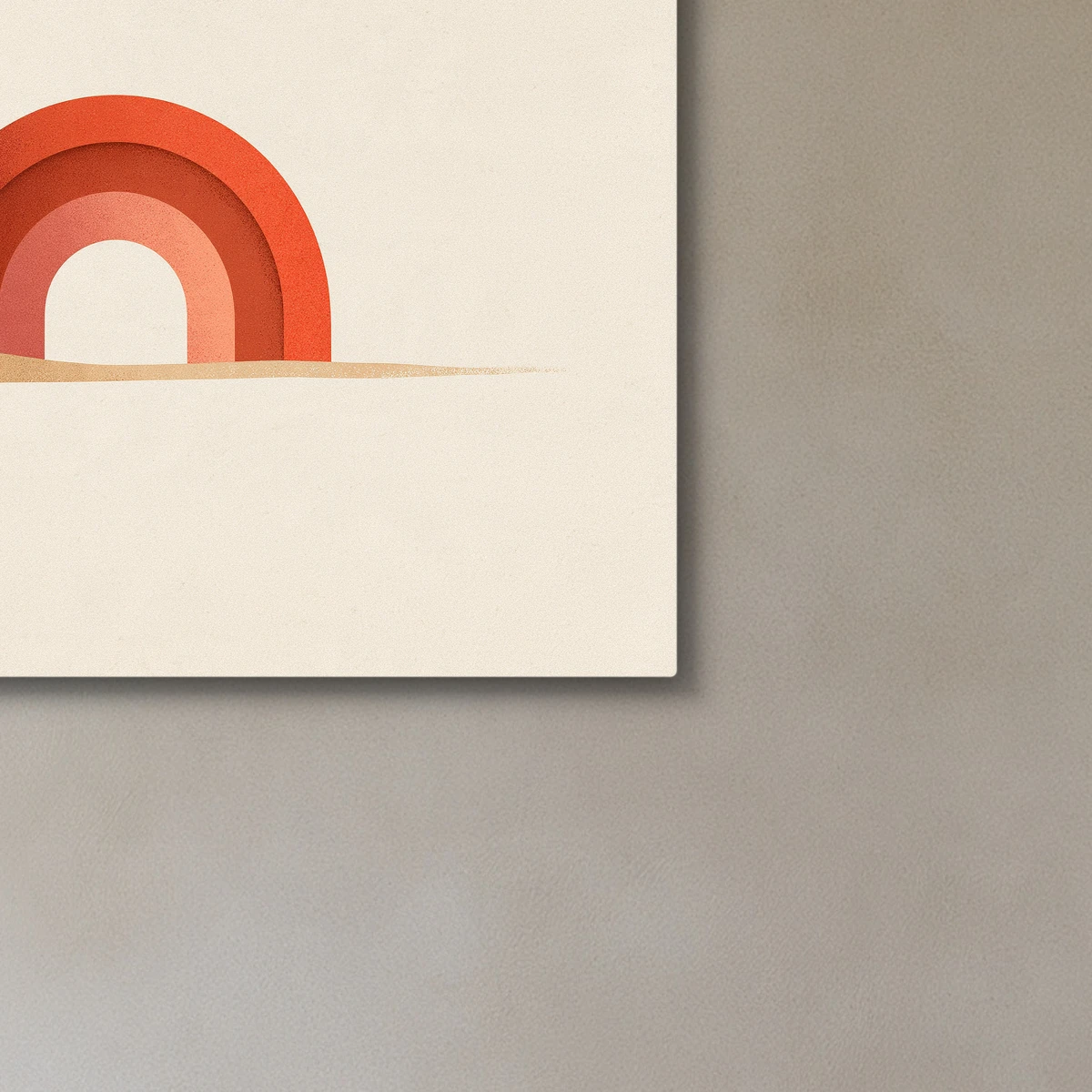
Up close, at 100%: the same corner of the dark background in both. The gloss sheen is gentle; it shows most on dark art.


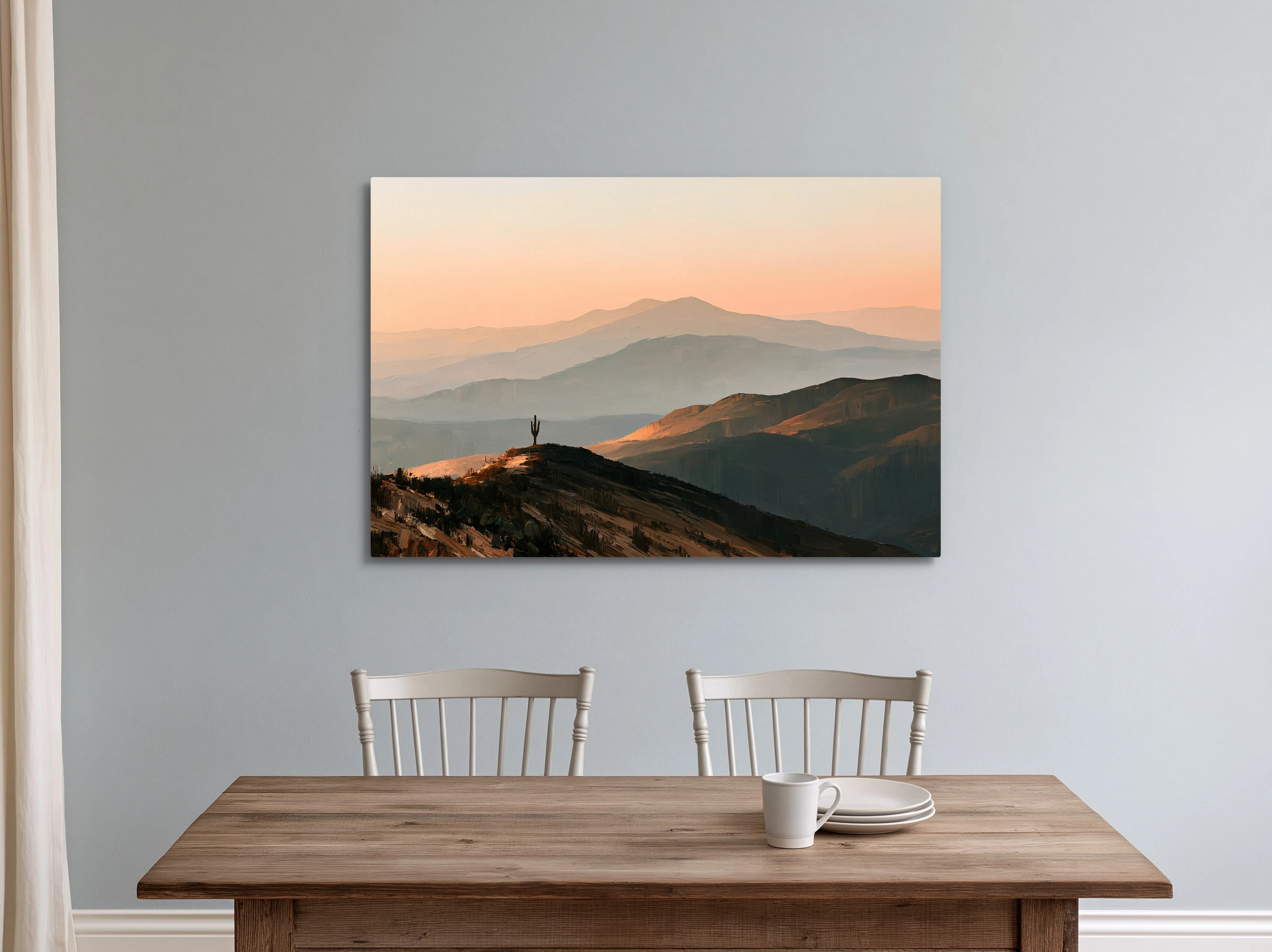
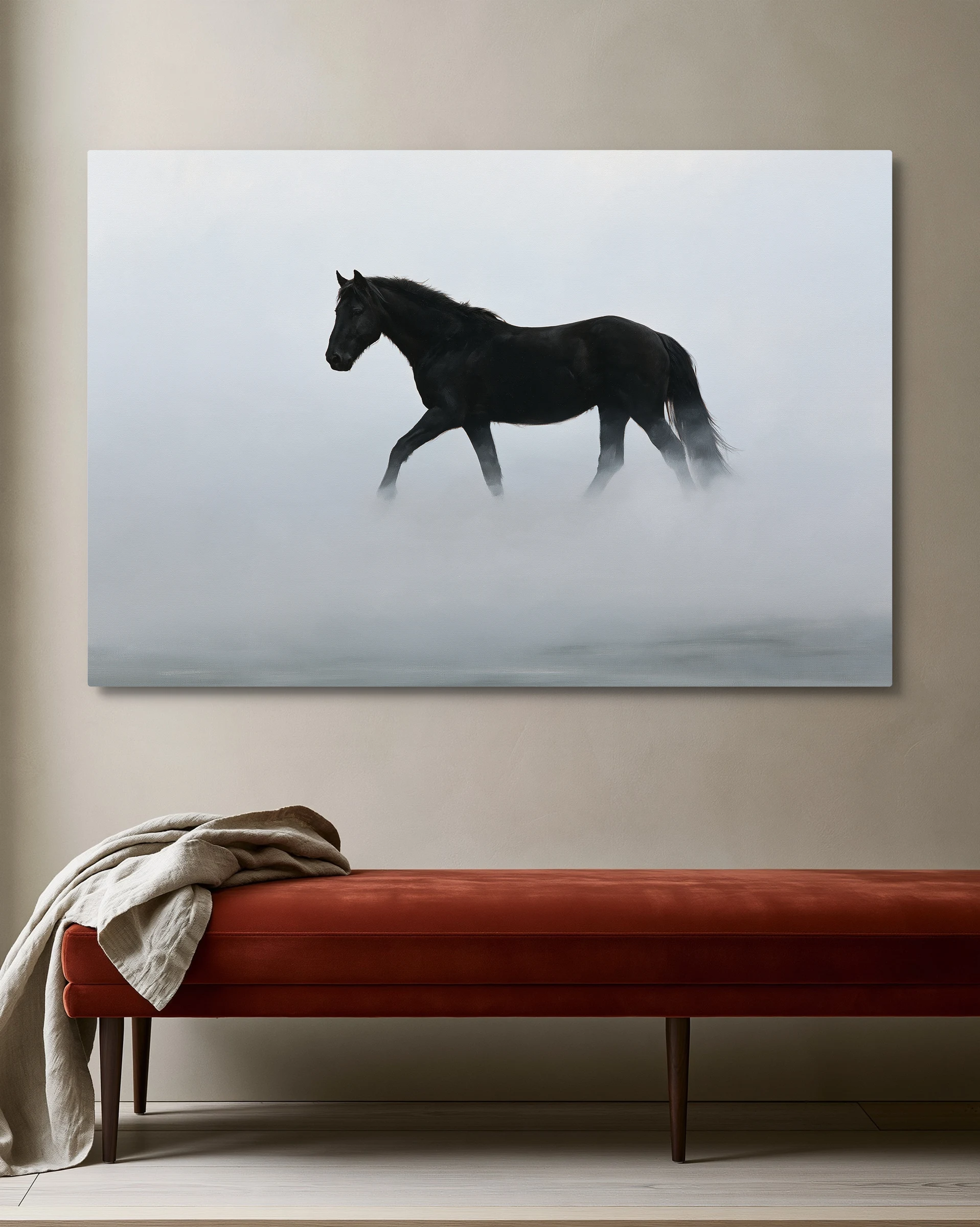
Each square is cut from a clean 4K image and shown at full size, never enlarged: the rounded corner, the thin edge and the shadow under the panel.
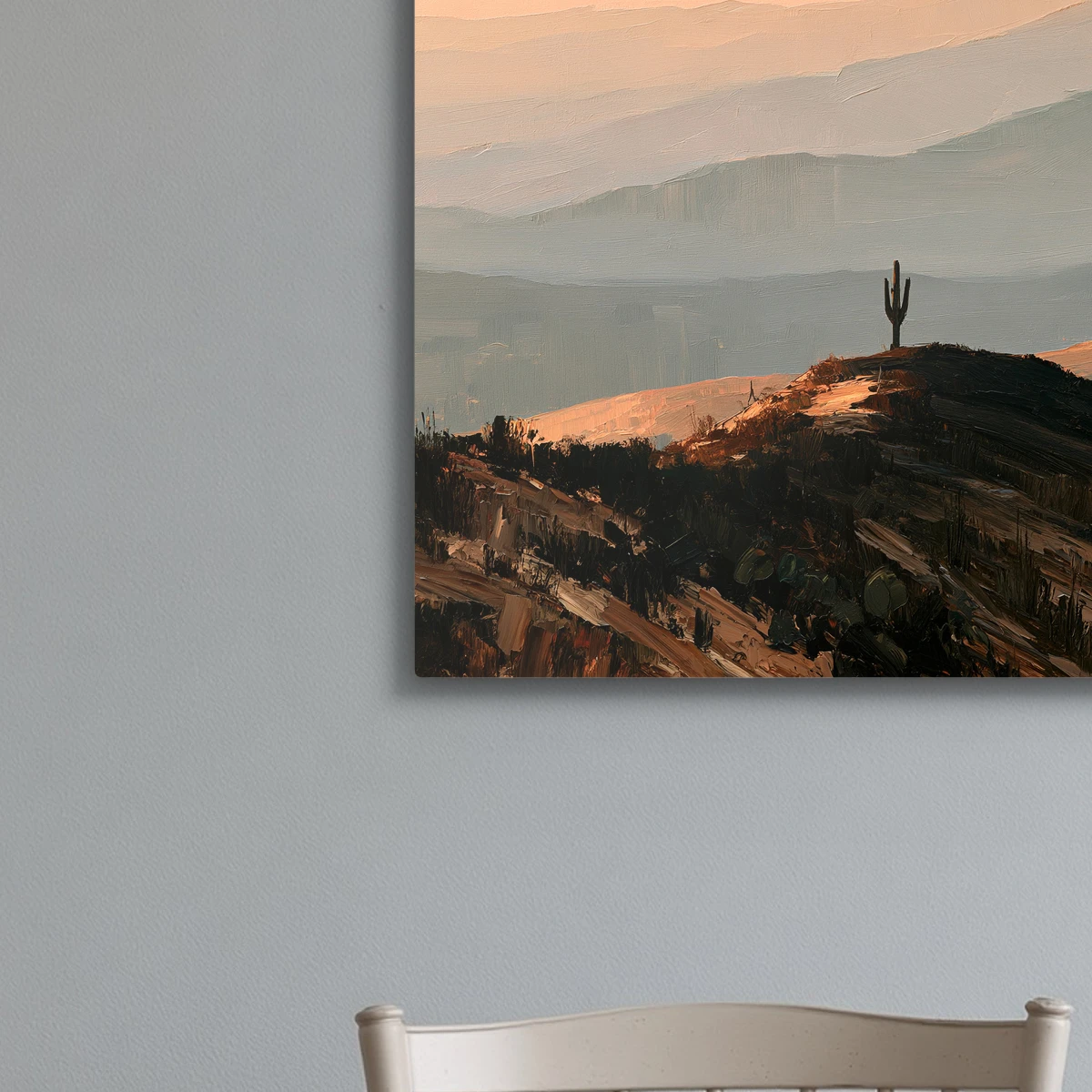
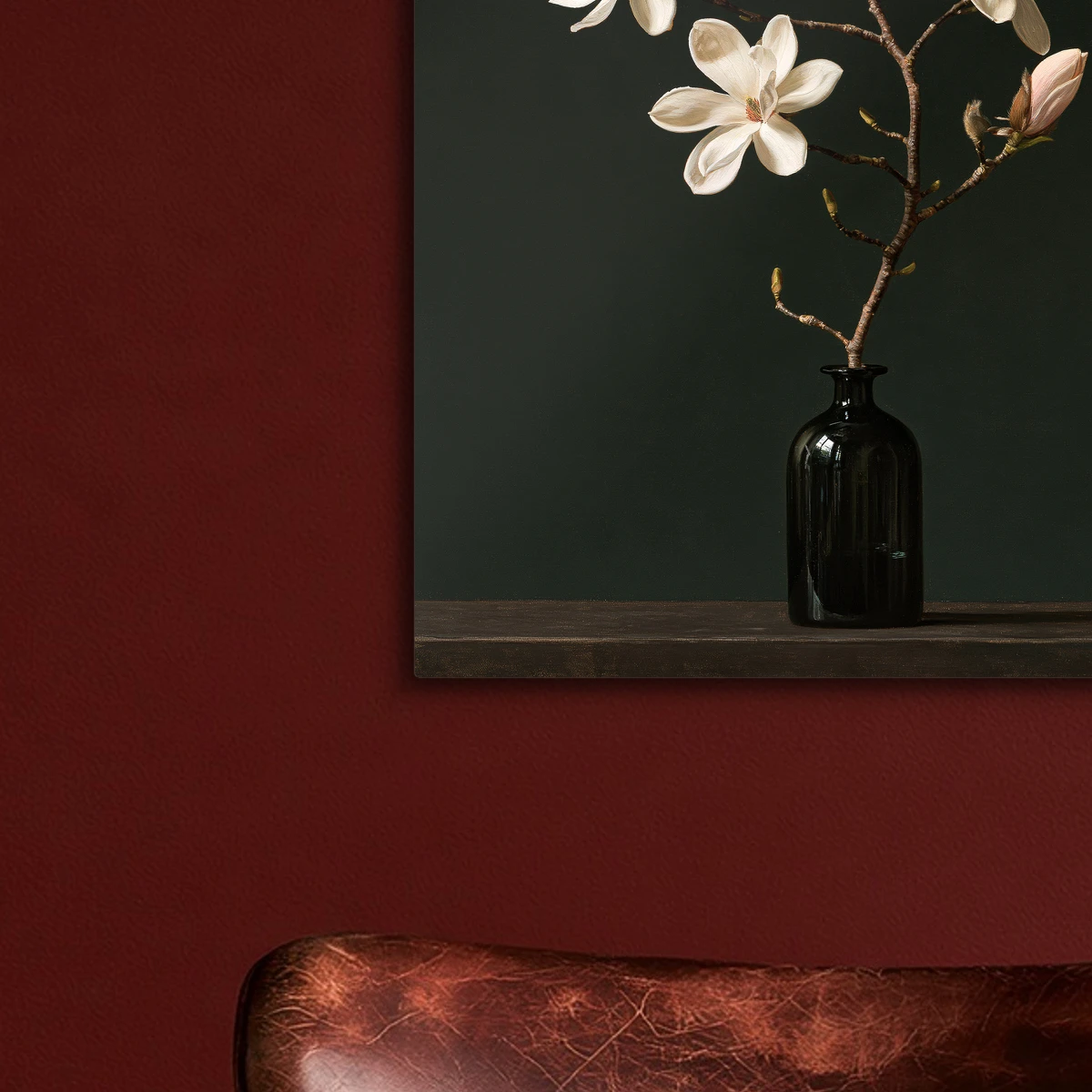
Both are metal, but they are different products. Show the one you ship.
The metal print vs metal frame guide compares the two side by side.
Metal prints vary between print-on-demand providers (we compare four in print on demand metal prints). Before you make the photo, check these on your provider's product page, then order one sample:
When the sample arrives, hold it next to your mockup. Our sample check guide lists what to compare.
Upload the files you sell, one design or a whole collection. Each keeps its own shape and is never stretched or redrawn.
Pick Metal as the product type, then Metal print. There is no frame or mat to choose; the surface is Gloss by default, or choose High gloss or Matte.
Heart the WallMock rooms that suit metal wall art. Metal prints are made in WallMock's rooms, one artwork per image. They are not available in sets yet.
Check the previews, then download a photo for each compatible artwork and room with your selected panel finish. Free accounts include 10 watermark-free 4K (4096 px) single-artwork downloads every 30 days. Paid plans add more images (Lite 200 a month, Pro unlimited), sets and listing kits; Pro adds listing videos. Send to Shopify is in limited beta on Pro and the WallMock Studio plan, and will be on every plan when it opens.
Upload a design, choose Metal print and compare Gloss, High gloss and Matte in WallMock’s rooms. When the look is right, run the whole collection.
No sign-up and no card: Try Free makes watermarked previews. A free account adds 10 watermark-free 4K (4096 px) downloads every 30 days.
All three surfaces compared on three artworks.
Two metal products, and what to show buyers.
Aluminum framed prints in black, gold or silver.
Every design in every saved room, in one run.
Floating-frame canvas with the gap around it.
Every product at full size.
A room preview of your artwork on a metal panel, usually aluminum. It shows buyers the frameless look, the thin edge and how the panel sits off the wall, before they order.
Yes, for one design or a whole collection. In the Studio, choose Metal, then Metal print. WallMock’s model shows a frameless aluminum panel with small rounded corners, a thin exposed edge and a soft shadow from a hidden rear mount. Choose Gloss for a simulated sheen, High gloss for a simulated window reflection, or Matte for a more even surface. Compare your supplier’s actual panel and mount before listing.
Yes. Upload a collection, choose Metal print and a surface once, and heart your rooms. WallMock makes one image for each compatible artwork and room with the selected finish. If all 30 designs fit all eight rooms with one finish each, that gives you 240 images. Your hearted rooms stay saved; on Lite or Pro, save the product as a reusable profile.
Neither is better on its own: show the surface your provider sells. High gloss shows a clear window reflection, which reads best on skies and dark backgrounds. Matte shows the art with no sheen and low glare. Gloss, the default, sits between them with a soft sheen on the side the light comes from.
Three. Gloss is the default, with a natural, gentle sheen on the side the room light comes from. High gloss shows a clear reflection of the room's window, like a high-gloss aluminium panel. Matte has no sheen, so the artwork reads as it does on canvas. Choose in the Studio's Metal print panel (Surface: Gloss | High gloss | Matte). WallMock does not show brushed metal: if your provider sells it, say so in the listing, and check your sample against the photo.
Rounded 1/8 in (3.2 mm) corners at every print size, a thin exposed edge, and a hidden rear mount that holds the panel about ½ in (12.7 mm) off the wall, so it casts a soft shadow.
No. WallMock works in a web browser. There are no PSD files, smart objects or actions: you choose the product, the surface and the rooms once.
Yes. Try Free needs no sign-up and no card: it makes watermarked previews with up to three artworks in 8 sample rooms. A free account adds 10 watermark-free 4K (4096 px) downloads every 30 days. Paid plans add more images, sets and listing kits.
Not yet. Metal prints are made in WallMock's rooms, one artwork per image. They are not available in sets yet. Sets work with canvas and framed prints.
WallMock places your file as it is: it is never redrawn, repainted or upscaled by AI. The panel's corners, edge and shadow are drawn around your file; the art itself comes from your file.
A metal print is the art itself printed on an aluminium panel, with no frame and no mat. An aluminum framed print is a paper print behind a slim aluminium frame, in black, gold or silver, with or without a mat. Show the one your provider ships.
No. They show WallMock’s digital panel design in selected rooms. Compare the actual coating, edge, corners and mounting system with a supplier sample. Lighting and artwork can make Gloss, High gloss and Matte differences more or less visible. Metal prints currently use one artwork per image; collections can still run across multiple rooms.