Metal print listing photography
Glossy vs Matte Metal Print Mockups for Etsy
Show the surface your provider ships. In the WallMock metal print mockup generator, choose Metal, then Metal print, then Gloss (the default, a soft sheen from the room light), High gloss (a clear window reflection) or Matte (no sheen, low glare). Same art, same room, one choice apart. Pick the one closest to your sample, and show brushed metal with a real sample photo.
No sign-up and no card: Try Free makes watermarked previews with your own art. A free account adds 10 watermark-free 4K (4096 px) downloads every 30 days.
Key facts
- DefaultGloss: a soft sheen on the side the room light comes from.
- High glossA clear reflection of the room’s window, clearest on open skies and dark backgrounds; fainter on busy art and in dark rooms.
- MatteNo sheen and low glare; the art reads as it does on canvas.
- SwitchingChange Surface in the Metal print panel; the preview is made again with the same art and room.
- Not shownBrushed aluminium. Use a photo of your sample for brushed grain.
- PanelFrameless, 1/8 in (3.2 mm) rounded corners, about ½ in (12.7 mm) off the wall.
Gloss vs High gloss vs Matte: what is the difference?
| Surface | What the mockup shows | Shows best on | Choose it when |
|---|---|---|---|
| Gloss (default) | A soft sheen on the side the room light comes from | Smooth dark backgrounds; subtle on light, busy or photo-style art | Your provider’s panel is gloss and you want a natural, quiet shine |
| High gloss | A clear reflection of the room’s window | Skies, smooth gradients and dark backgrounds | Your provider sells a high-gloss panel and you want buyers to see the shine |
| Matte | No sheen, low glare | Any art; detail and colour read without reflections | Your provider sells a matte panel, or colour matters more than shine |
What does Gloss look like next to Matte, up close?
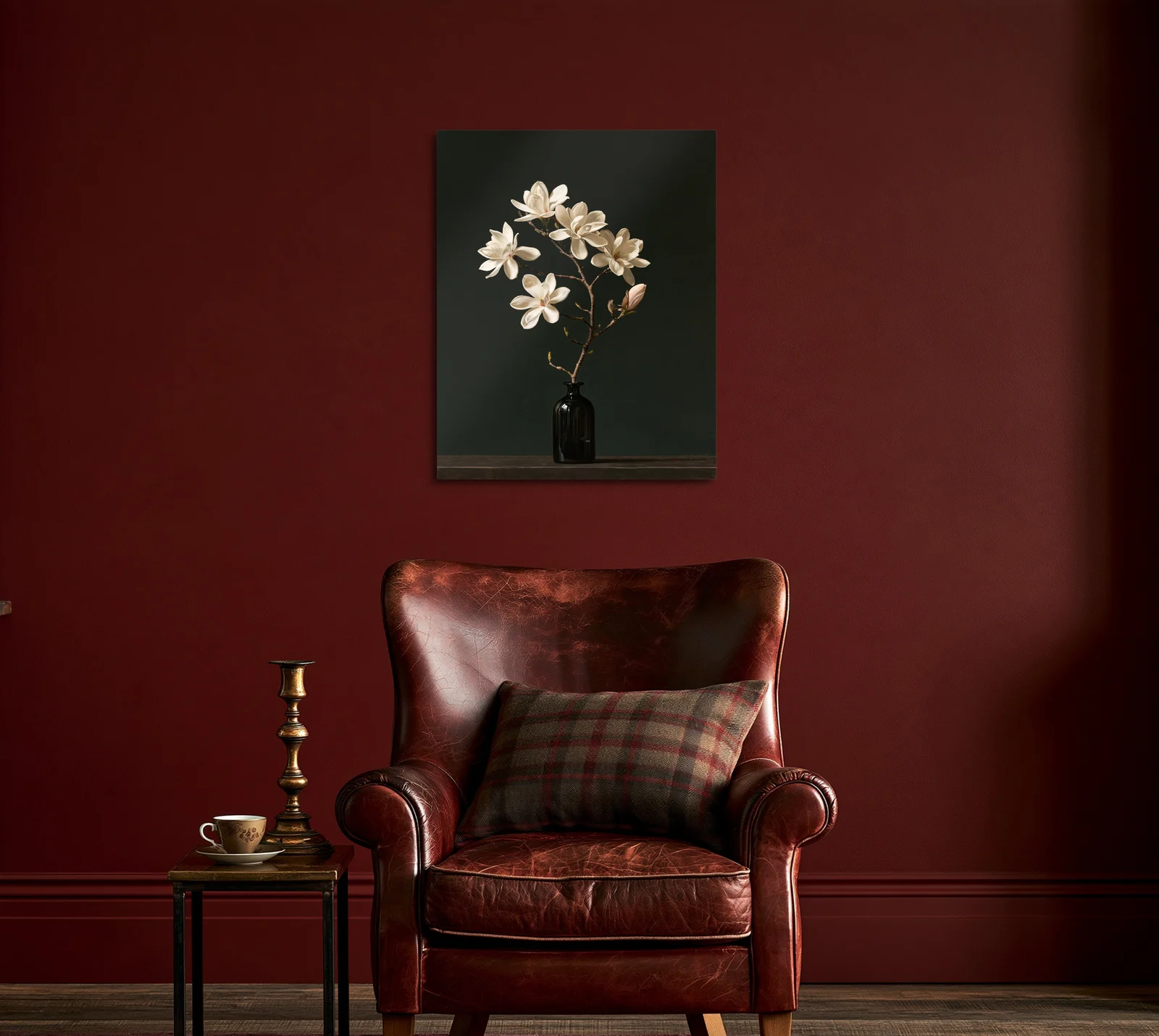
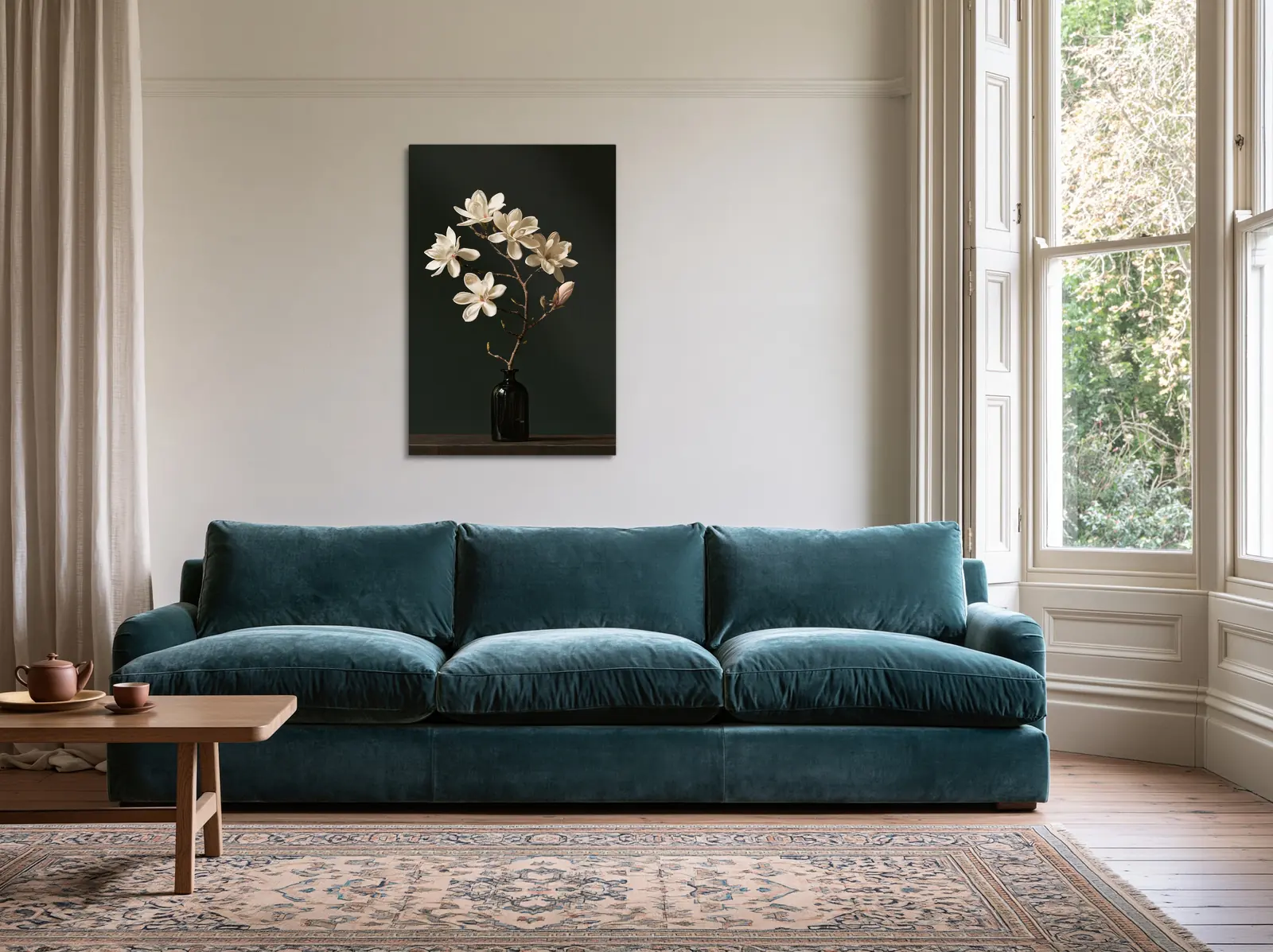
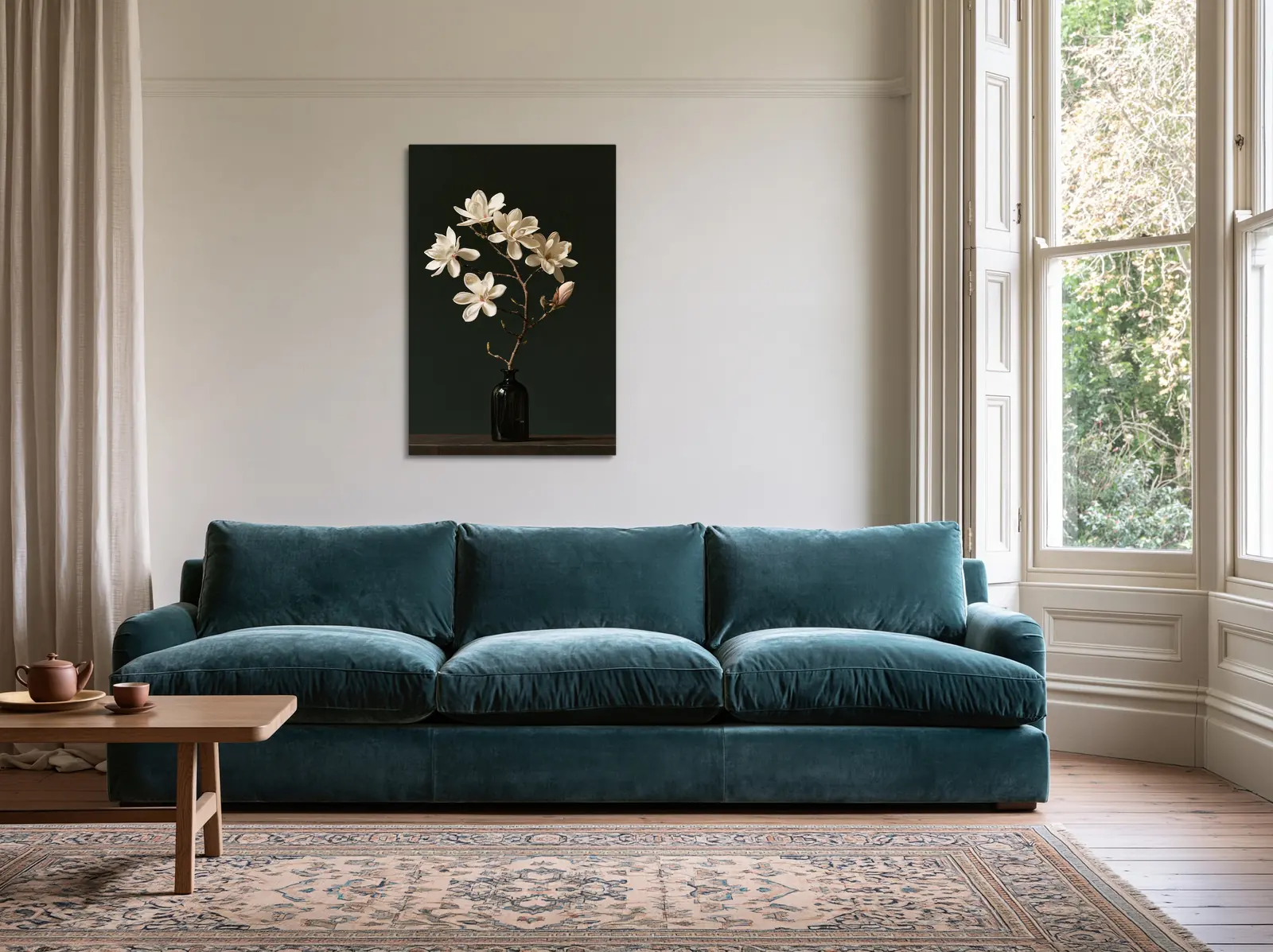
The two WallMock crops below use the same dark magnolia artwork and room. In Gloss, a broad highlight lightens part of the dark background. In Matte, the same area reads more evenly. Open either crop at full size and look at the dark area next to the flower.


The sheen is a preview of how the finish might read under room light. Before listing, hold your sample near a window and check the reflection, corner shape and shadow behind the panel. Use a sample photo to show any texture the room preview can’t reproduce.
What does High gloss look like?
Below, the same magnolia print hangs on one window-lit wall in all three surfaces. Gloss puts a soft sheen on the side the room light comes from. High gloss shows a clear reflection of the room’s window, like a high-gloss aluminium panel. Matte keeps the dark background even. Open any image to see the whole room.
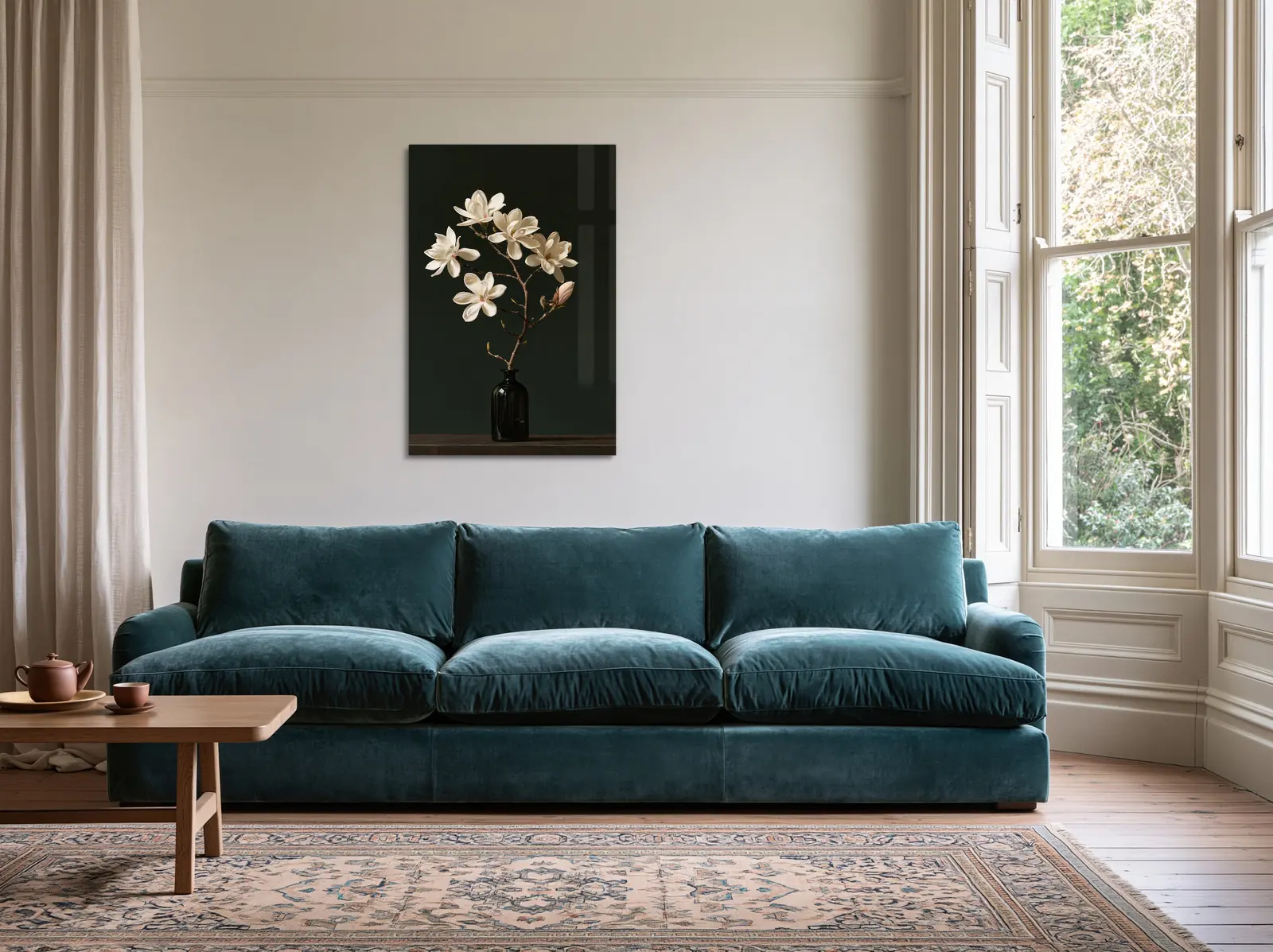
Choose High gloss only if your provider sells a high-gloss panel. A strong reflection in the listing photo tells buyers to expect one on the wall.
Is High gloss or Matte better for metal print listings?
Neither is better on its own: match the panel your provider sells. What changes is how much of the room the panel reflects. On this sailing-boat landscape, High gloss lays the window’s reflection across the upper left of the sky. Matte keeps the sky clean and even.
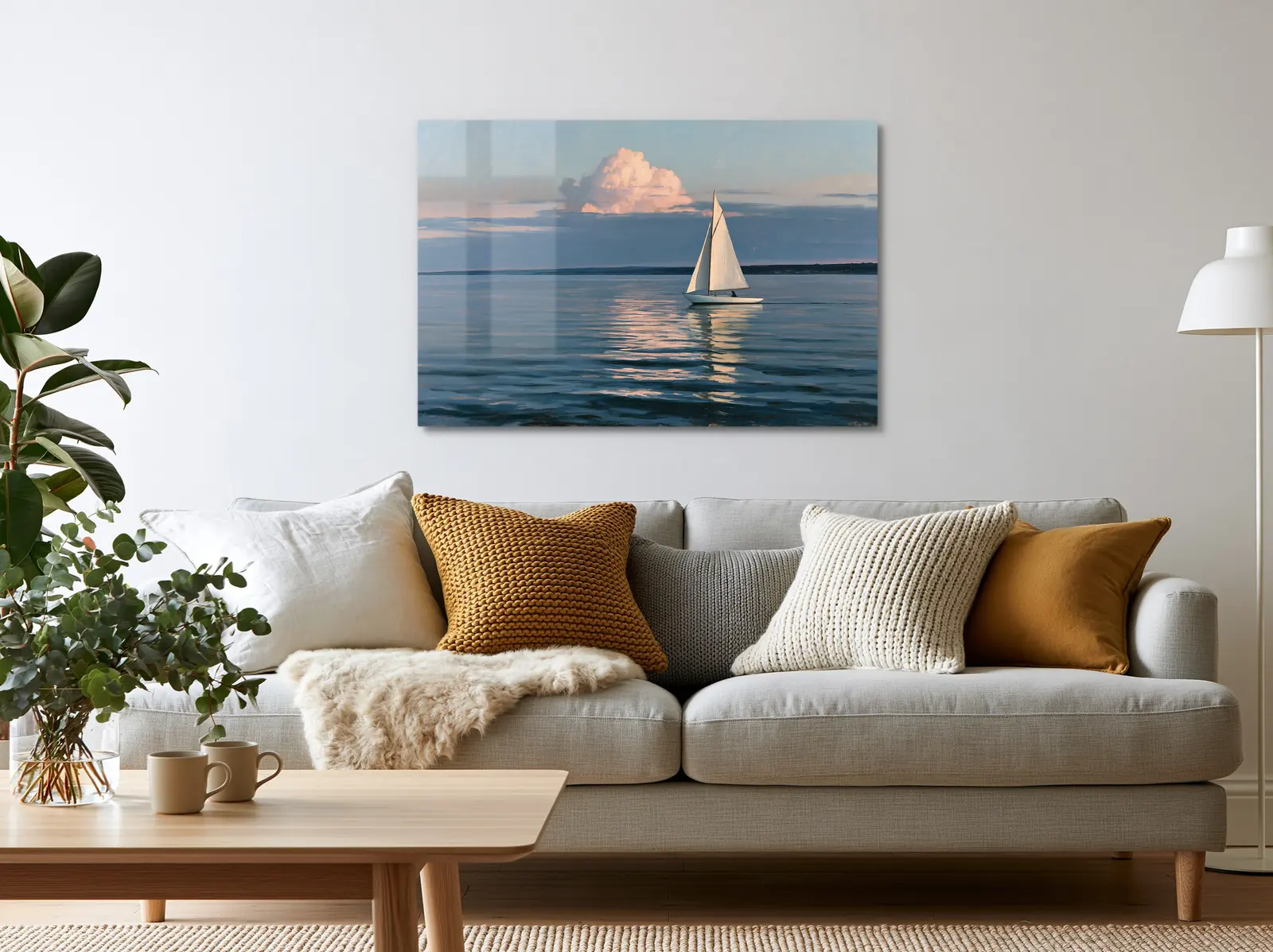
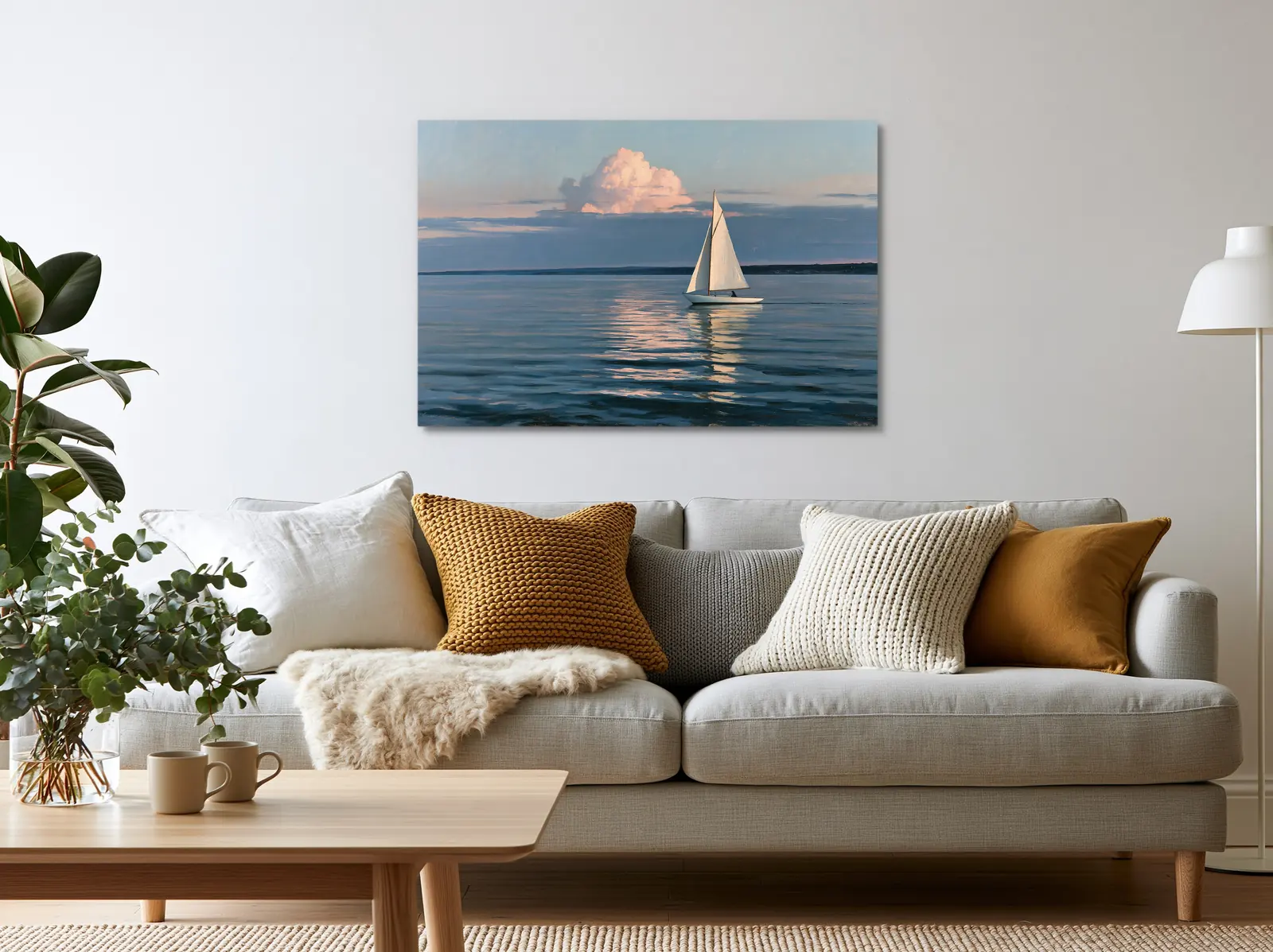
High gloss is clearest on open, smooth areas such as skies and dark backgrounds. WallMock keeps the reflection off the main subject, so where the subject fills the panel, or the room is dark, the reflection is smaller and fainter. If you sell a high-gloss panel, pick an artwork with some open space for the lead photo.
How do the three surfaces look on light, warm art?
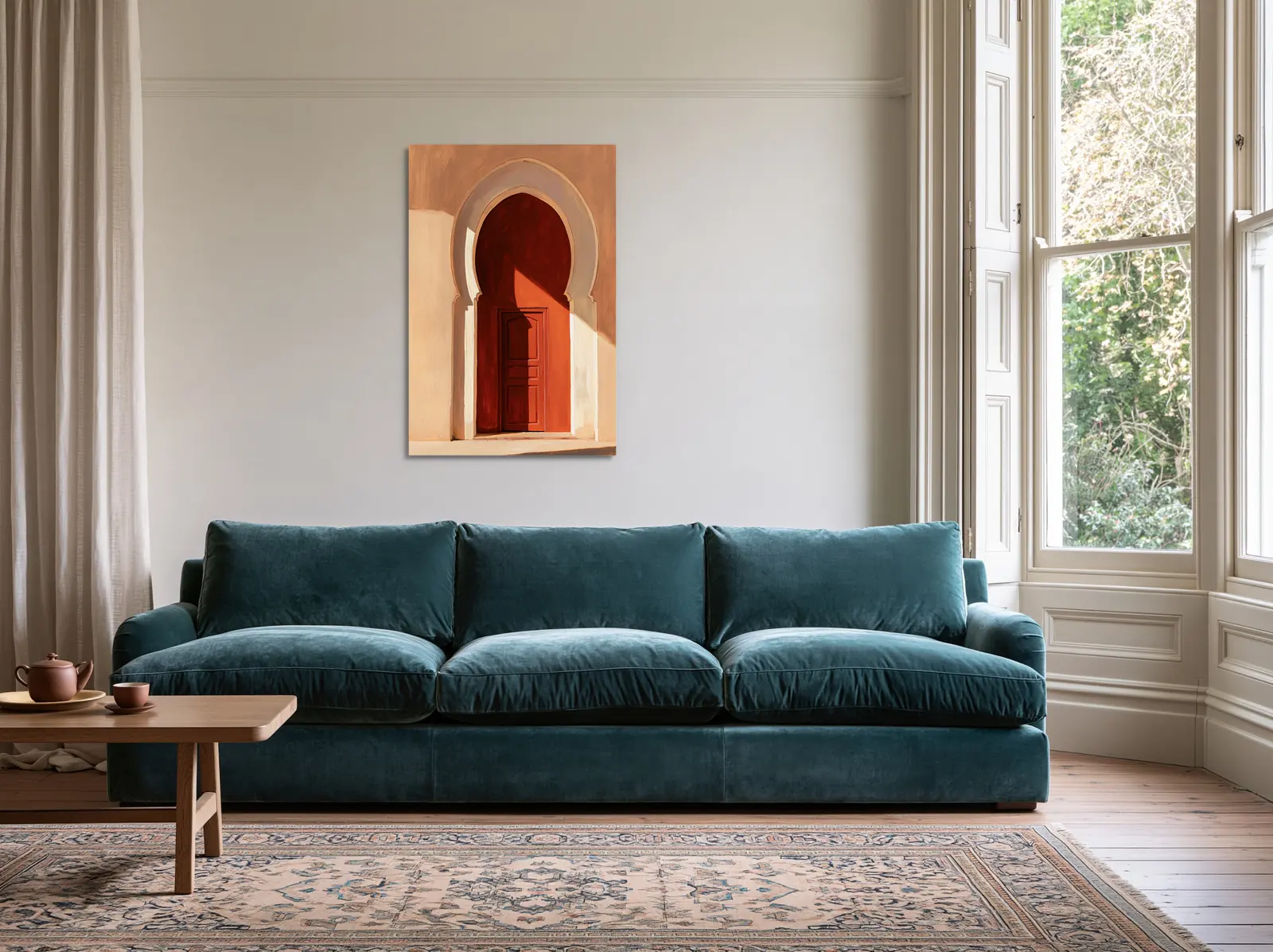
On light art the difference is quieter. This Moroccan doorway painting hangs in the same window-lit room, with its tall window on the right. Gloss barely changes the warm plaster, High gloss adds a faint window shape in the upper right, and Matte stays even. At thumbnail size, the room and the art carry the photo more than the surface does.
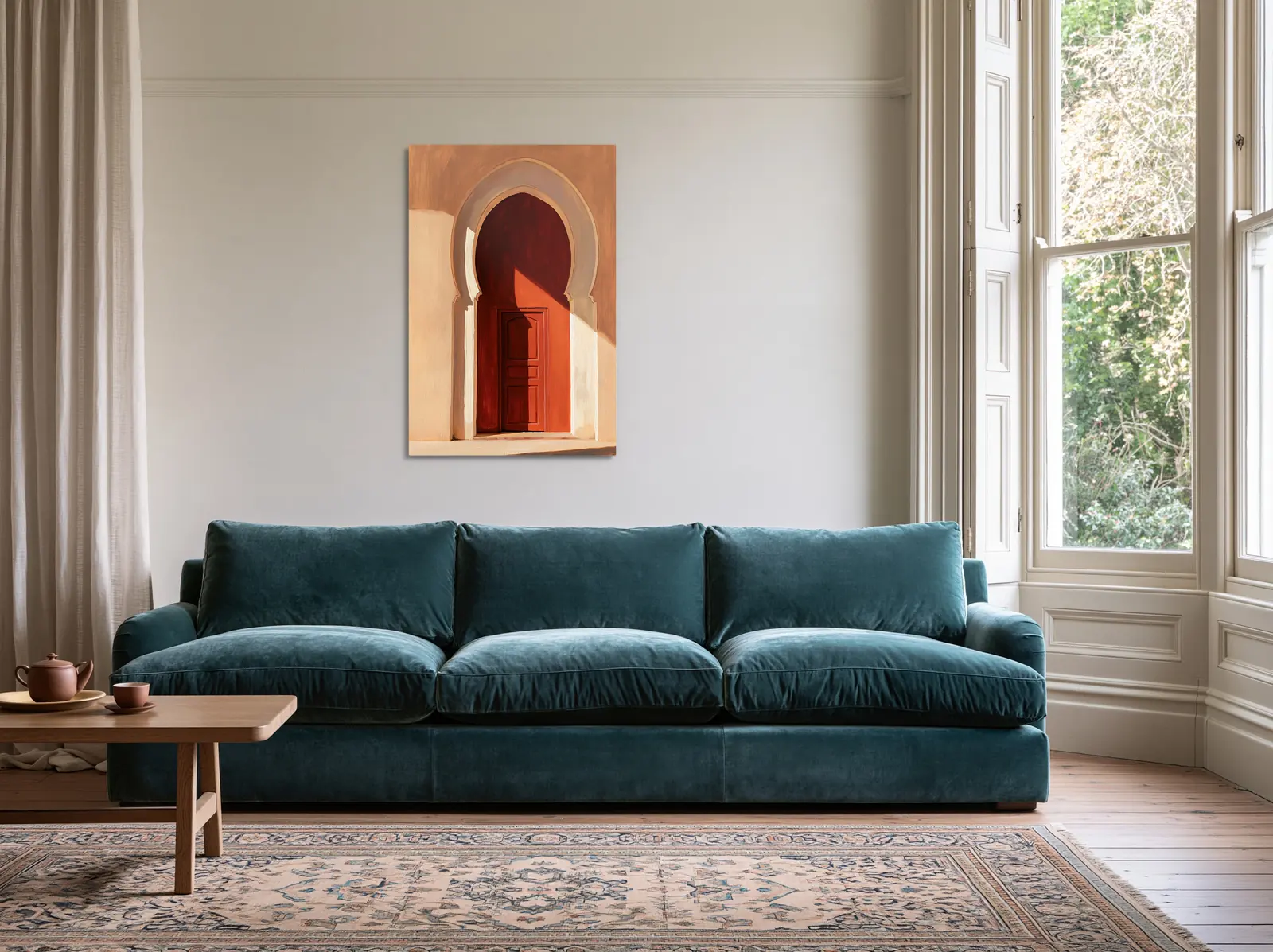
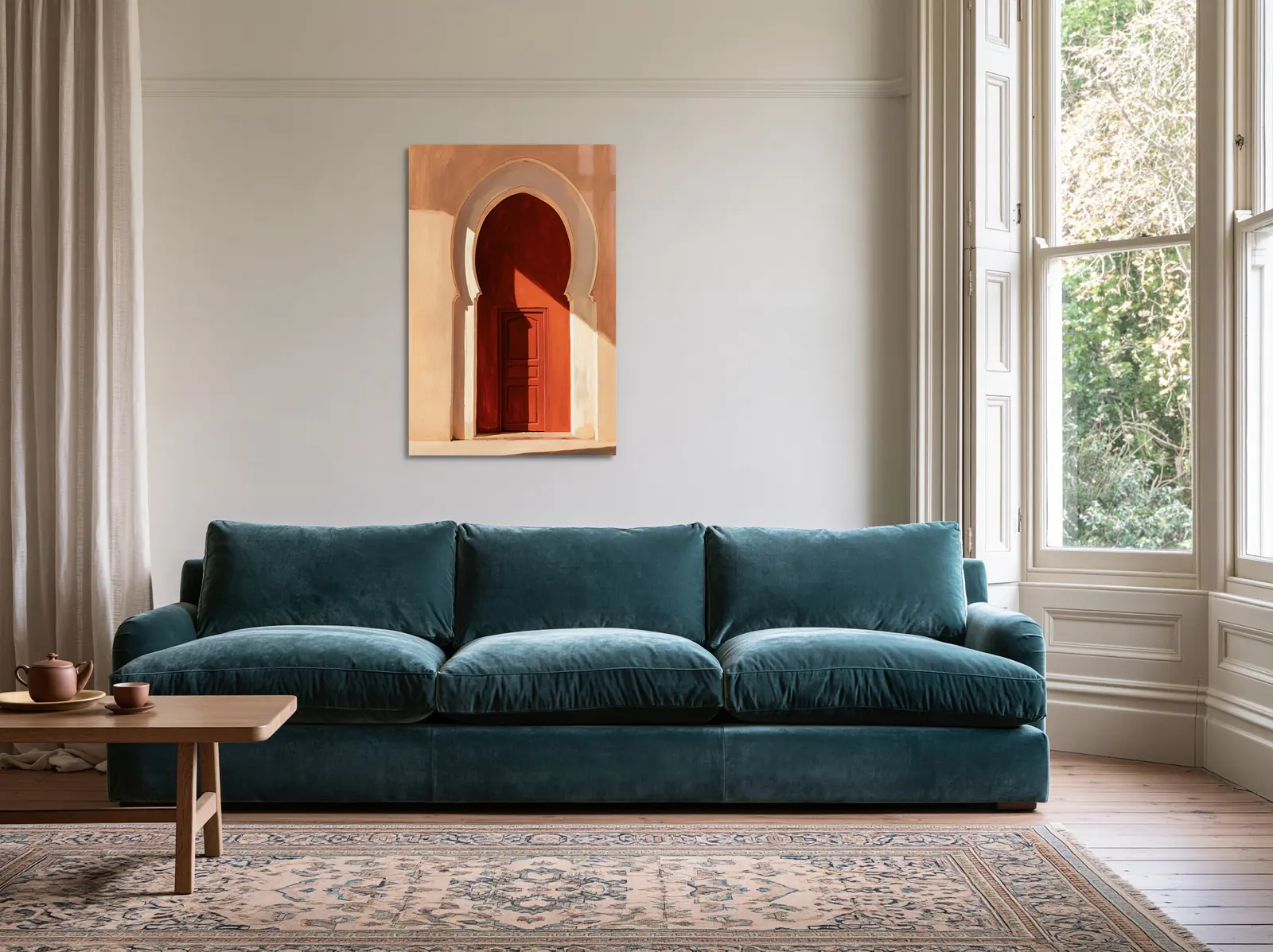
Compare Gloss, High gloss and Matte on your own artwork. No sign-up and no card.
Can I make glossy and matte versions of a whole collection?
Yes. Choose the surface once, heart your rooms, and WallMock makes every artwork in every chosen room in one run, one artwork per image. To offer a second surface, switch it and generate again. On Lite or Pro, save each as a product profile, such as “High gloss metal print”, and reuse it on the next collection. The bulk mockup generator page explains the workflow.
Check which kind of metal print you sell
“Metal print” covers several different builds. For your listing, write down the surface, substrate, edge and mount. These supplier examples show why each field matters.
- Lumaprints Glossy White and Glossy Silver use different base appearances. Check which one you ordered, especially for designs with large white areas.
- Printseekers Metal Print lists 3 mm aluminum and a semi-gloss finish, with limited availability on request. Check current availability and compare the actual sheen.
- Prodigi Dibond lists an aluminum composite panel with a dark core and a hidden rear subframe. Photograph the edge if it’s visible in normal use.
- Gelato Standard and Brushed Aluminum have different surfaces. The brushed version’s grain is a detail worth showing in its own photo.
- Sensaria Metal Prints lists separate gloss dye-sublimated and matte direct-print builds. Confirm the mounting hardware for the one you sell.
- Printful Glossy Metal Print lists a rear float mount. Check delivery eligibility for your buyer’s address.
If your product is paper in an aluminum surround, use the metal frame mockup. The construction comparison shows the two products side by side.
Build a metal wall art listing with three images
- Room view. Check your art at the intended proportions. For a square or tall panel, keep enough wall around it that all four corners survive the storefront thumbnail crop.
- Finish and edge. Photograph the real panel at an angle. Show its edge, how much it reflects and the shadow it casts on the wall.
- Size and mounting. Label panel dimensions, thickness and wall clearance separately. Include a back view if a buyer needs to see the mounting hardware.
Use Etsy’s image requirements for your listing type when choosing the lead photo. For canvas and framed-paper variants too, use the POD sample-to-listing guide.