Give a whole collection the same look
Add your designs together. WallMock places each one in the compatible rooms you saved and makes a separate photo for each selected frame or product look.
WallMock features
Start a new collection with the rooms and frames you already use. WallMock places each design in compatible rooms and exports 4K photos grouped by artwork. Add a close-up or an eight-second listing video when buyers need a better look at the frame.
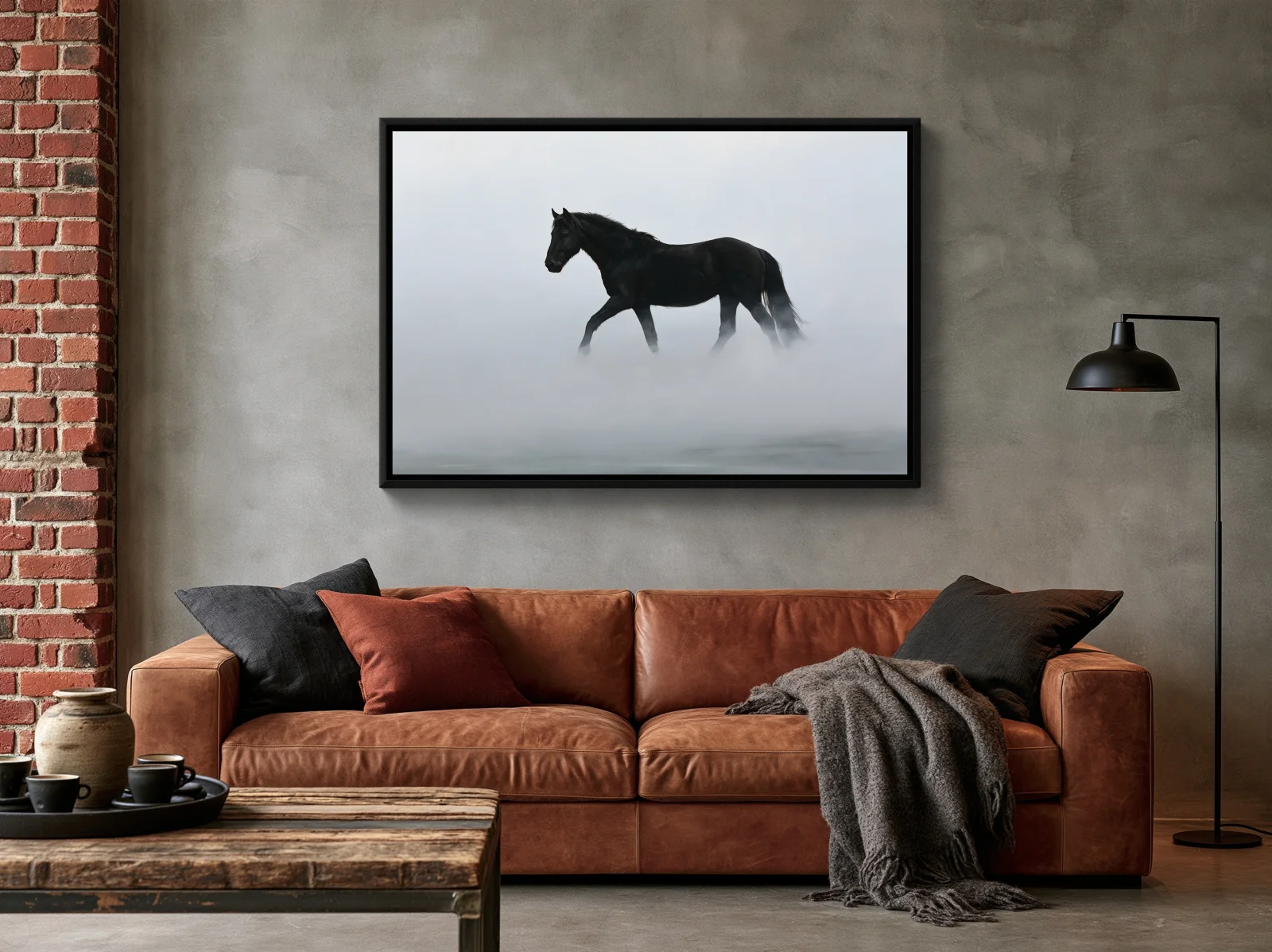
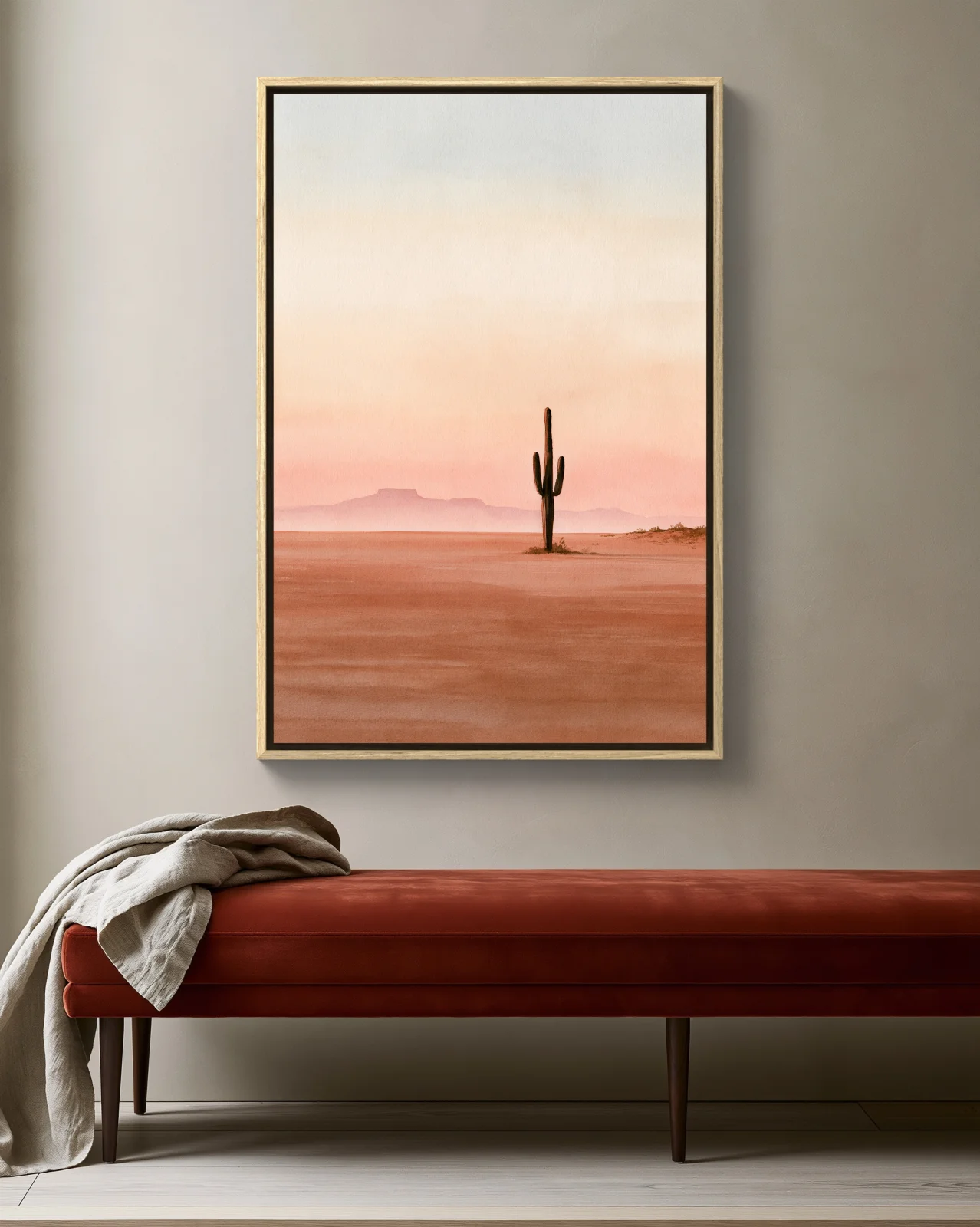
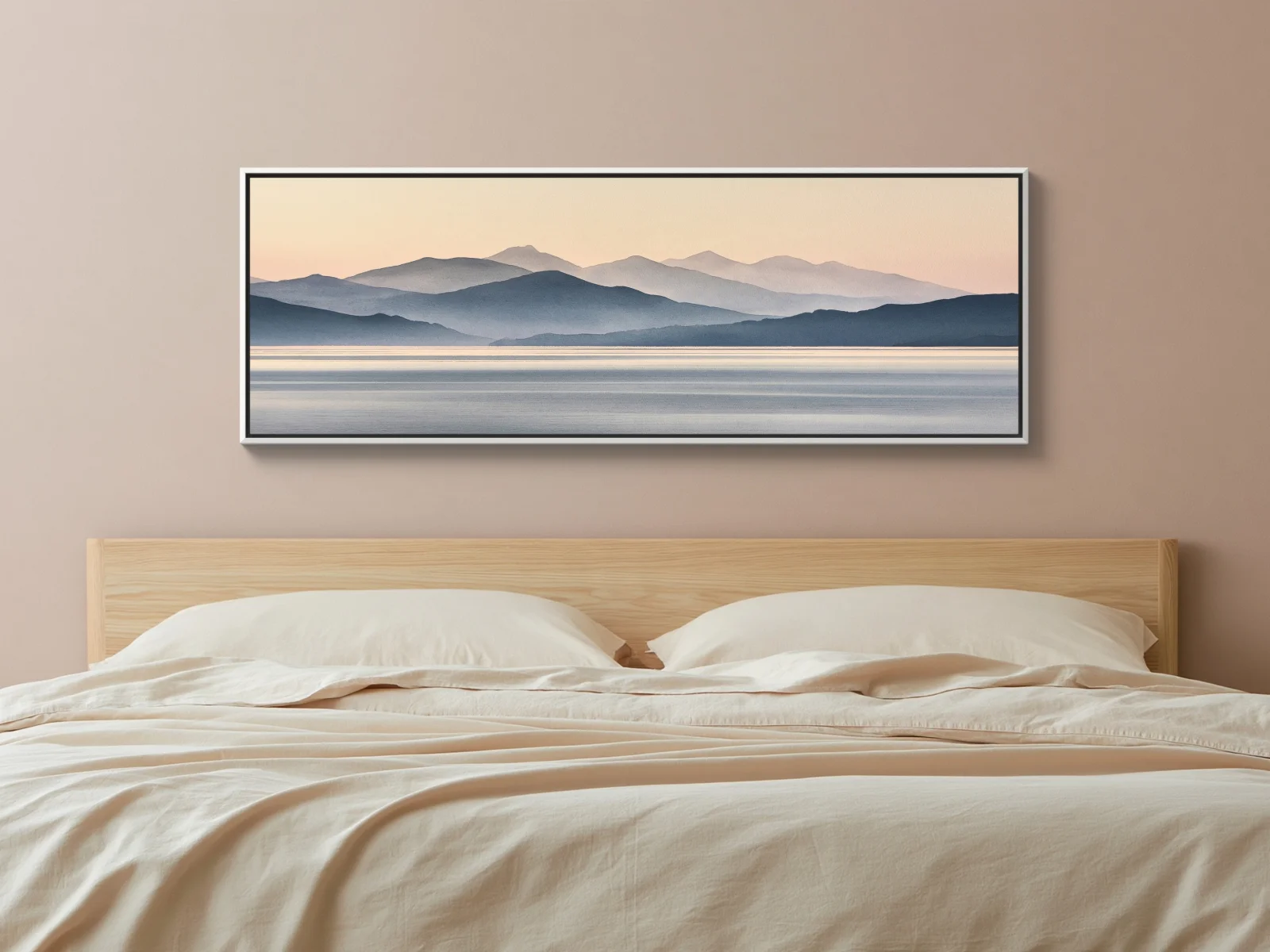
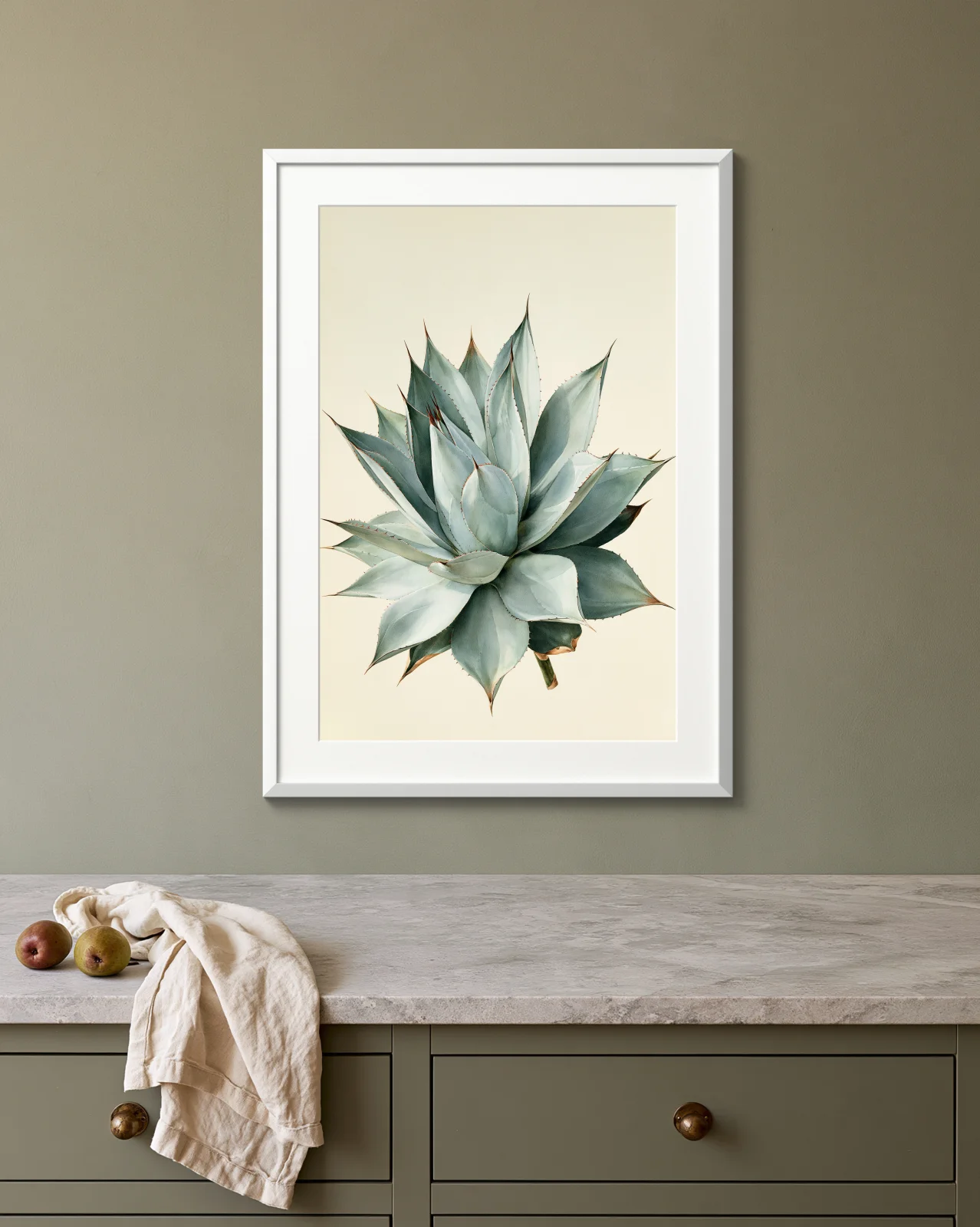
Add your designs together. WallMock places each one in the compatible rooms you saved and makes a separate photo for each selected frame or product look.
Save a room collection from Favourites. Choose a finish for each room, or add a second look if you offer the same design in another frame.
Saved collections use the room’s current looks. Check the selections before you make a batch.
Open a square, a portrait or a panorama at its original proportions. WallMock suggests rooms with wall space for that shape.
Add art from your own device and preview a few choices before making the batch. Time depends on your device, the files and how many photos you make.
Show the floating gap, wood grain and wall shadow in a 4K room photo. Add a corner close-up when the frame makes a difference to what a buyer orders.
The file you upload goes into the frame at its original proportions. Your lettering, signature and brushwork come from that file.
Black, white, natural oak, walnut, espresso, gold and silver, plus natural wood for floating-frame canvas, with up to five saved custom frame colours on Lite or Pro.
Choose an available finish close to your provider’s product, then compare it with a sample.
Framed prints in 20 mm wood, 31.75 mm gallery wood or slim aluminum (black, gold or silver), with or without a mat; wood and painted frames come in any colour you design.
Show a framed print with a mat and finish that represent the option you sell; check physical details with your provider.
Your art on a frameless aluminium panel with rounded corners and a thin metal edge, floating just off the wall with a soft shadow. Gloss by default, High gloss for a clear window reflection, or Matte for a canvas-like finish.
Metal wall art sellers show the panel, its edge and the gloss on a styled room wall. One artwork per image; not in sets yet.
Floating frames with the gap around the canvas, or stretched canvas with no frame.
Canvas sellers show both the framed and the unframed product.
Floating frame canvas mockups · Match your POD supplier’s frames
Pairs, trios and sets of four on one wall.
Sell bundles with a photo that shows the whole set together.
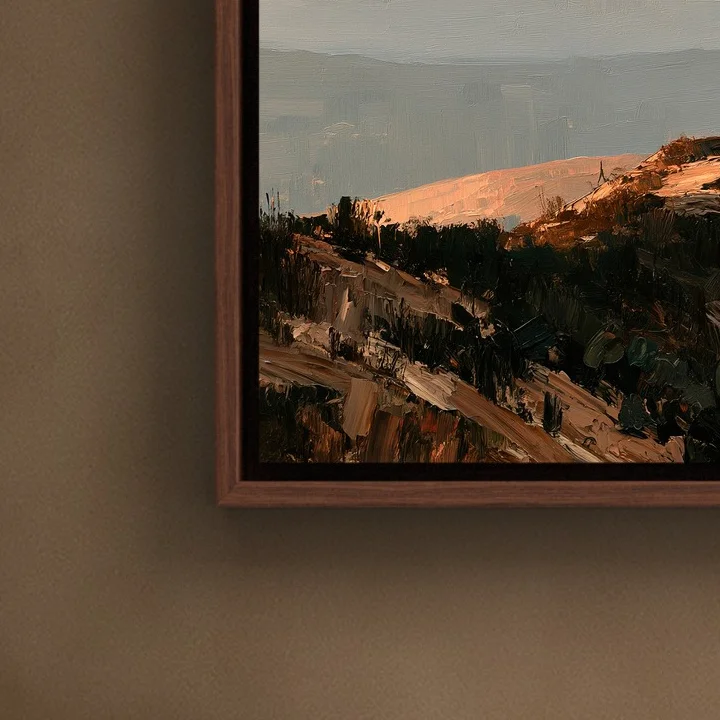
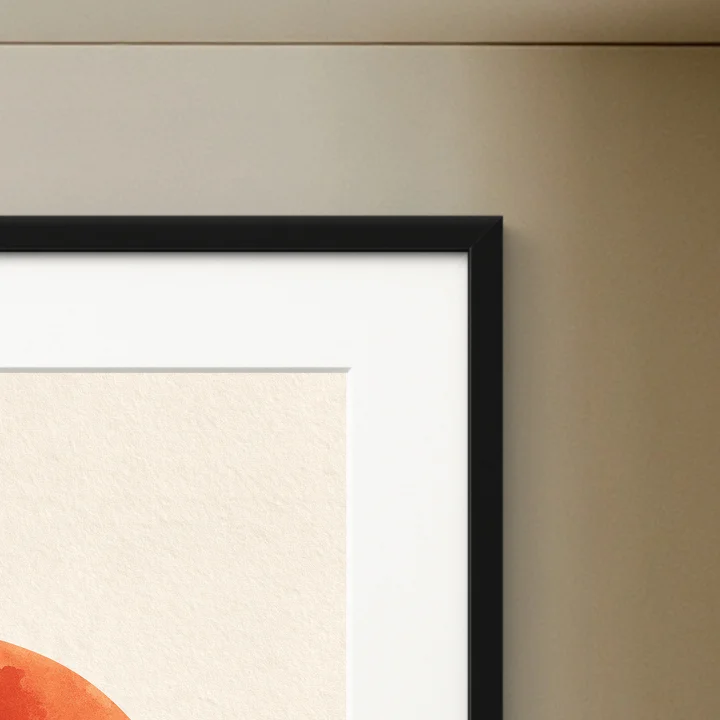
Zoom in and check for yourself: every example opens at full size.
Show the whole room or a close, styled crop of it, and check every image at 100%.
Close crops make the art the hero of the listing photo.
Crops for a 4:3 Etsy first photo, 4:5, 2:3 Pinterest, 1:1 and 16:9, alt text for every photo and a listing checklist.
Everything for one listing downloads together, ready to upload.
Make a video from a finished photo. In supported browsers, the Frame reveal starts at the frame corner and pulls back to the room.
Enter the size you sell in centimetres or inches. Rooms with an estimated wall scale can show a matching size range.
Check the room photo against your actual dimensions and include those dimensions in the listing.
The sizes you sell side by side, in centimetres and inches, as a 2000 px listing image.
Buyers see the size before they order.
See the artwork at true size on your own wall in AR on an iPhone or iPad.
Check scale before you list, with your own eyes.
How these photos go into a listing, in order: the Etsy wall art listing photos I use for every design. For a whole collection at once: mockups for 100 printables without Photoshop.
Living rooms, bedrooms, nurseries, offices, kitchens and more, digitally staged and reviewed, with new rooms added.
Lived-in rooms instead of the same studio wall on every listing.
Start with the rooms recommended for the artwork’s colours and shape. Preview the artwork and frame in a room, then heart the ones you want to use.
Up to three artworks in 8 sample rooms as watermarked previews, with no account and no card.
See your own art in WallMock rooms before you decide.
A free account gets 10 watermark-free 4K (4096 px) downloads every 30 days, and its previews have no watermark.
Test clean downloads before you choose a plan.
Plans from USD $5 a month (USD $9 for new subscribers from 1 Jan 2027); USD, EUR, GBP, CAD, AUD, INR or BRL is set automatically from your connection.
See your price region before subscribing; existing subscriptions keep their billing currency.
Not part of the live-app check above: these are in beta, coming soon or in early access. Send to Shopify is in limited beta on Pro (1 store, up to 10 products a month) and the WallMock Studio plan (up to 3 stores, unlimited products); when it opens to all stores it will be on every plan, with up to 10 products a month on Free, Lite and Pro and unlimited products on the WallMock Studio plan. One-click listing sets will be added to the WallMock Studio plan at no extra cost when they launch. The WallMock Studio plan is separate from the web app you use on every plan.
Beta
Connect your Shopify store and your mockups go straight onto your products, hero first. No downloading or re-uploading. Product-edit permission only; it never deletes your photos.
In the beta, on Pro: 1 store, up to 10 products a month. On the WallMock Studio plan: up to 3 stores, unlimited products. When it opens to all stores: every plan, with 1 store and up to 10 products a month on Free, Lite and Pro. Not in the Shopify App Store yet; you connect your store from WallMock.
Available
WallMock doesn't connect to your Etsy shop. Download your photos and upload them in Etsy's listing editor; on paid plans, the listing kit ZIP adds crops for a 4:3 Etsy first photo, alt text for every photo and a listing checklist.
Early access
For print companies, print-on-demand platforms, large art shops and listing tools: the same renderer, exact art, and one-call listing packs.
In development; a private pilot is coming. Pay per image, with volume plans; 20% off with the WallMock Studio plan when the API launches.
Talk to us
For print labs, POD suppliers, marketplaces and wall-art brands: your own frame range as presets, private to you, for your sellers and your own listings.
The partner frame catalogue is in development. No prices published.
Available
$25 a month, or $240 a year ($29 or $279 for new subscribers from 1 Jan 2027). Everything in Pro, plus Send to Shopify for up to 3 stores with unlimited products, up to 25 saved custom frame colours, priority email support and 20% off API images when the API launches.
One-click listing sets for a whole collection, sending a whole collection onto all products and saved frame and partner presets are coming soon; listing sets are added to the WallMock Studio plan at no extra cost when they launch. Pricing
Etsy is a trademark of Etsy, Inc. WallMock is an independent service and is not affiliated with or endorsed by Etsy.
Coming soon: angled rooms. Paid members get early access when it launches.
Before and after you make your mockups: 16 free browser tools for print sizes, frames, gallery walls and Etsy listings. No sign-up, and nothing is uploaded.
Try WallMock free with no sign-up and no card: up to three artworks in 8 sample rooms, as watermarked previews made on your device.
Make listing photos for a whole collection at once: your artworks in the compatible rooms and frame looks you select, with crops for Etsy, Pinterest and Instagram, alt text, a listing checklist and, on Pro, listing videos. WallMock places your file as it is: it is never redrawn, repainted or upscaled by AI.
Framed canvas (floating frame), Stretched canvas, Framed print, with or without a mat, Metal print (art on a frameless aluminium panel), Aluminum framed print (black, gold or silver), with or without a mat. On Lite or Pro, save up to five custom frame colours and reuse them in product profiles. Choose wood grain, metallic or painted, then pick a colour with the colour picker or one of 21 one-click colours (5 woods, 6 metals and 10 paints). Some rooms keep only the frame looks we reviewed for them; custom frames work in all the others. Colours are close approximations, not a supplier's finish. Framed prints come with no mat or a mat in white, warm white, cream, warm grey or black.
Every paid plan makes clean 4K (4096 px) images with the same rooms and frames. Pro includes unlimited clean 4K (4096 px) images. Pro includes listing videos. Try Free previews are watermarked; free-account previews are not. A free account gets 10 watermark-free 4K (4096 px) downloads every 30 days, one free account per person, and its previews have no watermark. Its first 10 free downloads work in every room, then the free plan keeps 8 rooms.
Lite $5 USD a month for 200 clean 4K (4096 px) images; Pro $15 USD a month for unlimited clean 4K (4096 px) images. From 1 Jan 2027, new subscribers pay Lite $9 a month or $79 a year and Pro $19 a month or $179 a year. Subscribe before then and keep today's price for as long as you stay subscribed. Fair use: paid plans can open any room in the library. Up to 300 images a day can be made on WallMock's server; images made in your browser, on your device, do not count toward that limit.
Rendering runs in your browser. Time varies with your device, artwork files, selected rooms and batch size; try a representative file before starting a collection.
No. WallMock runs in your web browser, with no PSD files or smart objects to edit.
Send to Shopify (beta): connect your Shopify store and your mockups go straight onto your products, hero first, with no downloading or re-uploading. It asks for product-edit permission only and never deletes your photos. In the beta it is on Pro (1 store, up to 10 products a month) and the WallMock Studio plan (up to 3 stores, unlimited products); when it opens to all stores it will be on every plan, with up to 10 products a month on Free, Lite and Pro and unlimited products on the WallMock Studio plan. One-click listing sets will be added to the WallMock Studio plan at no extra cost when they launch. The WallMock API is in early access for print companies and platforms. See integrations.