Free tool
Panorama, diptych and triptych split calculator
Short answer: enter the artwork's width and height, 2 or 3 panels and the gap. Split evenly to keep the whole image (a 60 × 20 in panorama becomes three 20 × 20 in panels, 64 in wide with 2 in gaps), or keep the wall width and cut the gaps out so lines stay straight. Get each panel's size and position, and optionally cut your image into the panels in one ZIP.
Split your artwork
3 panels, each 20 × 20 in.
Width on the wall, gaps included: 64 in.
Nothing is cut out of the image; the gaps add to the width on the wall.
| Panel | Size | Position |
|---|---|---|
| Panel 1 | 20 × 20 in | 0 in from the left |
| Panel 2 | 20 × 20 in | 22 in from the left |
| Panel 3 | 20 × 20 in | 44 in from the left |
Then show it on a wall
Show the panorama, or the set
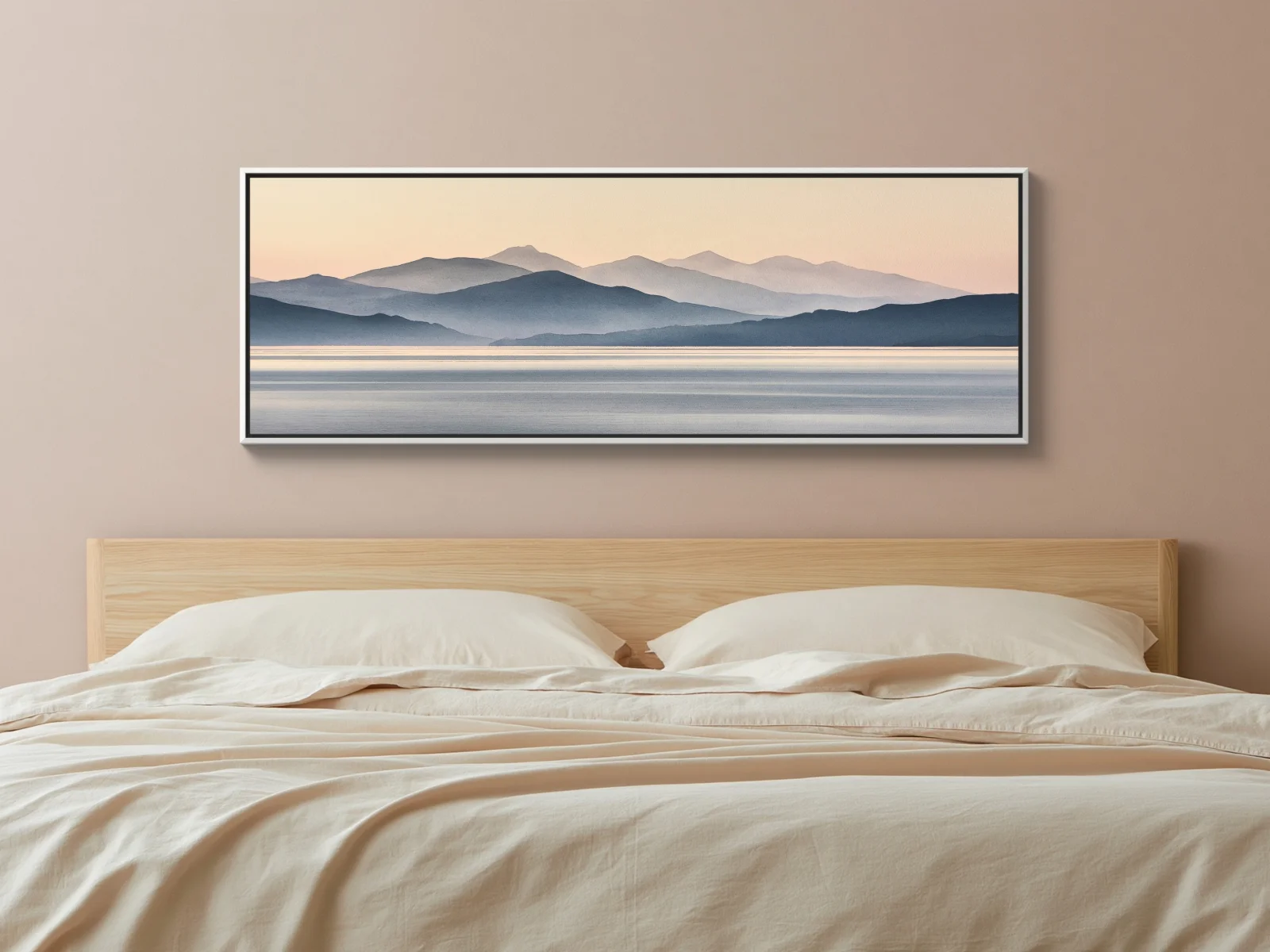
WallMock shows 3:1 panoramas as one piece and sets of 2, 3 or 4 on one wall, with your exact artwork in 500+ curated rooms.
Try WallMock free with no sign-up and no card: up to three artworks in 8 sample rooms, as watermarked previews made on your device.
Two ways to split
- Split evenly. The image is cut into equal panels and nothing is lost. The gaps add to the width on the wall.
- Keep the width, cut out the gaps. The overall width stays the same and the strips behind each gap are removed from the image, so horizons and lines carry straight across, as if seen through a window. Use it for landscapes, not for art with text or a subject near a gap.
Hanging the panels
Hang all panels at the same height with equal gaps. Centre the whole group, not the middle panel, over furniture; the gallery wall spacing calculator gives nail positions.
Read next: spacing pairs and trios and the gallery wall layout planner.
More free tools
Questions
How do I split a panorama into a triptych?
Choose 3 panels and a gap. Split evenly to keep the whole image: a 60 × 20 in panorama becomes three 20 × 20 in panels and, with 2 in gaps, is 64 in wide on the wall. Or keep the wall width and cut out the gaps, so lines in the scene stay straight across them.
What gap should a triptych have?
2 to 3 inches (5 to 8 cm) between panels is common for living rooms; smaller gaps read as one piece, larger ones as three. Keep every gap the same.
Which split mode should I use?
Split evenly when no part of the art may be lost, such as text or a centred subject. Cut out the gaps for landscapes and horizons, where the scene should look continuous behind the gaps.
Is my image uploaded?
No. The image is cut into panels in your browser and downloaded as one ZIP; nothing is sent anywhere.