Frame colours
Black, white, natural oak, walnut, espresso, gold and silver. On Lite or Pro, save up to five custom frame colours in a reusable product profile.
Printable wall art mockups
Give buyers an idea of how your file will look after they print and frame it. Put the art in a room that fits its shape and show a mat if that’s the look you want. Keep the file sizes and what’s included clear in your Etsy listing.
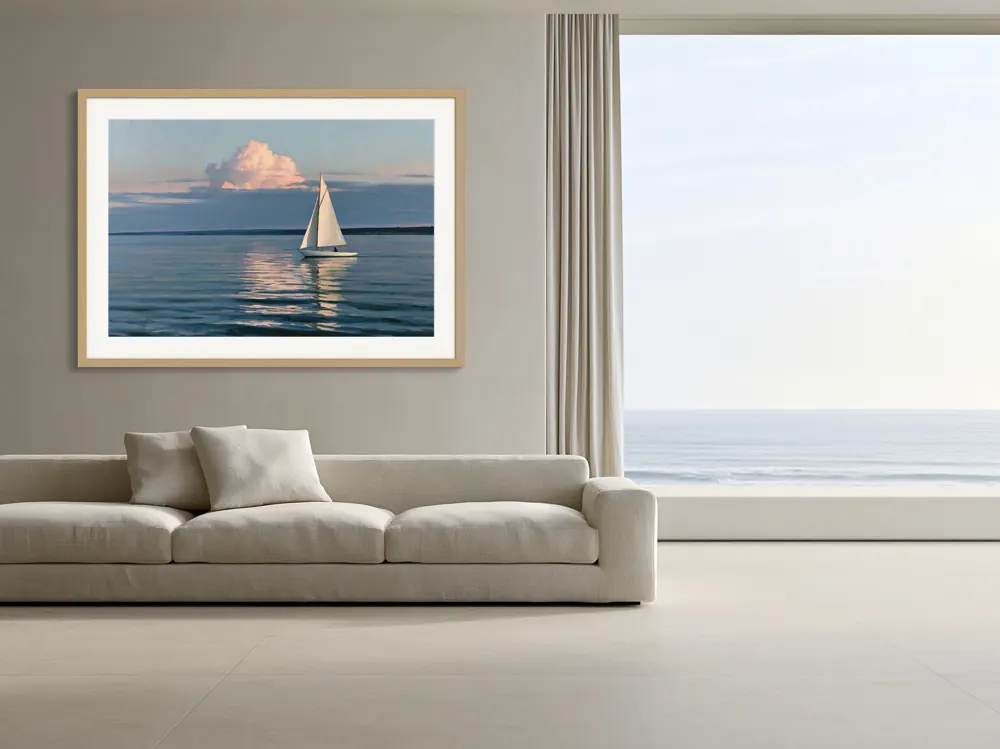
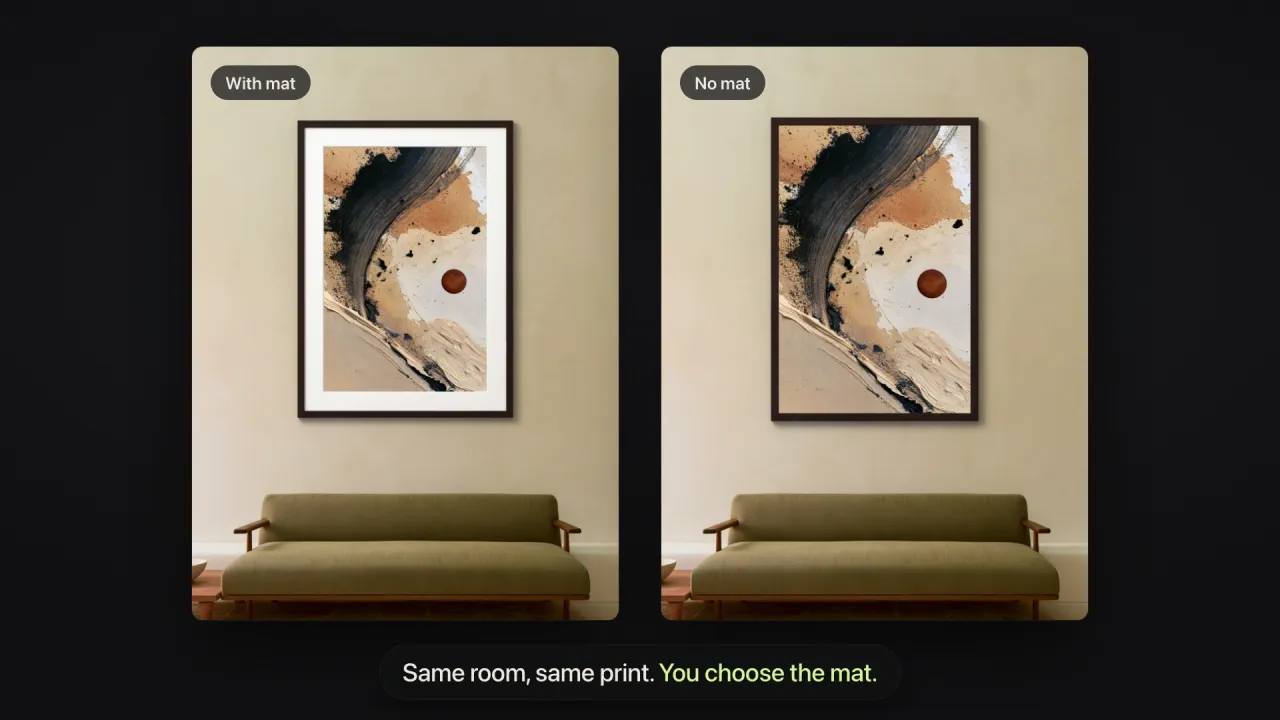
A digital download buyer gets a file, then prints it and puts it in a frame. The listing has to show that finished result, because the buyer can't picture it from a flat file.
Etsy's listing image rules, from Etsy's listing image requirements page, as summarised on our Etsy mockup generator page (checked 2026-10-29). For a full listing plan, read mockups for printable wall art.
Pick the frame and mat your buyers are most likely to use, save it once, and every printable in the collection gets the same look.
Black, white, natural oak, walnut, espresso, gold and silver. On Lite or Pro, save up to five custom frame colours in a reusable product profile.
Framed prints in a 20 mm wood frame, a 31.75 mm gallery wood frame or a slim aluminium frame in black, gold or silver.
No mat, or a mat in white, warm white, cream, warm grey or black, with a shaded bevel at the opening.
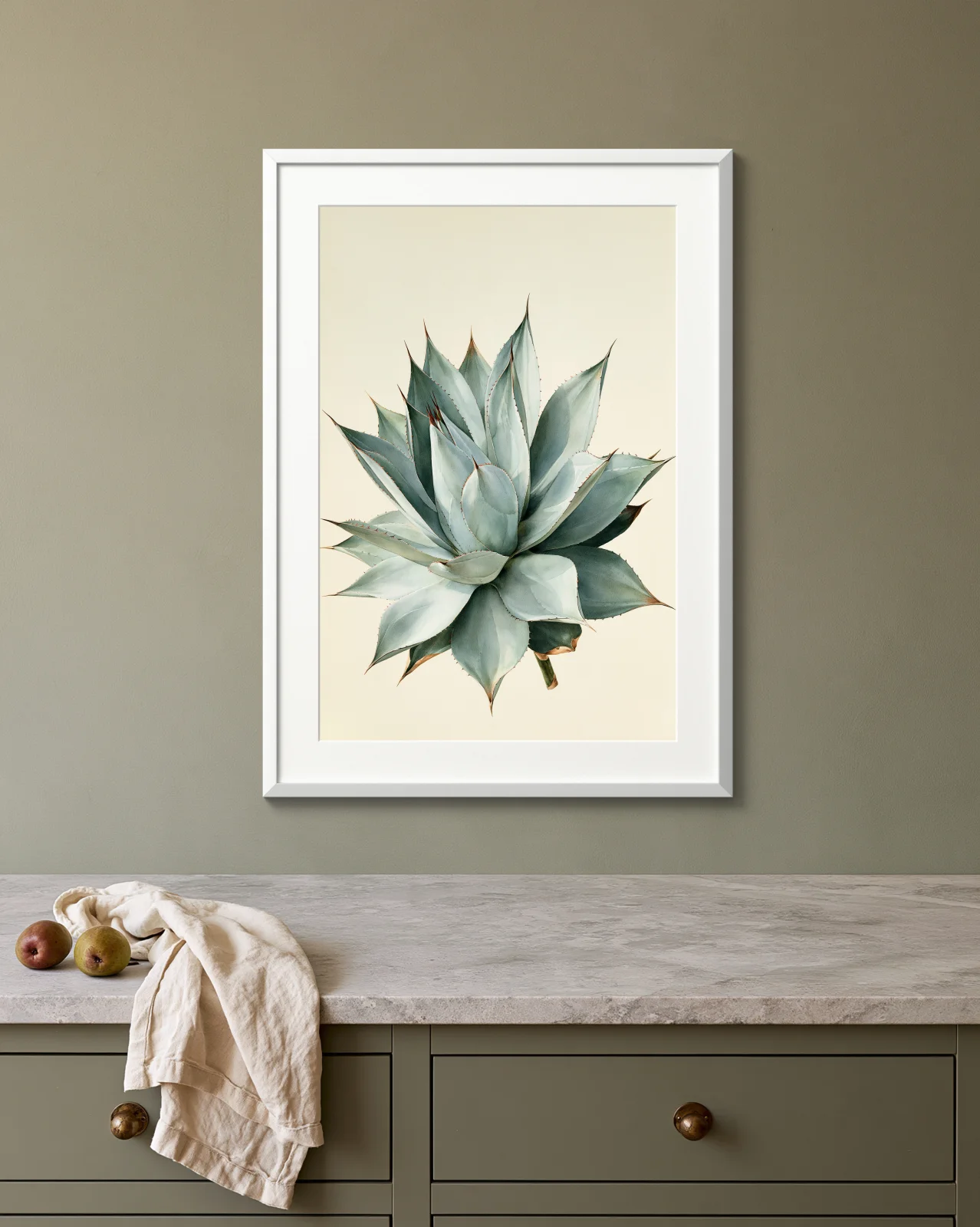
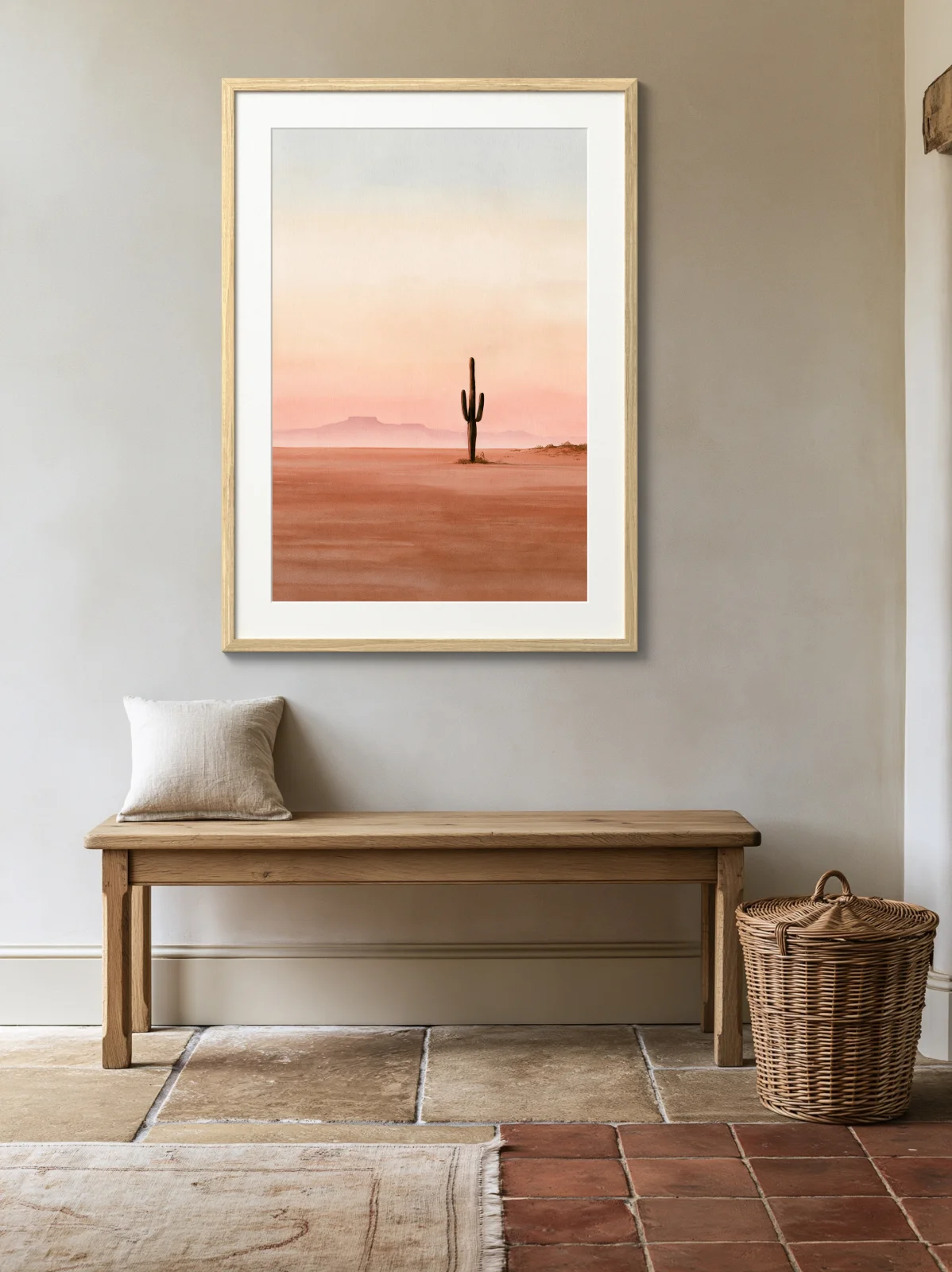
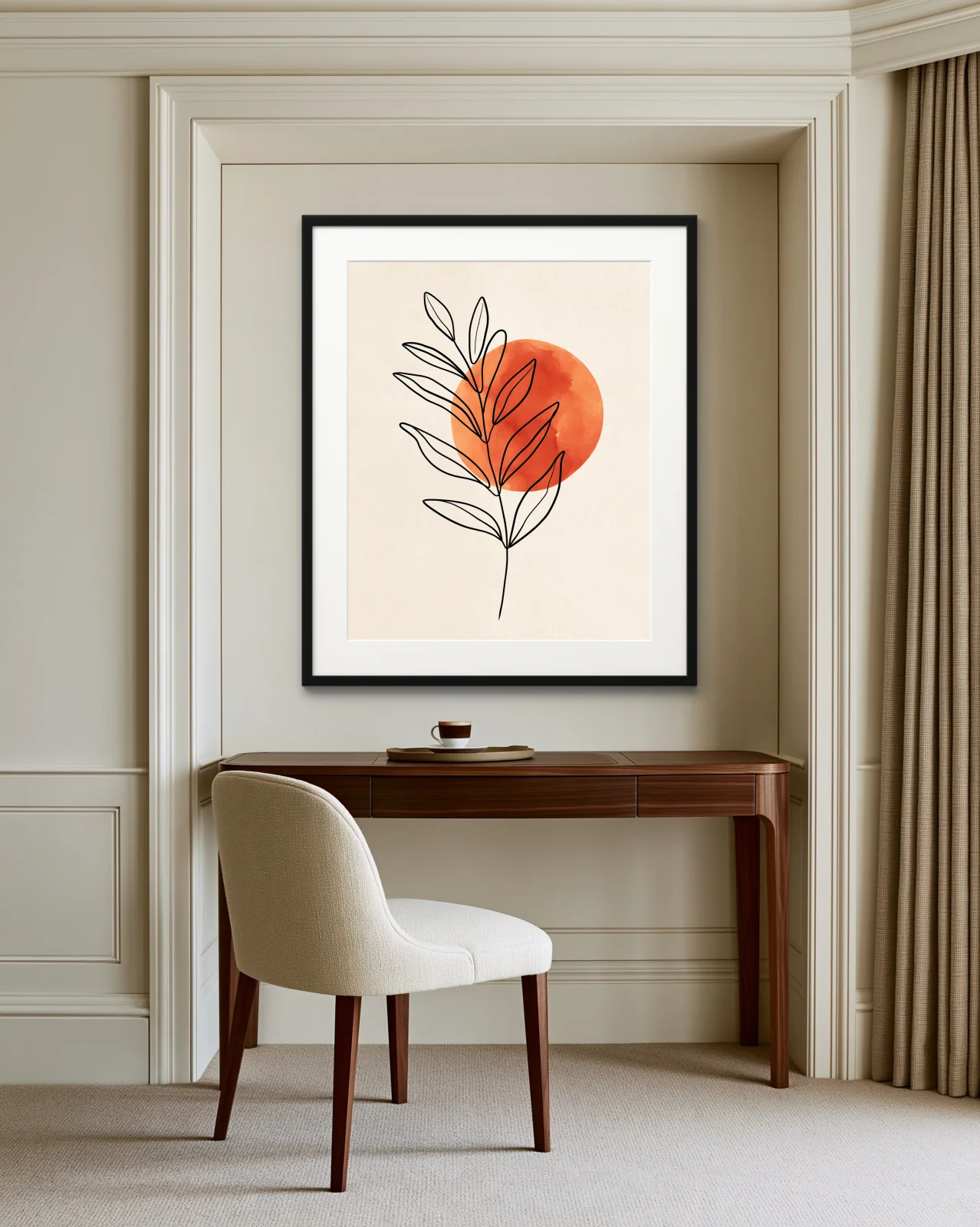
Examples made with WallMock; each artwork is placed as supplied, not redrawn. Rooms are curated, digitally staged interiors reviewed by WallMock. More framed print examples are on the frame mockup generator page.
If you sell both 2:3 and 3:4 files, show the framing you’d expect for each. A tighter design on the 3:4 version may need a wider mat. Upload the exact files you sell so each keeps its own proportions.
| Ratio | Common print sizes | Note |
|---|---|---|
| 2:3 | 4×6, 8×12, 12×18, 16×24, 20×30, 24×36 in | The most common printable file |
| 3:4 | 6×8, 9×12, 12×16, 18×24 in | 18×24 is a 3:4 shape, not 2:3 |
| 4:5 | 8×10, 16×20, 24×30 in | 8×10 is a common small frame |
| 11:14 | 11×14, 22×28 in | A common ready-made frame size |
| ISO A (about 1:1.41) | A5, A4, A3, A2, A1 | Buyers in the UK, Europe and Australia |
| 1:1 | 8×8, 12×12, 20×20 in | Square art |
| 1:2 and 1:3 | 12×24, 20×40 in; 12×36, 20×60 in | Tall pieces; turned sideways, panoramas up to 3:1 |
Make the ratio files from one artwork with the free printable size pack maker, and check which sizes each file prints well with the print size calculator. The size families are explained in print ratios and sizes for wall art.
Printable shops often list dozens of designs. Set up the look once and reuse it for every new artwork.
The count is designs × rooms: 30 printables in 5 rooms is 150 images, within Lite's 200 a month; 30 in 8 rooms is 240, which fits Pro, with no monthly image count under fair use. The bulk mockup generator page walks through a full run, and mockups for 100 printables without Photoshop covers file names and the limits. For the order of the photos in each listing, see the Etsy wall art listing photo set.
Free accounts include 10 watermark-free 4K downloads every 30 days, for single artworks; sets and listing kits need a paid plan. See pricing.
Downloads are 4K (4096 px on the long side) on Free and paid plans. Etsy recommends listing photos at least 2000 px, so there is room to crop.
On paid plans: crops for a 4:3 Etsy first photo, 4:5, 2:3 Pinterest, 1:1 and 16:9, alt text for every photo and a listing checklist.
WallMock doesn't connect to Etsy: no Etsy login and no shop permission. Download the photos and add them in Etsy's listing editor.
Yes. Clean WallMock downloads can be used in Etsy and Shopify listings, ads and social posts with no extra licence fee, even after you cancel. Etsy asks digital download listings to include a preview of the content, so add one image of the artwork itself and say that the frame and room are not included.
No. The mockup shows one way a buyer could display the print. Say 'digital download, no physical item shipped' in the first lines of your description and on one listing image.
On a paid plan, yes, with two numbers to check. 100 listings with 5 photos each is 500 images. Lite includes 200 clean 4K images a month, so that volume needs Pro or the WallMock Studio plan, which have no monthly image count. Fair use: paid plans can open any room in the library. Up to 300 images a day can be made on WallMock's server; images made in your browser, on your device, do not count toward that limit. Speed depends on your device, files and batch size, so try a representative file before a big run.
No. WallMock places your file as it is: it is never redrawn, repainted or upscaled by AI. Lettering, signatures, colours and proportions stay as they are in your file.
Each file keeps its own shape, from square to 3:1 panoramas and 1:3 tall pieces, and is never stretched. Upload one file per ratio you sell, such as 2:3, 3:4, 4:5, 11:14 and ISO A, and each one goes into rooms that suit its shape.
Yes, on a paid plan. Compatible framed products show pairs, trios and sets of four on one wall with matching frames and even gaps. Free downloads are for single artworks.
No. WallMock runs in your web browser, with no PSD files or smart objects. Try it with no sign-up and no card: up to three artworks in 8 sample rooms, as watermarked previews.
No sign-up, no card: watermarked previews in 8 sample rooms, up to three artworks.
Etsy is a trademark of Etsy, Inc. WallMock is an independent service and is not affiliated with or endorsed by Etsy.