Mockup tools guide · 6 min read
Photoshop smart-object frame mockups vs an online generator: time and cost per listing
Short answer: A PSD frame mockup is a Photoshop file with a smart object where your art goes: you replace its contents, check the fit and export, once per design per template. It gives full control and works with your own photos, but each template suits one ratio and each image needs checking; actions and scripts can automate some of the work. Cost per image = template price ÷ images made + (minutes ÷ 60) × your hourly value. Time yourself on five designs, then compare.
PSD templates are one way to start, and they're still the right tool for some jobs. This guide puts numbers on them, so you can see when to keep Photoshop and when a bulk mockup generator pays for itself.
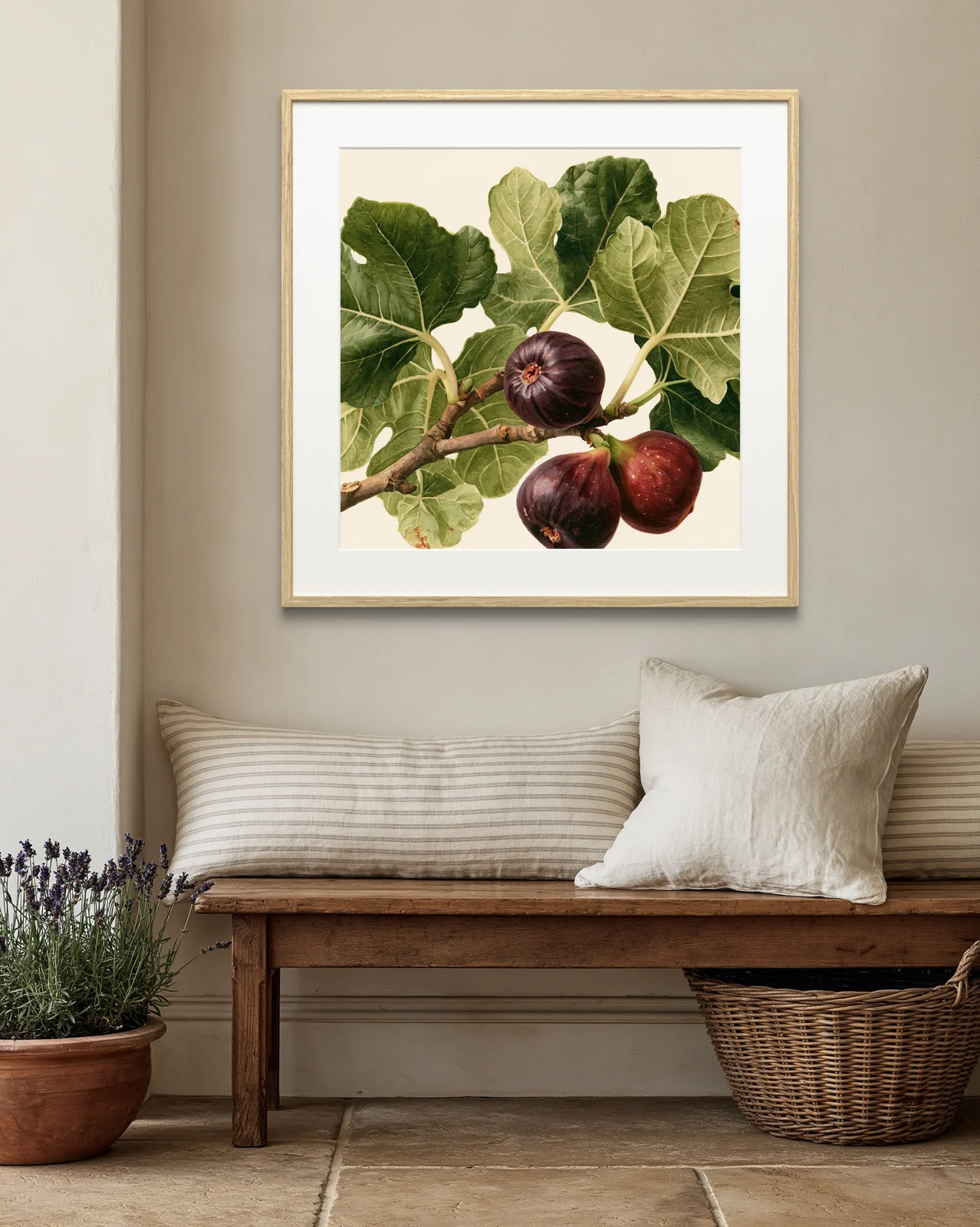
How a smart-object frame mockup works
A PSD mockup is a layered Photoshop file. The room photo sits at the bottom, a smart object marks where the art goes, and layers above add the frame, shadows and light. To use it, Adobe's help page ("Replace the contents of a Smart Object", helpx.adobe.com, read 2026-10-29) gives these steps:
- Open the Layers panel and select the smart object.
- Right-click the layer and choose Replace Contents.
- Choose your artwork file and click Place.
Adobe says the new file replaces the original and keeps all its transformations. That's the point of a template, and also its catch: a file with a different shape or pixel size from the placeholder can come out cropped, squeezed or the wrong size. Then you save or export a JPEG, and repeat for the next design.
Where PSD frame mockups break
| Problem | What you see | Fix |
|---|---|---|
| Wrong ratio | A 2:3 artwork squeezed or cropped into a 4:5 smart object | One template per ratio; check width ÷ height after export |
| Small smart object | Art that looks soft when buyers zoom | Check the smart object's pixel size before you buy the pack |
| Colour profile | A dull or oversaturated export | Export an sRGB copy of your art for mockups |
| Wrong product | A slim poster frame when you sell floating-frame canvas | Buy templates that show your exact product, gap and finish |
| Tinting overlays | Shadow or light layers that change your art's colours | Compare a flat area of the art with your file; lower the overlay |
| Licence limits | A pack licensed for personal use only | Read it first; see our mockup licence guide |
Most of these are checks, not deal-breakers. Our guide to why wall art mockups look fake shows how to measure the result.
Time per listing: measure it, don't guess
Time five designs through one template, from opening the PSD to a named, exported JPEG. Divide by five. That's your minutes per image. Then:
Time per artwork = minutes per image × templates per listing.
Time per collection = time per artwork × designs.
A worked example (illustrative numbers): 4 minutes per image × 8 templates = 32 minutes per artwork. A 30-piece collection is 240 images and 960 minutes, or 16 hours. A new ratio in the collection means new templates and another round of checks.
Photoshop actions and scripts can cut that time, but someone has to build them, test them on every template and fix them when a template changes.
Cost per listing: one formula
Cost per image = (template price ÷ images you'll make with it) + (minutes per image ÷ 60 × your hourly value) + (software per month ÷ images per month).
Here is the 30-design, 8-room collection from above. Amounts other than WallMock's are illustrative; replace them with your own.
| PSD templates (example, USD) | WallMock | |
|---|---|---|
| Templates or plan | 15 for an 8-scene pack | Pro: $15 a month ($19 for new subscribers from 1 Jan 2027), unlimited clean 4K (4096 px) images |
| Software | Your Photoshop plan | Runs in your browser |
| Your time | 16 hours × 20 an hour = 320 | Setting up rooms once, checking previews, downloading: time it in the free preview |
| Money per image | 15 ÷ 240 = about 0.06, plus software | $15 ÷ 240 = 6.25 US cents |
| Next collection | Templates reused; another 16 hours at the example’s manual pace | Saved rooms reused; add the new files |
Money is close either way. Time decides it: at 20 an hour, every minute you spend per image adds about 0.33 to its cost. The 240 images are more than Lite's 200 a month, so this example needs Pro, which has no monthly image count (fair use applies). For a fuller comparison of packs, subscriptions and per-room pricing, see what wall art mockups really cost.
Before you buy a PSD pack
Many packs look alike in their preview images. These checks separate the useful ones:
- The smart object's ratio matches your art, and the pack says which ratios it includes.
- The smart object is large: at least 2000 px on its long side, so mockups stay sharp when buyers zoom.
- The frame is the product you sell, such as a floating-frame canvas with a visible gap, not a slim poster frame.
- The frame colour can be changed, or the pack includes each finish you sell.
- Shadow and light layers are separate, so you can lower them if they tint your art.
- The licence allows selling, and covers ads and client work if you need them.
- The file opens in the software you have.
When Photoshop is still the right tool
- Your own room or studio photos. WallMock uses its own curated rooms and doesn't take uploads of your own room photos.
- Products WallMock doesn't make, such as split multi-panel canvases or posters on hangers.
- Heavy retouching or a one-off flagship image you'll polish by hand.
- Branded overlays: text, logos and size charts, which a design tool handles well.
When an online generator wins
- Many designs a month in the same rooms, so one setup serves the whole collection.
- Several ratios, including 3:1 panoramas and tall 1:3 pieces, without hunting for a template for each.
- Product truth: a floating-frame canvas with its gap, stretched canvas with its edge, framed prints with or without a mat, in black, white, natural oak, walnut, espresso, gold and silver, plus natural wood for floating-frame canvas.
- Sets of 2, 3 or 4 with equal gaps.
- Artwork fidelity at its original proportions.
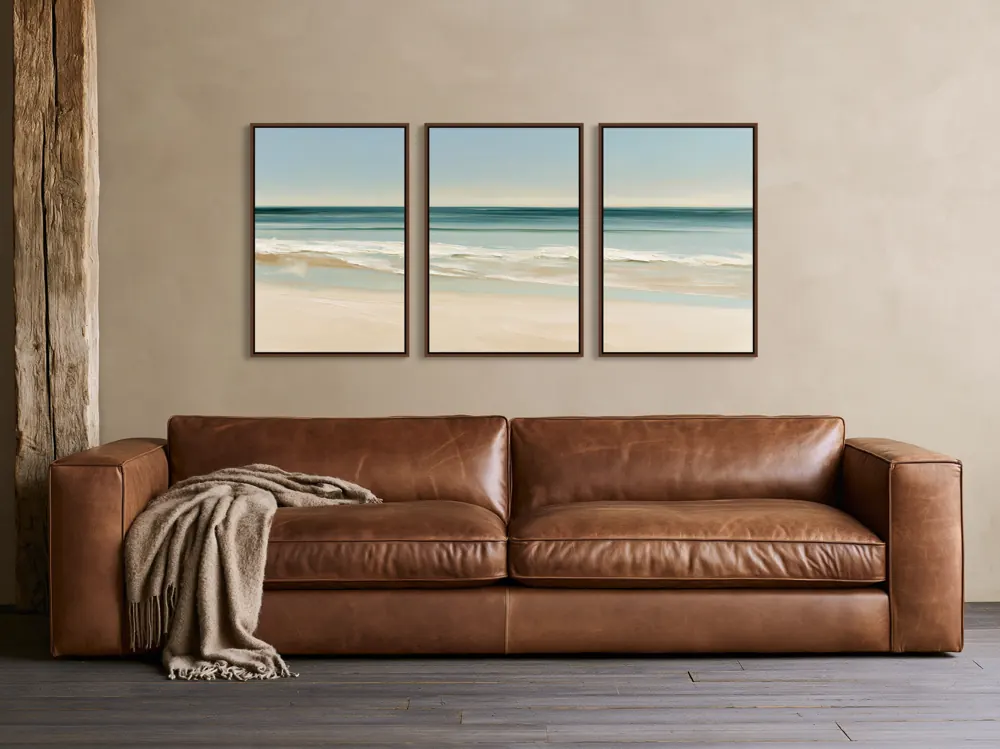
Our bulk mockup workflow checklist covers running a batch. A free account includes 10 clean 4K downloads every 30 days; the pricing page lists what each plan adds.
Make the cost comparison with your own five files
Use five artworks you actually need to list, including one awkward ratio. Count finished images you would upload, not every preview. Record setup, export, naming and retry time for both workflows, then divide total minutes by usable images. A failed export belongs in the time total.
For example, 25 minutes for 10 usable images is 2.5 minutes per image. At an illustrative hourly value of 20 USD, that is about 0.83 USD of time per image before software or template cost. This is arithmetic, not a measured WallMock saving. The testing page distinguishes product checks from workflow benchmarks; the historical exact-art ledger addresses fidelity, not your editing speed.
Read next: the bulk mockup workflow, what wall art mockups cost and Canva wall art mockups.
Sources
- Adobe Help: Replace the contents of a Smart Object (helpx.adobe.com/photoshop/desktop/create-manage-layers/smart-objects/replace-the-contents-of-a-smart-object.html), checked 2026-10-29