Three artworks, three rooms, nine downloads
See how a collection looks when you reuse the same rooms and frames. Explore the finished painting mockups, or open the original files from our recorded batch test.
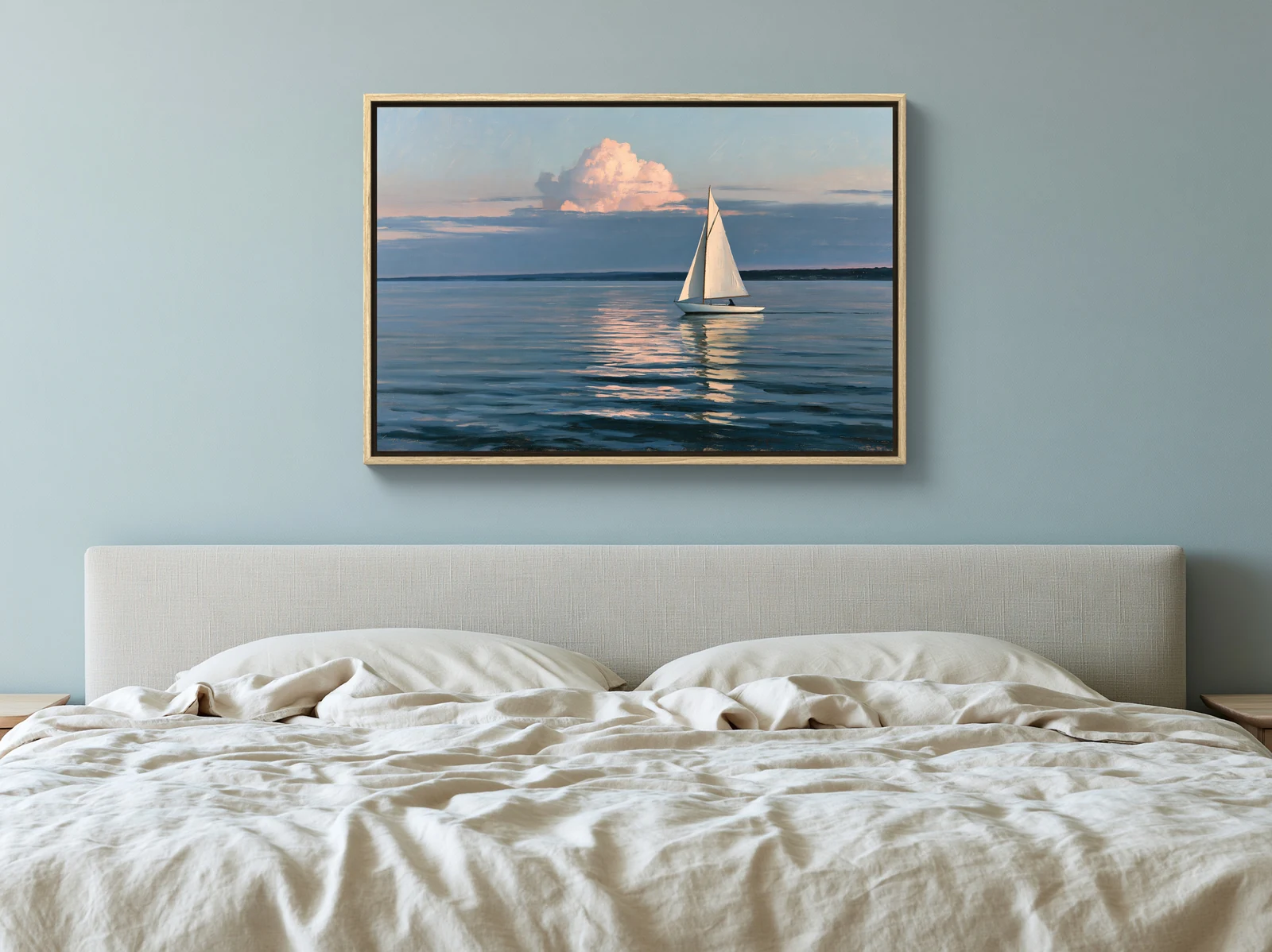
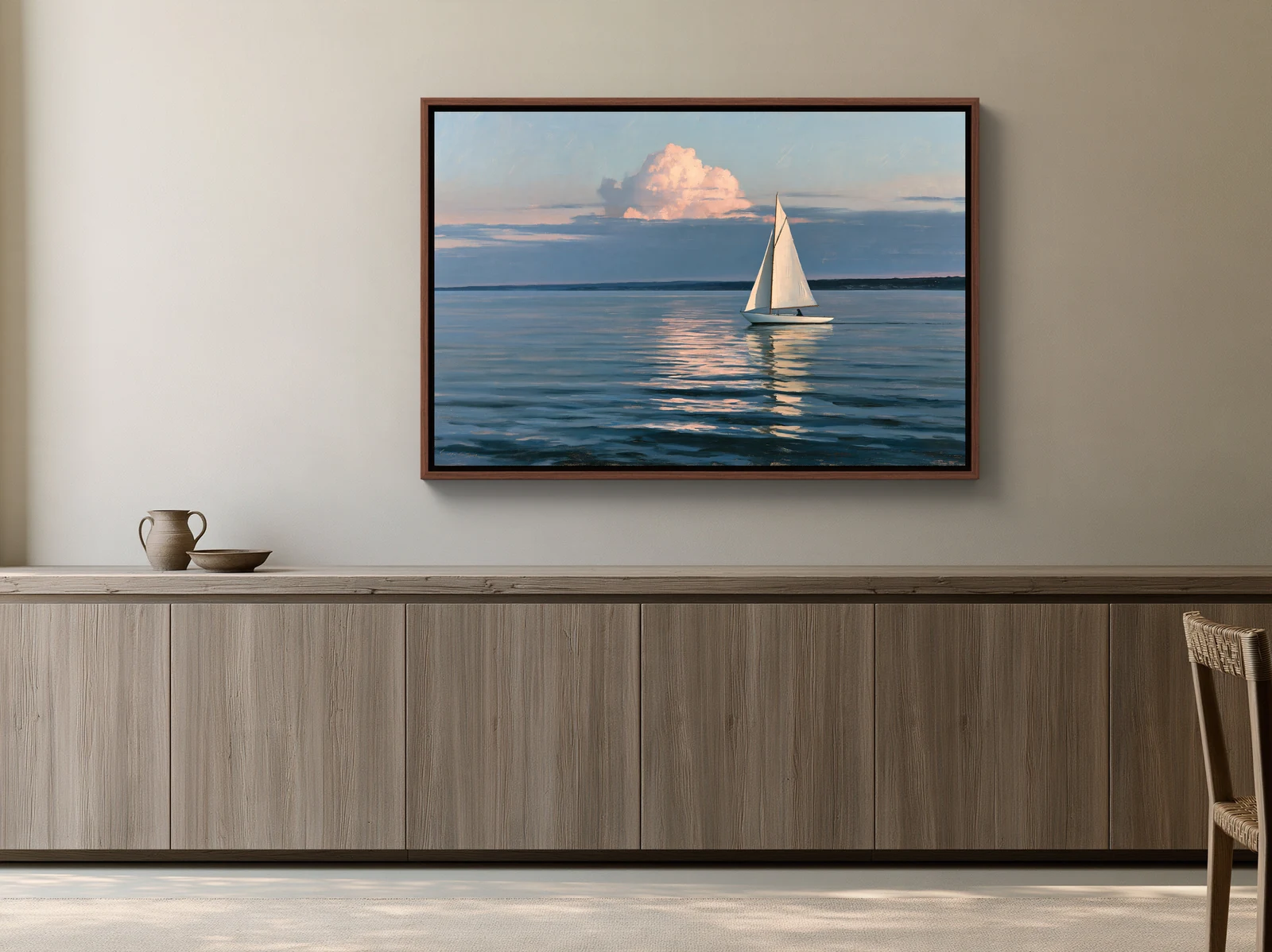
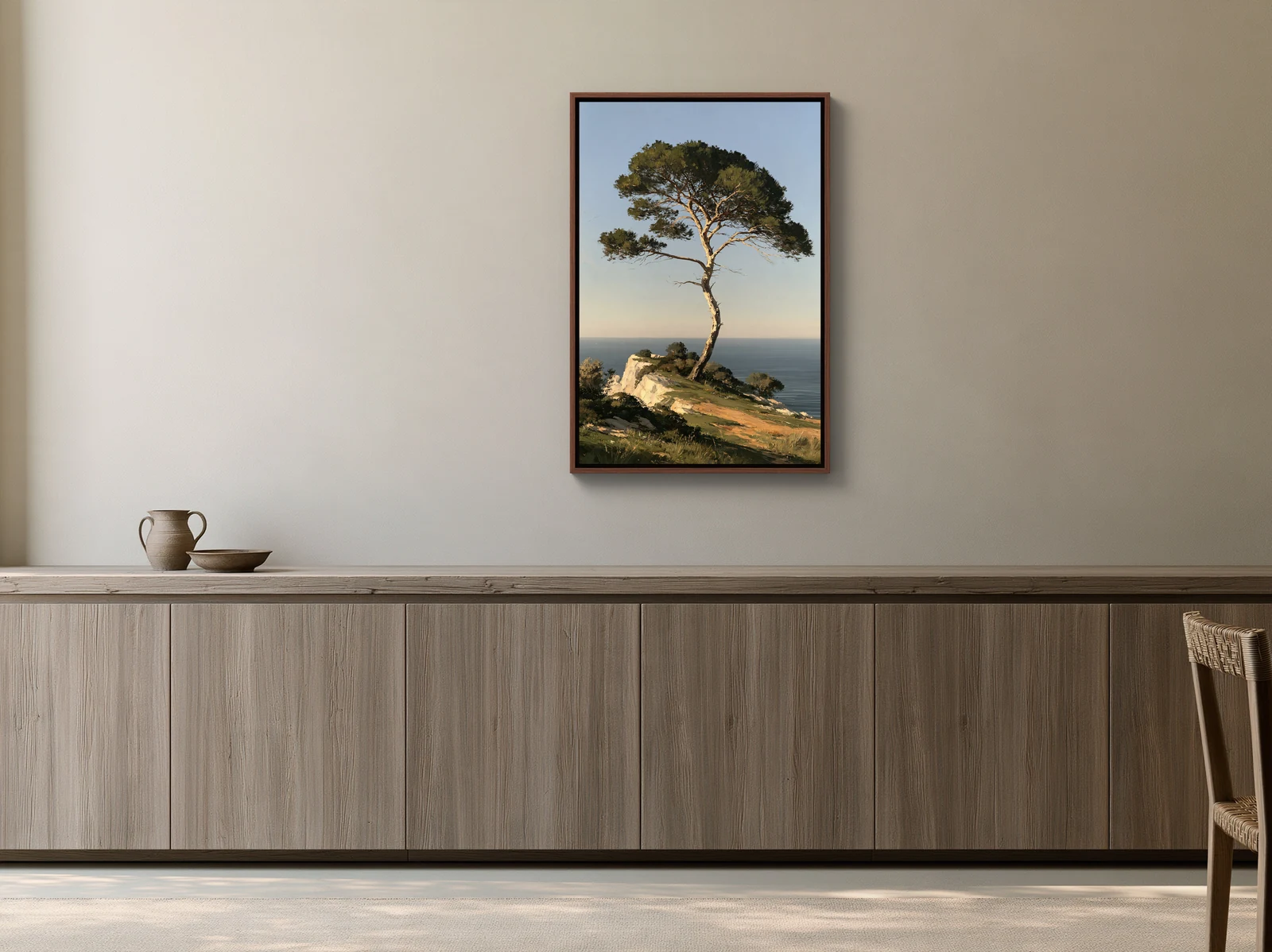
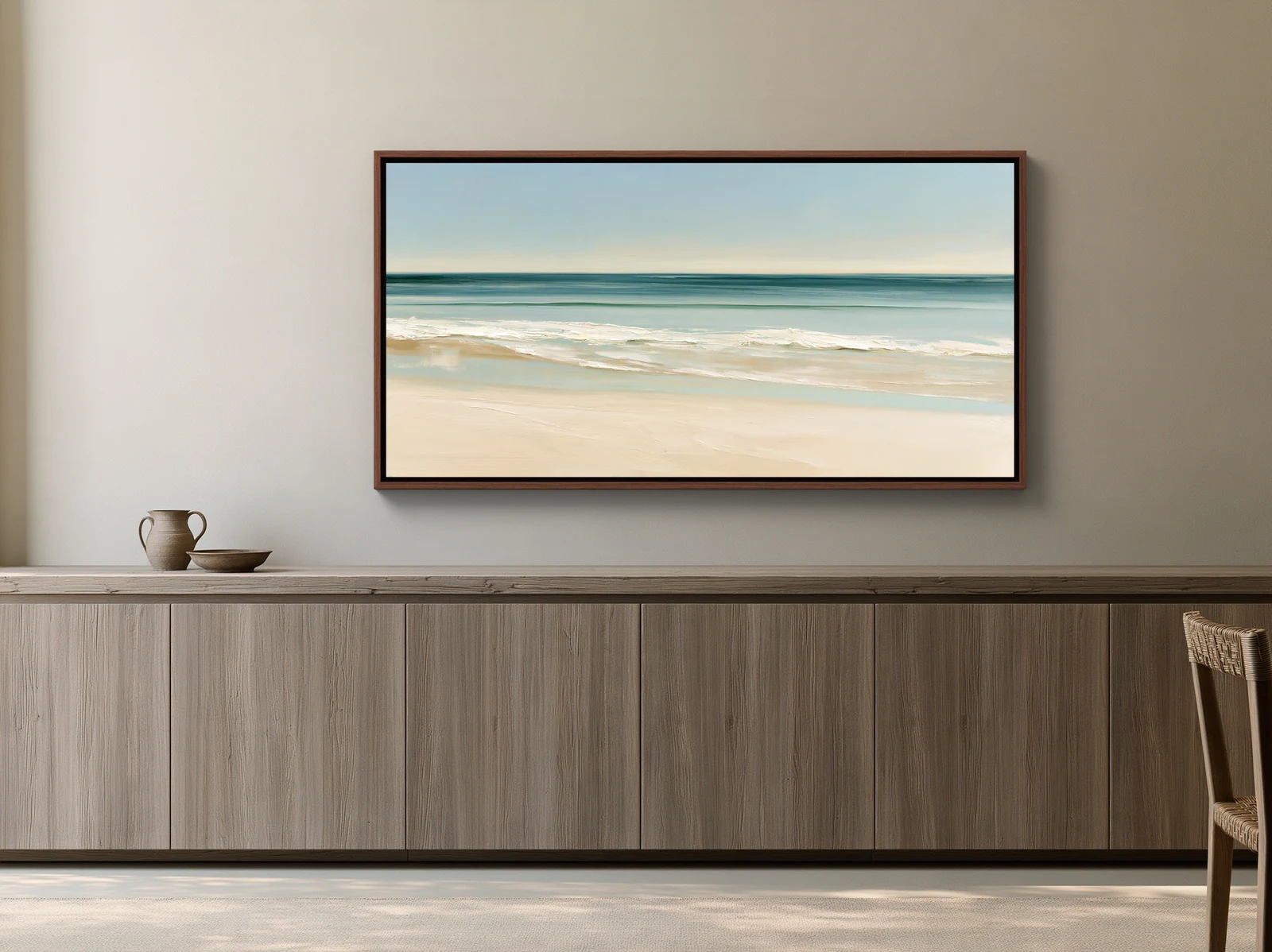
Three paintings in the same room
The room and walnut frame stay the same across a landscape, portrait and panorama. These examples come from a separate 4K WallMock demo batch. Open any image for a closer look.
The recorded nine-image batch
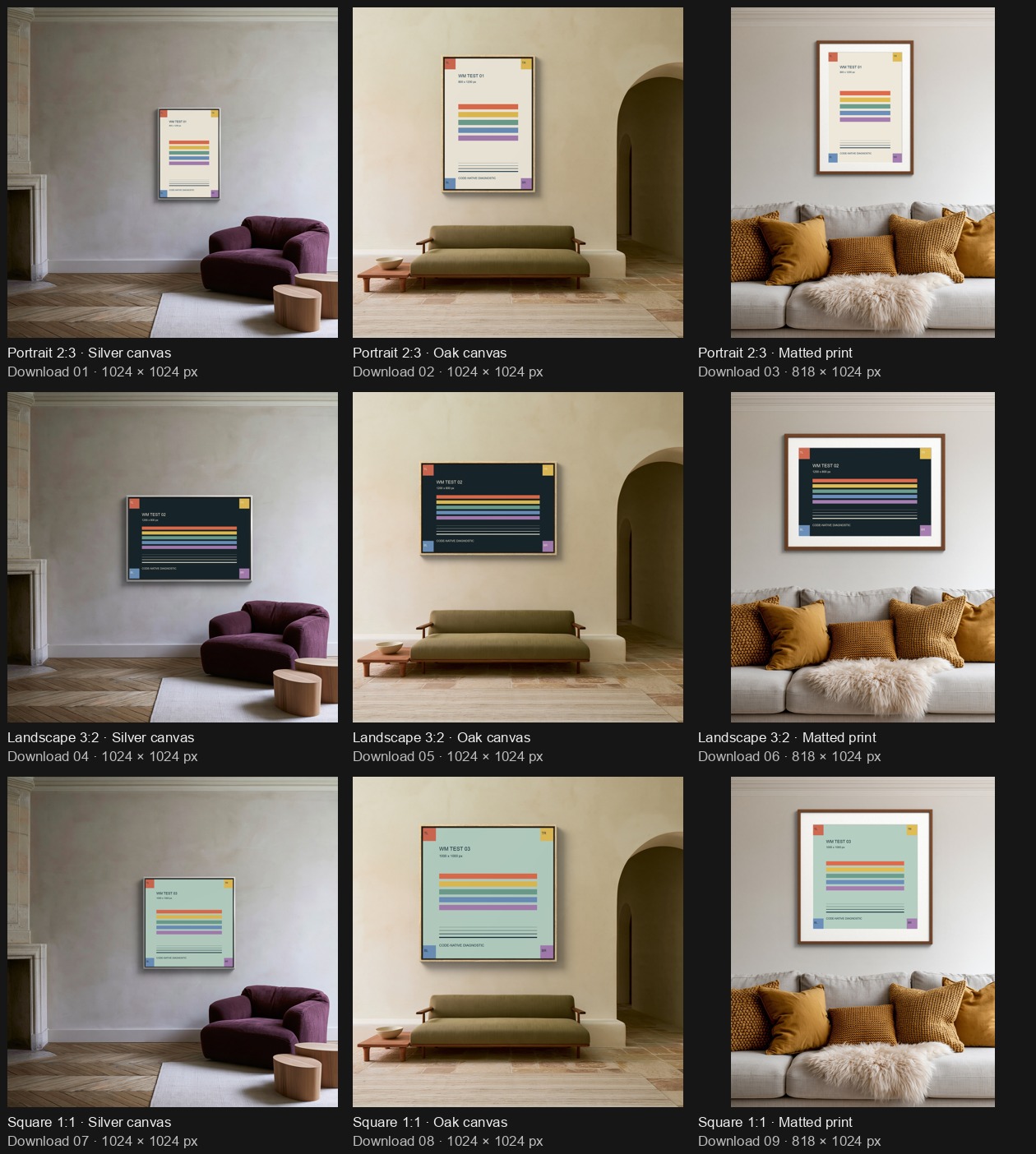
On November 1, 2026, we ran three labelled test artworks through three saved rooms. The corner marks let us check placement and proportions on all nine original downloads. This Free-plan test was recorded at 1K.
How we ran the test
1. Choose the rooms and product looks
We started in a normal signed-in Free account in Chrome on macOS. It showed ten downloads remaining. We selected three existing favourite rooms, kept Full view for each and saved the selection as a named collection.
| Room | Look used | Files in this run |
|---|---|---|
| French hearth-side art bay | Silver floating canvas · Premium floater | 3 at 1024 × 1024 |
| Mediterranean olive salon | Natural oak floating canvas · Premium floater | 3 at 1024 × 1024 |
| Hero Scandi white | Walnut framed print · Premium wood · White mat | 3 at 818 × 1024 |
These are WallMock’s generic product designs. The finish names do not identify a supplier’s frame. Use the supplier and sample checklist before representing a physical product.
2. Add the collection and check its count
We imported three PNGs together: a pale 800 × 1200 portrait (2:3), a dark 1200 × 800 landscape (3:2) and a coloured 1000 × 1000 square (1:1). They are original diagnostic designs with labelled corners and colour bars, chosen to make missing edges or swapped files obvious. The source files are available above so you can repeat the check.
Single layout was selected. All three artworks were ticked for the batch and used the same three-room selection. The summary showed 9 images · 9 free downloads before Generate. Previewing one file did not remove the other two from the batch.
For your own collection, check that summary after changing rooms or products. Three files in three compatible rooms make nine single-artwork images; extra product looks or excluded combinations can change the count.
3. Generate and inspect the finished files
The Results page reported 9 of 9 ready, grouped as three images under each artwork. No failed output was reported. The allowance changed from ten to one, and remained one after downloading.
We chose Download all · ZIP. The automated download observer stalled, but the ZIP arrived in the browser’s normal Downloads folder. We recovered that file and checked the archive itself. This interruption is why the case does not report an end-to-end timing result.
The archive contains nine unique JPEGs and the app’s manifest. All nine manifest hashes, byte counts and dimensions match the actual files; the archive’s CRC check passed. Every image has a 1024 px long edge. The three portrait room files are 818 × 1024 because Free output retains the room’s shape, rather than promising a 1024-pixel square for every room.
A second internal review opened every download at native size. All 36 source-corner markers were visible. A corner-marker measurement found a maximum projected ratio difference of 0.49% in this nearly front-on set. That measurement has pixel-boundary, JPEG and colour-threshold uncertainty; it is not a lossless pixel comparison or a physical-size measurement.
Inspect the measurements and the measurement script. To reproduce that optional check, extract the image ZIP into a downloads folder beside the script and run it with Python and Pillow. No expected-ratio fitting is used to locate the markers.
4. Download the files and reopen the saved rooms
After the ZIP was safe, we reloaded the Studio. The imported artwork and generated results cleared, as the session notice said they would. The named collection was still available and the saved room look retained the white mat. The collection selector returned to All favourites, so the saved collection needs selecting again for a new session.
This account reached its initial ten-lifetime-download milestone during the run. The app then explained that the full library required a plan and Free retained eight rooms. The three test rooms were no longer available for another Free batch. The saved settings remained; their presence did not grant room access. We did not generate a second batch or buy a plan.
For repeat work, select your saved collection, add the next files and check the available-room and output summary again. Save a useful room setup once; keep the actual artwork files and downloaded listing images in your own folders.
What this run establishes
This is one live Free-plan collection on one computer, with previews already rendered before Generate. It establishes a completed nine-image download and the file checks above. Paid 4K output, large collections, cold-cache performance, phones, physical print colours and supplier-frame equivalence need their own evidence.
The three diagnostic files and original downloads are supplied so you can inspect this particular result. For a shop’s listing, use your own artwork and actual product details. The bulk workflow checklist covers naming, representative previews and the final listing review.