Print-on-demand guide · 6 min read
Check your supplier’s sample before you list it
Order the product you intend to sell. Compare the colour, sides and frame with your file and mockup. Then show the buyer the same finish and fit, especially details that are hard to see in a room photo.
A mockup is a promise about the product. A sample is how you check the promise. This guide covers how to order one from the main wall art providers and what to compare, so your photos from a canvas print mockup generator or framed canvas mockups show what buyers will get.
What each provider offers for samples
| Provider | Discount | Conditions |
|---|---|---|
| Printify | None: no free samples, regular pricing | Create order, choose Sample; ships to your account address (source) |
| Printful | 20% off | For store owners with a connected store; one sample order a month with up to 3 items to start; framed posters 8×10 in only, canvas 12×12 in only; may not be available to all accounts (source) |
| Gelato | 30% off the product cost of a first sample order, up to 50€ | Within 48 hours of sign-up; no free samples; seasonal discounts shown on your dashboard (source, discounts) |
| Prodigi | 50% off a first sample order | Place it through the manual order form and email the order number for a refund; one product type per order; customs may apply (source). Frame sample packs of mouldings are also offered |
All checked 2026-10-29. Terms change, so read the page before you order.
What to order
- Your best seller, or the design you'll photograph most. One good sample beats five rushed ones.
- The frame colour you'll show in listing photos. If you offer several finishes, a moulding sample pack (Prodigi offers one) is a cheap way to see every colour.
- A size you can compare. Printful's sample sizes are fixed (8×10 in framed posters, 12×12 in canvas), so you'll check colour and frame, not scale.
- A design with your darkest and lightest colours, so you can see how both print.
Printify recommends ordering samples from your chosen providers to see what customers receive, and says its mockups are representations (source). If you're choosing between providers, see Gelato vs Printify vs Printful first.
Lumaprints and Printseekers: which size are you checking?
A product name and a similar frame colour are not enough to establish a match. These two suppliers show why you need to separate the artwork, the canvas depth and the finished outside dimensions. Specifications below were checked 2026-11-01; they are supplier descriptions, not measurements of a sample we ordered.
Lumaprints 1.25-inch framed canvas
The framed-canvas page describes canvas over solid-wood stretchers with a floating frame, in black, natural oak or walnut. Hanging wire is installed for this depth.
Check separately: 1.25 inches names the canvas depth. Confirm the whole frame’s depth, face width, gap and finished outside dimensions for the option you sell. Numerical face and gap measurements were not established in this check.
Printseekers framed canvas
Its FAQ describes a floating construction around canvas on a 19 mm pine stretcher. Its sizing terms say listed framed-art sizes are the finished outside dimensions, not the artwork alone.
Check separately: 19 mm describes the inner stretcher. Confirm the visible artwork dimensions, outer frame depth, face, gap and finish. Numerical face and gap measurements were not established here.
For example, do not enter a Printseekers finished outside size as the artwork size without checking the artwork dimensions first. Likewise, do not use Lumaprints’ 1.25-inch canvas depth as a frame-face setting. Those numbers describe different parts of the product.
A WallMock frame is a generic design, not a verified Lumaprints or Printseekers replica. Premium proportions is its default visual setting. Check the exact gap, depth and finish against a supplier sample. Naming the supplier here does not indicate a partnership or endorsement.
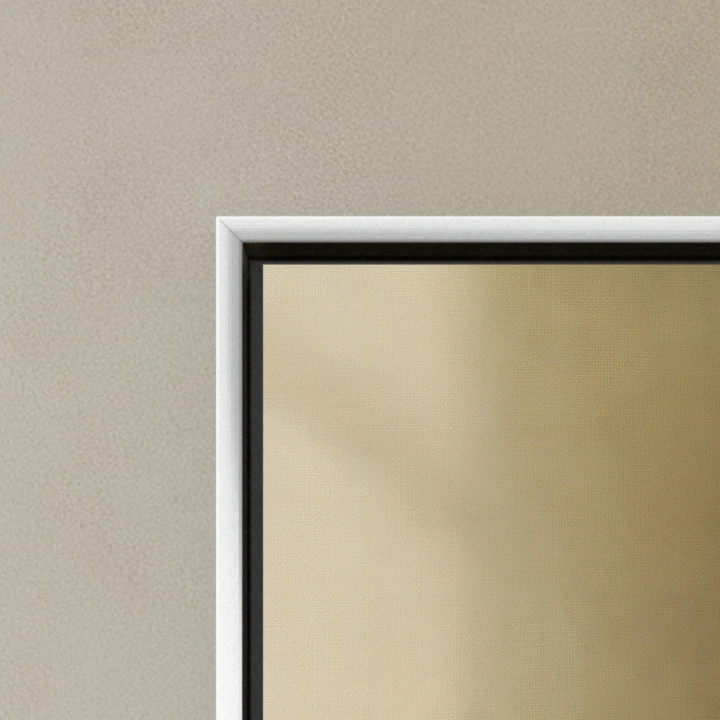
Photograph your own sample corner straight on to inspect the face and gap, then from the side to show depth. Record the exact product, finish and size. That photo shows the physical item you inspected; a generic room illustration does not verify its construction. If the mockup visibly differs, use the sample photo for that detail rather than presenting the render as a match.
Lumaprints also provides supplier-provided PSD and Canva mockup templates for business mockup creation. If you choose that route, follow the applicable asset, platform and supplier terms. The template offering should not be treated as permission to reuse every catalog photograph. This guide shows no supplier photographs.
The checklist: sample vs mockup
Hang the sample, put your mockup on a screen next to it, and work down the list.
| Check | How | If it doesn't match |
|---|---|---|
| Frame colour | Daylight, side by side with the mockup | Compare another finish; if neither is close, use your sample photo |
| Frame width | Measure the face with a ruler; compare with the spec (Prodigi's framed canvas states 12 mm) | Check your close-ups don't make it look wider or thinner than it is |
| Gap (floating frame) | Is there a dark line between canvas and frame? How wide? Gelato states 12 mm, Prodigi 5 mm | No gap: don't show a floating frame |
| Depth | Look from the side; measure from wall to front | Make sure your angled or close-up photos don't exaggerate it |
| Canvas edges | Wrapped image, mirrored or plain? Staples or labels visible? | Describe the edge in your listing |
| Mat | Colour and width on each side | Show a mat only if the product has one, at a believable width |
| Glazing | Reflections from a window or lamp | Mention the glazing type in your description |
| Artwork colours | Compare the same area of print and file, screen at a normal brightness | Check the provider’s profile guidance before adjusting the print file |
| Sharpness | Look closely at fine detail and text | Use a larger file or offer smaller sizes |
| Back and hanging | Hanger, bumpers, labels | State it in the listing; Prodigi's framed canvas has no hanging equipment |
Specs: Prodigi framed canvas and Gelato canvas, checked 2026-10-29.
For the mat, Prodigi states widths of 25, 38 or 50 mm depending on frame size (source). Our frame and mat size calculator works out the visible window, and the print resolution checker shows the largest size your file prints sharply.
How to compare colour fairly
- Check by a window in daylight, out of direct sun. Warm bulbs can change how a frame finish appears.
- Set your screen to a normal brightness, not the maximum. Bright screens make prints look dull.
- Compare the same small area of print and file, such as a sky or a skin tone, not the whole picture.
- Look at the frame next to something you know: a white wall, a black phone.
- Printify says minor colour and placement differences can occur because providers use different equipment (source). Note what you see and decide whether it matters for your buyers.
Photograph the sample
Etsy requires at least one unedited photo for most items: the actual item, against a real background, not edited in any way. For print on demand, Etsy says you may use a stock photo mockup if its owner has authorised it (Etsy Help, checked 2026-10-29). Read Etsy's page for your product. A photo of your sample is the simplest way to meet the rule.
Take four shots while it's on the wall:
- straight on, in daylight, with some wall around it;
- a 45° angle showing the edge or the frame depth;
- a close-up of the frame corner or the canvas texture;
- the back, showing the hanger.
Use the first as the unedited photo and the others as detail slots. Our guide to Etsy listing photos for wall art shows where each fits.
Choose an honest presentation after the sample check
If the sample and mockup disagree, check whether an available saved look represents the product more closely: a different finish, mat on or off, framed or stretched canvas. A similar colour name does not establish a supplier match. If the actual frame, gap or mat cannot be represented faithfully, use your sample photo for that product detail. Once the look is suitable, run the collection again with the same rooms.
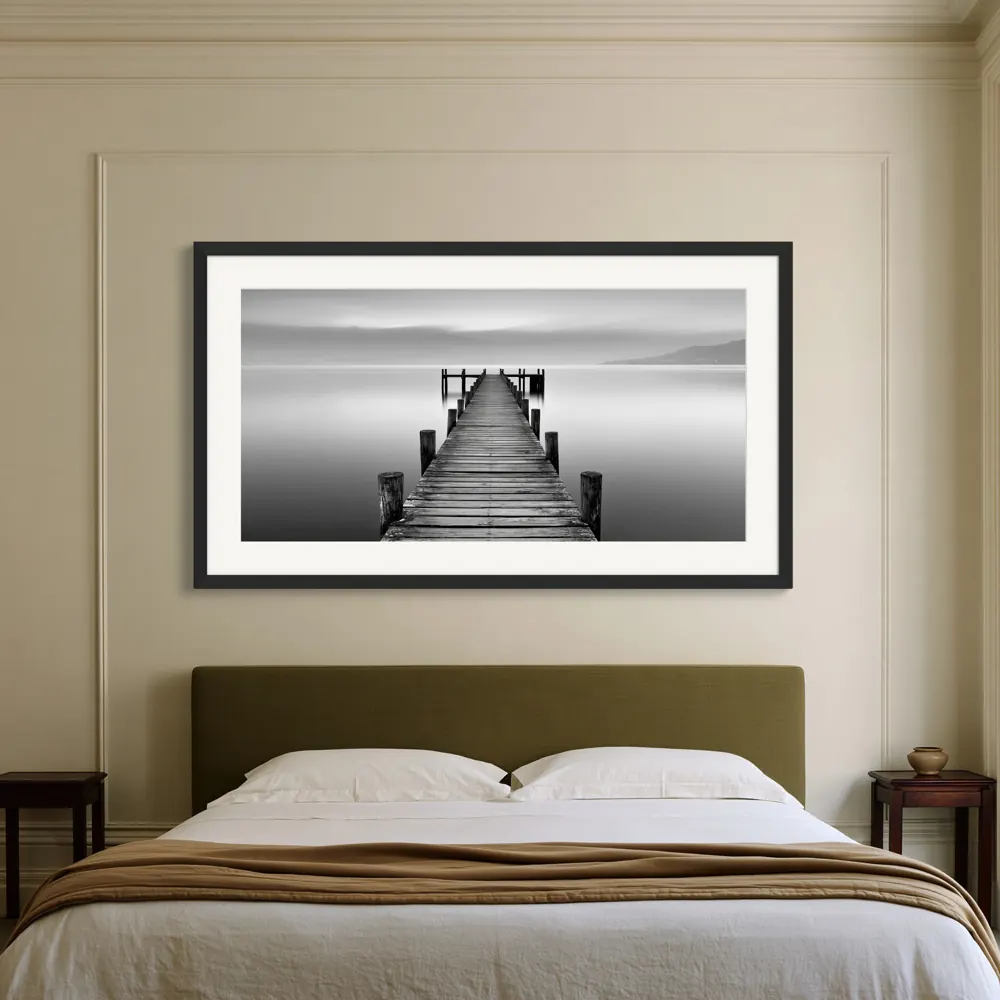
Judge print colours against your original file rather than a room photo, because any room scene shows the art in that room's light. For frame finishes side by side, see frame colours for wall art. Try WallMock free with no sign-up and no card: up to three artworks in 8 sample rooms, as watermarked previews made on your device.
Keep a short record of what this sample verifies
Record the provider, exact product, size, finish, order date and viewing light next to your photos. Write the measured frame face, gap and depth separately from the provider’s advertised numbers. If they differ, ask the provider before describing the difference as a product-wide fact.
A black-frame sample does not verify walnut, and a small canvas does not establish how a large one fills a wall. The screen-to-print colour workflow explains why a monitor comparison is only a preliminary check. Use the frame and mat calculator for arithmetic; the sample supplies the physical observation.
Read next: choosing a print-on-demand provider, canvas or framed print and the frame and mat calculator.
Sources
- Printify Help: How does sample ordering work?, checked 2026-10-29
- Printify Help: Why does my product look different from the mockup?, checked 2026-10-29
- Printful Help: How do sample orders work?, checked 2026-10-29
- Gelato Support: Do you offer free samples?, checked 2026-10-29
- Gelato Support: Discounts for sample orders, checked 2026-10-29
- Gelato Support: Start selling canvas and framed canvas, checked 2026-10-29
- Prodigi FAQ: Payments and pricing (sample discount), checked 2026-10-29
- Prodigi: Framed canvas, checked 2026-10-29
- Prodigi: Picture mounts, checked 2026-10-29
- Lumaprints: Framed canvas specifications, checked 2026-11-01
- Lumaprints: Supplier-provided mockup templates, checked 2026-11-01
- Lumaprints: Terms and conditions, checked 2026-11-01
- Printseekers: Help centre (framed canvas FAQ; its old www.printseekers.com/faq address returned 404 on 2026-11-08), checked 2026-11-01
- Printseekers: Terms and framed-size definition, checked 2026-11-01
- Etsy Help: How listing image requirements apply to your listings, checked 2026-10-29