Photography guide · 6 min read
How to sell photography prints as canvas and framed prints: mockups for photographers
Short answer: Choose the product per photo: framed prints with a mat for fine detail, black-and-white and smaller sizes; canvas or floating-frame canvas for big, soft, painterly scenes. Check the file: a 24-megapixel image (6000 × 4000 px) prints 20 × 13.3 inches at 300 DPI. Crop to standard ratios, order a sample, then list each photo with a room hero, a close-up of the frame and a scale shot, through a print-on-demand partner on Etsy or Shopify.
A photograph competes with a huge supply of other images, so the product description and room photos need to make your offer clear. Plan both, and make the listing images with a frame mockup generator that keeps your photo exactly as you shot and edited it.
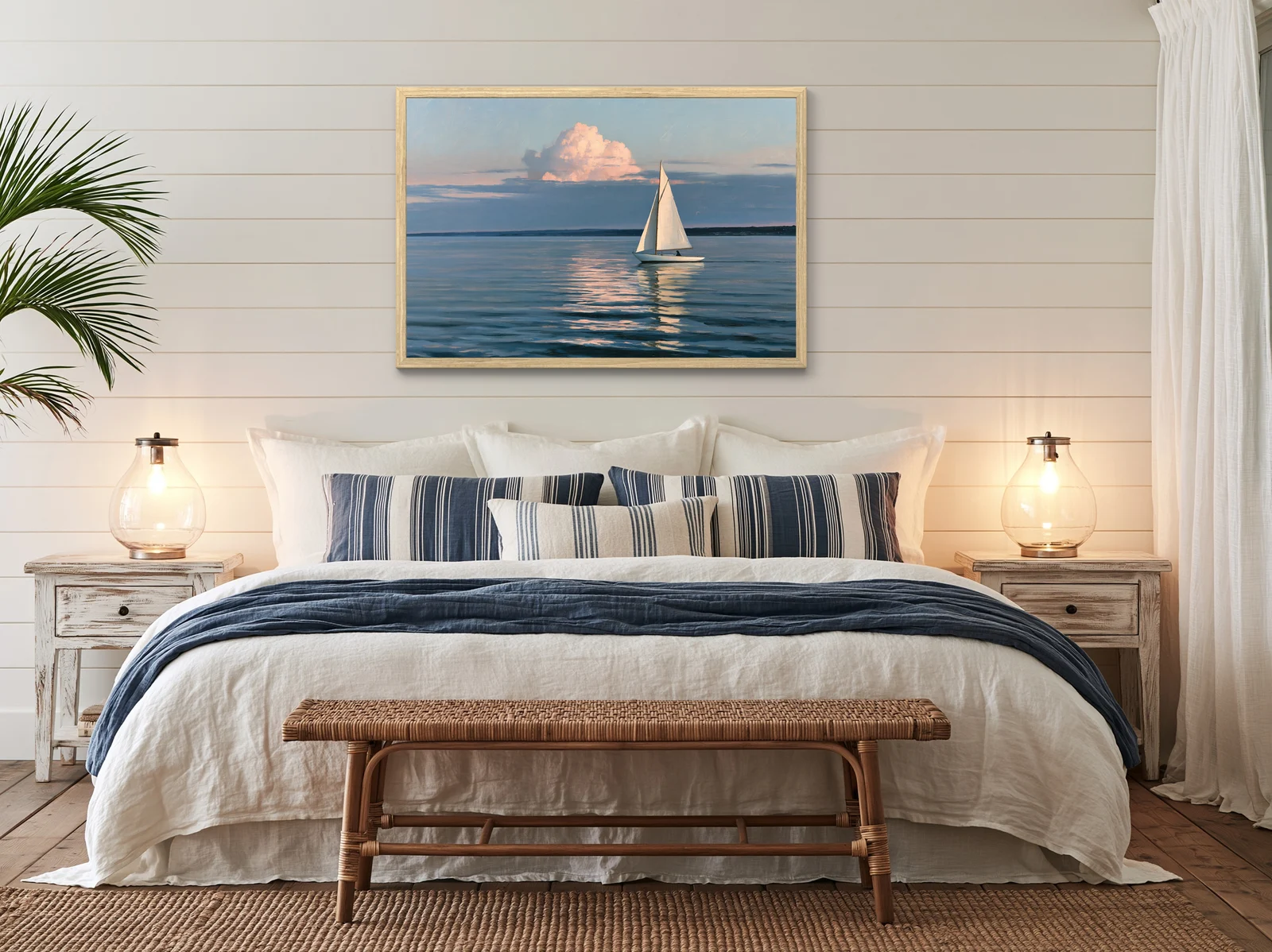
Which product suits which photograph
| Photo | Product that usually suits it | Why |
|---|---|---|
| Soft landscapes, seascapes, misty scenes | Canvas or floating-frame canvas, medium to large | The canvas surface suits soft light and broad shapes |
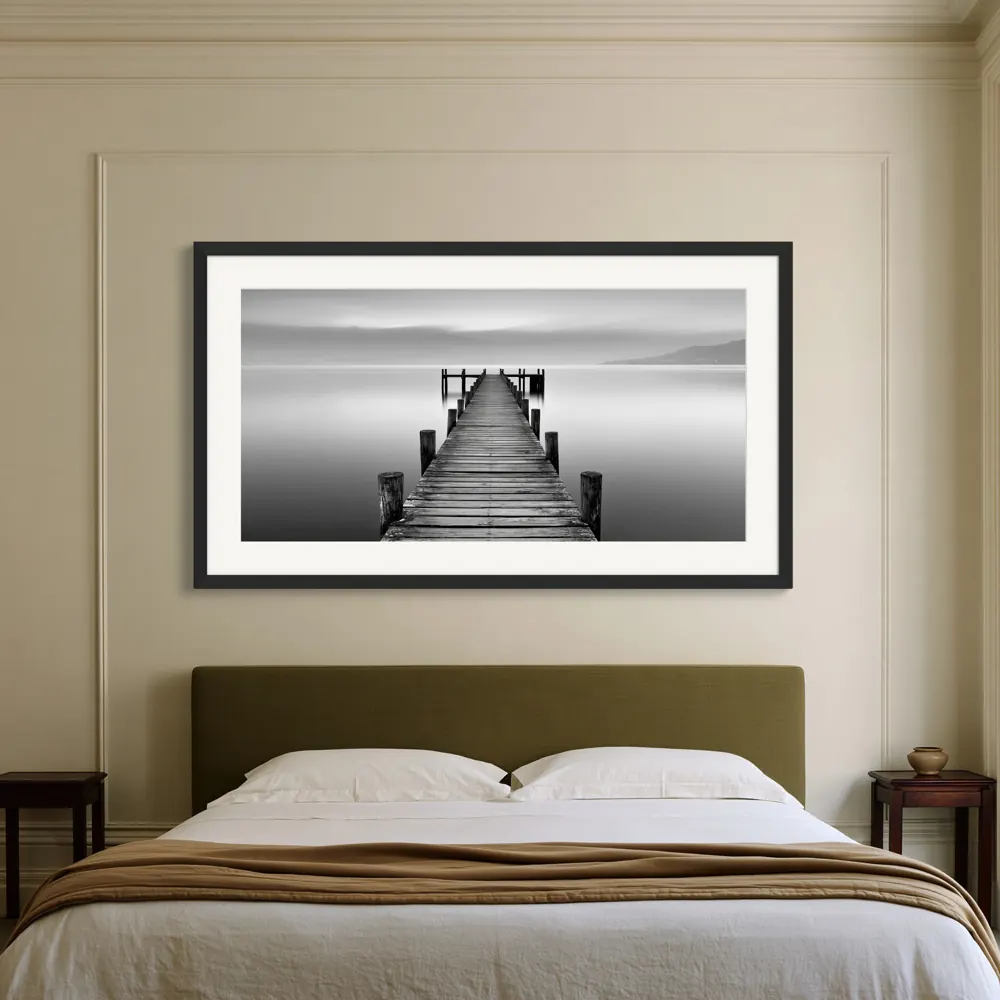
| Black and white, architecture, fine detail | Framed print with a white mat | Smooth paper keeps fine lines crisp; the mat gives breathing room |
| Wildlife and close-ups | Framed print, or canvas at large sizes | Detail reads best on paper up close |
| Panoramas | Wide canvas or wide frame above a sofa or bed | Long walls need long shapes |
| A series from one shoot | A set of 2, 3 or 4 | Sets sell a whole wall, not one picture |
When in doubt, offer both and let the photos show the difference. Our guide to canvas vs framed print mockups compares the looks side by side, and panoramic and tall art mockups covers long formats.
How big can your files print?
Print size in inches = pixels ÷ DPI. Prodigi suggests 300 DPI for print-on-demand products, and says 150 may be enough for work without fine details (Prodigi, checked 2026-10-29).
| File | Pixels | At 300 DPI (inches) | At 150 DPI (inches) |
|---|---|---|---|
| 12 MP phone (4:3) | 4,032 × 3,024 | 13.4 × 10.1 | 26.9 × 20.2 |
| 24 MP camera (3:2) | 6,000 × 4,000 | 20 × 13.3 | 40 × 26.7 |
| 45 MP camera (3:2) | 8,192 × 5,464 | 27.3 × 18.2 | 54.6 × 36.4 |
| 61 MP camera (3:2) | 9,504 × 6,336 | 31.7 × 21.1 | 63.4 × 42.2 |
Any crop reduces these numbers, so measure the final, cropped file. A detailed photo meant for a framed print viewed up close should stay near 300 DPI. A soft canvas seen from across a room may work at a lower resolution; follow your provider’s minimum and inspect a sample rather than treating 150 DPI as proof of sharpness. The free print resolution checker does the sums for your own file.
Crop to ratios people can frame
Most camera files are 3:2, which is the same family as 4×6, 8×12, 12×18, 16×24, 20×30 and 24×36 inches. Those sizes print without cropping. Popular sizes such as 8×10, 11×14 and 16×20 belong to other ratio families, so selling them means cropping the photo or adding a border.
Decide this per photo, before you make any mockups. A crop that cuts a pier's end or a horizon's balance changes the photograph. If you sell several ratios, check each crop, and make the main mockups at the ratio most buyers will order. The print ratio guide lists every family.
Order a sample and photograph it
Etsy requires at least one unedited photo for most items; for print-on-demand items it allows an authorised stock mockup instead (Etsy Help, checked 2026-10-29). Even so, photographers have an advantage here: you can photograph a sample well.
- Order one sample per product, such as a framed print and a canvas.
- Compare its colours with your screen in daylight. If it is darker than expected, check the provider’s file/profile guidance before changing the print file.
- Shoot the sample straight on, then a corner close-up showing the frame, mat or canvas edge.
- Note the paper or canvas type and frame depth for your description.
Edit for print, not for screen
Screens glow; paper and canvas don't. A photo that looks right on a bright laptop often prints darker and flatter. Compare your sample with the screen in daylight and, if needed, make a print version of the file after checking profile, display brightness and the provider’s guidance; do not lift shadows automatically. Keep it separate from your web version.
In the description, say what the buyer gets: paper or canvas type, frame colour and depth, mat or no mat, and every size. If you sell a limited edition, state the edition size and how you number it, and keep to it.
Listing photos that explain the photograph and product
Room mockups do the job a gallery wall does: they show a buyer what the photo will feel like at home. A plan that works:
- Hero room that matches the photo's mood: a calm neutral room for black and white, a light coastal room for seascapes.
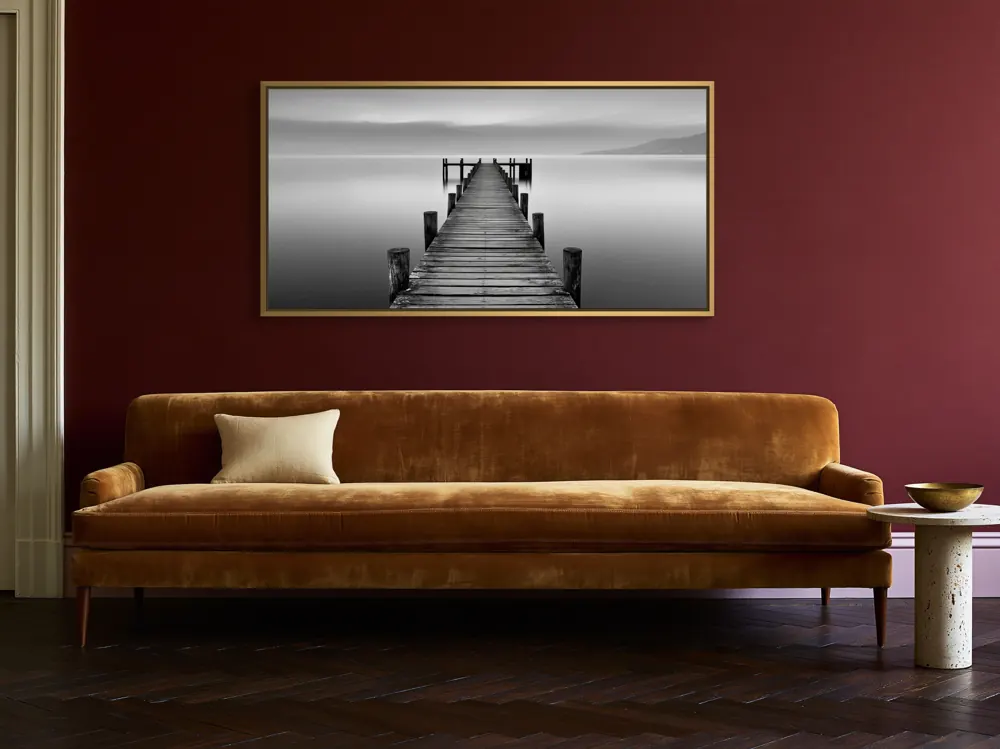
- Scale: the print above a sofa, bed or sideboard.
- Close-up of the frame corner, mat or canvas edge.
- The photograph itself, flat and large.
- Two to four alternative rooms, including one bold wall.
- Sizes and options, and the series if you sell sets.
Our Etsy listing photo plan explains each slot.
Where to sell: Etsy, Shopify or both
On Etsy, a print-on-demand provider is a production partner you list in your shop, and the photo rules above apply. On Shopify you run your own store and add a provider's app; see how to sell wall art on Shopify. Our guide to choosing a print-on-demand provider compares what each one makes.
If a photo shows a recognisable person, a private property or a trademark, check whether you need permission before selling it. This guide isn't legal advice.
Where WallMock fits
A shoot often gives you 20 or 30 keepers. WallMock lets you heart favourite rooms once, add the whole set of photos, and get every photo in every chosen room as a floating-frame canvas, a stretched canvas or a framed print with or without a mat. Sets of 2, 3 or 4 work too. So your edit, grain and tones reach the listing as you made them.
Free accounts include 10 watermark-free 4K (4096 px) single-artwork downloads every 30 days. Paid plans add more images (Lite 200 a month, Pro unlimited), sets and listing kits; Pro adds listing videos. Send to Shopify is in limited beta on Pro and the WallMock Studio plan, and will be on every plan when it opens. A free account includes 10 clean 4K downloads every 30 days; the pricing page lists what each plan adds.
Read next: print ratios and sizes, canvas or framed print and choosing a print-on-demand provider.
Sources
- Prodigi: How to prepare the perfect print on demand image file, checked 2026-10-29
- Etsy Help: How do Etsy's listing image requirements apply to my listings?, checked 2026-10-29