Marketing guide · 6 min read
Wall art mockups for Pinterest pins and Instagram: 2:3 and 4:5 crops
Short answer: Pinterest recommends 2:3 images at 1000 × 1500 px, so crop your wall art mockup to a tall 2:3 with the whole frame inside. For a 4:5 portrait published through Instagram’s API, Meta's Instagram publishing documentation accepts 4:5 to 1.91:1 and scales images down to 1440 px wide, so 1440 × 1800 px is the largest 4:5. Crop from your full-size export, keep space around the art, and link each pin to the listing.
Pinterest and Instagram favour tall images, and most room mockups are square or landscape. This guide crops one mockup for both without cutting the art. For the room photos themselves, use the Etsy mockup generator, then crop.
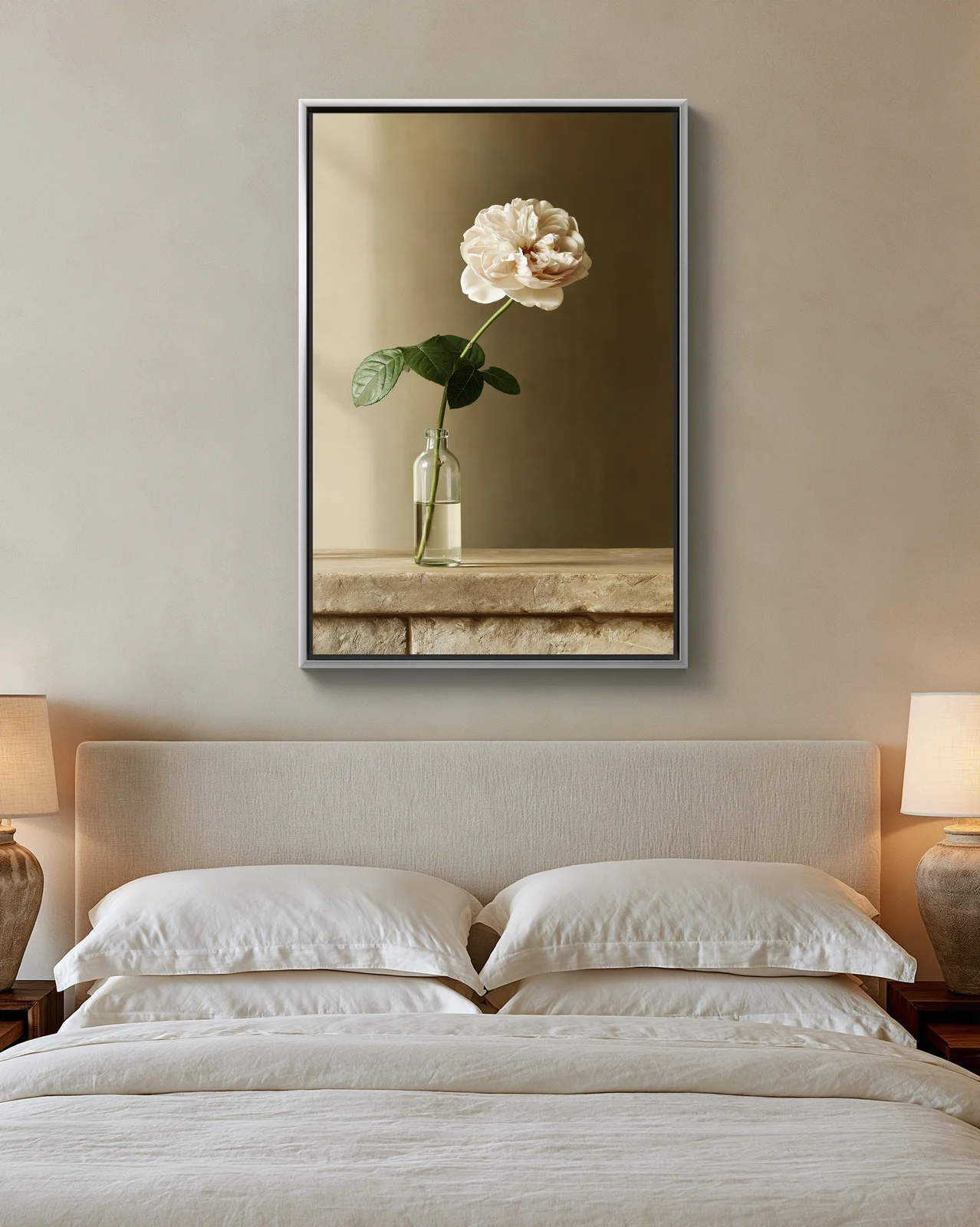
The sizes to use
| Where | Shape | Size | Limits |
|---|---|---|---|
| Pinterest image Pin | 2:3 portrait | 1000 × 1500 px recommended | BMP, JPEG, PNG, TIFF or WEBP; up to 20 MB on web |
| Pinterest video Pin | 9:16 | 1080 × 1920 px recommended | Leave space at the top and bottom for the player controls |
| Instagram publishing API photo | 4:5 portrait (API limit) to 1.91:1 landscape | Up to 1440 px wide; 1440 × 1800 px at 4:5 | JPEG, up to 8 MB, sRGB |
Checked 2026-10-29. Sources: Pinterest: How to create Pins, Pinterest Help: Pin specs, Meta: Instagram media publishing. Instagram's figures come from Meta's documentation for publishing through its API; the app may offer other shapes, so check the crop preview when you post.
Pinterest's ad specs add a warning worth following for normal Pins too: Pins taller than 2:3 might get cut off in people's feeds (Pinterest).
How to crop a room mockup to 2:3 and 4:5
Crop from the full-size export, never from a small preview, then resize down. With example export sizes:
| Starting image | 2:3 crop (Pinterest) | 4:5 crop (Instagram) |
|---|---|---|
| 4096 × 4096 px square | 2731 × 4096 px, then resize to 1000 × 1500 | 3277 × 4096 px, then resize to 1440 × 1800 |
| 4096 × 3072 px landscape (4:3) | 2048 × 3072 px, then resize to 1000 × 1500 | 2458 × 3072 px, then resize to 1440 × 1800 |
A landscape room loses the most to a tall crop: a 2:3 crop of a 4:3 image keeps only half its width. So the art must sit in the middle half of a landscape room for a 2:3 pin to keep the whole frame. Portrait art in a tall room crops best of all; wide panoramas suit Instagram's landscape shape better than a pin.
- The whole frame is inside the crop, with wall on all four sides.
- The art is the largest thing that isn't wall, and the furniture still shows scale.
- Text, if you add any, stays off the artwork.
- The file is sRGB, for web delivery; different displays can still show finishes differently.
Match the room to the art's shape. Portrait art fills a 2:3 pin naturally. Landscape art in a 2:3 pin ends up small, with a lot of wall above and furniture below; give it a room where the furniture fills the lower part, or save landscape pieces for Instagram's wider shapes.
The same safe-area thinking applies to Etsy's thumbnails; see the crop-safe Etsy thumbnail.
Pins that bring buyers back to the listing
- Link every pin. Pinterest suggests adding a URL that drives traffic back to your site (Pinterest). Link the exact listing, not the shop home page.
- Use the Etsy Share & Save link. If the listing is on Etsy, a trackable listing link counts toward Share & Save, which refunds 4% of the eligible order total when a buyer orders within 30 days of clicking (Etsy, checked 2026-10-29).
- Title and description. Pin titles can be up to 100 characters and descriptions up to 800 (Pinterest). Say what it is and where it goes: "Misty mountain framed canvas for a living room".
- Text, used lightly. Pinterest notes that well-performing Pins can use stylised effects or text (Pinterest). On wall art, keep it to one short line, such as "framed canvas, 5 sizes", placed on the wall or a band, never over the art.
- Several pins per artwork. A hero room, a bedroom and a close view each make a different pin for the same listing.
- Boards by room or style, such as "Japandi living room art" or "Coastal bedroom prints", matching how buyers search.
Instagram: posts, carousels and the grid
- Use 4:5 as a practical portrait crop. It is the tallest shape in the cited API documentation; the native app may accept other shapes, so it fills more of a phone screen than a square or landscape post.
- Carousels tell the listing's story: the hero room, a scale photo, a close-up of the frame, then another room. Keep every slide the same shape.
- Keep the frame whole. Your profile grid may show a cropped version of each post, so check the grid view after posting and keep the art in the centre.
- One look per collection. Posts from the same room set read as one collection on your profile; see one look for the whole shop.
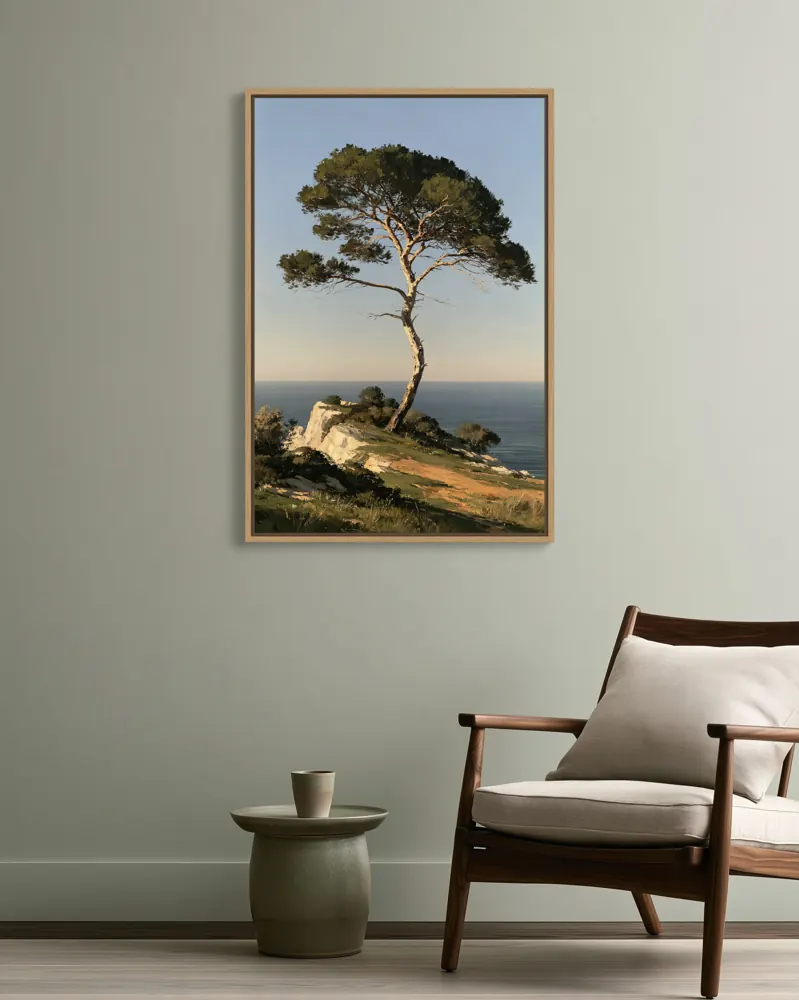
One artwork, five posts
One set of room mockups covers a week of posts for a new listing:
| Post | Image | Crop |
|---|---|---|
| Pin 1 | Hero room | 2:3, 1000 × 1500 px |
| Pin 2 | Bedroom or a different style of room | 2:3 |
| Pin 3 | The set or pair, if the artwork has one | 2:3 |
| Instagram post | Hero room | 4:5, 1440 × 1800 px |
| Instagram carousel | Hero, scale, frame close-up, another room | 4:5 on every slide |
Name each file by artwork, room and crop (for example mountain-bedroom-2x3.jpg) so you can reuse them for the next season without cropping again.
Making the images with WallMock
Make the room images in WallMock, then crop them for each platform in any photo editor. Free accounts include 10 watermark-free 4K (4096 px) single-artwork downloads every 30 days. Paid plans add more images (Lite 200 a month, Pro unlimited), sets and listing kits; Pro adds listing videos. Send to Shopify is in limited beta on Pro and the WallMock Studio plan, and will be on every plan when it opens. A 4K export can leave room for a tall crop; inspect its actual bounds. Paid listing kits also offer channel crops; check that they keep the whole frame.
Pick rooms with height for pins: a tall wall, an entry niche or a reading corner, where portrait art fills the frame. For the shape of your art and the sizes that fit it, see the print ratio guide. Pro includes listing videos.
Read next: the crop-safe Etsy thumbnail, one look for the whole shop and print ratios and sizes.
Sources
- Pinterest: How to create Pins, checked 2026-10-29
- Pinterest Help: Review Pin specs, checked 2026-10-29
- Pinterest Help: Ad specs, checked 2026-10-29
- Meta for Developers: Instagram media publishing (image specifications), checked 2026-10-29
- Etsy Help: Save on fees with Share & Save, checked 2026-10-29