Etsy guide · 6 min read
Etsy thumbnail for wall art: how to make a crop-safe first photo
Short answer: Your Etsy thumbnail is your first listing photo, and Etsy crops it to square, portrait and landscape views in different places. For wall art, use a landscape or square room photo at least 2000 px wide, taken from further back than feels natural, with the whole artwork in the centre and clear space on every side. Then preview it with Etsy's Adjust Thumbnail tool and fix the crop before you publish.
A thumbnail has one job: make a buyer recognise your art at a glance in a grid of other wall art. This guide covers the shape, the size and the safe area for that first photo. The Etsy mockup generator makes the room photos, and the free Etsy listing photo checker tests the crop.
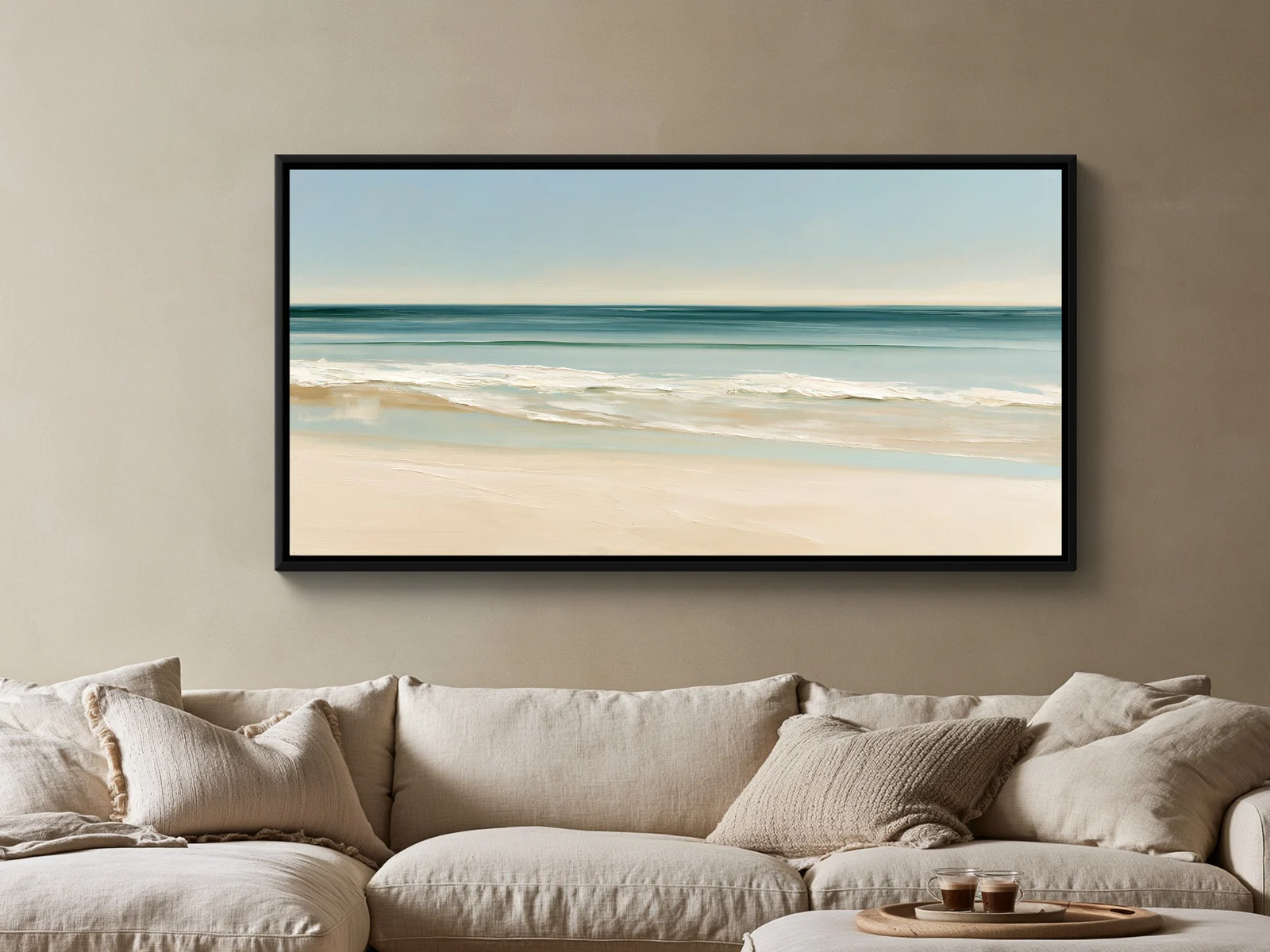
What Etsy says about the first photo
Etsy's image help page and its photo-editing page set the rules (checked 2026-10-29):
- The first photo is the thumbnail for your listing.
- It should be horizontal (landscape) or square, and it sets the shape of the photos that follow.
- It should be at least 635 px wide and tall, or the listing may show up lower in search. Etsy recommends at least 2000 px for listing photos.
- Thumbnails are cropped to square, portrait and landscape views in different places on Etsy. Leave enough border that each crop keeps the whole product.
- Etsy's tips: shoot further back than you think you need, keep the most important part in the centre, and upload horizontal images rather than square crops.
Sources: Etsy: Requirements and best practices for images, Etsy: How to edit your listing photos.
Etsy also asks that the first photo is the clearest, most realistic view of what the buyer receives (Etsy). For wall art, that means the frame and finish you actually ship.
The safe area: where the art must sit
Three crops of one photo leave one area that survives all of them: the middle. On a landscape photo, the square crop is the tightest from the sides, and the portrait crop tighter still. Work it out for your file:
| First photo | Centred square crop | Cut from each side |
|---|---|---|
| 4000 × 3000 px (4:3) | 3000 × 3000 px | 500 px (12.5% of the width) |
| 3000 × 2250 px (4:3) | 2250 × 2250 px | 375 px |
| 3000 × 2000 px (3:2) | 2000 × 2000 px | 500 px (about 17% of the width) |
| 2000 × 2000 px (1:1) | The whole photo | None, but a portrait or landscape crop still trims it |
Etsy doesn't publish the exact portrait shape, so treat the square as the minimum and leave more wall than that. As a starting composition, try keeping the frame within the middle half of the photo width, or about 60% for wide art. Check the actual Etsy previews too: portrait and landscape crops can cut a different part of the image. The Etsy listing photo checker draws the square crop on each of your files, in your browser.
What makes a wall art thumbnail work
- The art is the biggest thing that isn't wall. A sofa, bed or sideboard gives scale, but it shouldn't outshine the picture.
- A calm room. Plain walls and few objects read better at a small size than shelves and plants.
- Contrast with the wall. A pale print on a white wall disappears in a thumbnail. Choose a wall that is lighter or darker than the art's edges.
- The frame is visible. A buyer should be able to tell canvas from framed print even at thumbnail size. Our guide to canvas vs framed print mockups shows the difference.
- The whole artwork. Never crop into the art itself. A thumbnail that cuts off the frame looks like a mistake.
Panoramas, tall art and sets
Shape decides how much room you need around the art:
- Panoramas (3:1, 2:1): the art is wide, so the side crops bite first. Use a room shot from further back, with the panorama spanning no more than about 60% of the photo's width.
- Tall art (1:2, 1:3): a landscape photo leaves the art small. Use a tall wall between doors or windows, shot from far enough back that the top and bottom of the frame clear the landscape crop.
- Pairs and trios: the group is wide. Keep the whole set inside the middle and accept that each piece is smaller; the next photos can show them closer. The guide to panoramic and tall art mockups has room ideas.

Thumbnail mistakes to avoid
| Mistake | Why it hurts | Fix |
|---|---|---|
| A portrait first photo | Etsy asks for landscape or square, and the photos after it follow its shape | Lead with a landscape room; move tall shots later |
| A first photo under 635 px | Etsy says it may show up lower in search | Export at 2000 px or more from the original file |
| The flat artwork first | A flat view and a room view answer different questions; compare how clearly each shows your product | Try a clear product view or a room view first, then use the other to explain the composition |
| Text or badges over the art | Crops cut the text and it hides the art | Keep words for the title; leave the art clear |
| A product you don't ship | The first photo should be the clearest, most realistic view of what arrives | Show the default frame and finish of the listing |
Check the crop before you publish
- Run the file through the photo checker: size, shape, file type and the square crop.
- Upload it as the first photo. On Etsy.com, edit the listing, choose Adjust Thumbnail, use the slider to zoom, and position the image so the art is clear in all three views. Then select Apply (Etsy).
- Look at the listing in search on your phone. If you can't name the artwork in one second, choose a calmer room or crop the room closer while keeping enough border for Etsy's previews.
- Keep the same first-photo style across a collection, so buyers recognise your shop in a grid. See one look for the whole shop.
Etsy's page warns that crops you save in its editor can't be undone; you have to upload the original again. Crop in your own files where you can.
Making thumbnail-ready photos with WallMock
Choose rooms where the free wall sits near the middle of the picture and the art has space around it. Downloads have a 4,096 px long edge on Free and paid plans. Cropping reduces the dimensions, so check both sides of the final file rather than treating its long edge as enough.
Save the rooms that make good first photos as favourites, and every new artwork gets the same thumbnail look.
Read next: the Etsy listing photo checker, the listing photo set I use for every design and crops for Pinterest and Instagram.
Sources
- Etsy Help: Requirements and best practices for images, checked 2026-10-29
- Etsy Help: How to edit your listing photos, checked 2026-10-29
- Etsy Help: How listing image requirements apply to your listings, checked 2026-10-29