Print-on-demand guide · 6 min read
Printful canvas mockups: what the generator shows and what to add
Short answer: Printful's free mockup generator shows your design on its canvas products, from clean studio backgrounds to lifestyle scenes, and sends the mockups you pick to your store. It can't take mockups made elsewhere, so room photos go straight into your Etsy or Shopify listing. The current Canvas (in) page lists a 1.25 in depth, Thin Canvas lists 0.75 in, and Framed Canvas lists a 1.25 in frame thickness. Check the exact product and variant.
Our Printful mockups guide covers framed posters and fixes for mockups that won't update. This one is about canvas: which Printful canvas you're showing, what its generator gives you, and the room photos to add from a canvas print mockup generator.
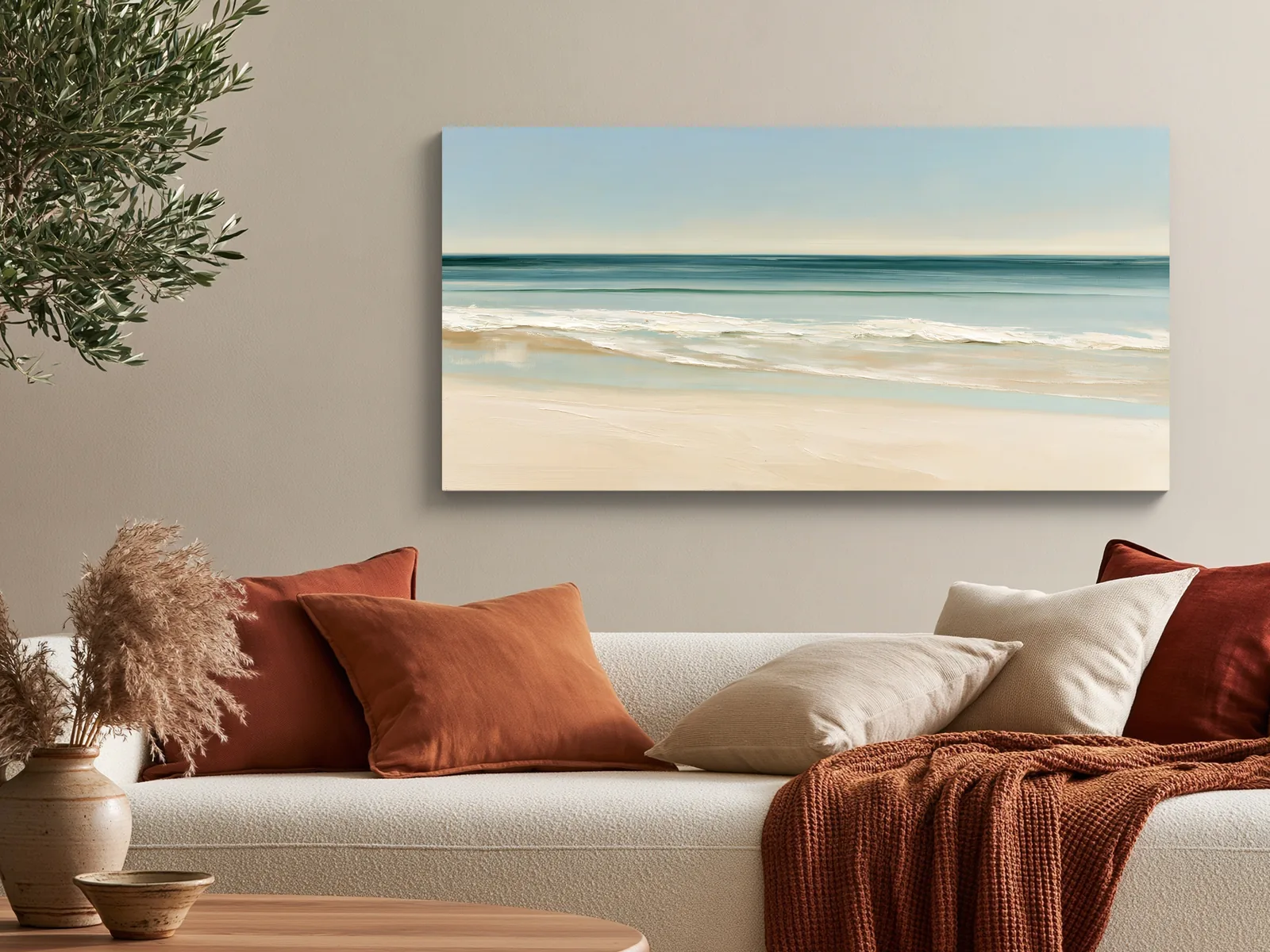
The three Printful canvases
Printful sells standard canvas, thin canvas and framed canvas (canvas range). Its help centre says the design is printed on satin-finish canvas, hand-stretched over a pine frame (source). The numbers that change how a mockup should look:
| Canvas | Thin canvas | Framed canvas | |
|---|---|---|---|
| Listed thickness | Canvas (in): 1.25 in | 0.75 in | Frame thickness: 1.25 in |
| Frame | None | None | Wooden frame in black, brown or white |
| Hanging | Arrives ready to hang | Built-in wall mounts and rubber pads | Arrives ready to hang |
| What your mockup should show | A deep edge and a soft shadow | A slimmer edge, closer to the wall | The frame colour, and the gap if your sample has one |
Thickness values are from the named Canvas (in), Thin Canvas and Framed Canvas product pages, checked 2026-11-01. The framed product value describes its frame thickness. Finishes and hanging details vary by product and variant; confirm the one you sell.
The framed canvas page describes a floating effect and a 1.25-inch frame thickness (checked 2026-11-01). That does not specify every face or gap dimension. Compare the selected variant with your sample before matching a digital frame to it.
What Printful's mockup generator gives you
Printful's mockup generator is free for its products; you sign up and work from your dashboard. Styles range from lifestyle shots to clean studio backgrounds (checked 2026-10-29). When you publish, you choose:
- a main mockup, the style shown first;
- additional mockups, extra styles shown alongside it (source).
For Etsy, Printful pushes up to 10 images (source). To keep files for your own use, open a published product, select styles, click Generate files, then Download mockups. Mockup previews on product templates can't be changed.
Two limits for canvas sellers. Printful's AI mockups currently cover select apparel products only, with 10 attempts a day (source). And Printful says it isn't possible to upload mockup images to Printful itself (source). So the generator covers the product view; for room photos at the right size, in the right frame colour, you add images in your store.
The photos to add yourself
A canvas listing works best when the photos answer what buyers ask: how big is it, what does the edge look like, and does it suit my room? Add these to what Printful sends:
- A room photo at a believable size for each size you sell. A 12×12 in canvas and a 24×36 in canvas shouldn't look the same over a sofa. The art size over a sofa calculator helps you judge it.
- A frame or edge close-up. For framed canvas, the frame colour and the gap. For canvas and thin canvas, the edge depth.
- Two or three different rooms so buyers can picture it in their style. Our guide to room styles and wall colours shows a balanced mix.
- A photo of your sample where the marketplace requires one; see our sample and photo-rule checklist.
A clear, accurate room photo can be your first photo; check it at thumbnail size on Etsy (source).
Adding room photos to a Printful-synced listing
Etsy
- Publish from Printful. The product arrives in Etsy as a draft.
- In Shop Manager, open the draft and add your room photos.
- Drag your best room photo into first place.
- Leave at least one of the 20 photo slots free. Printful says it can't push a new mockup to a listing that already has 20 images (source).
Shopify
- In Shopify admin, go to Products and open the product.
- Add your files in the Media section. The first media item is the featured image; drag a room photo there. A product can have up to 250 images, 3D models or videos (Shopify Help).
- To show a room photo for a size or frame colour, click the image icon next to that variant. Each variant can have one image (source).
If you later refresh Printful's mockups, check the listing straight after. Printful says some integrations add new mockups without removing the old ones (source). Our guide to replacing Printify and Printful mockups covers this in detail.
Order a sample canvas first
Printful's sample orders come with a 20% discount for store owners with a connected store. Accounts start with one sample order a month, up to 3 items, and samples may not be available to all accounts. For canvas, only the 12×12 in size can be ordered as a sample, and framed posters only at 8×10 in (source, checked 2026-10-29). The article doesn't say which framed canvas sizes can be sampled.
A 12×12 in sample tells you about colour, edge, frame and texture, not about how a 24×36 in canvas fills a wall. Use it to check your mockups' frame and colour, and use size tools for scale. Our sample checklist walks through each check.
Matching Printful canvas in WallMock
| Printful product | Choose in WallMock |
|---|---|
| Canvas or thin canvas | Stretched canvas, as the nearest product family; check the depicted depth |
| Framed canvas, black | Framed canvas, black |
| Framed canvas, white | Framed canvas, white |
| Framed canvas, brown | Framed canvas, walnut or espresso, whichever is closer to your sample |
WallMock's framed canvas is a floating frame with a visible gap, so use it when your sample shows one. Premium proportions is the default visual setting. Frame width and Floating gap adjust the visual proportions. Check exact gap, depth and finish against your provider’s specifications. Upload the same file you send to Printful. Save favourite rooms once and add a whole collection, and each artwork comes out in every room at its own proportions.
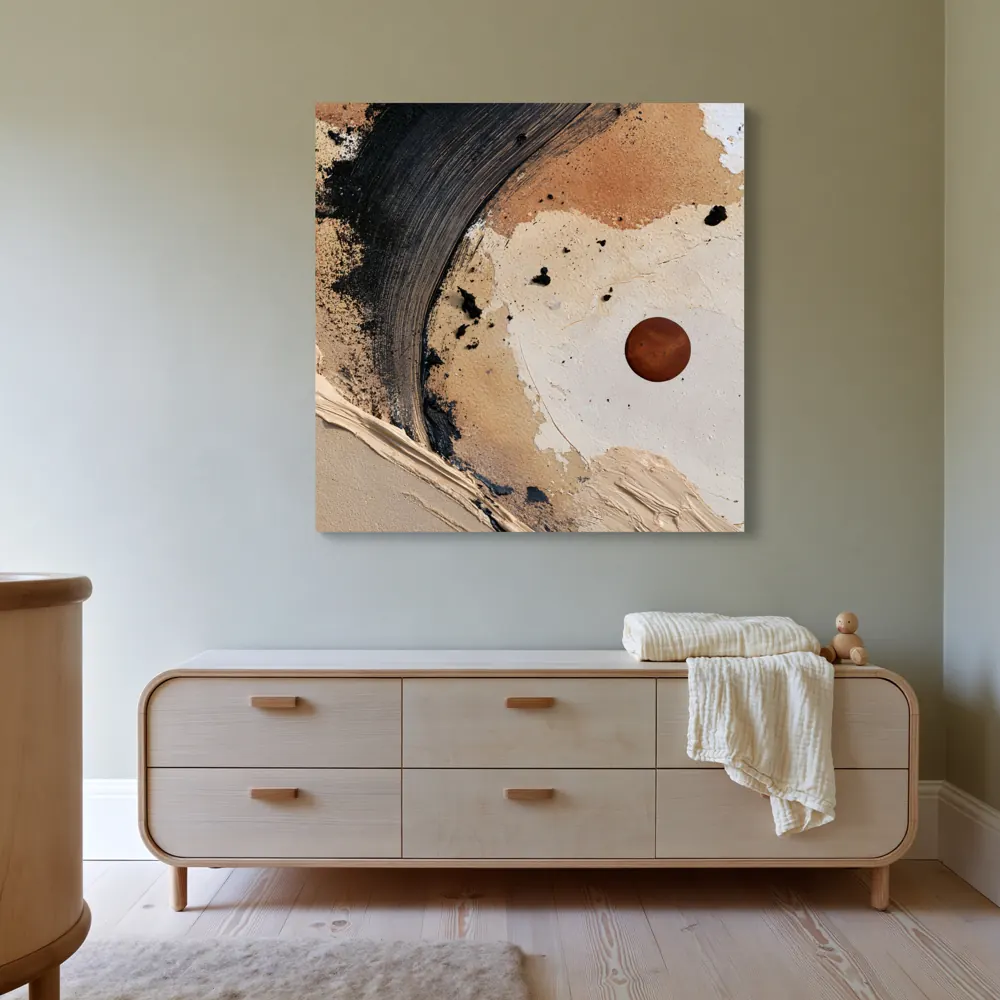
Try WallMock free with no sign-up and no card: up to three artworks in 8 sample rooms, as watermarked previews made on your device.
Read next: floating frame mockups that match your supplier, Printful mockups for framed posters, Gelato vs Printify vs Printful and canvas or framed print.
Sources
- Printful blog: Canvas vs metal prints (dated March 2025), checked 2026-10-29
- Printful: Canvas prints, checked 2026-10-29
- Printful: Custom canvas prints, checked 2026-10-29
- Printful: Framed canvas, checked 2026-10-29
- Printful: Thin canvas, checked 2026-10-29
- Printful Help: How are the canvases made?, checked 2026-10-29
- Printful: Mockup generator, checked 2026-10-29
- Printful Help: What are mockup images?, checked 2026-10-29
- Printful Help: Add new mockups to an existing listing, checked 2026-10-29
- Printful Help: AI mockups, checked 2026-10-29
- Printful Help: Features for each integration, checked 2026-10-29
- Printful Help: Common Etsy integration errors, checked 2026-10-29
- Printful Help: How do sample orders work?, checked 2026-10-29
- Etsy Help: How to edit your listing photos, checked 2026-10-29
- Shopify Help: Adding media to products, checked 2026-10-29
- Shopify Help: Adding images to variants, checked 2026-10-29