Etsy guide · 8 min read
How to photograph artwork for Etsy: the unedited photo, step by step
Short answer: Shoot in soft, even daylight from a window to one side, or with two equal lights at about 45° to the wall. Hang or stand the art flat, put the camera level with its centre and square to it, turn off the flash, and step back and zoom in slightly to avoid distortion. For framed art, angle the light and wear dark clothes to keep reflections out. Set white balance before you shoot, so the photo can stay unedited, then use room mockups in your other slots.
- Why it mattersEtsy asks most listings for at least one unedited photo of the actual item against a real background (as checked on 2026-11-06).
- Light from the sideWindow light or two lights at about 45° to the wall; never on-camera flash.
- Square and levelCamera centred on the art and parallel to it; a slight zoom avoids bowed edges.
- Get it right in cameraSet white balance and framing before the shot, so the unedited photo needs no edits.
Room mockups do most of the selling on a wall art listing, but one photo has to be the real thing. Etsy’s listing image rules ask most listings for at least one unedited photo of the actual item; print-on-demand items made by a production partner can use an authorised mockup instead (as checked on 2026-11-06; see are AI mockups allowed on Etsy). This guide is about taking that photo well with a phone.
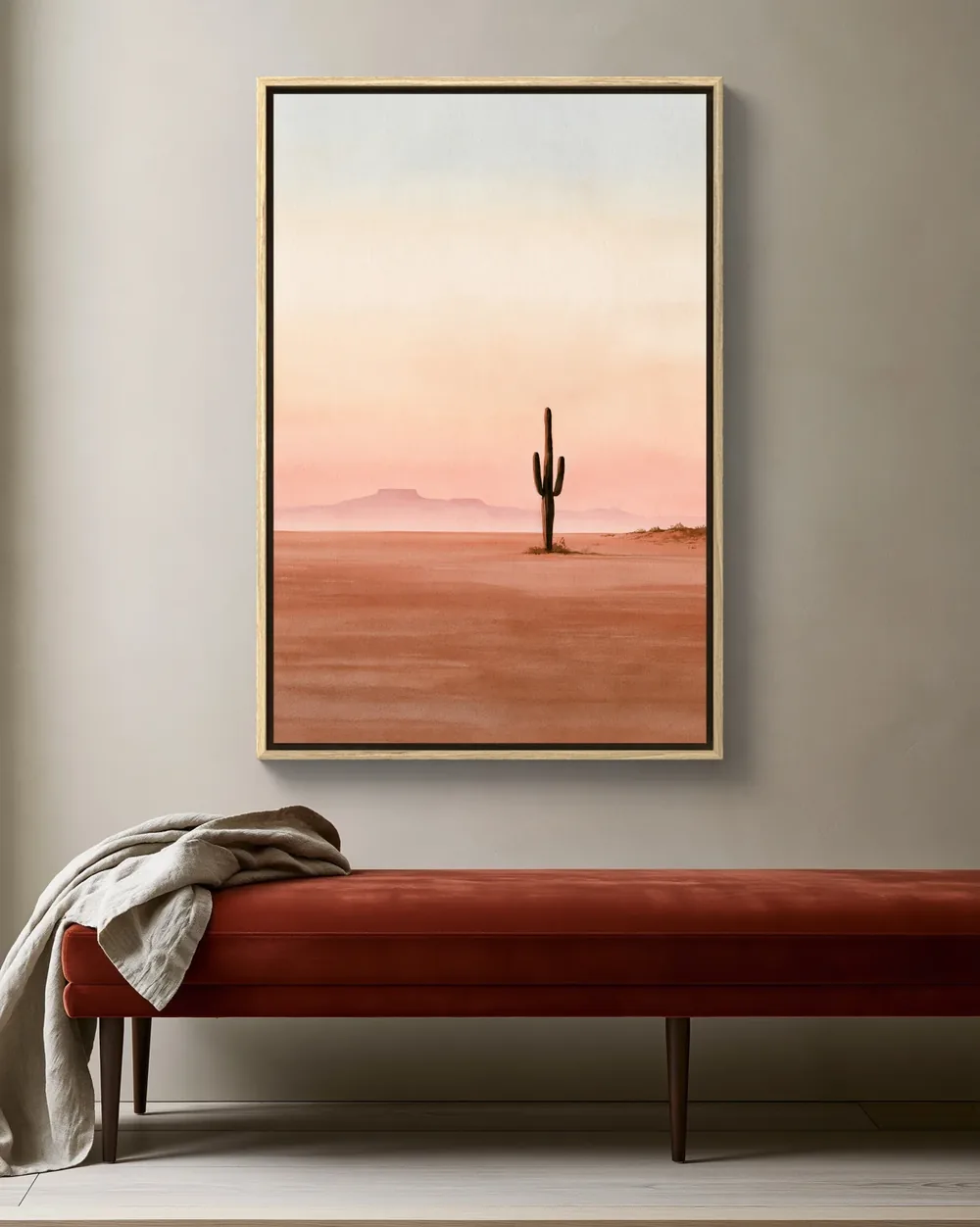
What you need
- A phone or camera. Any recent phone is enough. Use the main lens, or the 2× lens if it has one; ultra-wide lenses bend straight edges.
- Something to hold it still. A tripod, or a stack of books and the self-timer.
- Soft light. A large window out of direct sun, or two identical daylight lamps.
- A white card or sheet to bounce light into shadows, and dark clothes if the art is under glass.
- A plain wall or easel. A real background is part of what Etsy asks for, so a clean wall or shelf is better than a seamless studio backdrop.
Set up the light
- Use daylight from the side. Place the art on a wall next to a window, so light crosses it rather than hitting it head-on. Overcast days and north-facing windows give the softest light. Avoid patches of direct sun.
- Even it out. Hold a white card or sheet on the side away from the window to lift the darker edge. With lamps, use two of the same type and brightness, one on each side at about 45° to the wall and the same distance away.
- One kind of light only. Turn off ceiling lights when you use window light. Mixed warm and cool light gives colour casts you can’t fix without editing.
- No flash. On-camera flash makes a hot spot in the middle and flattens texture.
Position the camera
- Centre it. The lens should point at the middle of the artwork, at the same height.
- Square it. Keep the phone parallel to the wall. Turn on the camera grid and line the edges of the art up with it; if the top is wider than the bottom, you are tilted.
- Step back and zoom slightly. Shooting from a little further away with the 2× lens keeps straight edges straight.
- Frame it in camera. Leave a little wall around the piece so you don’t need to crop later, and include enough of the room to show it is a real setting.
- Lock focus and exposure on the artwork (tap and hold on most phones), then take several shots with the timer to avoid shake.
Glare, glass and metal
Framed prints under acrylic or glass, and metal prints, act like mirrors. To keep reflections out:
- Move the lights further to the side, so their reflections fall outside the frame.
- Darken the room behind you and wear dark clothes; what you see reflected is whatever is opposite the art.
- Step slightly to one side and turn back towards the art, then check the edges are still square.
- If a reflection is unavoidable, show it honestly; it tells the buyer the piece is glazed. A clean unglazed photo of a print that ships glazed would not show the item accurately.
Canvas, frames and detail shots
The straight-on photo shows the art; one or two angled photos show the product:
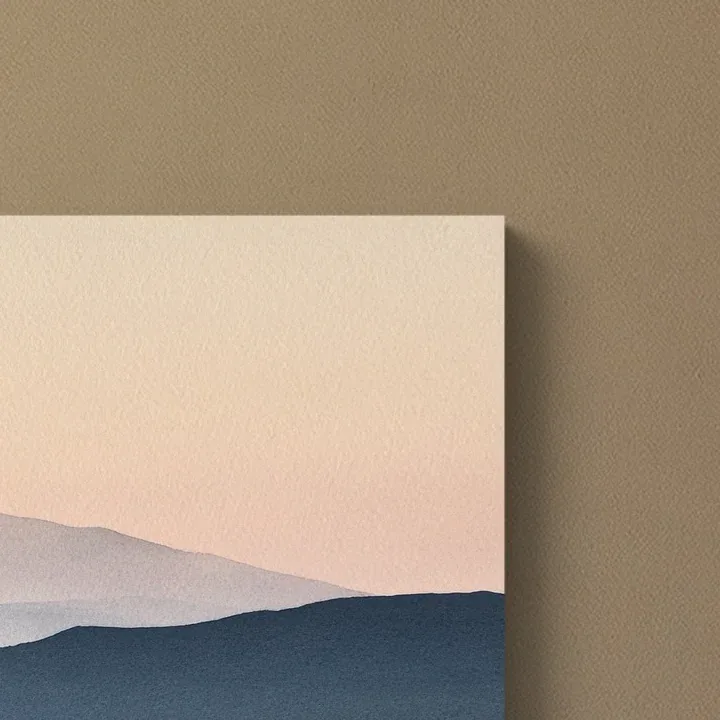
- Canvas: a three-quarter view of one corner shows the depth and how the edge is printed (mirror, image wrap or a solid colour). See canvas wrap edges.
- Floating frames: a close view of one corner shows the gap between canvas and frame.
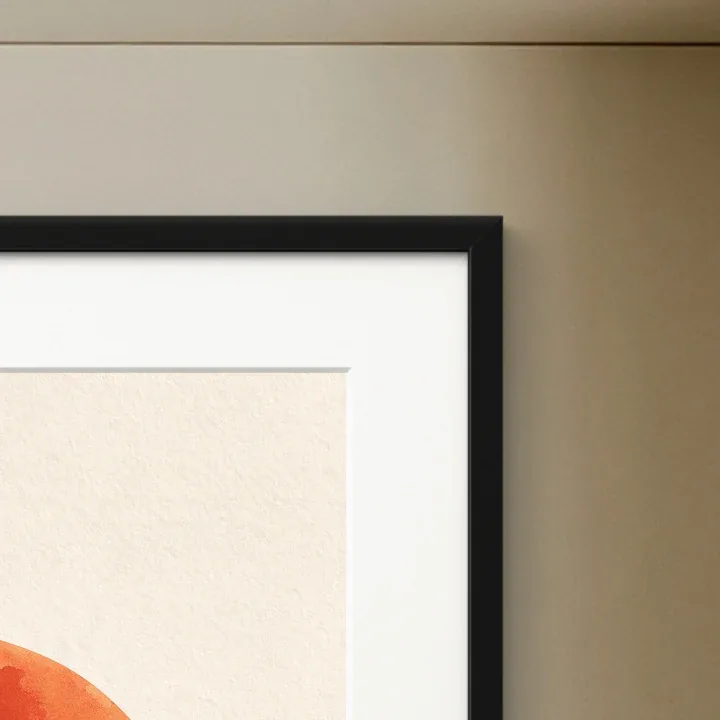
- Framed prints: a corner with the mat bevel, and the back if hanging hardware is included.
- Texture: raking light from a low side angle shows brushwork or paper texture.
- Scale: the piece on a wall above a familiar object, or held by a person, tells buyers its size better than any measurement.
Colour without editing
An unedited photo means the colour has to be right when you press the shutter:
- Use one light source and set white balance before shooting: most phones let you lock it, and many camera apps let you set daylight. A grey card in a test shot helps you check.
- Compare the photo with the artwork on screen at the same time. If the whites look blue or yellow, change the light, not the photo.
- Avoid filters and portrait modes; they change colour and blur edges.
- Read print colours vs screen before you promise exact colour in your listing.
Etsy’s page sets out exactly what counts as editing. Check its current wording before you crop, straighten or brighten the photo you rely on as the unedited one.
Photographing art to make prints is a different job
A listing photo shows the item in a room. A reproduction capture, for making a print file, needs the art perfectly flat and evenly lit, captured at high resolution, and then edited for colour, which is exactly what the listing photo must not be. If you sell prints of an original painting, scan it or have it professionally captured, aiming for about 300 pixels per inch at the largest print size you will sell (16×20 in needs 4,800 × 6,000 pixels). Check the file with the print resolution checker.
Where the real photo goes in your listing
Etsy allows up to 20 photos and 2 videos per listing. Our listing photo set puts a clean room hero first, the frame close-up second and a scale room third, then the flat artwork and product details, where your real photo fits naturally. Check Etsy’s current page for any rule about position. Fill the rest with room mockups: WallMock places your exact file in curated, digitally staged rooms as canvas, framed print or metal print, for a whole collection at once.
Try WallMock free with no sign-up and no card: up to three artworks in 8 sample rooms, as watermarked previews made on your device.
Once the artwork is digitised, an art mockup generator for artists such as WallMock places that file in rooms exactly as you scanned it, never repainted.
Read next: are AI mockups allowed on Etsy, Etsy listing photos for wall art and a crop-safe Etsy thumbnail.
Sources
- Etsy: Listing image requirements (as summarised on wallmock.com), checked 2026-11-06
- Etsy Help: Requirements and best practices for images, checked 2026-11-06
The Etsy rule is as checked for our guide on AI mockups on 2026-11-06; read Etsy’s pages yourself before you rely on them, because rules change. Photography advice is general practice for copying flat art. Images are WallMock renders of the founder’s own artwork, labelled as renders, not photographs.