Canvas guide · 6 min read
Canvas wrap edges: mirror wrap vs image wrap vs colour edge
Short answer: Default to mirror wrap: it copies the outer strip of your picture onto the sides, so the whole front survives. Use image wrap (often called gallery wrap) only when the picture has a border it can spare, such as sky, water or texture, because it folds a strip of the picture round every side. Choose plain white or black sides for graphic and modern work. Whichever you pick, describe the sides in plain words in the listing; the labels mean different things at different printers.
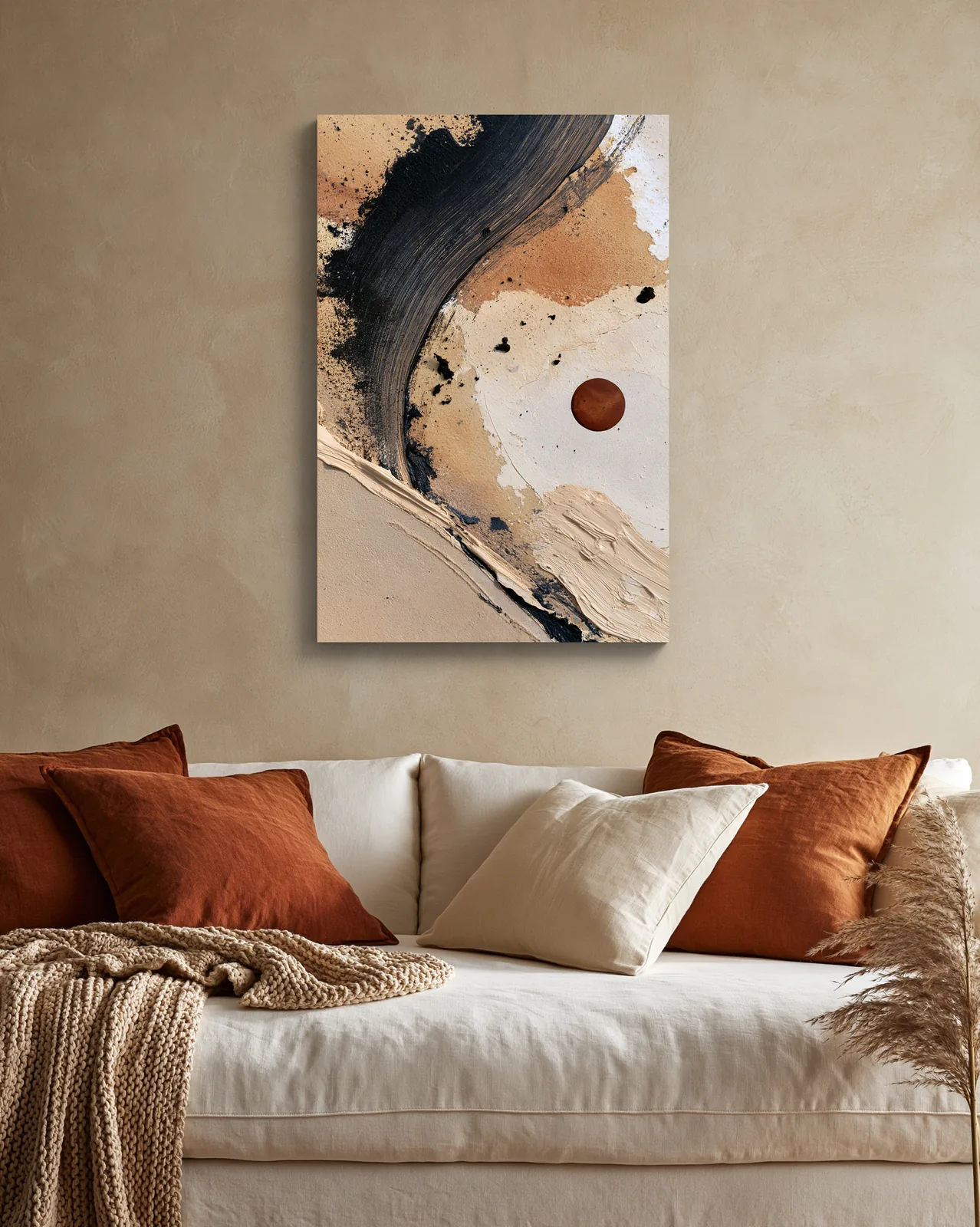
Nobody can see the edge in a front-on room photo, so buyers go on your words and one close-up. Below: what each wrap does to your art, which providers offer which, and how to show the edge next to your canvas print mockups.
The three edge styles at a glance
| Edge | Also called | The sides show | The front | Suits |
|---|---|---|---|---|
| Image wrap | Gallery wrap | The outer part of your picture | Loses a strip on each side, unless the file has extra image | Landscapes, abstracts and textures with nothing important near the edge |
| Mirror wrap | Mirrored edge | A mirror copy of the outer strip | Stays whole | Full compositions, portraits, art with text or detail near the edge |
| Colour edge | White edge (museum wrap), black edge | One flat colour | Stays whole | Graphic and modern work, or a clean, frame-like border |
All three are stretched the same way; only the printing on the sides changes. Put the canvas in a floating frame and the sides are mostly hidden, so this decision really belongs to canvas sold unframed.
Image wrap: plan the strip you lose
With image wrap, the picture continues round each side, so the canvas needs picture for the front and the sides. Add the depth to every side before you prepare the file.
A worked example: a 16 × 20 in canvas that is 1.5 in deep needs 16 + 1.5 + 1.5 by 20 + 1.5 + 1.5, which is 19 × 23 in of picture. That only works if your 16 × 20 in front is already composed in the centre of a 19 × 23 in source. Stretch an existing 16 × 20 in image to fill the template and the ratio changes, so the front crops differently; check the supplier preview. On a 0.75 in thin canvas, front plus sides cover 17.5 × 21.5 in before fold and bleed.
Providers add a little more for the fold. Gelato's own example: for a 200 × 300 mm front on its slim 2 cm canvas, the file must be 298 × 398 mm (34 mm of wrap plus 15 mm of bleed on each side). On its 4 cm canvas it is 310 × 410 mm (40 mm plus 15 mm) (Gelato Support, checked 2026-10-29). Printify's canvas guide says a 1.5 to 2 inch bleed is generally ideal for most canvas prints (Printify, checked 2026-10-29).
The extra area also needs pixels. The canvas print DPI guide works out how many.
Before you choose image wrap, look at the corners at 100%. A signature or a small mark in a corner is exactly what the fold carries onto the side, where the buyer sees it only after the canvas is on the wall. If the signature matters, use plain white or black sides.
Mirror wrap: the whole front, a copied edge
Mirror wrap keeps your full composition on the front. The provider takes a strip from the edge of your image and reflects it onto the side, so the side looks like a continuation of the picture. Prodigi describes it as "the edge of the image is repeated on the sides" (checked 2026-10-29).
It looks natural with skies, water, soft textures and painterly backgrounds, which covers most calm decor art. It looks odd when a strong line, a face or lettering runs into the edge, because the mirror copy doubles it back at the corner. That's the one case where plain sides beat it.
Colour edges: white or black sides
A colour edge prints nothing from your image on the sides. White is the cleanest and reads like a museum piece; Prodigi calls its white edge a museum wrap. Black suits dark or graphic art. Don't promise any other side colour until your provider confirms it offers one.
Gelato's upload guide describes the simplest version: place the artwork inside the inner box of the template and the sides stay white (checked 2026-10-29). Submit the full template anyway, blank sides and bleed included.
Names that confuse buyers
"Gallery wrap" means two things. At Prodigi it is the name for image wrap. Many sellers and printers use it for any thick stretched canvas, whatever is printed on the sides. "Museum wrap" is just as loose. Don't lean on either label; say what the buyer will see:
- "The image continues around the sides."
- "The sides show a mirror image of the edge, so none of the picture is lost."
- "White sides" or "black sides".
Add the depth in the same sentence, in inches and millimetres. Our guide to canvas depth lists what providers mean by thin and deep canvas.
Which providers offer which edge
From each provider's own pages (checked 2026-10-29):
| Provider | Edge options it describes |
|---|---|
| Prodigi | White edge (museum wrap), black edge, image wrap (gallery wrap) and mirror wrap, on its 38 mm stretched canvas and 19 mm slim canvas |
| Gelato | Front print only, with white sides, or a wrapped canvas where you extend the artwork over the edges of its template |
| Printify | Lets you preview edge wrap options, such as mirrored edges, in its product creator; options depend on the product |
| Printful | Edge options aren't listed on the canvas pages we checked; check its design tool before you write the listing |
Sources: Prodigi stretched canvas, Prodigi slim canvas, Gelato canvas upload guide, Printify canvas prints, Printful canvas prints.
How to show the edge in your listing
- Room photos for the front. They sell the look and the size. The wall shadow tells buyers the canvas has depth.
- One close-up of a sample at an angle. Show a corner and one side in daylight. It is the only image that proves the edge style.
- Words in the title or first lines. Edge style plus depth, as above.
- Match photos to what ships. If you sell mirror wrap, don't show an image-wrap sample, and the other way round.
Be clear about what a mockup can do here. WallMock's stretched canvas renders are front-on: they show the wall shadow, not the wrapped side or its edge colour. They handle slot one, your exact artwork in 500+ curated rooms; the side view has to come from your sample.
Read next: canvas depth, canvas print DPI and the print resolution checker.
Sources
- Prodigi: Stretched canvas (edge options, 38 mm), checked 2026-10-29
- Prodigi: Slim canvas (edge options, 19 mm), checked 2026-10-29
- Gelato Support: How do I upload my design for a canvas? (wrap and bleed sizes), checked 2026-10-29
- Printify: Custom canvas prints (edge wrap preview), checked 2026-10-29
- Printify: How to print on canvas (bleed), checked 2026-10-29
- Printful: Canvas prints, checked 2026-10-29