Print quality guide · 5 min read
What DPI does a canvas print need? Pixels by size, with the wrap
Short answer: Aim for 300 DPI at the final canvas size: Gelato, Prodigi, Printful and Printify each name 300 DPI as ideal (checked 2026-10-29), and Gelato says files under 150 DPI are not recommended. Pixels = inches × DPI: a 16×20 in canvas needs 4,800 × 6,000 px at 300 DPI, or 2,400 × 3,000 at 150. For an image-wrapped canvas, add the depth to every side first: a 16×20 in canvas 1.5 in deep needs at least 19×23 in of picture before the provider’s bleed and fastening allowance.
The file decides how sharp the canvas looks; the photos decide whether it sells. Check the file first with the print resolution checker, then show the canvas with a canvas print mockup generator.
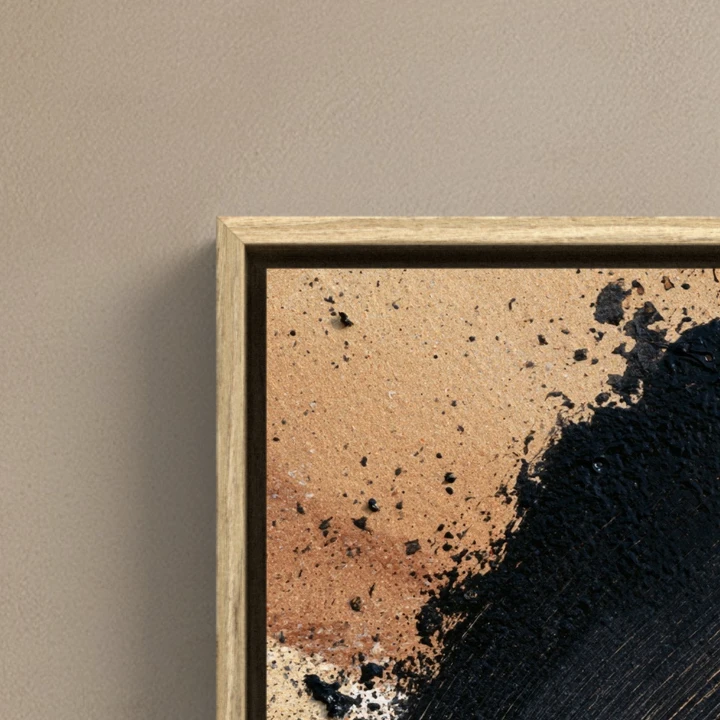
What print providers recommend
Every provider we checked names the same target. Here is each one's own wording, in short (checked 2026-10-29):
| Provider | What it says about resolution |
|---|---|
| Gelato | Canvas files should ideally be 300 DPI at the final print size; images under 150 DPI are not recommended |
| Prodigi | Optimal DPI for its stretched canvas: 300 dpi |
| Printful | 300 DPI is the ideal poster and canvas print file resolution |
| Printify | The best resolution for canvas prints is 300 DPI; a canvas of 20×30 in or bigger needs a higher pixel count |
Sources: Gelato canvas, Prodigi stretched canvas, Printful print files, Printify canvas guide.
So treat 300 DPI as the goal and 150 DPI as the floor. Between the two, suitability depends on the image detail, material and viewing distance. A pixel calculation does not establish sharpness; check a sample.
Pixels by canvas size
DPI is just pixels divided by inches. Multiply each side of the canvas by the DPI you want:
| Canvas (front) | 300 DPI | 200 DPI | 150 DPI |
|---|---|---|---|
| 8×10 in | 2,400 × 3,000 | 1,600 × 2,000 | 1,200 × 1,500 |
| 11×14 in | 3,300 × 4,200 | 2,200 × 2,800 | 1,650 × 2,100 |
| 12×12 in | 3,600 × 3,600 | 2,400 × 2,400 | 1,800 × 1,800 |
| 12×16 in | 3,600 × 4,800 | 2,400 × 3,200 | 1,800 × 2,400 |
| 16×20 in | 4,800 × 6,000 | 3,200 × 4,000 | 2,400 × 3,000 |
| 18×24 in | 5,400 × 7,200 | 3,600 × 4,800 | 2,700 × 3,600 |
| 20×30 in | 6,000 × 9,000 | 4,000 × 6,000 | 3,000 × 4,500 |
| 24×36 in | 7,200 × 10,800 | 4,800 × 7,200 | 3,600 × 5,400 |
| 30×40 in | 9,000 × 12,000 | 6,000 × 8,000 | 4,500 × 6,000 |
| 40×60 in | 12,000 × 18,000 | 8,000 × 12,000 | 6,000 × 9,000 |
| 48×72 in | 14,400 × 21,600 | 9,600 × 14,400 | 7,200 × 10,800 |
Two things stand out. A 24×36 in canvas at 300 DPI needs a 7,200 × 10,800 px file, about 78 megapixels. And a 40×60 in canvas needs 6,000 × 9,000 px even at 150 DPI. That is why large canvas is where most files run short.
Add the wrap before you multiply
With image wrap, the picture continues round the sides, so front plus depth on every side is the geometric starting point; the provider’s bleed and fastening allowance still apply. For a 1.5 in deep canvas, add 3 in to each dimension:
| Canvas (front) | With 1.5 in wrap | 300 DPI | 150 DPI |
|---|---|---|---|
| 16×20 in | 19×23 in | 5,700 × 6,900 | 2,850 × 3,450 |
| 24×36 in | 27×39 in | 8,100 × 11,700 | 4,050 × 5,850 |
| 30×40 in | 33×43 in | 9,900 × 12,900 | 4,950 × 6,450 |
| 40×60 in | 43×63 in | 12,900 × 18,900 | 6,450 × 9,450 |
Providers also add bleed. Gelato's own example: a 200 × 300 mm front on its slim 2 cm canvas needs a 298 × 398 mm file, and on its 4 cm canvas 310 × 410 mm (Gelato Support, checked 2026-10-29). Use your provider's template if it has one.
Mirror wrap and plain white or black sides are different: the provider may generate the sides; still use its template for the required file area and bleed. Our guide to canvas wrap edges explains the options.
Why big canvases can use fewer DPI
A 40 × 60 in canvas viewed across a room has different detail demands from a print inspected close up. People look at it from across a room, and the canvas weave softens fine detail anyway. That is why 150 to 200 DPI is common for large canvas, while a small print held in the hand needs closer to 300.
Gelato adds one more canvas tip: because canvas has its own natural texture, use files without a built-in texture, which can clash with the weave (checked 2026-10-29). If your file falls below 150 DPI at a size, don't offer that size. A smaller canvas that prints sharply is better than a big one that prints soft.
Upscaling: what it can and can't do
Upscaling software adds pixels, so the DPI number goes up. It can't add detail that was never in the file; at best it makes a convincing guess. Before you sell a size from an upscaled file:
- View it at 100% and check faces, lettering, fine lines and texture for smearing, halos or invented detail.
- Compare it with the original, side by side, at the same zoom.
- Order one sample at the largest size you will sell.
Also note that changing the "DPI" or "PPI" number in a file's settings without changing its pixel size does nothing to print quality. Only the pixel width and height count.
Check your file in three steps
- Read the pixel size. For example, 4,000 × 5,000 px.
- Divide by each size in inches. At 16×20 in that file gives 250 DPI; at 24×30 in it gives about 167 DPI.
- Drop any size below your floor. With a 150 DPI floor, this file covers 4:5 canvases up to 24×30 in, and should not be sold larger.
The print resolution checker does this for every common size at once, in your browser, and the print size calculator lists the standard sizes that match your file's ratio. The canvas print sizes chart groups canvas sizes by ratio.
Your listing photos are a separate file
The print file goes to your provider; your listing photos go to Etsy or Shopify. They have different jobs. Etsy recommends listing photos at least 2,000 pixels in width and height (Etsy Help, checked 2026-10-29). Free accounts include 10 watermark-free 4K (4096 px) single-artwork downloads every 30 days. Paid plans add more images (Lite 200 a month, Pro unlimited), sets and listing kits; Pro adds listing videos. Send to Shopify is in limited beta on Pro and the WallMock Studio plan, and will be on every plan when it opens. Your artwork goes in as supplied.
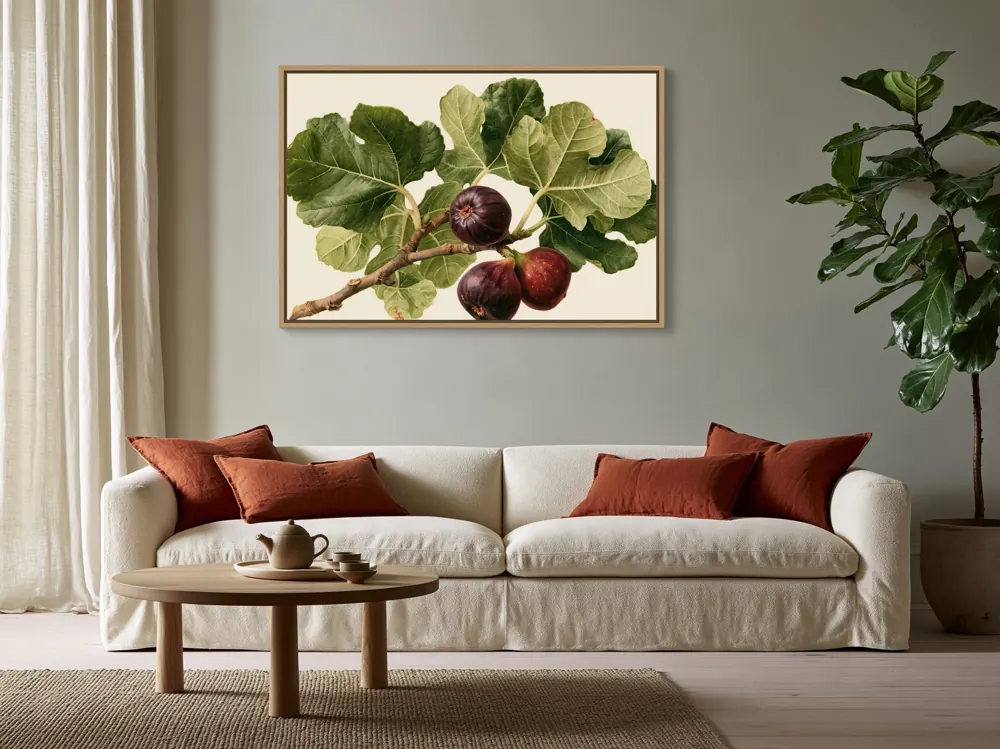
Read next: the print resolution checker, canvas print sizes and canvas wrap edges.
Sources
- Gelato Support: Start selling canvas and framed canvas (300 DPI, 150 DPI), checked 2026-10-29
- Gelato Support: How do I upload my design for a canvas? (wrap sizes), checked 2026-10-29
- Prodigi: Stretched canvas (optimal DPI), checked 2026-10-29
- Printful: Create the perfect digital print file, checked 2026-10-29
- Printify: How to print on canvas, checked 2026-10-29
- Etsy Help: Requirements and best practices for images, checked 2026-10-29