Print lab guide · 6 min read
How print labs can give sellers mockups of their exact frames
Short answer: Record each frame as it is made (face width, depth, profile, finish, mat options), render the seller's exact art into rooms with those frames, check every frame against your own product photos, then deliver the images where sellers list. WallMock is building this as a partner frame catalogue, in development; for a partner pilot, talk to us.
Your sellers' listings are where buyers first see your frames. This guide covers what a lab needs to record, check and deliver so those photos show the product you actually ship.
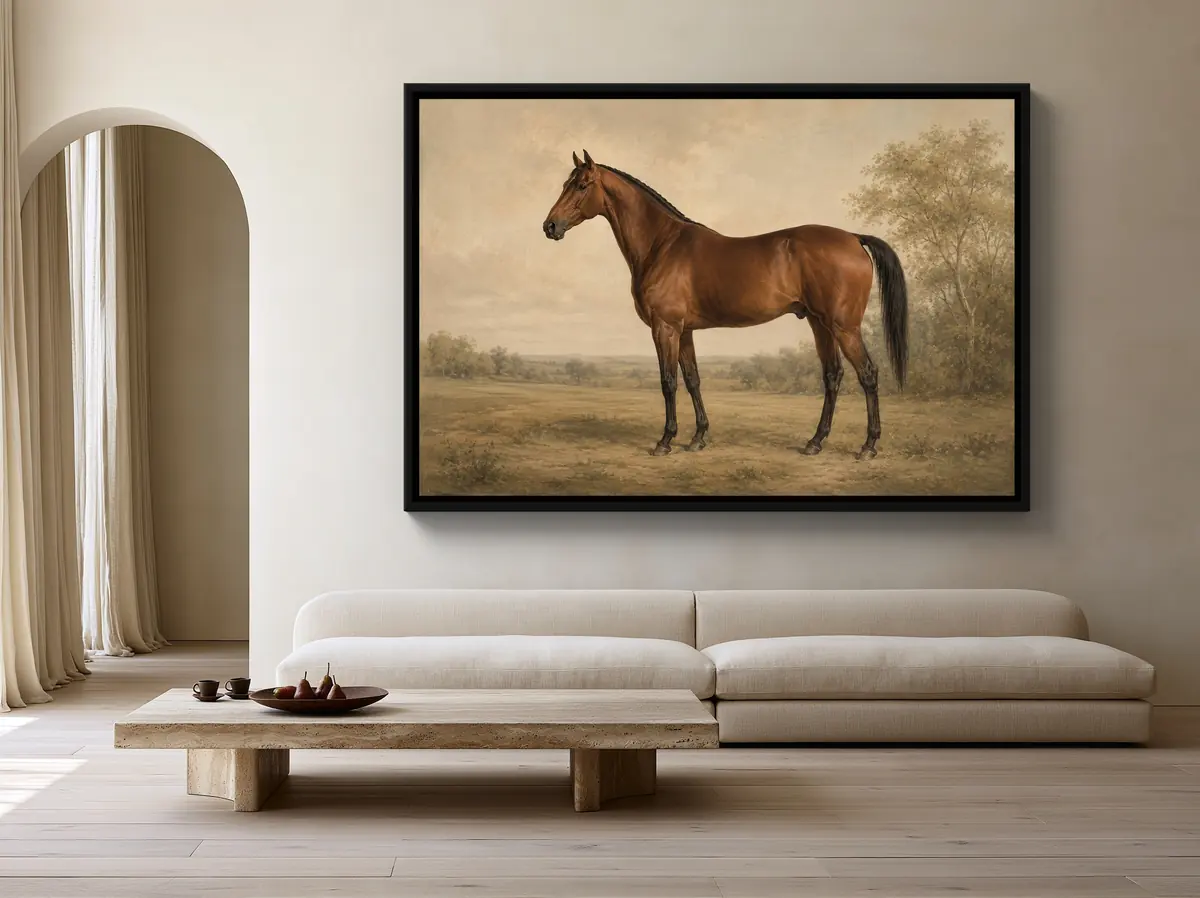
Why generic templates fall short for a print lab
A generic template shows a frame, not yours. The differences buyers notice first are the ones templates usually get wrong:
- Width and colour. A thin black frame in the photo and a wide walnut one in the parcel.
- Depth and shadow. Flat art pasted on a wall has no side, no gap and no shadow, so canvas and frame look the same.
- Floating-frame gap. The gap between the canvas and a floating frame is what tells a buyer it is a floater.
- Mat proportions and metal surfaces. Mat width, and gloss versus matte metal, change how the product looks in a room.
Step 1: write down your frame range
Before anyone renders anything, record each frame as it is made:
| Record | Why it matters |
|---|---|
| Face width | The visible width of the moulding from the front, in mm. |
| Depth | How far the frame stands off the wall; it sets the side you see and the shadow. |
| Profile | Flat, rounded, stepped or box; floating frames also need the gap between canvas and frame. |
| Finish and colour | Wood species or paint colour, and the sheen: matte, satin or gloss. Metal frames: brushed or polished. |
| Mat options | Mat colours and widths, if framed prints come with a mat. |
| Canvas depth | For stretched or floating canvas, the bar depth you print on. |
| Metal surface | For metal prints: gloss, high gloss or matte, and the corner radius. |
| Sizes | The sizes each frame comes in, so rooms can show the art at a believable scale. |
Add a front photo and a corner close-up of each frame. They are what the mockups are checked against.
Step 2: keep the seller's art exact
Sellers are trusting you with their files. A mockup system should place the artwork as supplied, with no AI redrawing, repainting or upscaling, and should be able to show that it did. Ask for a check per image: WallMock compares the art in every room photo with the uploaded file. See how WallMock keeps your art exact.
Step 3: show the art at a believable size
A 30 × 40 cm frame and a 90 × 120 cm frame should not look the same above a sofa. Choose rooms whose scale suits the sizes you sell. In the WallMock web app, 332 library rooms have a published estimated wall scale, so the artwork can be drawn at its real size; the scale is estimated from the room photo, so check sizes against your product.
Step 4: check the frames against your product photos
- Put each mockup next to your product photo of the same frame, at full size.
- Look at a corner up close: the width, the side, the gap and the shadow.
- Check the colour on a neutral screen. On-screen colours are close approximations of a finish, so judge them against the real frame, not against memory.
- Sign off each frame before sellers see it.
Step 5: deliver images where sellers list
Sellers need the photos on their listings, not in a folder. The usual routes:
- Your own system requests images through an API and receives them by webhook.
- Store delivery adds images to the seller's products, hero first.
- Downloads, for sellers who upload by hand.
With WallMock, the API is in early access, Send to Shopify is in beta. Downloads work in the web app today.
The options compared
| Option | Your actual frames? | Effort for a lab |
|---|---|---|
| Photoshop templates per frame | Only if you photograph and build each one | High: one template per frame and room, edited by hand |
| Generic online mockup tools | Usually generic frames | Low, but sellers each do it themselves |
| Your own render pipeline | Yes, if you build it | Very high: rooms, lighting, frame models, checks |
| WallMock partner frame catalogue | The goal of a pilot; in development | Share your range and judge the samples |
How WallMock fits today
WallMock places a seller's exact art in 500+ curated, digitally staged rooms as floating canvas, stretched canvas, framed prints with or without a mat, metal prints (Gloss, High gloss or Matte) and aluminium frames. A saved preset in the API build carries your frame names and photo order on WallMock's own frames. Presets of a partner's actual frames are what partner pilots build: the frame catalogue is in development and the API is in early access. For a pilot, talk to us. Request partner early access, or see WallMock for print labs.
Read next: WallMock for print labs, white-label mockup API: what to look for and frame and mat proportions.
Etsy is a trademark of Etsy, Inc. WallMock is an independent service and is not affiliated with or endorsed by Etsy.